Sider: Desktop AI Agent for Mac & Windows
Hand it off to Sider. Ask it to read and edit local files, run commands, or browse the web—all from your desktop.

macOS 13 or later · Apple silicon
 Free download · Works with your Sider plan · Looking for Sider Classic?
Describe what you need. Sider gets to work.
Tell Sider what you want to get done, from organizing local files to running several tasks at once.
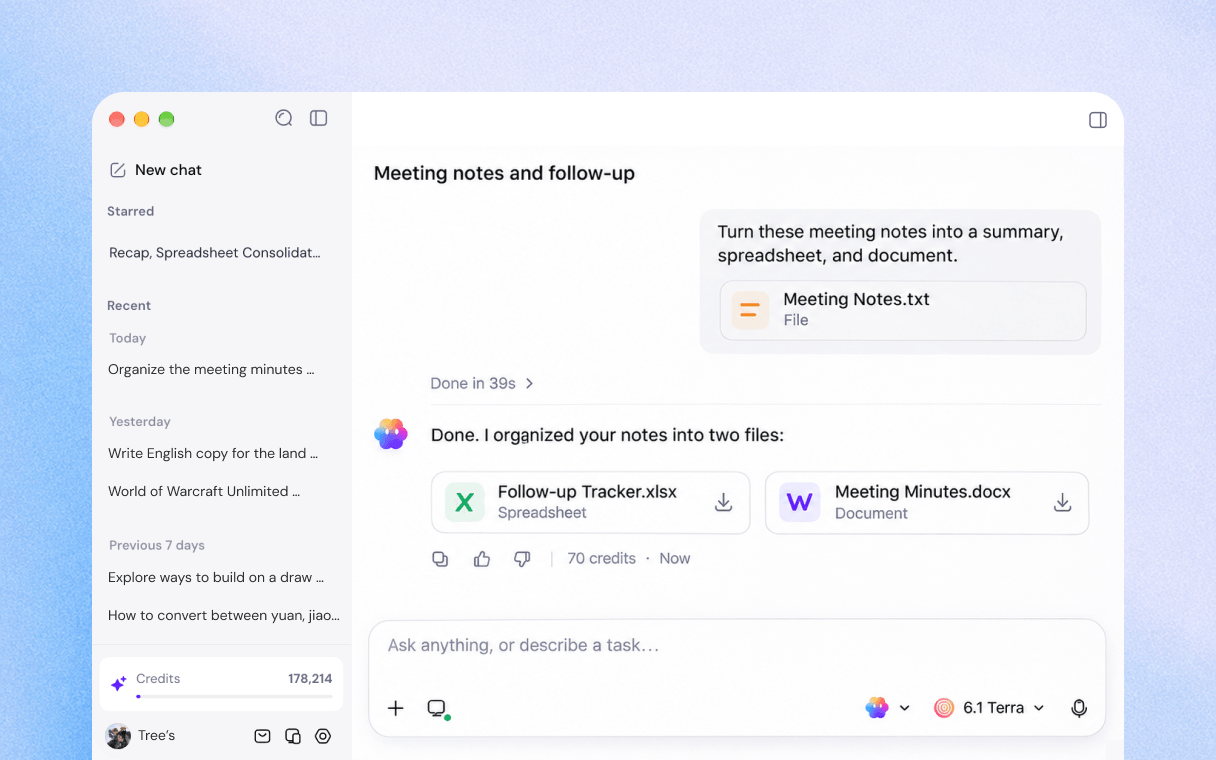
Multiple AI models, one Sider account
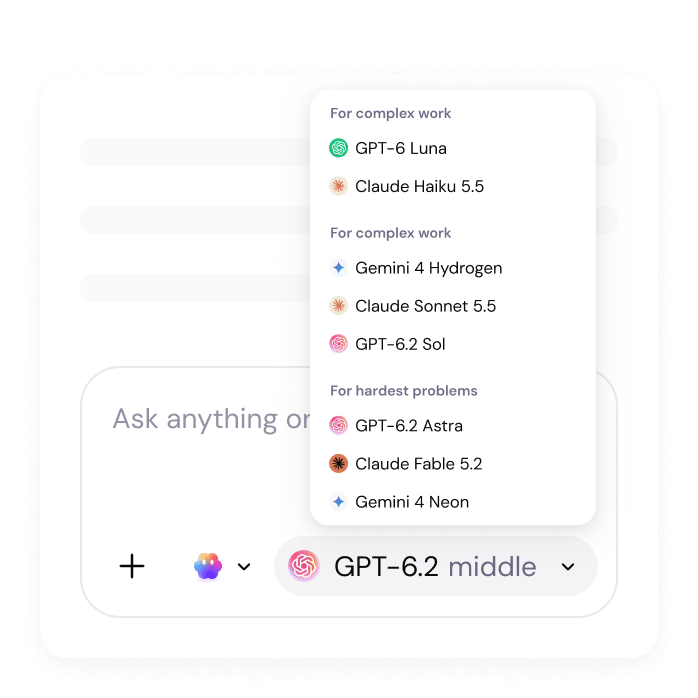
Sign in with your Sider account and choose the model that fits the task.

Use the models included in your plan
Switch between the AI models available on your Sider plan without setting up separate accounts.

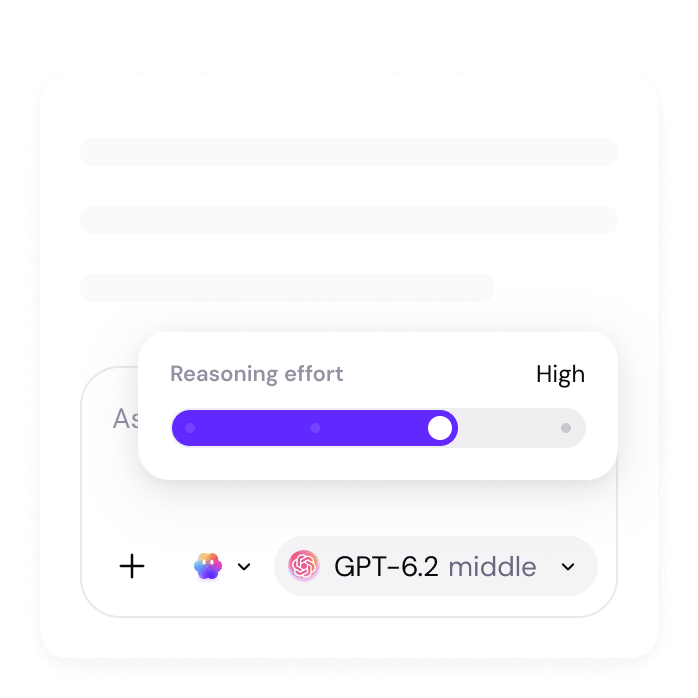
Adjust reasoning effort
Use less reasoning for quick requests and give the model more room to think through complex tasks.

One usage allowance across platforms
The desktop app, browser extension, and web app draw from the same Sider plan allowance.
Pick up where you left off on another device
Your tasks and results sync with your Sider account, so you can check them on another device.
Sync tasks and results
Sign in with the same Sider account to see your tasks and results on another device.
Check task progress on the web
Open Sider on the web to check task progress and see which results are ready.

Let tasks run in the background
Close the Sider window while your tasks run. Reopen it when you’re ready to see the results.
Connect Sider to your everyday browser
Connect your browser to the desktop app with the Sider extension.
 Compare information across tabs in the browser you already use.
- Turn web content into documents and save them to a folder on your computer.
- Use one Sider account to access chats and results in both the extension and the desktop app.

Compare Sider’s desktop apps and browser extension
Find the right version of Sider for the way you work.
| Feature | New desktop app | Sider Classic | Browser extension |
|---|---|---|---|
| Main purpose | Completes tasks for you | Chat with multiple AI models | AI assistance alongside web pages |
| Read and edit local files | Yes | No | No |
| Run commands | Yes | No | No |
| Built-in browser with persistent sign-in | Yes | No | No |
| Work in your usual browser | With the extension | No | Yes |
| Multiple AI models | Yes | Yes | Yes |
| Sync chats and results | Yes | Yes | Yes |
| Best for | Delegating tasks from start to finish | People who prefer the classic experience | People who work mainly in the browser |
 Prefer Sider Classic? ·
Frequently asked questions
The extension helps you read, chat, and work with web pages in your usual browser. The desktop AI agent runs independently: it can read and edit local files, run commands, and stay signed in to sites in its built-in browser. Both use the same Sider account.
Give your desktop AI agent its first task
Free to download. Sign in to your Sider account to get started.
 Download for Mac