AI Slides: ChatGPT Presentation Maker
Create, preview, and edit professional slides directly in ChatGPT—then export as editable PowerPoint files or engaging videos.
Works directly in your ChatGPT window • No installation required • Visuals by Nano Banana Pro • Powered by Gemini 3 Pro
What Is Sider ChatGPT Presentation Maker?
Unlike traditional PowerPoint software or any other AI presentation maker, Sider ChatGPT PPT tool lives inside your ChatGPT conversations. Just tell ChatGPT what presentation you need, and Sider app handles the layout, visuals, and formatting while you keep chatting.
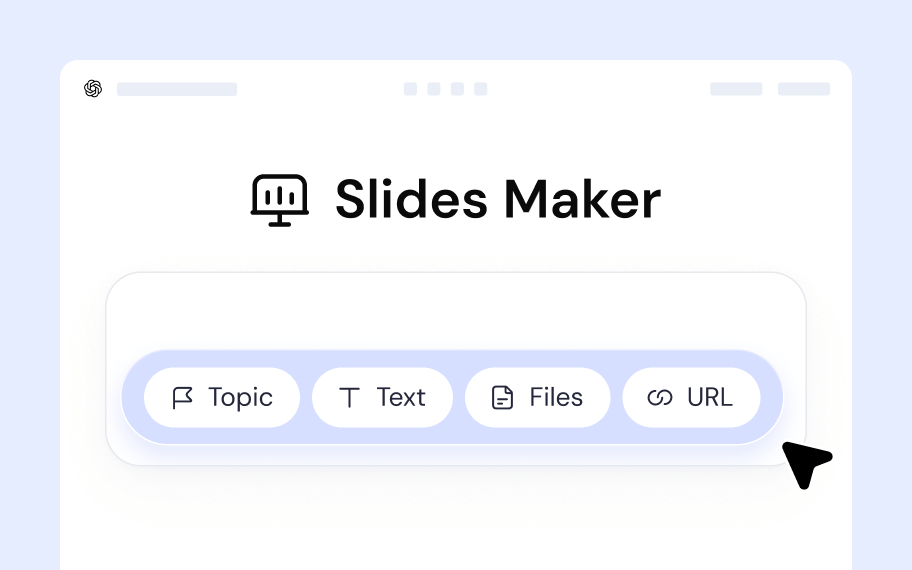
Multi-Source Input for Your ChatGPT Presentation
- Topic-based: "Make a presentation about urban farming"
- Text-based: Paste meeting notes, articles, or scripts
- Document-based: Upload PDFs to convert into slide decks
- URL-based: Turn web pages into presentations automatically
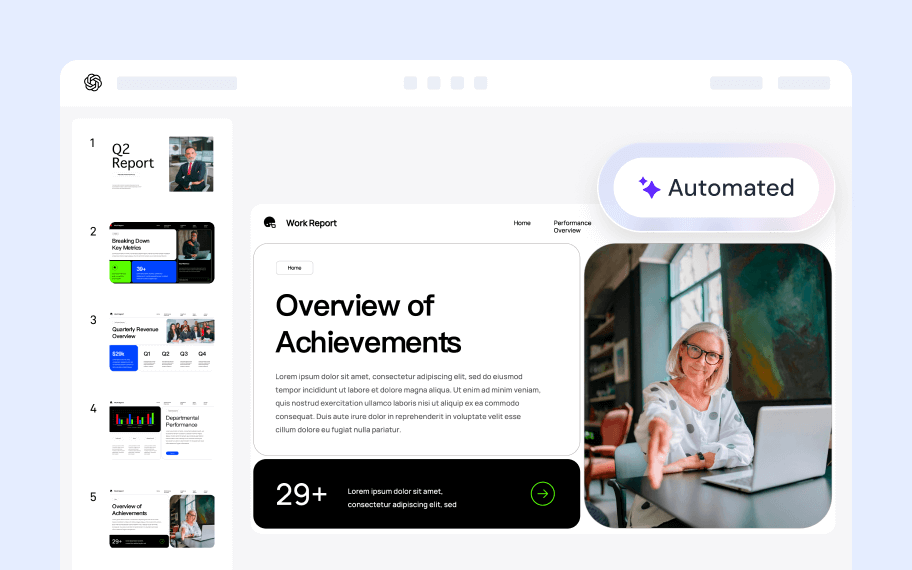
Automated Slide Design in the ChatGPT PPT Maker
The system doesn't just dump text onto slides. Sider ChatGPT PPT app analyzes content relationships, creates diagrams for processes, finds contextually relevant images, and applies consistent design principles across your slide deck.
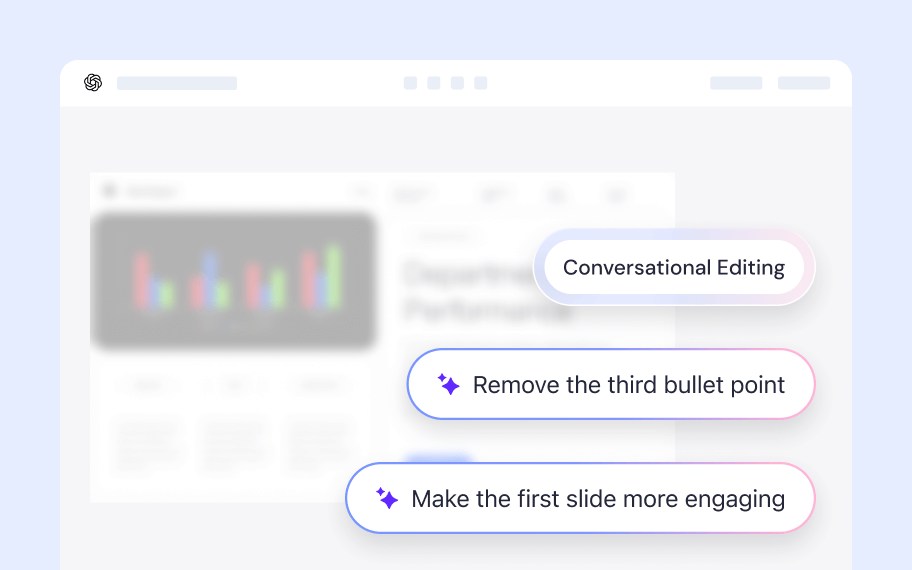
Conversational Presentation Editing
Revise your ChatGPT presentation the way you'd ask a colleague:
- "Make the first slide more engaging"
- "Add data visualization to slide 5"
- "Remove the third bullet point"
- "Change the color scheme to something warmer"
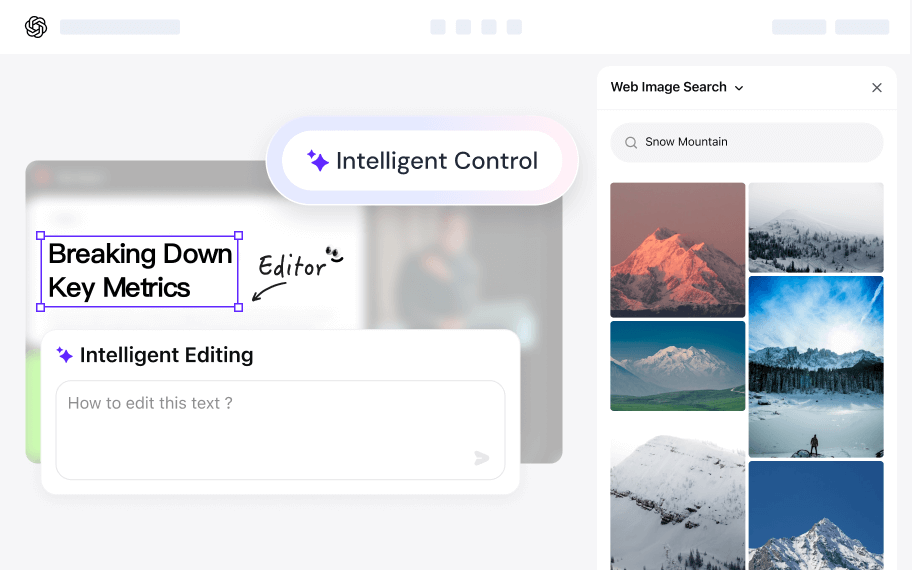
Precision Control in the ChatGPT Powerpoint Generator
Click any text block for targeted AI rewrites or manual editing. For images: upload your own, browse searched alternatives, or ask AI to generate custom visuals within the ChatGPT PPT app interface.
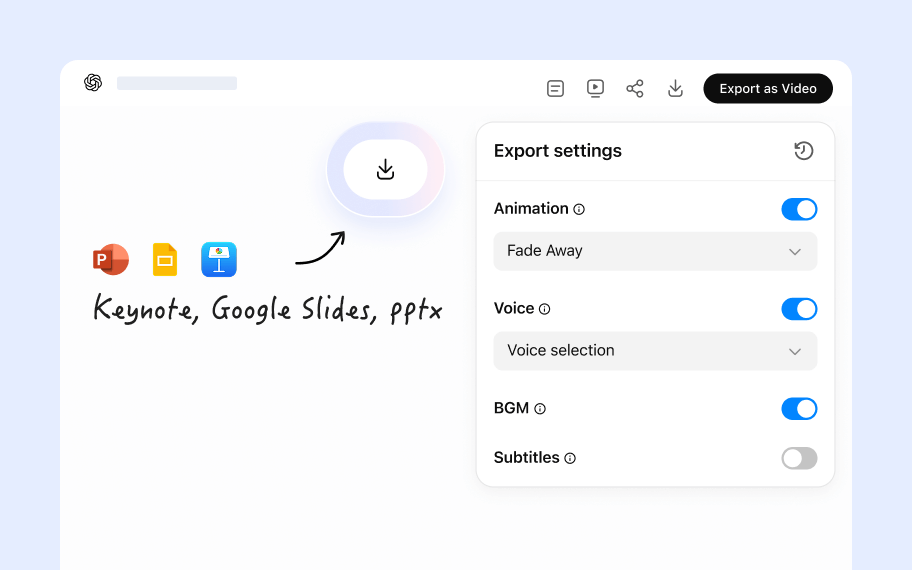
Versatile Presentation Export Options
- Shareable link: Send a URL for instant browser viewing
- .pptx download: Fully compatible with PowerPoint, Keynote, Google Slides
- Video with voiceover: Export as MP4 with embedded narration for social media or LMS platforms
How to Use AI Slides in ChatGPT
1
Connect
Connect the AI Slides app to ChatGPT.
2
Activate
Activate the app using one of these methods:
- Type Commands: Simply type “@” then choose the AI Slides app, or type “AI Slides” (followed by a space) in the chat box.
- Action List: Select it directly from the Action List (Requires the Sider extension).
3
Prompt
Enter a clear command to generate your slides using one of the following methods:
- By Topic: “Create a presentation about [Topic]” (e.g., the history of AI).
- By Source: “Turn this [PDF/URL/Text] into a presentation.”
- Direct Command: “Help me make a slide deck for my Q3 marketing strategy.”
Why Choose Sider ChatGPT Presentation App?
Speed Up Creation with a ChatGPT Presentation Maker
Most presentation tools trap you in endless formatting tweaks. Sider ChatGPT PPT maker generates structured, designed slides in under a minute, so you spend time on ideas instead of alignment guides.
One Workflow for Everything
Research in ChatGPT, outline your argument, then create slides—all without context-switching. Students preparing for defenses, consultants building client decks, and educators crafting lectures use the same seamless flow.
Versatile Inputs for the Ultimate ChatGPT PowerPoint Generator
Whether you have a rough idea or a polished PDF, this ChatGPT PPT maker adapts. It bridges the gap between raw data and visual storytelling, making it the most flexible ChatGPT presentation tool available.
Real Control Over Your ChatGPT Presentation Slides
Conversational tweaks handle most revisions, but when you need precision, click any element to edit text manually or swap images from our library, your uploads, or AI-generated options.
Who Uses Sider ChatGPT Presentation Maker?
Students & Researchers
Turn thesis chapters or literature reviews into defense presentations. Upload your draft PDF and get a structured deck that highlights your methodology and findings.
Business Teams
Sales teams convert case studies into pitch decks. Product managers turn PRDs into stakeholder presentations. Marketing teams transform campaign briefs into slides—all while staying in their ChatGPT workflow.
Educators & Trainers
Create lecture slides from textbook chapters or training materials. Sider ChatGPT PPT tool structures information logically and adds visual reinforcement to complex concepts.
Content Creators
YouTubers and course creators export presentations as videos with voiceover, turning static slides into publishable video content without separate recording software.
Prefer a Web-based AI PPT Maker? We Have That Too
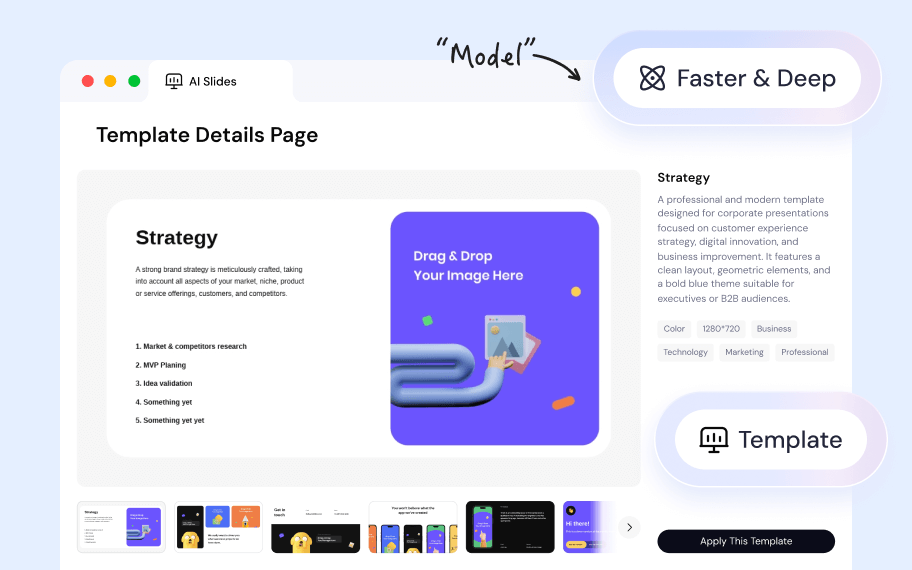
While Sider ChatGPT presentation app is perfect for conversational workflows inside ChatGPT, we also offer a comprehensive standalone web platform for users who need advanced features or don't have a ChatGPT account.
- Fast & Deep Modes: Choose quick generation or research-intensive content creation.
- Template Library: Browse professional design templates before building your presentation.
- History Dashboard: Save and retrieve all your past presentations in one place.
Start Creating ChatGPT Presentations Today
Stop wrestling with blank slides and template libraries. Let Sider ChatGPT presentation tool handle the structure, design, and visuals while you focus on the message.