Image to Image AI - Transform & Edit Photos in Seconds

Upload any image and transform it with natural language. Change styles, backgrounds, lighting, or colors through intuitive chat. Generate multiple versions instantly for content creators, e-commerce sellers, and designers.

Start Transforming Images
10M+ Active Users
4.8 User Rating
50+ AI Features

Transform Images with AI-Powered Editing
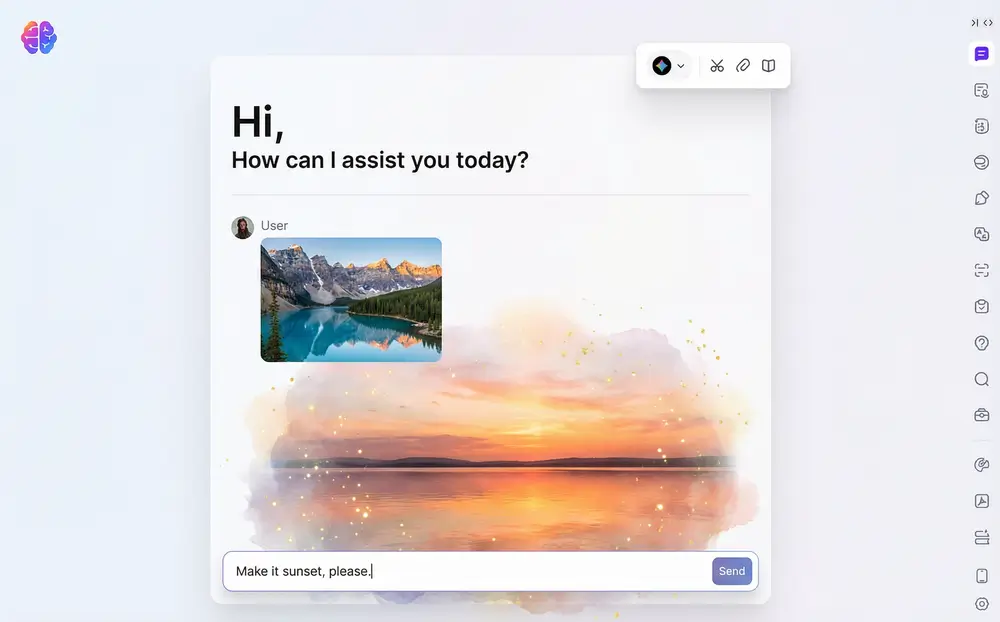
User uploading image to AI editor with natural language instructions

Upload & Transform Images

Upload your photo to the chat interface and describe the changes you want. The image to image AI understands instructions like 'make it brighter', 'change to sunset lighting', or 'convert to watercolor style'. You do not need complex settings or technical skills.
Download Sider Extension
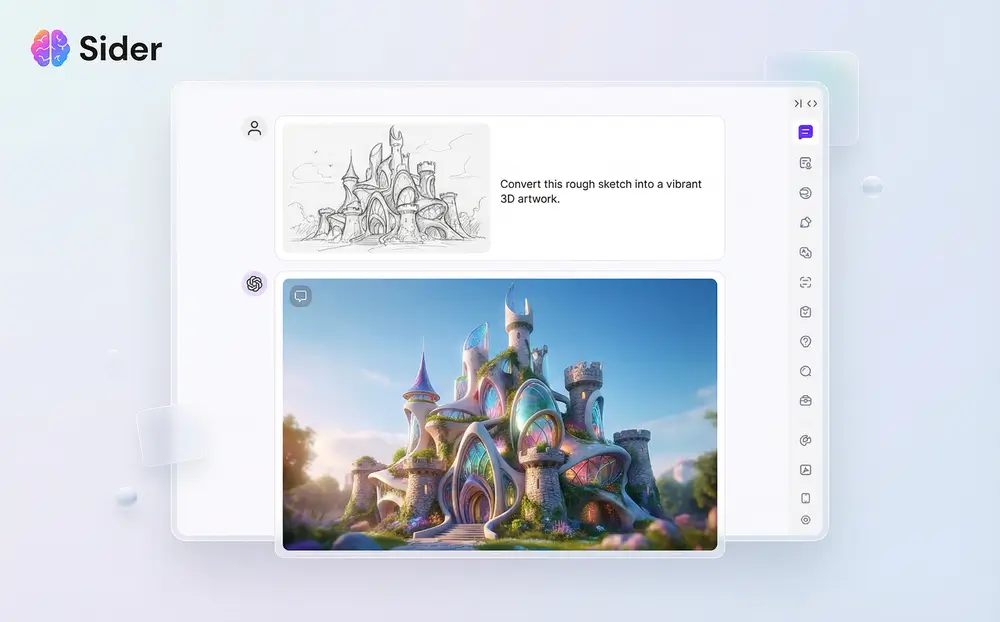
Sketch to image transformation showing various artistic style options

Style Transfer & Sketch to Image

Transform any image into artistic styles. Convert rough sketches into artwork, apply photography styles, or create AI image from photo references. Designers use this to explore concepts, and content creators use it to produce visual content.
Download Sider Extension
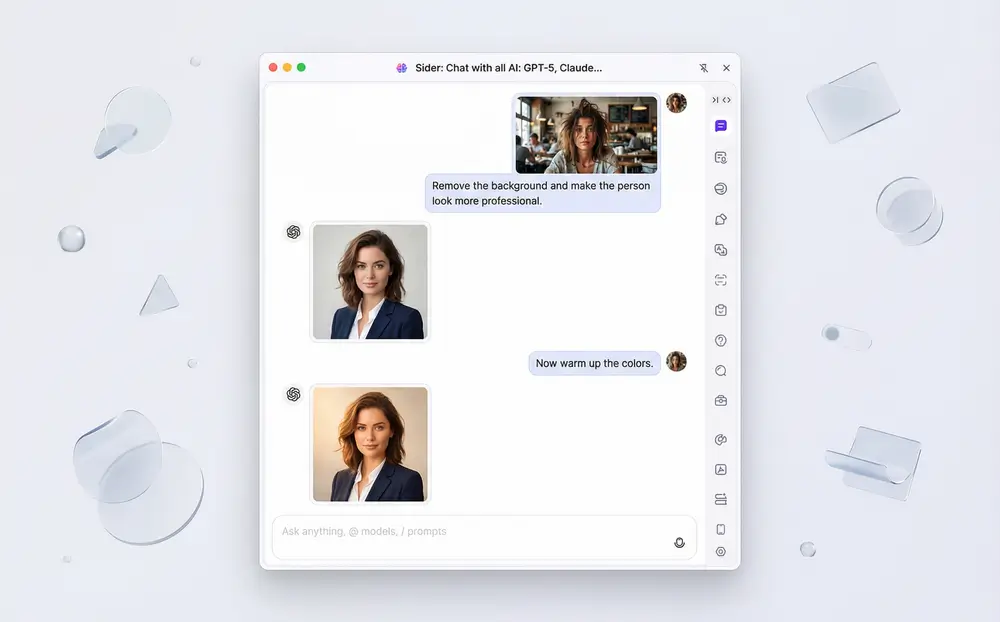
Chat interface showing iterative image editing requests and results

Iterative Chat-Based Editing

Refine images through conversation. Ask for adjustments like 'warm up the colors', 'remove the background', or 'make the person look more professional'. The AI remembers context and builds on previous edits, which gives you control without manual tools.
Download Sider Extension

How to Use Image to Image AI

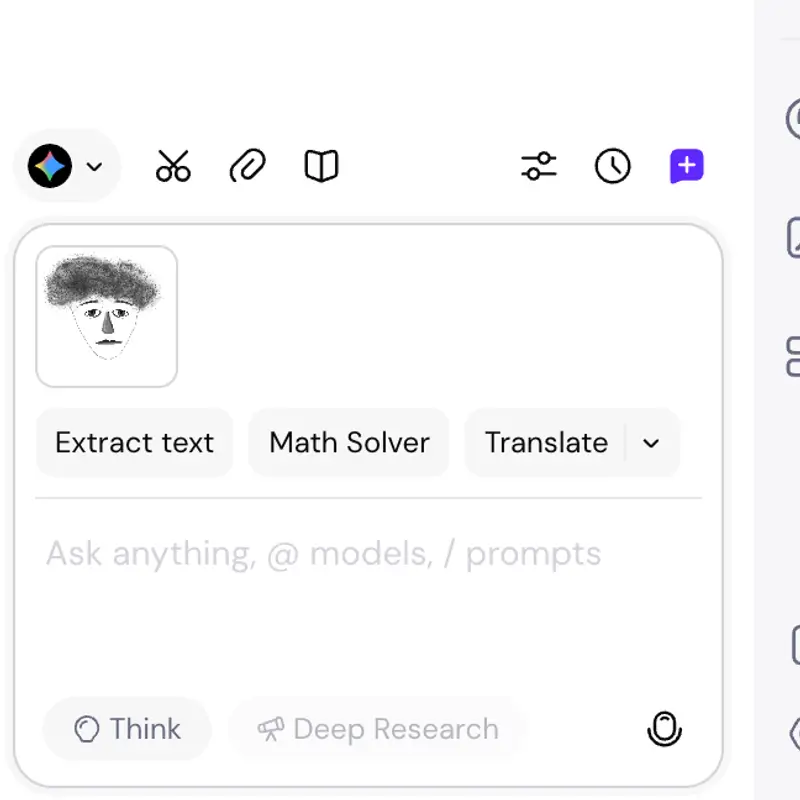
Screenshot of image upload interface in Sider chat
1

Upload Your Image

Drag and drop any image file into the Sider chat interface. The tool supports JPG and PNG formats. You can upload a product photo, sketch, design mockup, or portrait, then start editing.
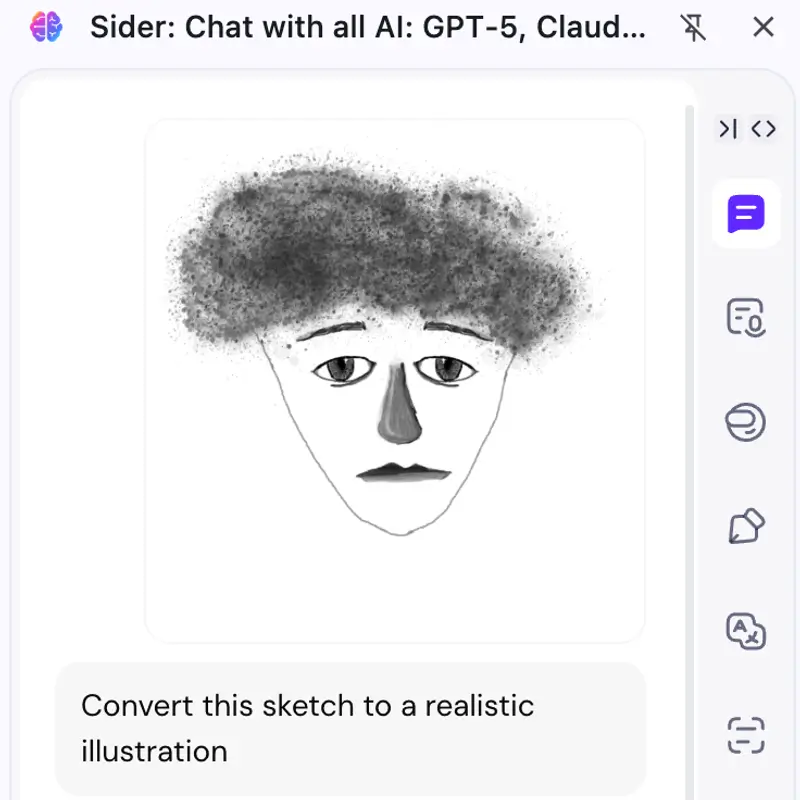
Chat input showing natural language image editing instructions
2

Describe Your Changes

Type instructions for what you want to change. Examples: 'Convert this sketch to a realistic illustration', 'Change background to beach sunset', 'Make the person look like a cartoon character'. The AI handles complex requests.
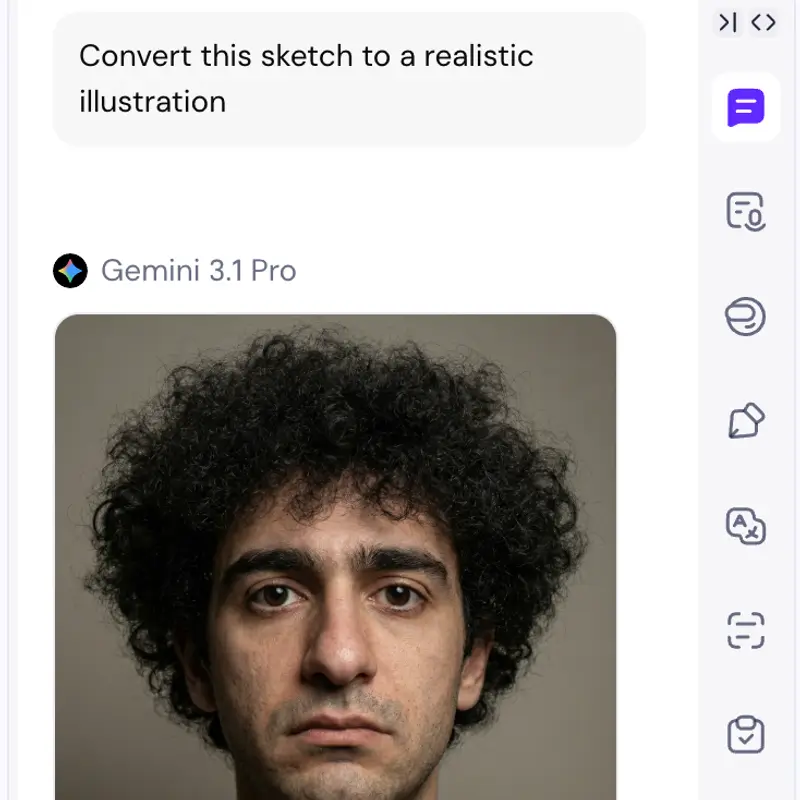
Result image with download options and chat continuation interface
3

Download & Iterate

Get AI-generated results right away. Download the transformed image or keep refining through conversation. Ask for adjustments like 'make the colors warmer', 'sharpen the details', or 'try a different style'. You can save prompts to use later.

Higher resolution images produce better transformations. For best results, use images at least 1024px wide.

Why Choose Sider's Image to Image AI

All-in-One Platform

You do not need multiple tools for style transfer, background removal, inpainting, or image enhancement. Sider's image to image AI handles all transformations in one chat interface. This saves time and simplifies your workflow.

Prompt Reusability

Save editing prompts and reuse them across projects. This helps maintain brand consistency, apply the same style transformations to multiple images, or collaborate with teams by sharing prompt templates.

Continuous Iteration

Unlike traditional photo editors, the AI understands context and builds on previous changes. Refine your image through conversation until it matches your vision. You do not need complex tools or technical knowledge.

Proven Results

75%

Time Saved per Project

60%

Cost Reduction

94%

Users Satisfied

1M+

Images Processed Daily

Trusted by Creators, Designers & Businesses

I used to spend hours creating different versions of social media posts. Now I upload one image and ask for variations in different styles. The batch processing feature saves me around 10 hours every week.

Sarah Chen

Content Creator, 500K Followers

Our e-commerce store needs product photos with different backgrounds and styles. Image to image AI generates all variations we need in a few minutes. This reduced our photography costs by 60%.

Michael Rodriguez

E-commerce Operations Manager

Sketch to image helps with client presentations. I can show multiple design directions without spending days on rendering. Clients see options right away.

Emily Watson

Freelance Designer

Frequently Asked Questions

Image to image AI transforms existing images into new versions based on your instructions. You upload a photo and describe the changes you want, such as changing the style, background, lighting, or colors. The AI generates the transformed image. This works for content creators, designers, e-commerce sellers, and anyone who needs to edit images quickly without complex photo editing software.

Creating an AI image from your photo with Sider takes three steps. First, upload your photo to the chat interface. Second, describe how you want to transform it using natural language. Third, the AI generates your new image. For example, you can upload a portrait and ask to 'convert to anime style', 'change background to beach', or 'make it look like a professional studio photo'. You can iterate by asking for refinements until you get the result you want.

Sider's sketch to image feature transforms rough drawings into artwork. Upload your sketch and describe the final style you want, such as realistic, cartoon, watercolor, or oil painting. The AI understands context and fills in details while keeping your original composition. Designers use this to visualize concepts, create style variations, and present options to clients without spending hours on manual rendering.

Sider's image to image AI supports JPG, PNG, WebP, and other common formats. You can upload photos, sketches, design mockups, screenshots, or any visual content. The AI works with images from social media dimensions to high-resolution professional photography. For best results, use images at least 1024 pixels wide, though smaller images can also be transformed.

Transform Your Images with AI Today

Upload any image, describe your vision, and get instant results. Works for content creators, designers, and businesses.

Start Using Image to Image AI