Image to Text - Extract Text & Generate AI Prompts

Extract text from images with AI OCR. Generate descriptions and prompts for AI art. Works with handwriting, tables, and 100+ languages.

Extract Text Now
99.9% OCR Accuracy
100+ Languages
10M+ Users

Image to Text Features

Extract text from any image with AI OCR

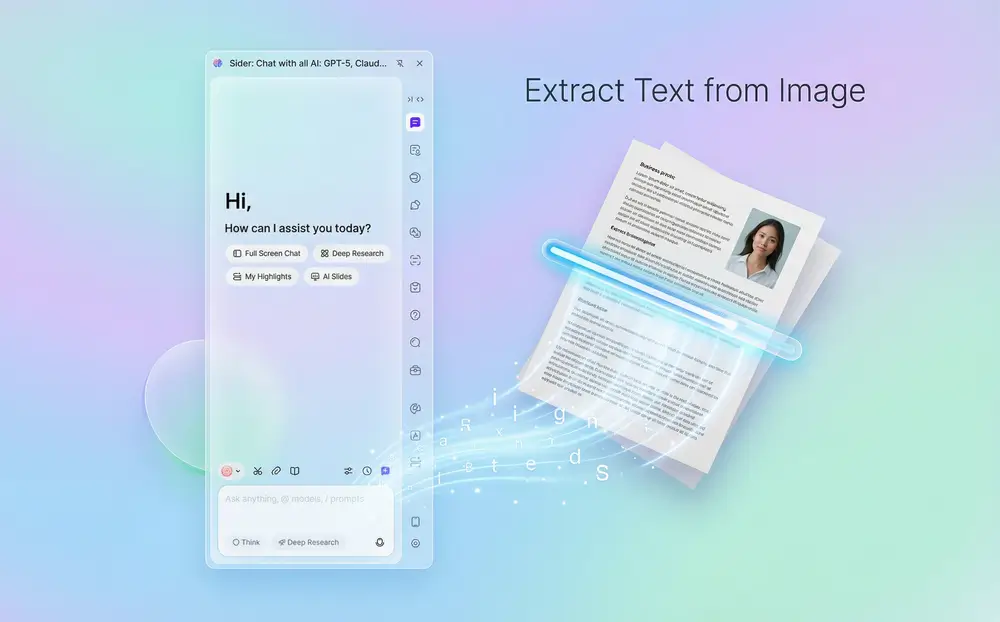
Extract Text from Image

Turn any image into editable text. Good for digitizing documents, notes, screenshots, and scans. The OCR reads text from blurry or tilted images and keeps the original format—paragraphs, lists, and tables stay intact.
Download Sider Extension
AI analyzes and describes images in detail

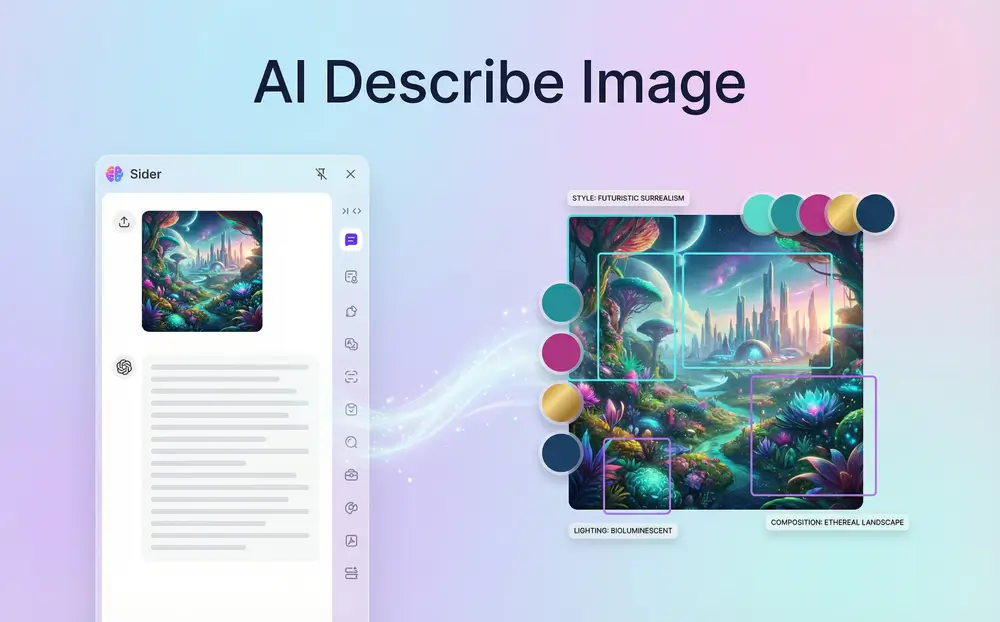
AI Describe Image

Get AI descriptions of images. The AI analyzes style, lighting, composition, colors, and mood. These descriptions work as prompts for Midjourney, DALL-E 3, and Stable Diffusion, so you can recreate or build on visual styles.
Download Sider Extension
Recognize and extract handwritten text from images

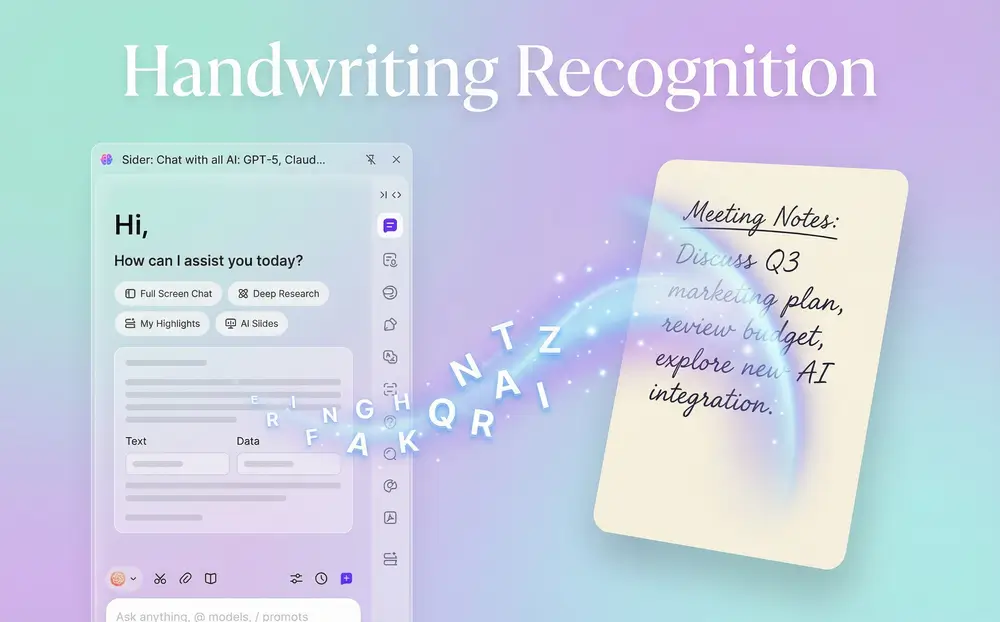
Handwriting Recognition

The OCR engine recognizes handwritten notes with high accuracy. Students use it for lecture notes, researchers for handwritten documents—anyone converting handwriting to digital text.
Download Sider Extension
Generate AI prompts from any image

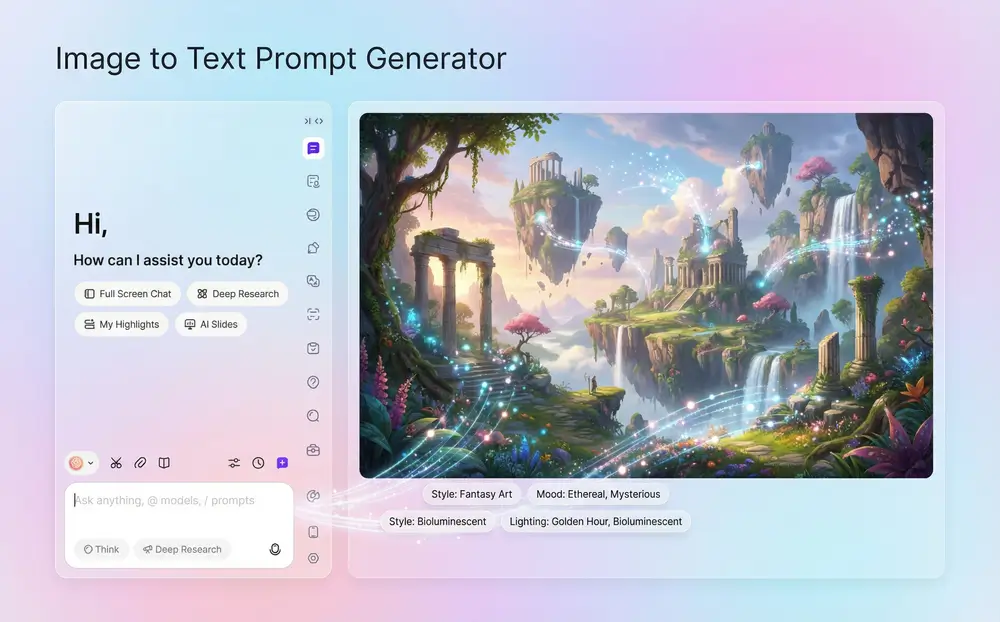
Image to Text Prompt Generator

Create AI art prompts from images. Upload a reference and get a detailed prompt with style, mood, lighting, and composition. Use these with AI image generators for consistent artwork or to learn prompting from examples.
Download Sider Extension

How to Use Image to Text

Download and install Sider AI browser extension
1

Download Sider AI

Install Sider AI as a browser extension for Chrome or Edge. Installation takes under a minute. Once installed, open the AI sidebar in your browser to extract text from images.
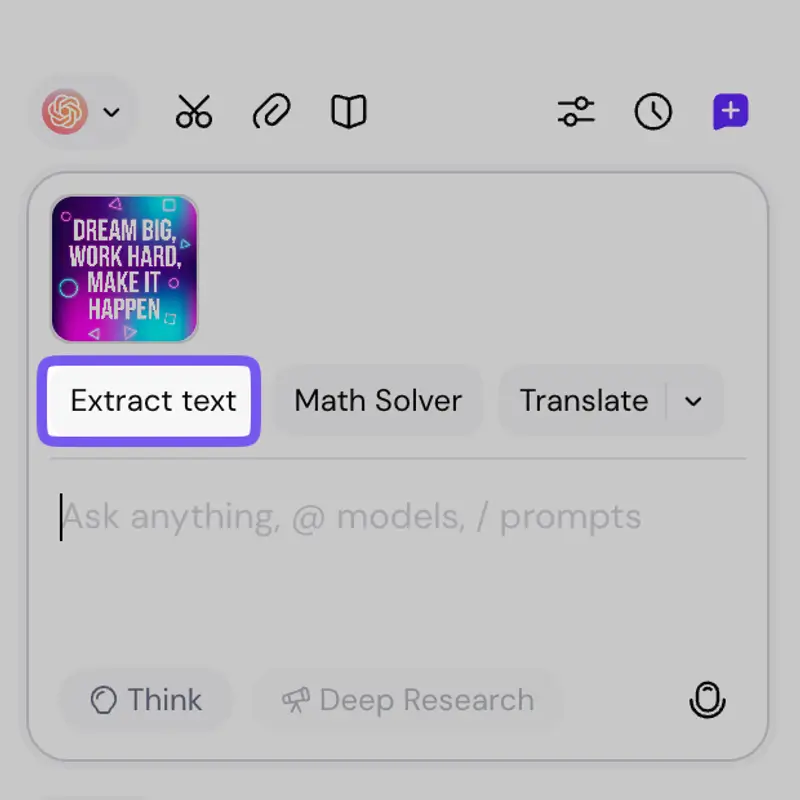
Upload image to Sider AI for text extraction
2

Upload Your Image

Open Sider AI chat and upload an image with text. You can use screenshots, photos, handwritten notes, or JPG, PNG.
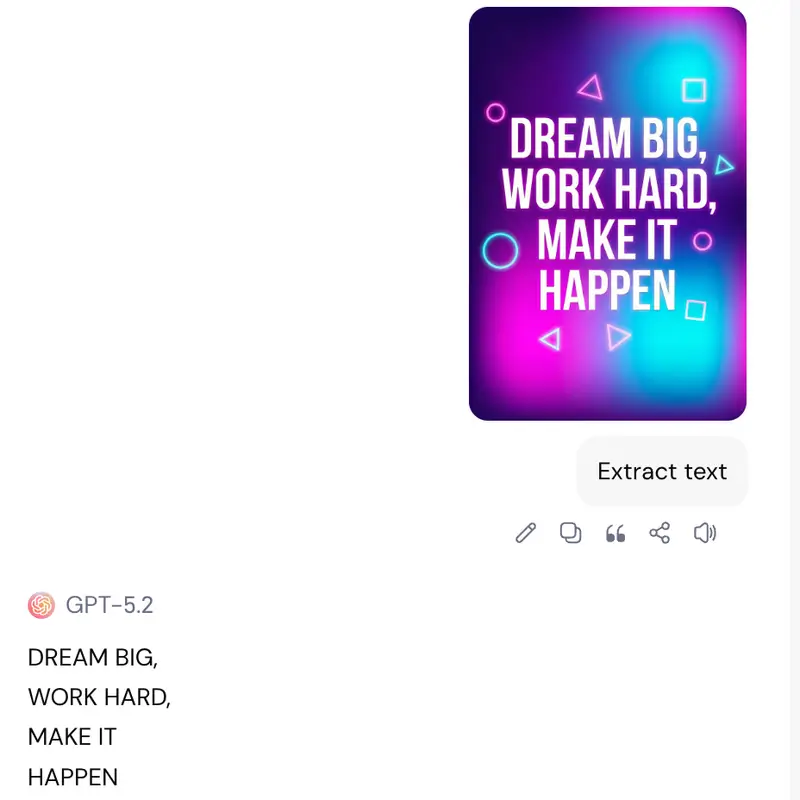
Receive extracted text or AI image description
3

Get Text or Description

Click 'Extract Text' for accurate, formatted text. Or ask the AI to describe the image or generate prompts. Results appear instantly—text keeps formatting, descriptions include details.

Works on Chrome and Edge

Why Choose Sider AI

High Accuracy OCR

The OCR technology gets 99.9% accuracy even with blurry, tilted, or low-quality images. It reads text from 100+ languages, including complex scripts and handwriting.

Format Preservation

Sider AI keeps original formatting. You get clean text with proper paragraphs, bullet points, tables, and lists. No messy code blocks or lost structure.

Dual Purpose Tool

Extract text from images or generate AI descriptions and prompts. One tool does OCR for productivity and prompt generation for AI art. Works for students, professionals, designers, and AI artists.

Trusted by Users Worldwide

10M+

Active Users

100+

Languages Supported

99.9%

OCR Accuracy Rate

100K+

Five-Star Ratings

What Users Say

I process hundreds of scanned documents weekly as a researcher. Sider AI's OCR saves me hours. The formatting stays intact—tables, bullet points, everything looks right.

Dr. Sarah Chen

Researcher, Stanford University

I use the AI describe feature daily for Midjourney projects. It catches lighting, composition, and style details I miss. My AI art consistency has improved a lot.

Alex Rivera

Digital Artist

Finally, an OCR tool that reads my messy handwriting. I digitized 5 years of lecture notes in one weekend. Students who convert handwritten notes need this.

James Park

Graduate Student

Frequently Asked Questions

Sider AI uses OCR (Optical Character Recognition) to extract text from images. Upload your image to the chat, click 'Extract Text', and get formatted text.

Yes. The OCR engine recognizes handwritten text with high accuracy. It works with different handwriting styles and languages.

Upload an image to Sider AI chat and ask it to describe the image or generate prompts. The AI analyzes style, lighting, composition, and details to create descriptions for Midjourney, DALL-E, or Stable Diffusion.

Sider AI supports JPG, and PNG. Upload screenshots, photos, or any image with text.

Yes. Sider AI keeps paragraphs, bullet points, tables, and lists intact. You get clean text without messy formatting.

Yes. Images use encryption and are deleted within 24 hours. The OCR engine also works offline after download.

Sider AI supports 100+ languages for text extraction and image description. It works with multilingual documents and handwritten text.

Image to Text - Extract & Describe

Use AI in your browser sidebar to extract text from images and generate AI prompts.

Start Extracting