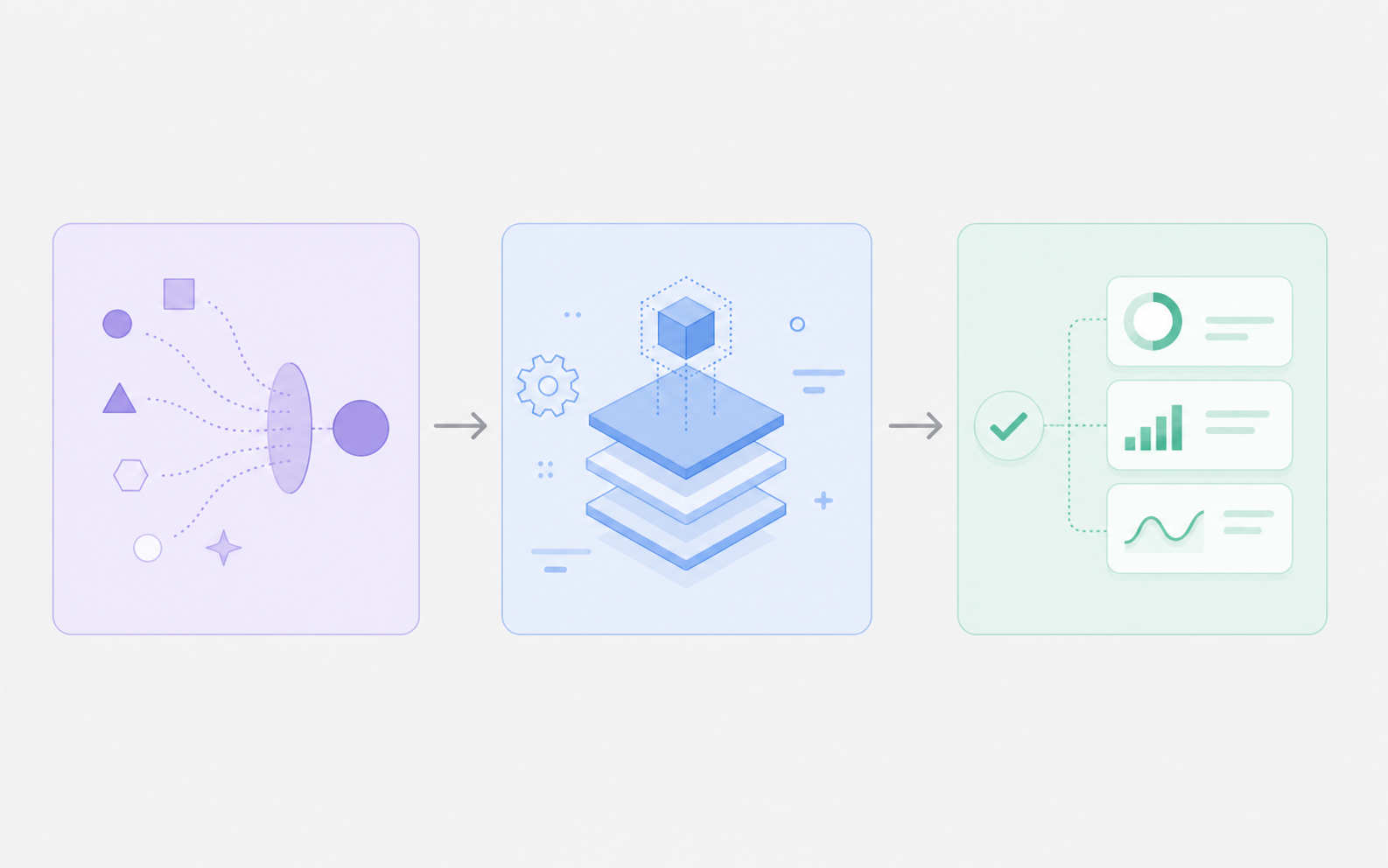
AI Scene Generator — Turn Text Into Video Scenes Instantly

Create cinematic environments, dynamic backgrounds, and professional video clips with the most versatile AI scene generator. No filming, no equipment needed.

Generate Your First Scene
500K+ Scenes Generated
4K Max Output Resolution
8+ AI Models Supported

Powerful AI Scene Generator Features

Everything you need to create stunning video scenes with AI

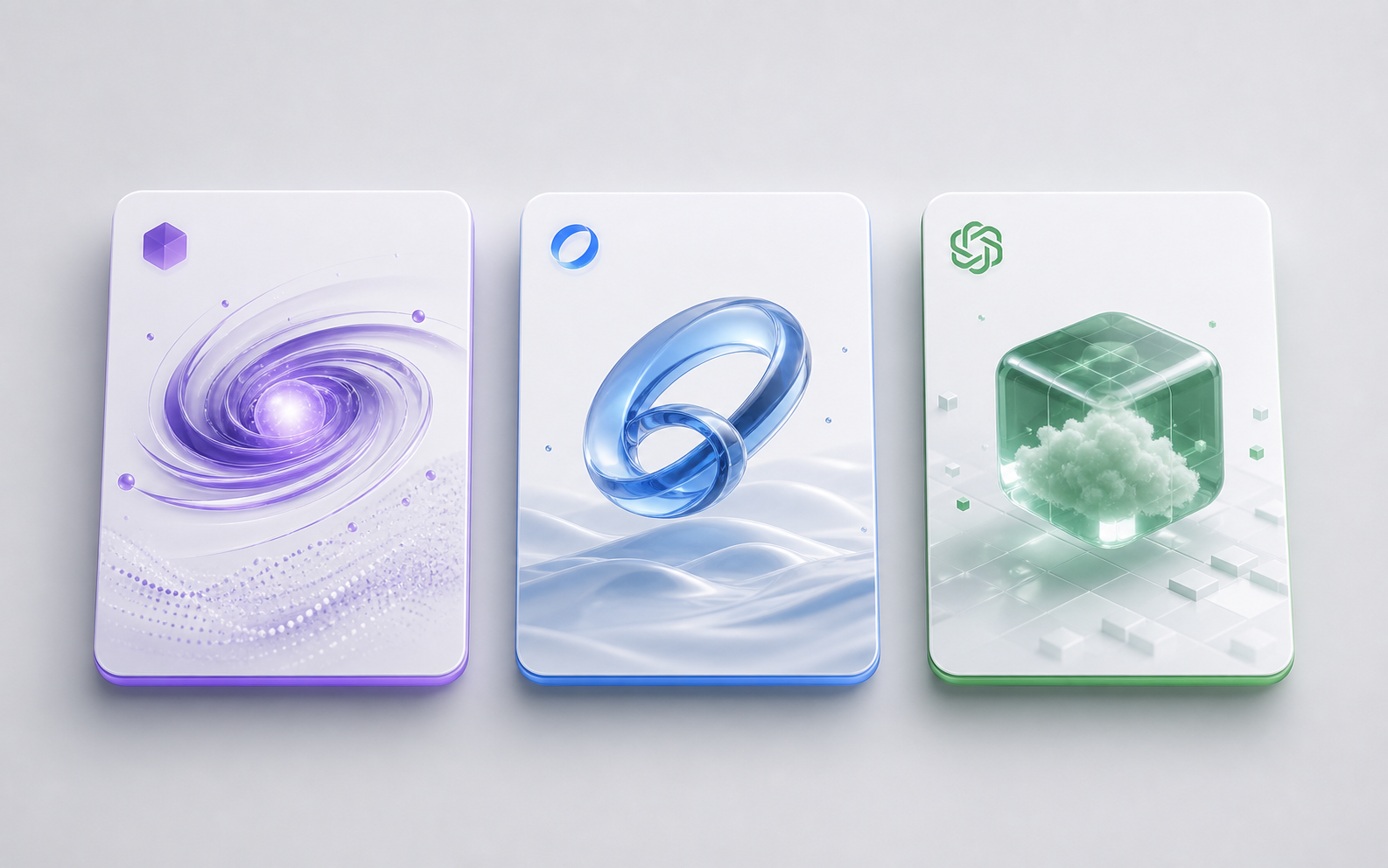
AI scene generator multi-model selection interface showing Seedance, Kling, and Sora options

Multi-Model AI Scene Generator

Sider's AI scene generator doesn't lock you into a single model. Switch between Seedance 2.0 for ultra-realistic 4K scenes, Kling for creative stylized video, and Sora for complex cinematic compositions. Each scene you generate uses the best AI video generation engine for your specific needs, all from one unified interface.
Generate Your First Scene
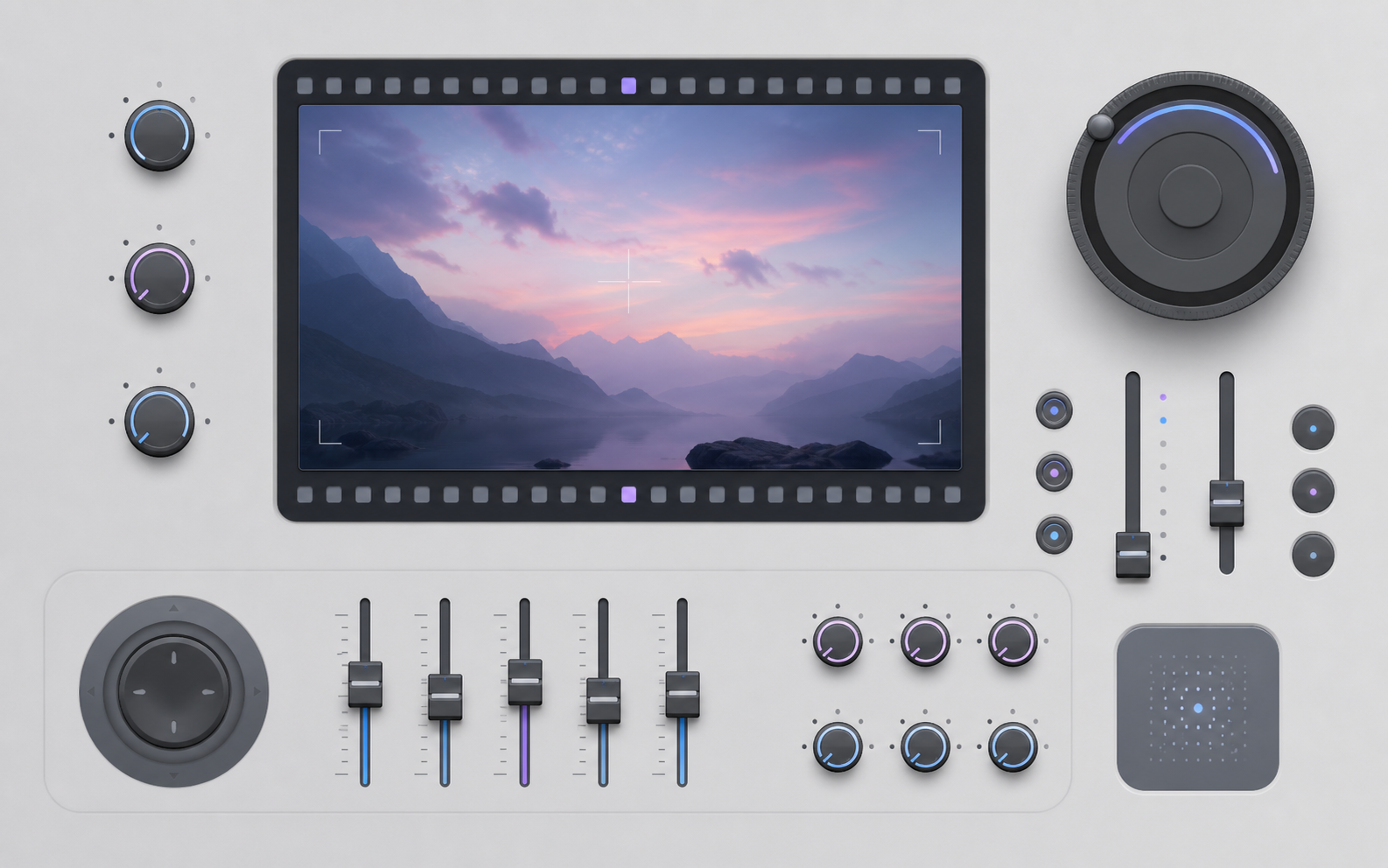
Cinematic camera control panel for AI scene generation with angle and motion sliders

Cinematic Scene Controls

Take full creative control over your AI-generated scenes. Adjust camera angles, motion intensity, aspect ratio, and duration. Create slow cinematic pans across landscapes, dramatic tracking shots through interiors, or dynamic action sequences. Your AI scene generator gives you director-level control without needing a film crew.
Generate Your First Scene
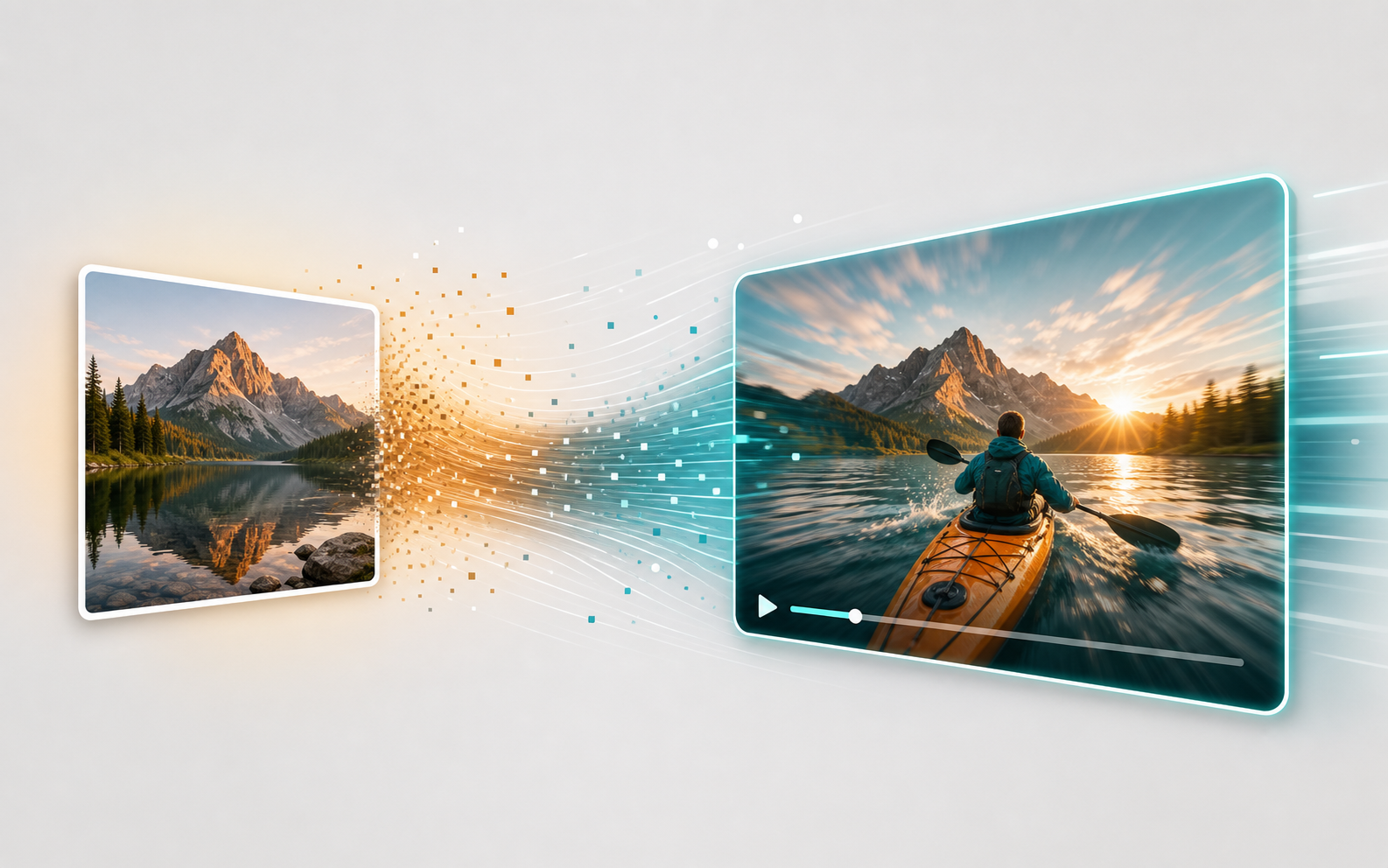
Image-to-video animation workflow showing a static image transforming into a moving scene

Image-to-Scene Animation

Upload any reference image — concept art, photographs, or screenshots — and transform it into an animated video scene. The AI scene generator analyzes your image and adds natural motion, depth, and atmosphere. Perfect for animating storyboards, adding movement to product shots, or turning still artwork into living environments.
Generate Your First Scene
4K resolution comparison showing the quality difference in AI-generated video scenes

4K Resolution Output

Produce broadcast-quality video scenes in stunning 4K resolution. Sider's AI scene generator with Seedance 2.0 delivers ultra-high-definition output with impressive detail, smooth motion, and natural lighting. Whether for professional presentations, advertising content, or cinematic projects, your scenes look polished and production-ready.
Generate Your First Scene
Multi-scene video pipeline showing sequential scene generation and transitions

Scene-to-Video Pipeline

Beyond generating individual scenes, Sider supports multi-scene video creation. Generate multiple scenes and combine them into a cohesive video sequence. Each scene maintains visual consistency with adjustable transitions, making it easy to tell complete visual stories with your AI scene generator.
Generate Your First Scene

How to Generate AI Video Scenes in 3 Simple Steps

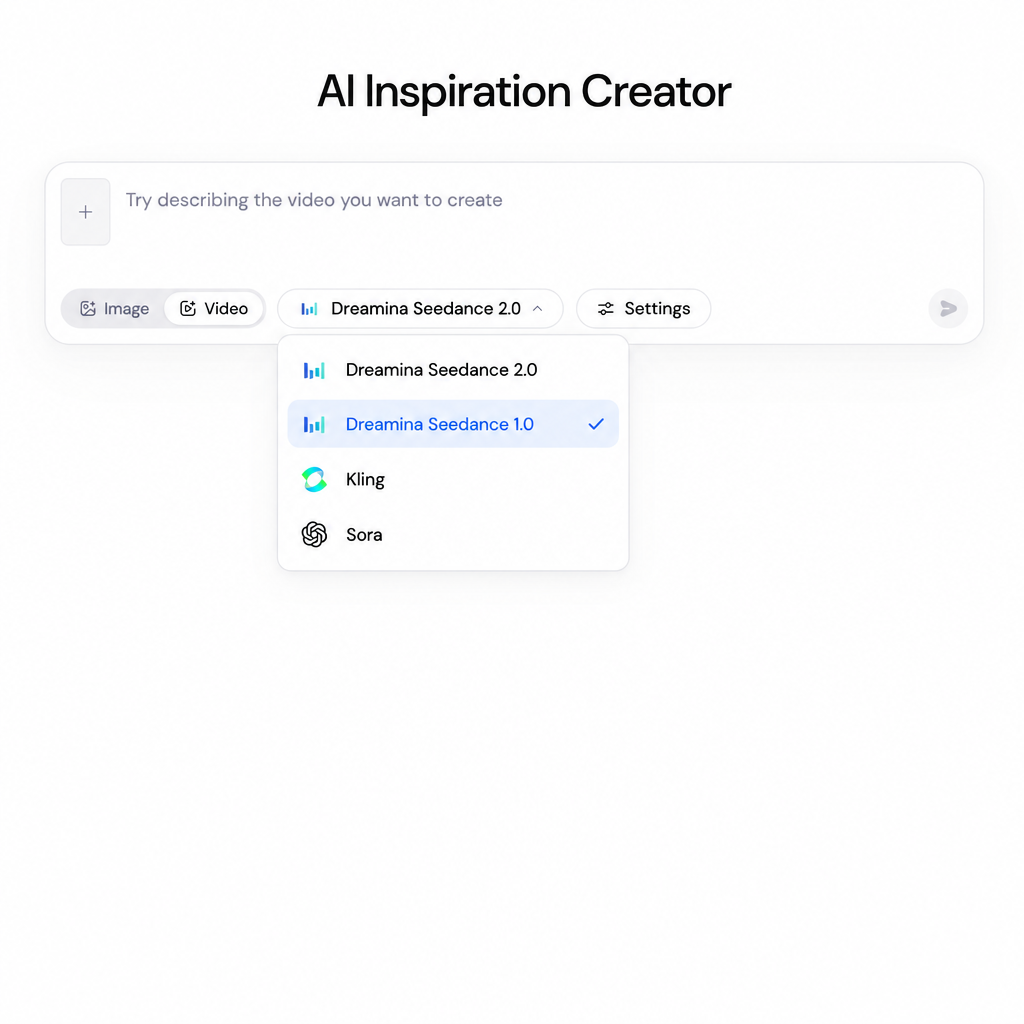
AI scene generator prompt input with model dropdown showing Seedance 1.0 selected in the menu
1

Describe Your Scene

Write a detailed prompt describing the environment, lighting, mood, and action you want. Be specific about camera angles and atmosphere for best results. Choose from Image or Video mode depending on your output need.

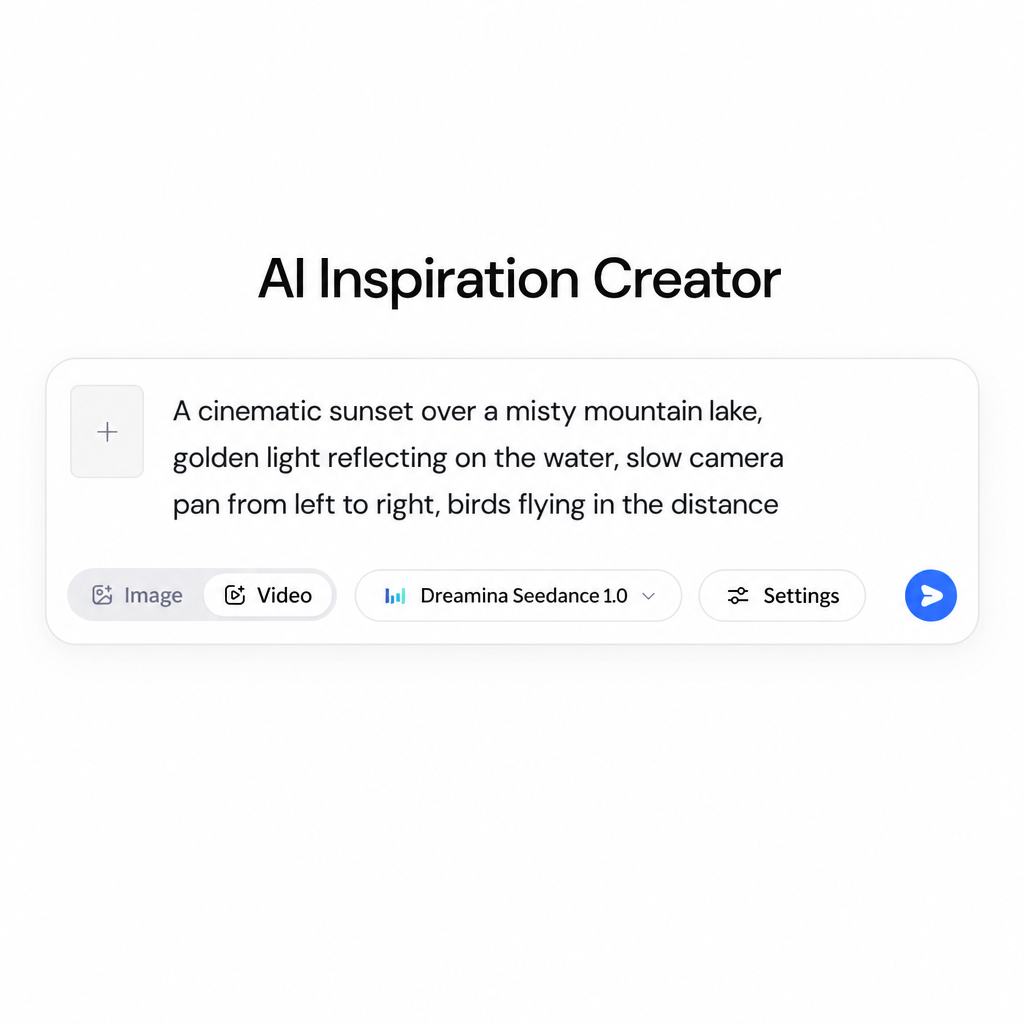
Scene generator configuration panel with prompt filled in, model selected, and settings adjusted
2

Configure Settings & Generate

Select your preferred AI model — Seedance 2.0 for realistic scenes, Kling for creative styles, or Sora for cinematic output. Adjust camera motion, aspect ratio, and duration. Click generate and watch your scene come to life.

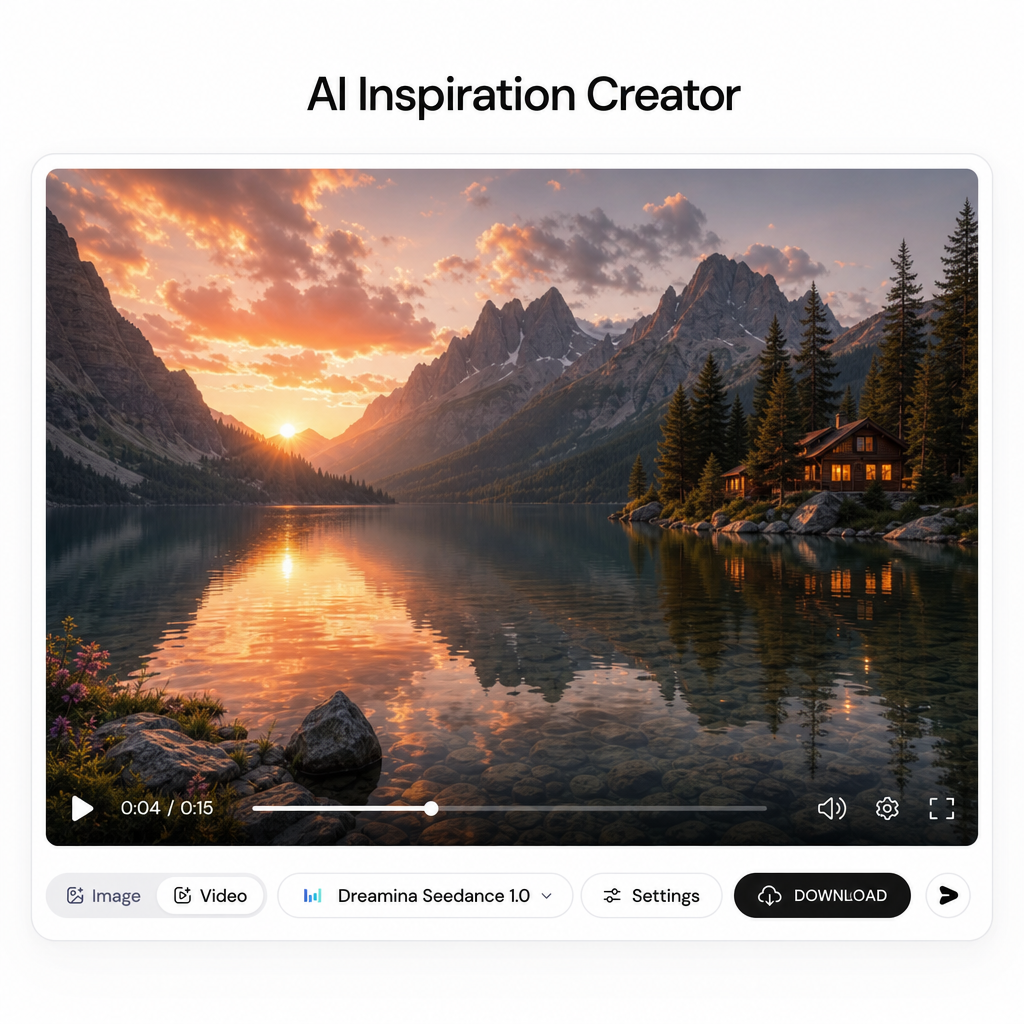
Generated video scene preview with download button visible and playback controls ready
3

Preview, Download & Use

Review your generated video scene. Preview it in full quality, fine-tune settings and regenerate if needed, then download in 4K resolution. Use your scenes in videos, presentations, social media content, or creative projects.

Why Sider Is the Best AI Scene Generator

Zero Learning Curve

No video editing experience needed. Our AI scene generator lets anyone create professional scenes by simply describing what they want.

Multiple AI Models, One Tool

Access Seedance 2.5, Seedance 2.0 and more through one interface. No need to manage multiple subscriptions or learn different platforms.

Cinematic Quality, Instant Results

Generate 4K video scenes in under two minutes. Camera controls, motion effects, and cinematic lighting built into every generation.

Trusted by Creators Worldwide

99.9%

Uptime

< 2 min

Average Generation Time

5+

Video Models Available

4.8/5

User Satisfaction

What Users Say

This AI scene generator saved me days of location scouting. I described exactly what I needed for my short film scenes and got usable footage in minutes. The Seedance model produces incredibly realistic environments.

Marcus Chen

Independent Filmmaker

I create daily content for social media and the AI scene generator has been a game-changer. I can generate fresh backgrounds and environments for every post without repeating or relying on stock footage.

Sarah Kim

Content Creator & Social Media Manager

We use Sider's scene generator for client presentations to visualize concepts before production. The multi-model approach means we can show different aesthetic options for the same scene. Our clients love seeing their ideas come to life so quickly.

James Torres

Creative Director, PixelWorks Studio

Frequently Asked Questions

An AI scene generator is a tool that uses artificial intelligence to create visual scenes from text descriptions. Instead of building environments manually with 3D software or filming on location, you write a prompt describing the scene you need — for example, 'a neon-lit cyberpunk alley at night with rain' — and the AI generates a matching video clip or environment. Sider's AI scene generator supports multiple state-of-the-art models including Seedance 2.0 and Kling.

Sider's AI scene generator works by taking your text prompt and processing it through advanced AI video generation models. You describe the environment, mood, camera movement, and action you want. The model interprets your description and generates a video scene that matches your vision. You can also upload a reference image for image-to-video generation, adjust settings like aspect ratio and motion intensity, and preview results before finalizing.

Yes. Sider's AI scene generator is built for both casual creators and professionals. Filmmakers use it for storyboarding and concept visualization. Content creators generate background scenes for social media videos. Marketers create product demo environments. With 4K output and cinematic camera controls, the results work for professional video production, advertising, and digital content.

You can generate almost any type of scene. Interior scenes like living rooms, offices, and restaurants. Exterior environments such as forests, beaches, and city streets. Fantasy landscapes like alien planets and medieval castles. Cinematic shots including aerial drone views, tracking shots, and close-ups. Sider's AI scene generator handles realistic, stylized, animated, and cinematic aesthetics with consistent quality.

Sider's AI scene generator stands out because it brings multiple top-tier AI video generation models together in one place. You can switch between Seedance 2.0, Kling, Sora, and others without managing separate accounts. The interface is designed to be simple — describe your scene, select your model, and generate. No complicated settings or learning curve. Sider also adds new models as they become available.

Writing good prompts for an AI scene generator starts with being specific about the environment, lighting, camera movement, and mood. Include details like 'sunset golden hour lighting, slow camera pan across a mountain lake, mist rising from the water.' Mention the atmosphere — peaceful, dramatic, futuristic. Specify camera angles — bird's eye view, low angle tracking shot. More detail means the generated scene will match your vision more closely.

Sider's AI scene generator gives you access to leading models including Seedance 2.5 and Seedance 2.0 by ByteDance for ultra-realistic 4K video generation.

Yes, Sider's AI scene generator supports image-to-video generation. You can upload a reference image — a photograph, concept art, or screenshot — and the AI will animate it into a video scene. This is especially useful for filmmakers who want to see storyboard frames come to life, or creators who want to add motion to static artwork.

Ready to Create With the Best AI Scene Generator?

Generate your first cinematic scene in seconds. No experience needed.

Try Sider's AI Scene Generator