
Screen Recorder - AI-Powered Meeting Notes & Transcription
Record your screen with audio and turn meetings, tutorials, and demos into searchable knowledge. AI transcribes, summarizes, and stores your recordings in a knowledge base.
Features of Sider AI Screen Recorder
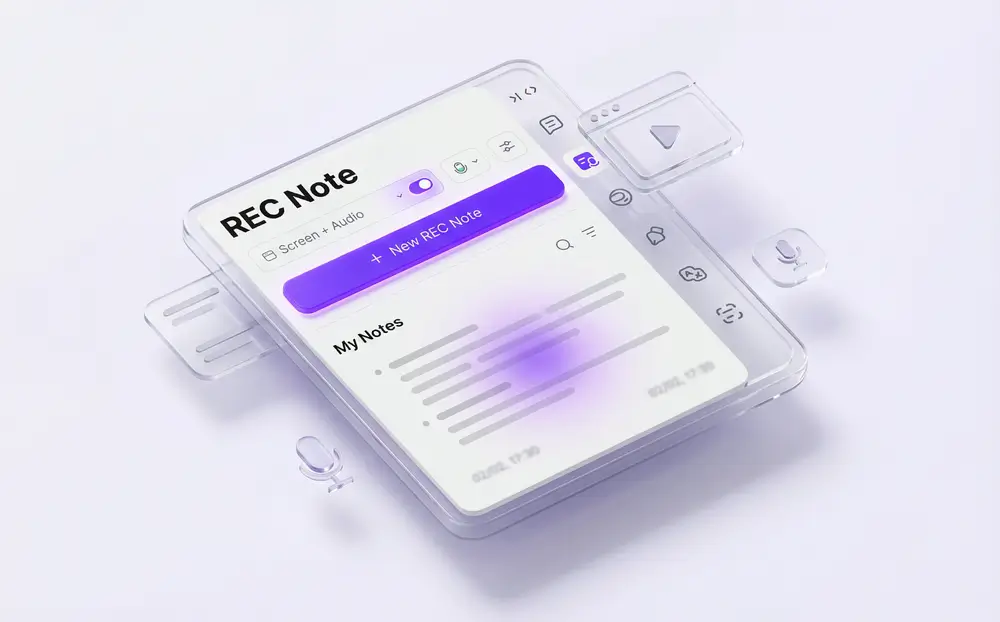
Record Tab Screen + Audio with AI-Powered Notes
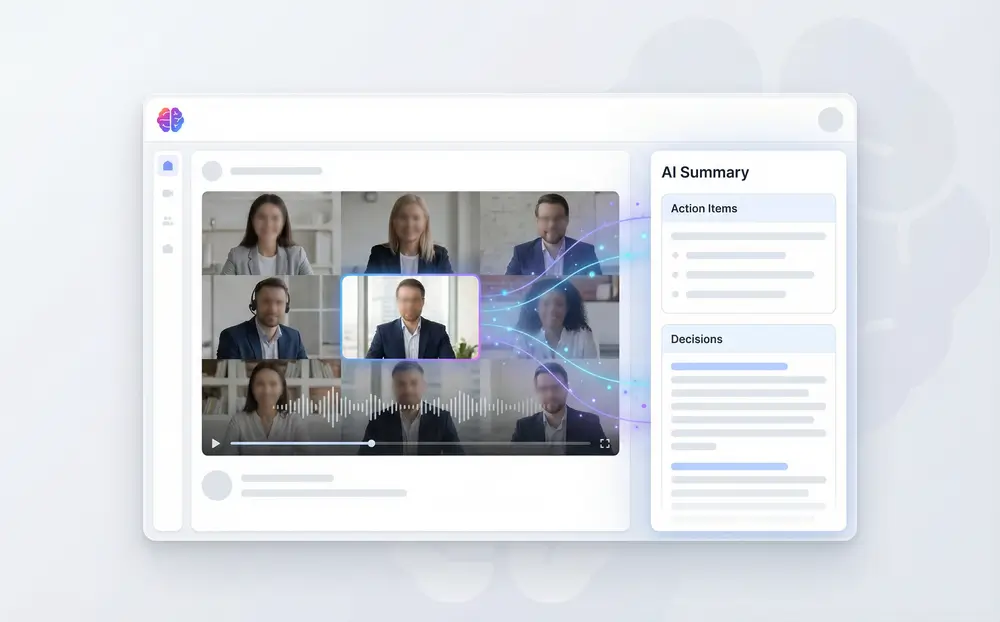
Meeting Recorder with Intelligent Summaries
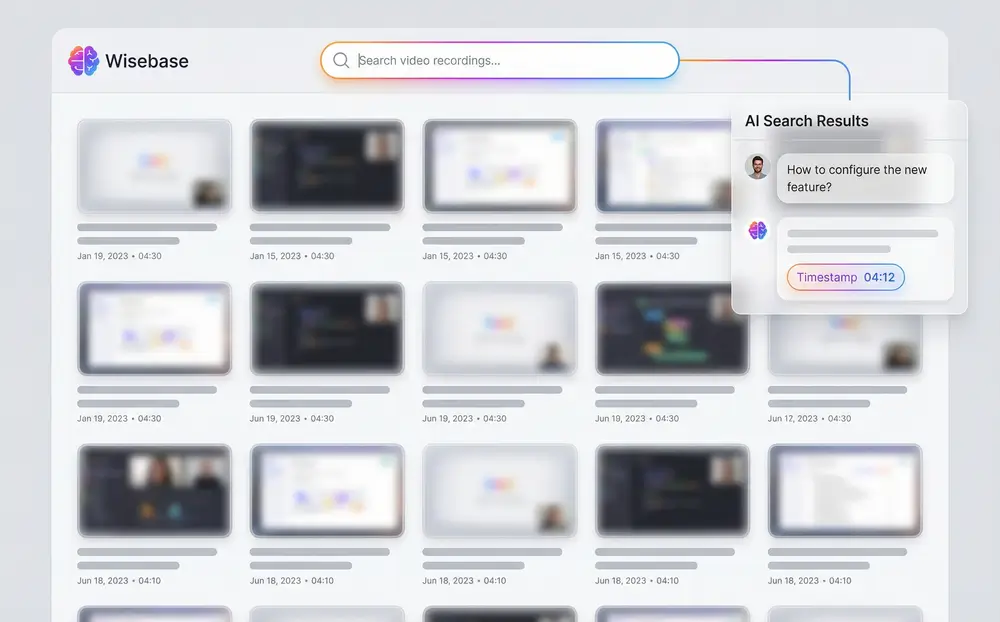
Cloud Storage & Searchable Knowledge Base
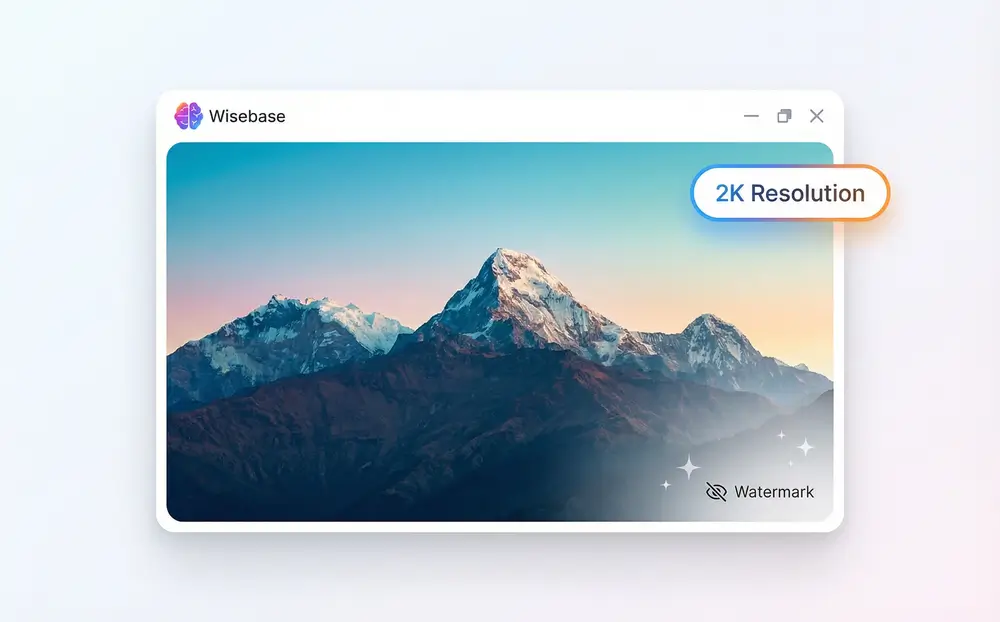
No Watermark & High-Quality Recording
How to Use Sider AI Screen Recording Software
Install SiderExtension
Add Sider to Chrome or Edge from the Web Store. The extension adds screen recording, AI note taking, and meeting capture to your browser toolbar.
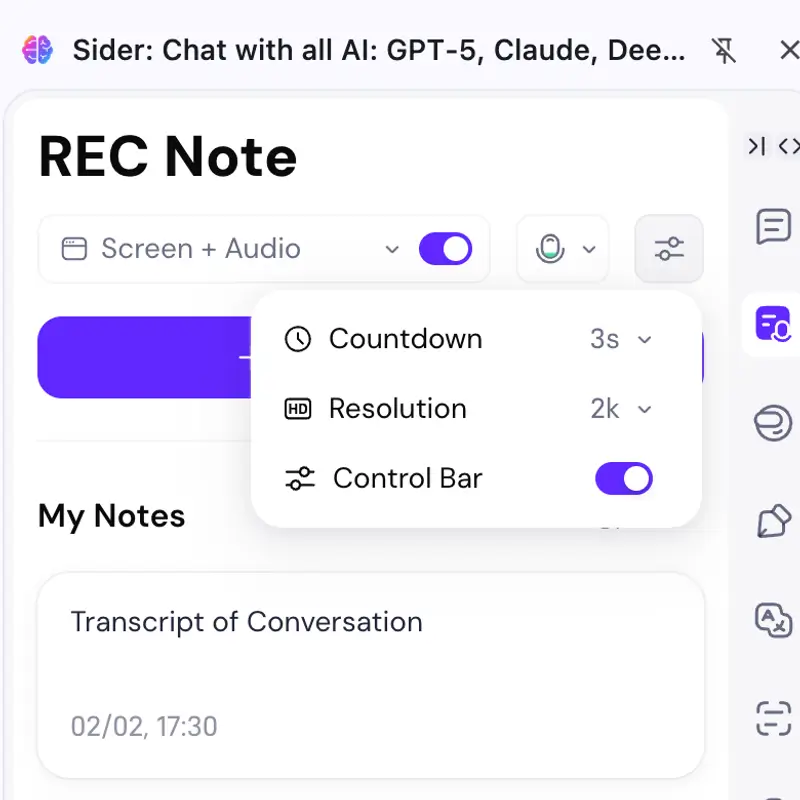
Select Recording Options
Click the Sider icon and choose 'Rec Note' from the menu. Select 'Record Tab Screen + Audio' to capture visual and audio content. Choose recording quality (up to 2K), enable microphone if needed, and set preferences for AI transcription.
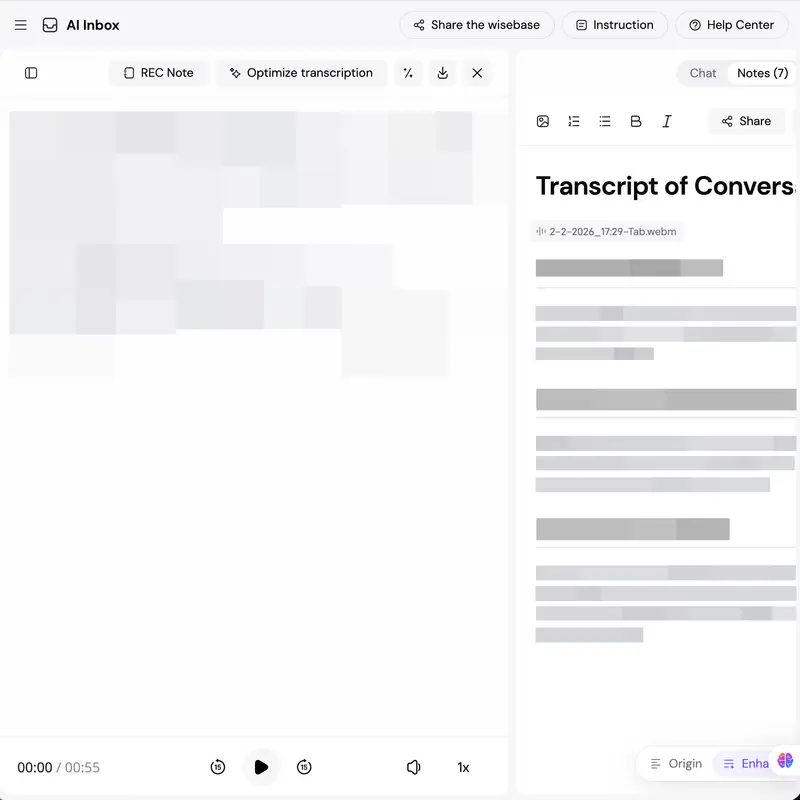
Start Recording and Access AI Features
Start recording your screen with audio. AI transcribes speech, generates notes, and creates summaries. After recording, access your content in Wisebase where you can search, chat with recordings, and share links.
Why Choose Us
AI-Powered Knowledge Transformation
Sider turns recordings into searchable knowledge assets. AI transcribes audio, generates summaries, extracts action items, and lets you query across recordings. Convert screen time into useful knowledge.
Browser-Based Accessibility
Use screen recording and AI features directly from Chrome. Works on Windows and Mac through the browser extension. Record any browser tab, capture system audio and microphone, and use AI features from anywhere with an internet connection.
Professional Quality Without Limits
Record in up to 2K resolution with no watermarks, time limits, or hidden restrictions for free users. Capture system audio and microphone, create tutorials, document processes, and record meetings. Free users get full access to recording features.
Screen Recorder By the Numbers
2K Resolution
Record videos in 2K resolution for clear visuals that work for tutorials, demos, and presentations.
100M+ Users
Used by remote teams, knowledge workers, educators, and content creators.
Multiple AI Models
Uses AI models for transcription, summarization, and language understanding.
Cloud Storage
Recordings are stored in the cloud with access, sharing, and search across your library.