
Chrome Side Panel - All-in-One AI Assistant
Keep your context intact. Summarize articles, translate text, chat with documents and research without leaving your current page. Your AI side panel stays with you.
Why Your Chrome Side Panel Needs Sider
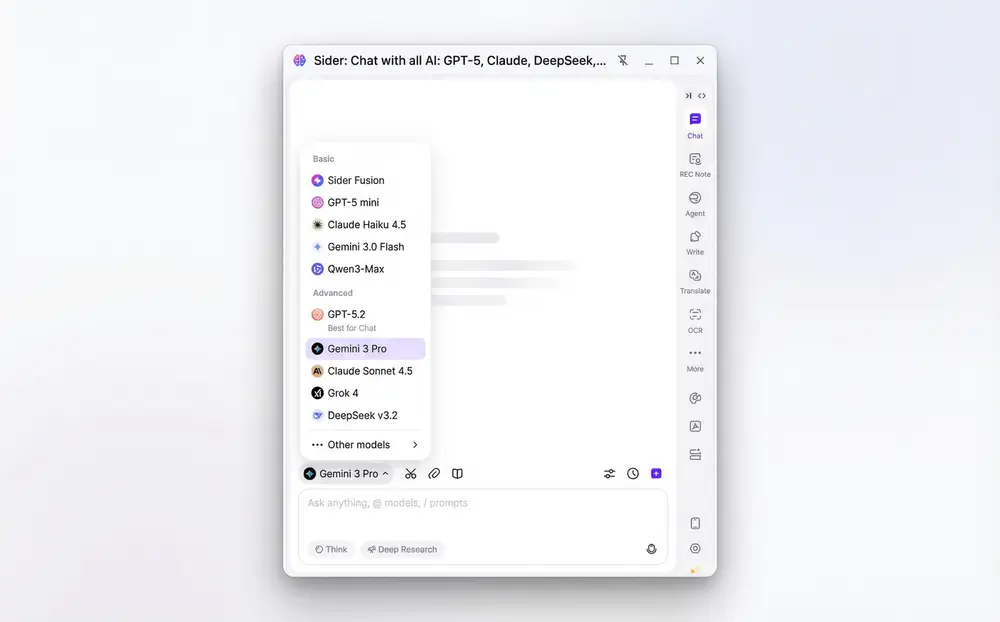
Access All Top AI Models
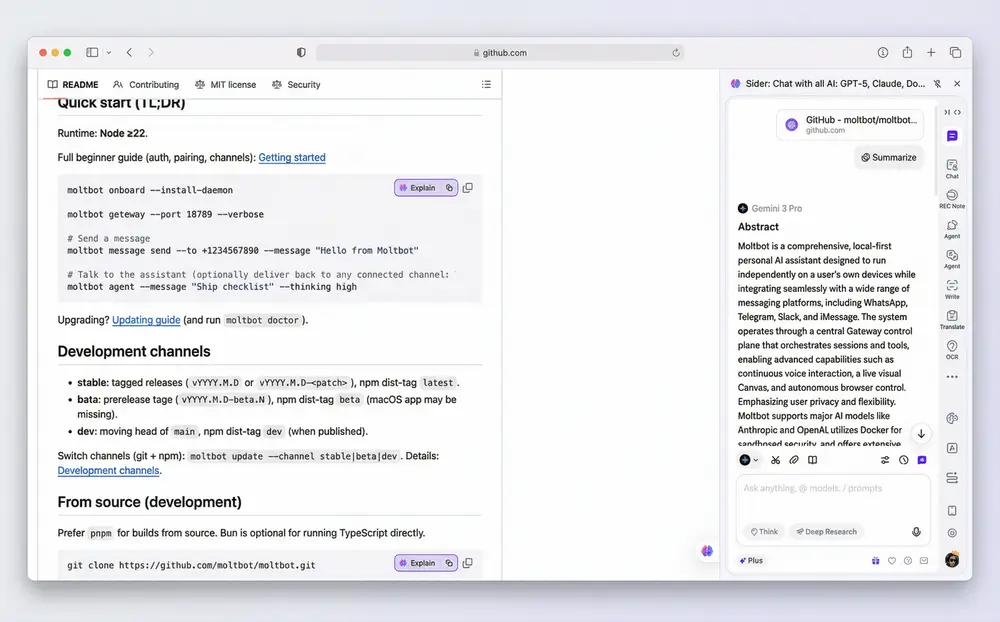
Chat Without Leaving Your Page
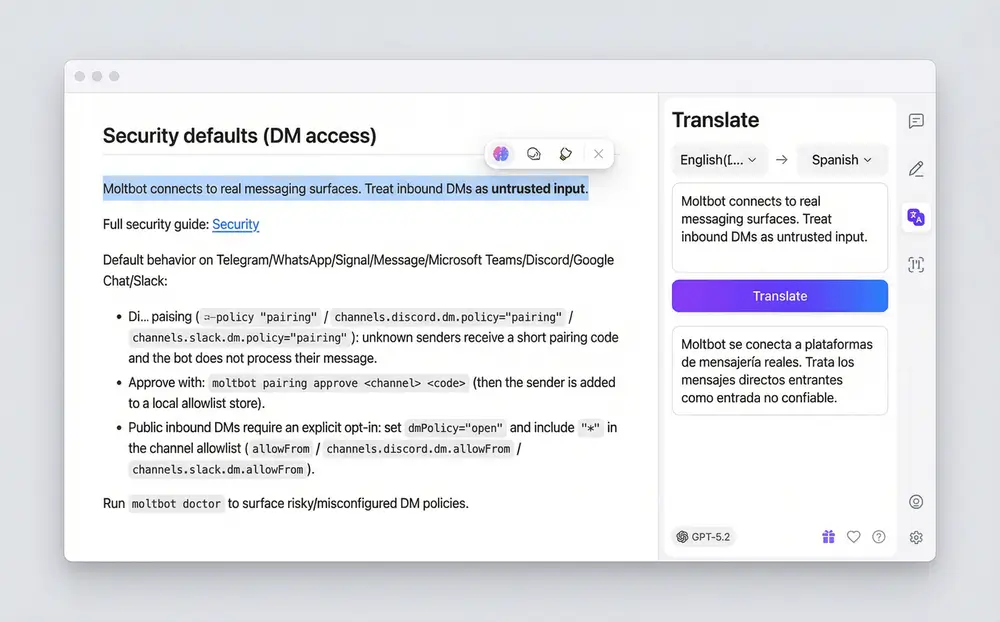
Instant Translation & Summarization
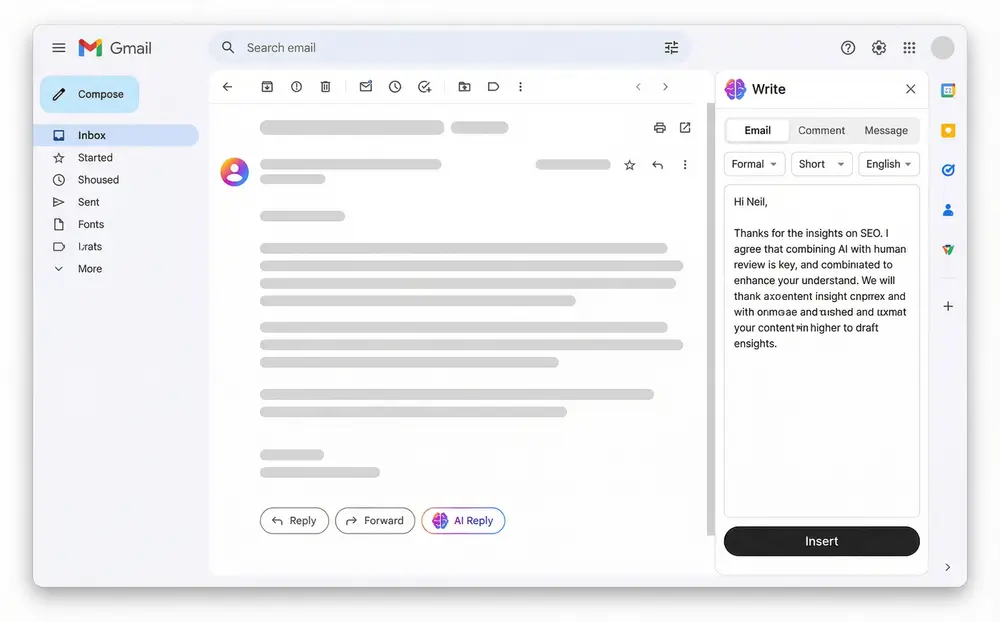
Writing Assistant at Your Fingertips
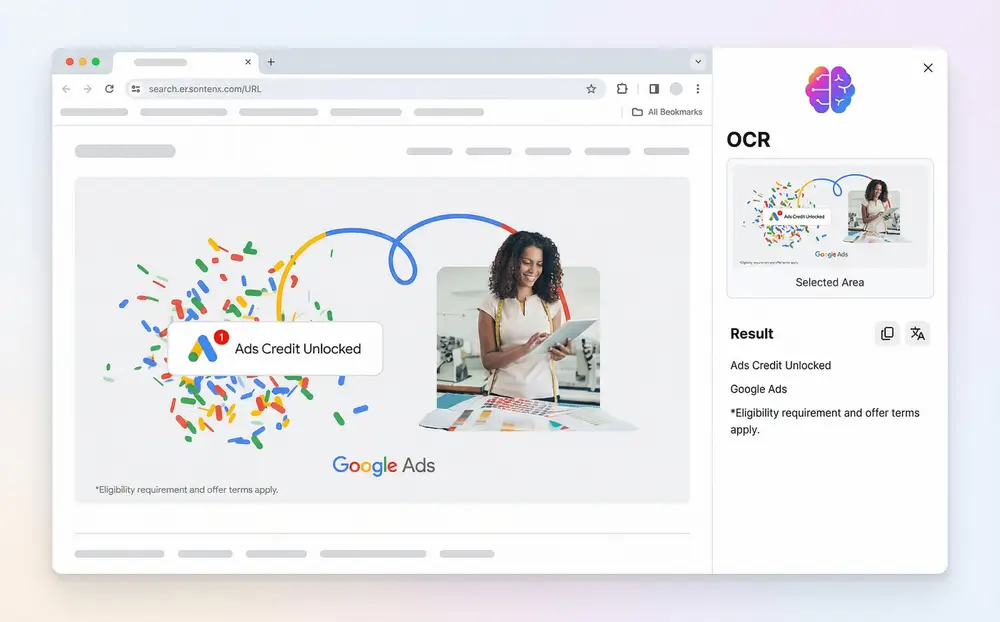
OCR & Image Analysis
How to Use Chrome Side Panel
Install Sider Extension
Add Sider to Chrome in seconds. The side panel extension works in your browser without any setup.
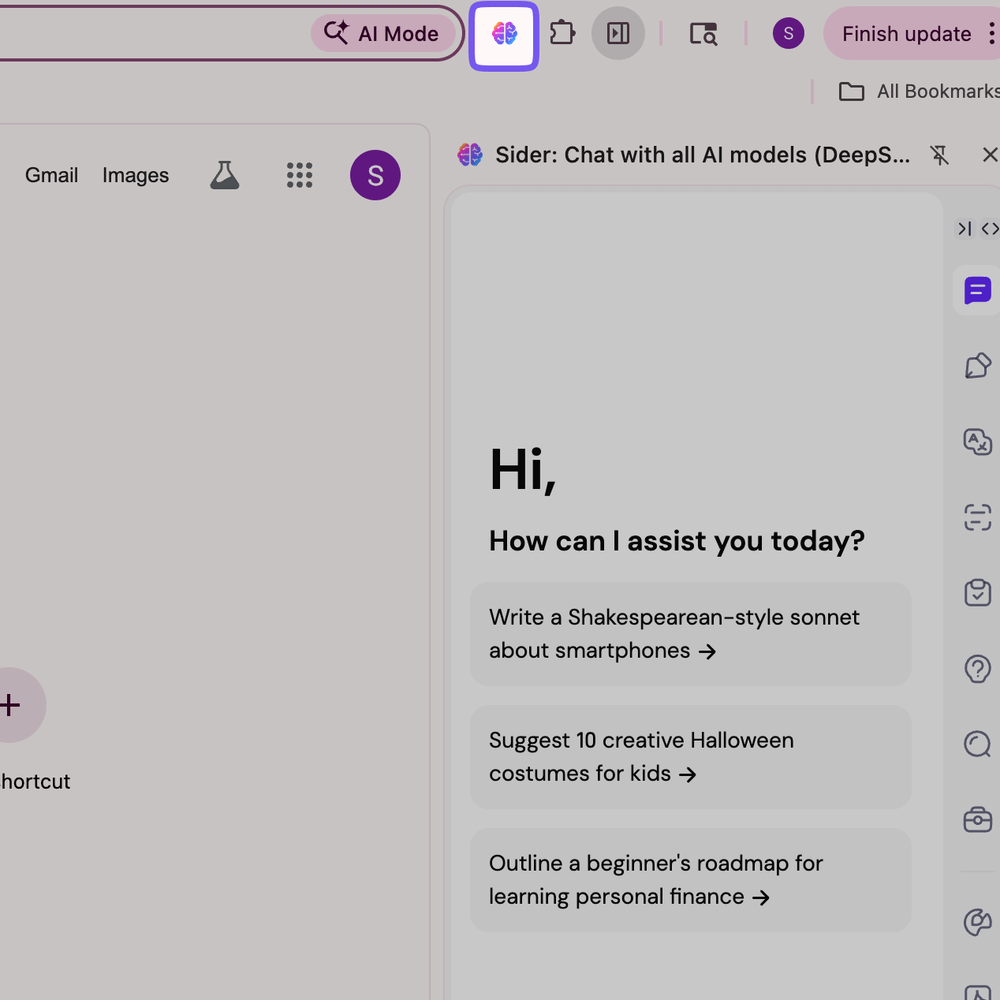
Open Your AI Side Panel
Click Sider icon to activate the chrome side panel. The AI assistant slides out instantly from the right side of your browser.
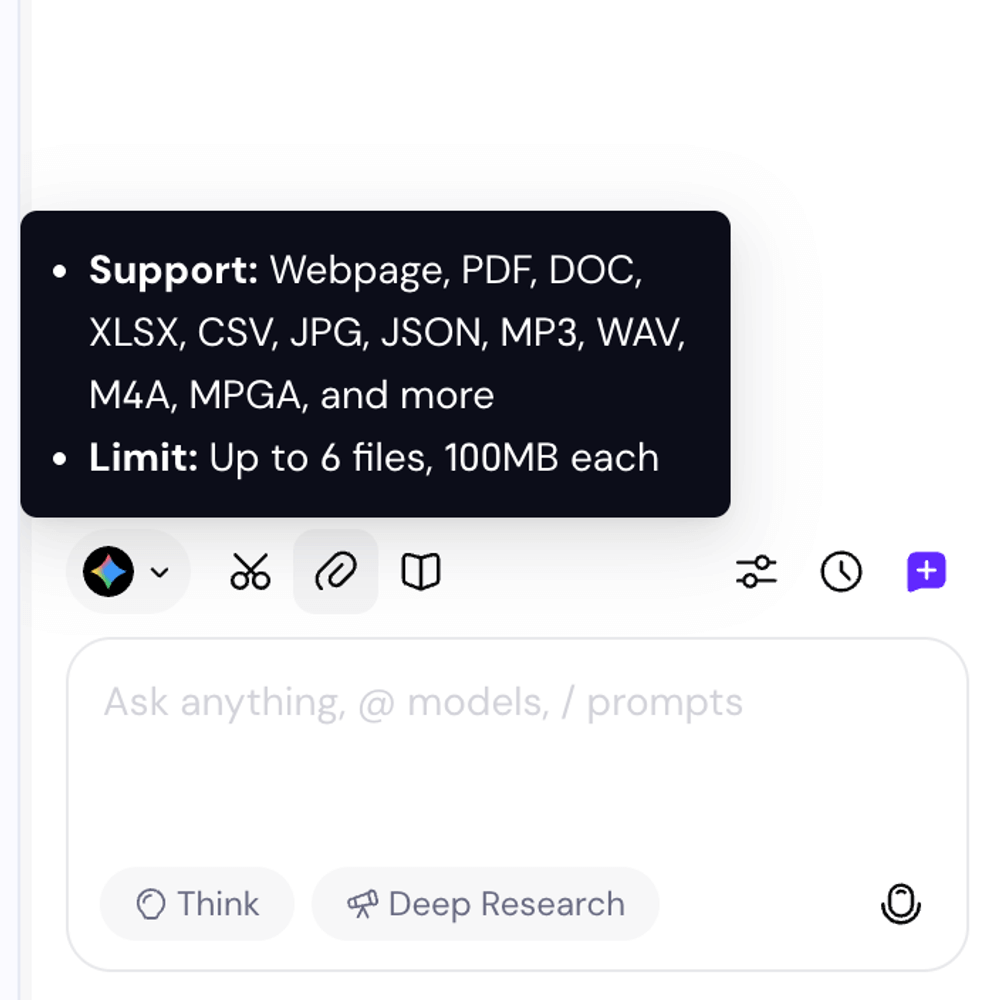
Ask Anything, Get Instant Answers
Chat with your current page, translate text, summarize content or ask general questions. The AI sidebar provides context-aware responses without interrupting your workflow.
Why Choose Sider Side Panel
No More Tab Switching
Stop opening new tabs for ChatGPT, Claude or translation tools. Sider keeps AI right where you need it—in your chrome side panel. Your context stays intact while you browse, research or write.
All AI Models in One Place
Why pay for multiple subscriptions when you can access GPT-5, Claude 4.5, Gemini 3 and more from a single chrome side panel? Compare model responses, switch between them and save money. One extension, unlimited AI power.
Boost Your Productivity
Save 2+ hours daily with instant summarization, translation and research. Researchers love the chat-with-page feature. Programmers use multiple models for code reviews. Content creators generate ideas without leaving their workflow.
Trusted by Millions
10M+
Active Users Worldwide
4.9/5
Average User Rating
2+ Hours
Time Saved Daily
10+
AI Models Supported