Natural AI Text to Speech for Seamless Listening

Give your eyes a break. Listen to any webpage or AI response with one click using ultra-realistic AI voices.

Add to Chrome - It's Free
2025 Chrome's Favorite
10M+ Active users
100K+ 5-star ratings

Powerful Features for Every Listener

Sider interface showing multiple AI voice options for text to speech.

High-Quality AI Voices for Every Context
Choose from 10 distinct, human-like ai voice profiles to find the tone that suits your needs. Sider provides one high-quality voice for text to speech free users, while premium members can access the full library. Whether for professional research or casual reading, our voices make the experience feel natural and engaging.
Download Sider Extension
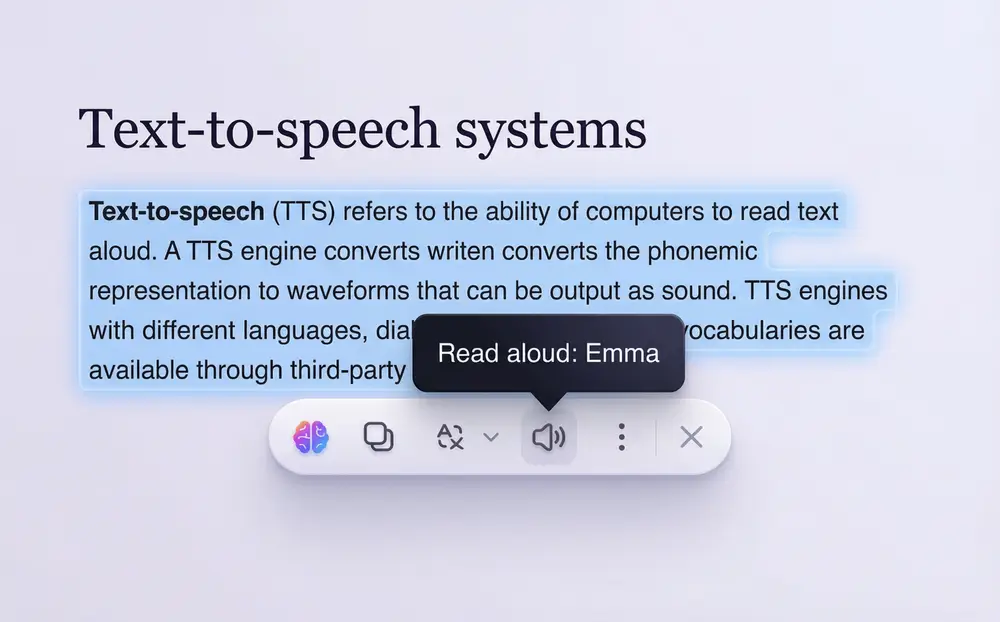
Highlighting text on a webpage to trigger the Sider read aloud feature.

Smart Highlights & Instant Narration

Sider text reader is built for pure flexibility. While browsing on Chrome or Edge, simply highlight any text. A "Read Aloud" button appears immediately, allowing for instant narration. It’s the perfect solution for writers proofreading their work or students tackling long academic articles.
Download Sider Extension
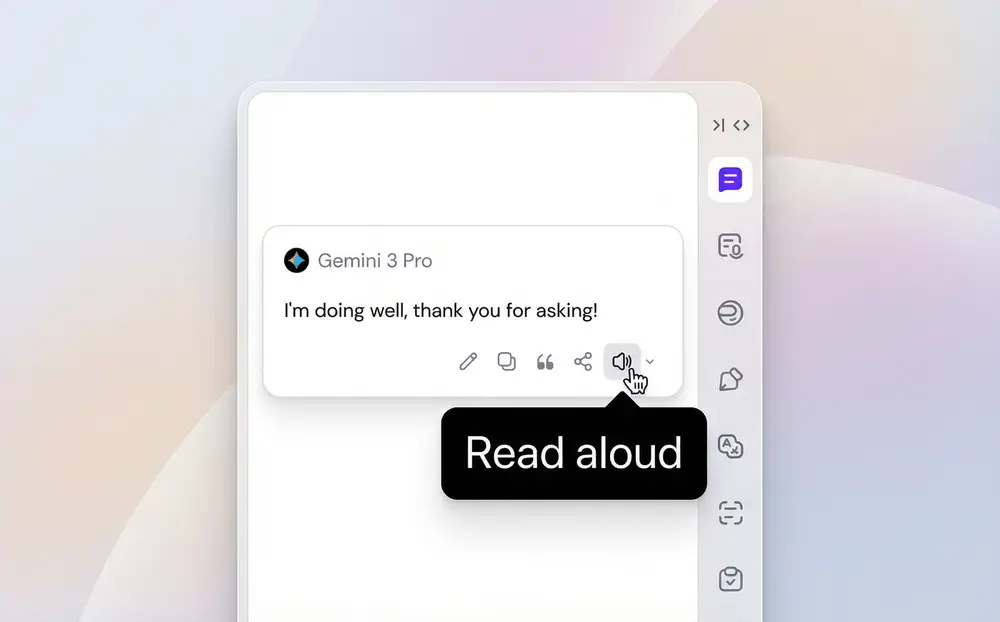
AI chat interface showing the read aloud option for generated text.

Interactive AI Chat Narration

Sider integrates text to voice directly into your AI conversations. You can listen to your own prompts or the AI’s responses by clicking the "Read Aloud" button under each message. This is an essential tool for language learners practicing pronunciation or verifying translated content in real-time.
Download Sider Extension
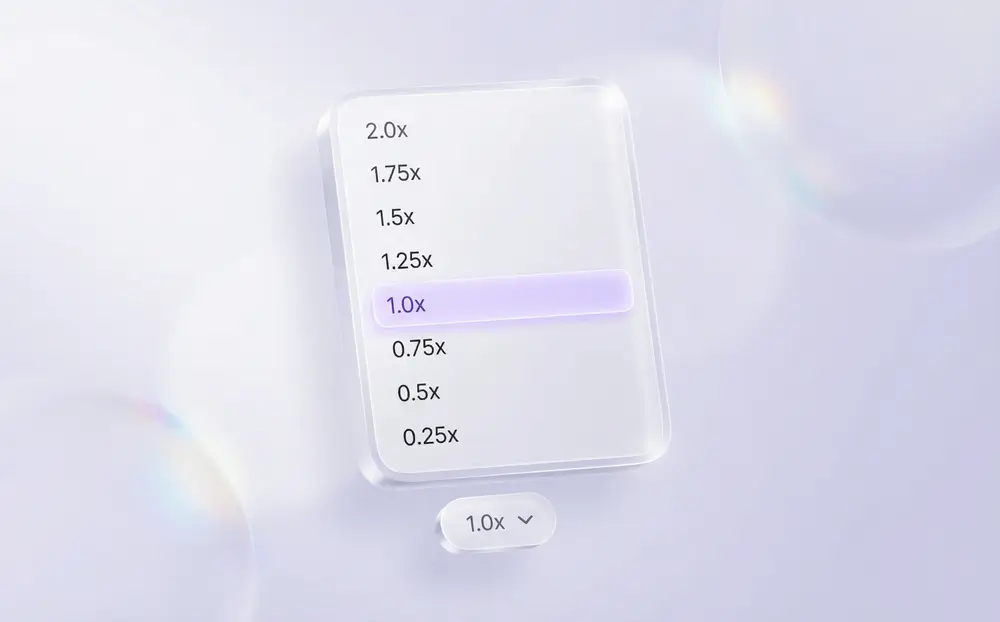
Speed adjustment settings for Sider text to speech playback.

Precision Speed Control (0.25x - 2x)

Tailor your listening experience to your exact requirements. Sider supports a wide range of playback speeds from 0.25x for deep study up to 2x for rapid information consumption. Control the pace of your read aloud session without losing voice clarity.
Download Sider Extension

How to Use Sider Read Aloud: 3 Simple Steps

Installing the Sider browser extension.
1

Install the Extension

Add Sider to your Chrome or Edge browser from the web store for free.
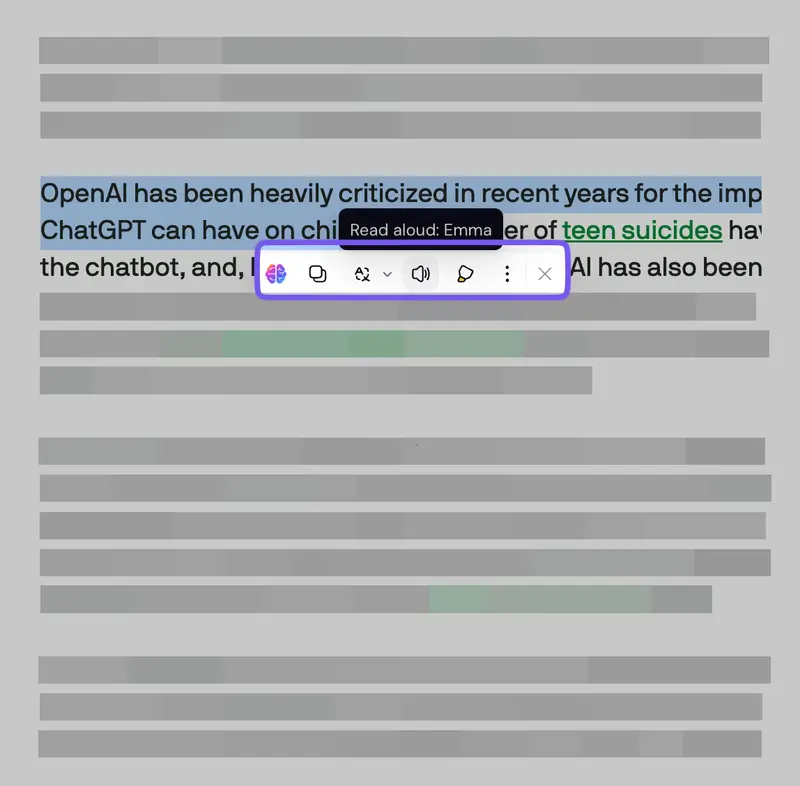
Selecting text for the text reader.
2

Highlight or Chat

Select any text on a webpage or interact with the AI assistant in the sidebar.
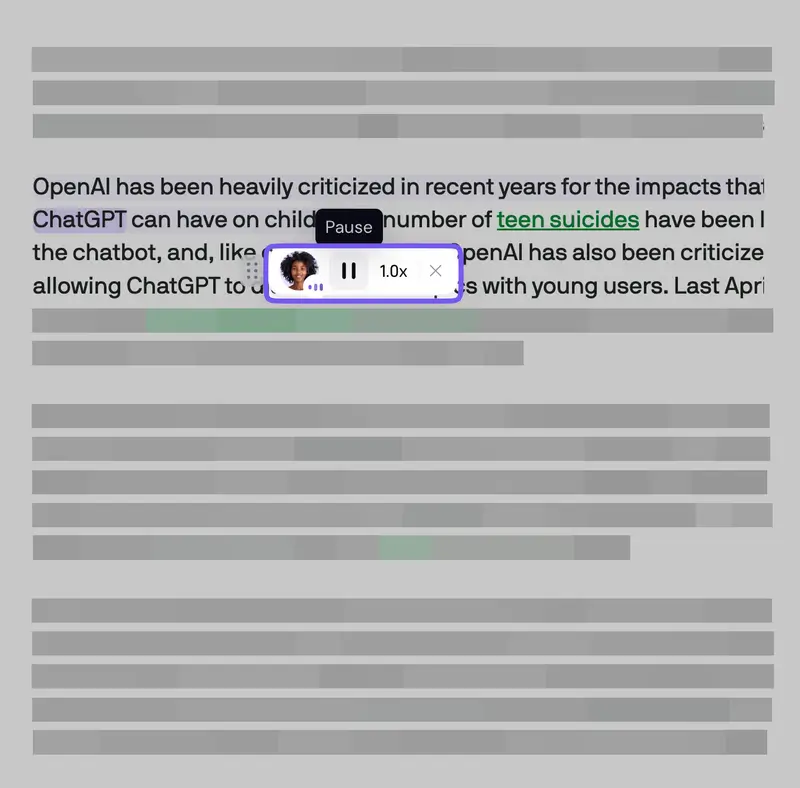
Activating the text to voice feature in Sider.
3

Click Read Aloud

Tap the speaker icon and select your preferred AI voice to begin listening.

Why Choose Sider?

All-in-One AI Productivity

Sider is a comprehensive AI sidebar. Use one extension to read, write, and chat across all websites, streamlining your workflow.

Personalized Audio Control

With speed adjustments and multiple voice options, Sider adapts perfectly to education, accessibility, or professional multitasking.

Human-Like Voice Quality

Leverage neural text to speech technology. Our realistic voices make it easier to stay focused for long periods.

By The Numbers

10

Natural AI Voice Profiles

0.25x - 2x

Flexible Playback Speed Range

10M+

Users Enhancing Their Productivity

4.9/5

Average User Rating on Chrome Web Store

What Our Users Say

"Sider's read aloud feature is perfect for my morning routine. I can listen to my favorite newsletters while getting ready. The free voice sounds great!"

Amanda K.

University Student

"As a writer, hearing my words read back to me is the best way to catch errors. The speed control is vital for my editing process."

David L.

Professional Writer

"This is the best text to speech extension I've found for Chrome. It works right in the sidebar so I don't have to leave the page I'm on."

Marcus T.

Tech Entrepreneur

Frequently Asked Questions

Yes, Sider is a freemium tool. We offer one high-quality text to speech free voice for all users. Premium subscribers get access to all 10 voices and additional AI features.

Currently, Sider is available as an extension for Chrome and Edge.

While Sider works on the vast majority of websites, there are a very small number of sites with restricted permissions or technical limitations where the read aloud feature may not activate.

Yes! You can use Sider to translate text into a new language and then use the read aloud feature to hear the correct pronunciation at a slower speed (e.g., 0.5x).

Sider is optimized for real-time listening and productivity within your browser. Currently, we do not support exporting audio files, as our focus is on providing a seamless in-browser text to voice experience.

Sider offers a total of 10 professional AI voices. Free users have access to one voice, while premium users can choose any of the 10 to suit their preference.

Ready to Listen to the Web?

Install the Sider extension now and experience the most natural text to speech available on your browser.

Get Sider for Free Now