
AI Chrome Extension - Multi-Model Browser Sidebar Assistant
Turn any webpage into an AI workspace. Chat with GPT-5.4, Claude 4.7, and Gemini 3.1 directly in your browser sidebar. No tab switching, no copy-pasting—just AI assistance while you work.
Features of Sider AI Browser Extension
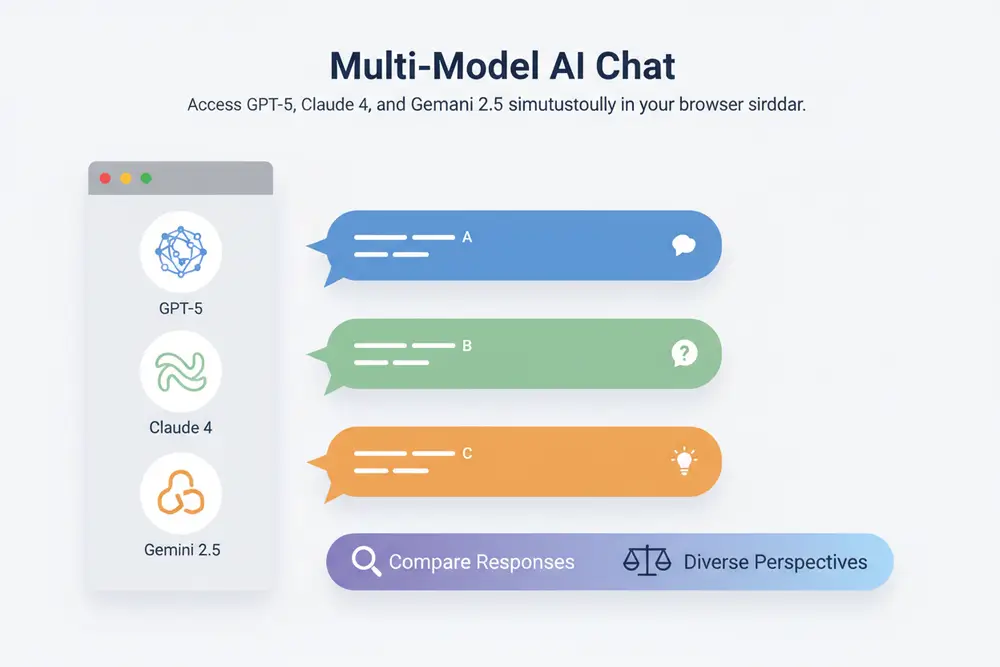
Multi-Model AI Chat
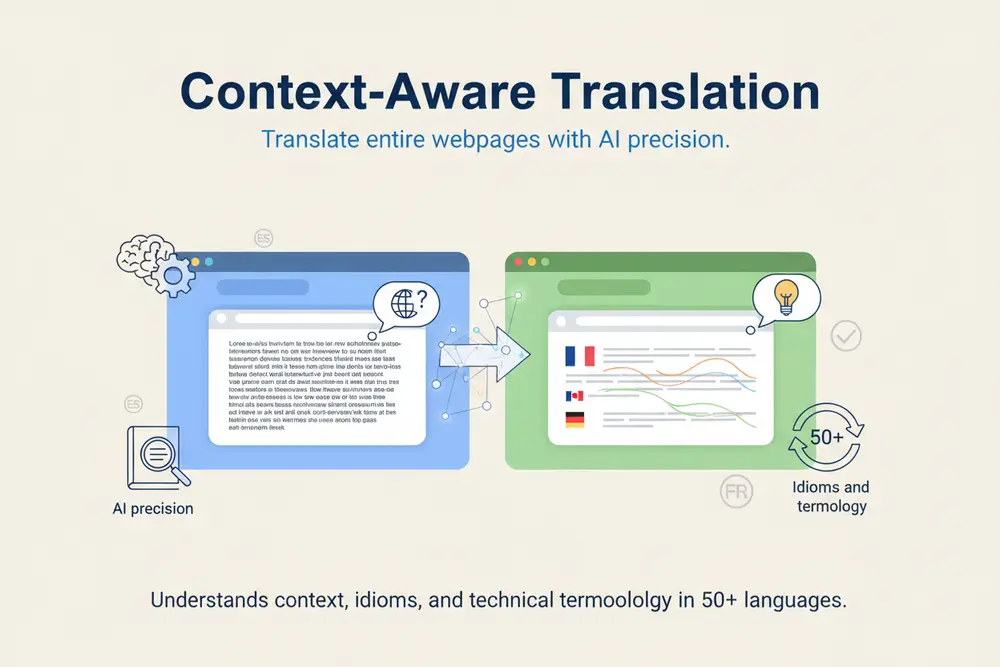
Context-Aware Translation
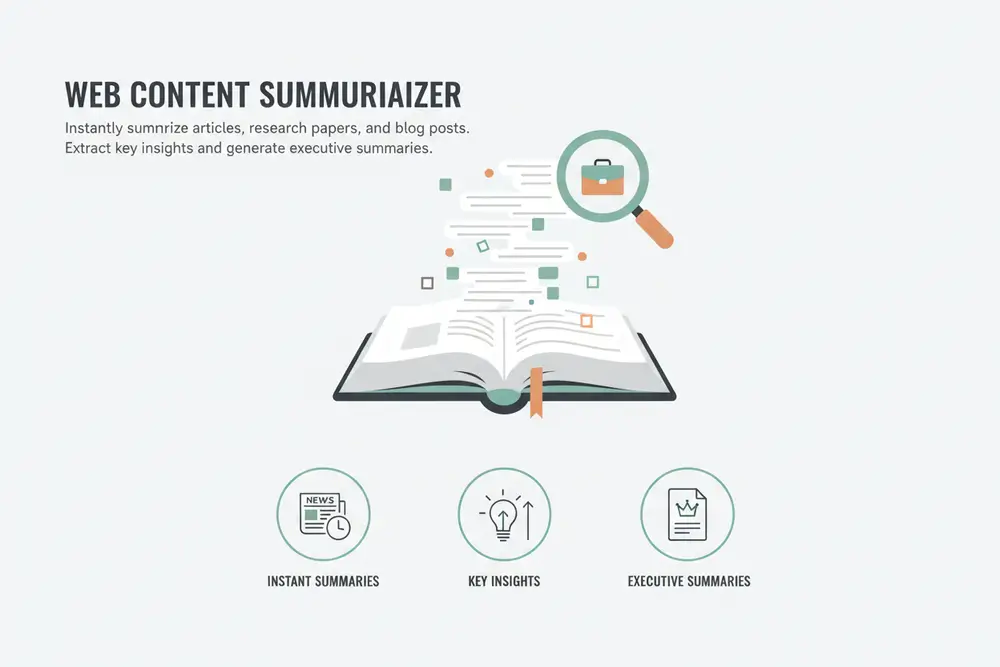
Web Content Summarizer
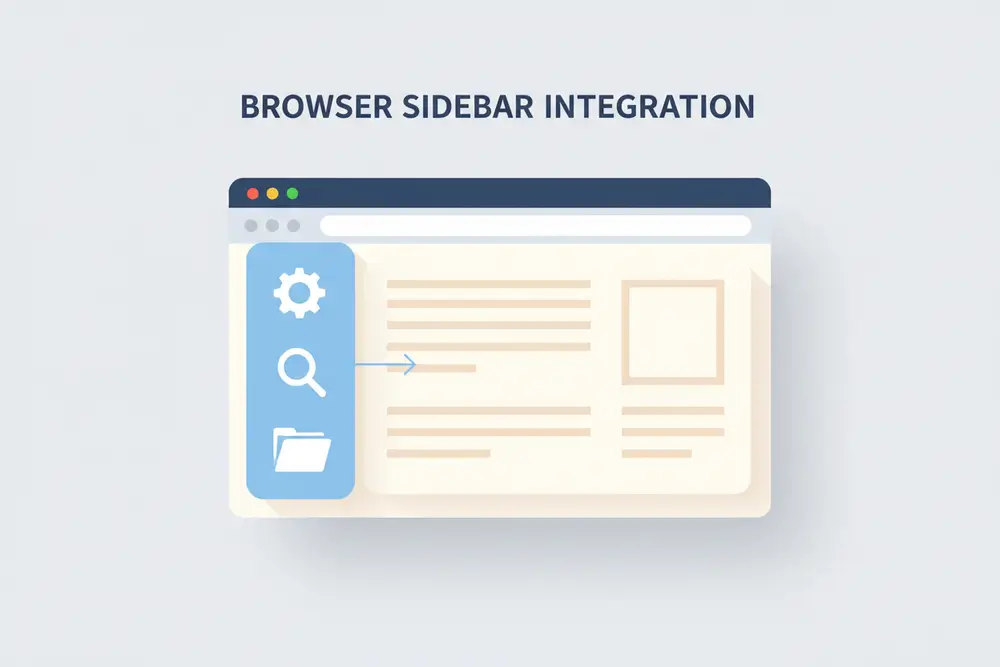
Browser Sidebar Integration
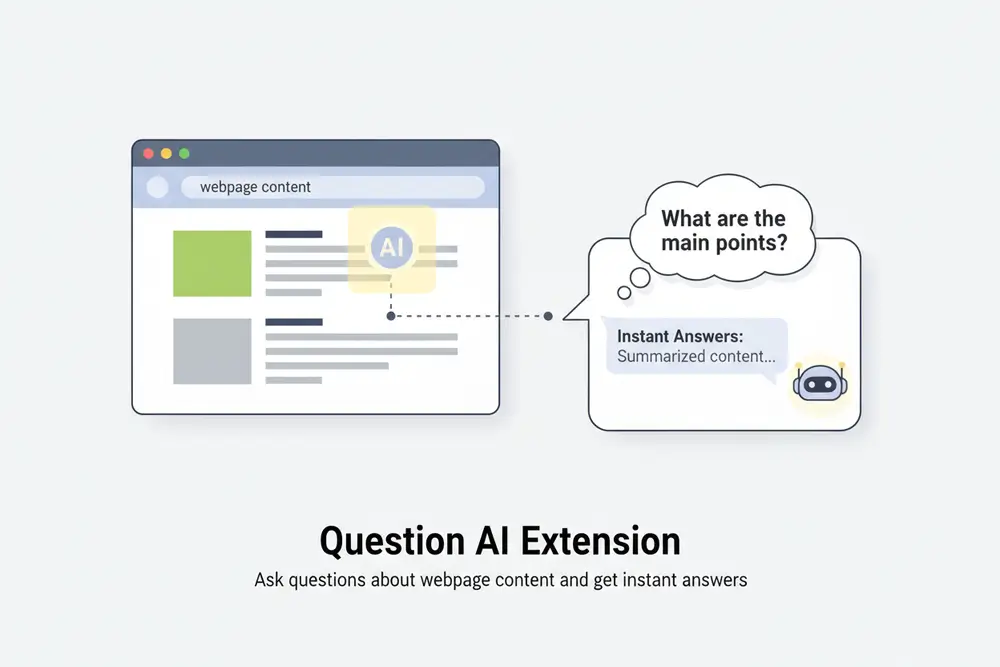
Question AI Extension
How to Use Sider AI Chrome Extension
Install the Extension
Add Sider AI to Chrome or Edge from the official web store. Installation takes seconds, and the extension will appear in your browser toolbar and sidebar.
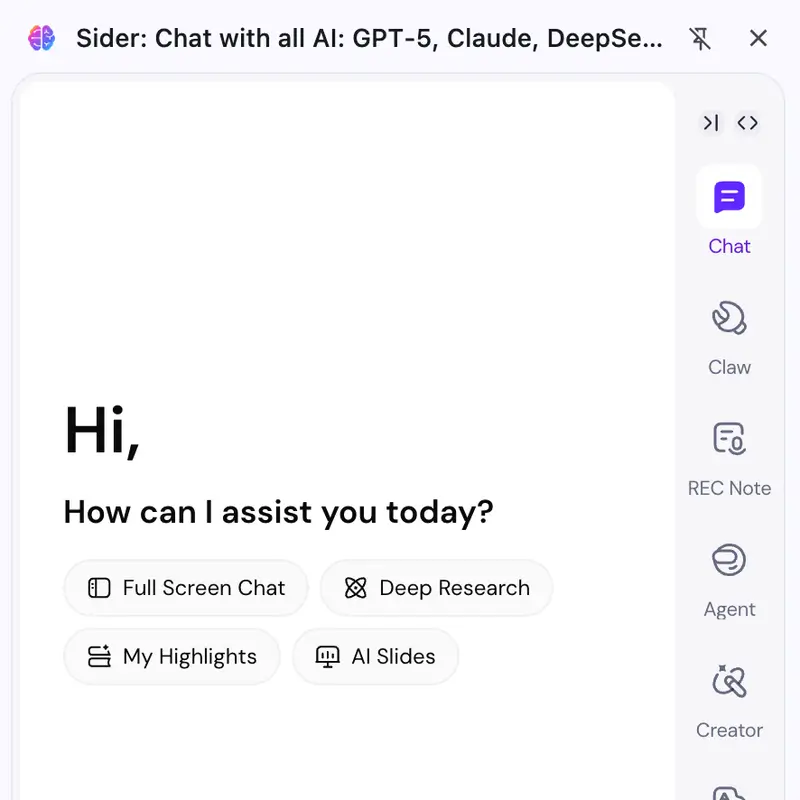
Open the Sidebar
Click the Sider icon in your browser. The sidebar opens on any webpage.
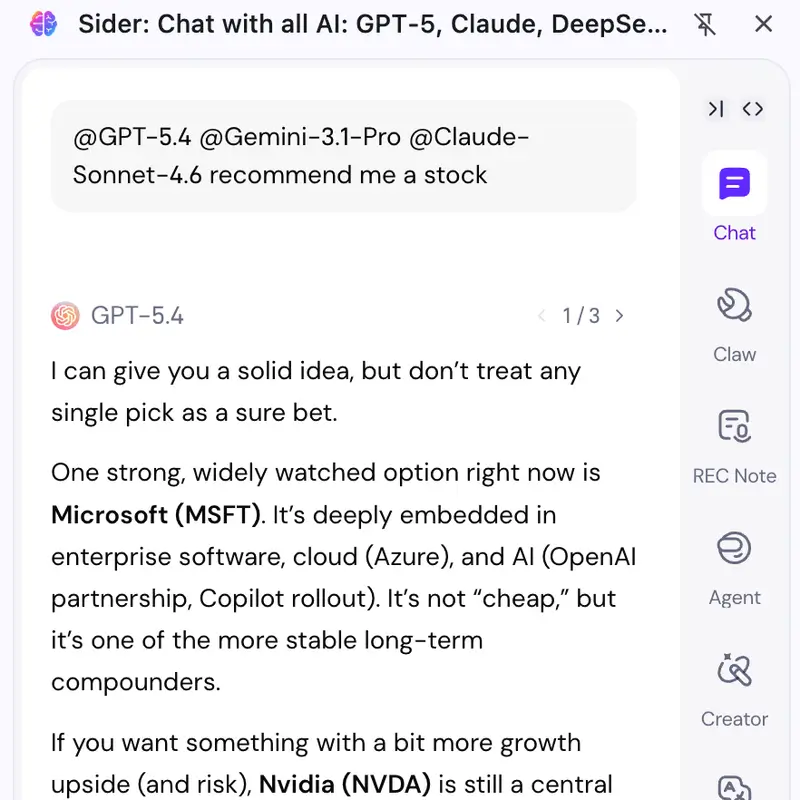
Start Interacting
Select text for quick actions like translate or explain, or open the chat to ask questions. Use multiple AI models, compare responses, and integrate AI into your daily browsing tasks.
Why Choose Us
Multiple AI Models in One Place
Compare responses from GPT-5, Claude 4, and Gemini 2.5 side by side. Each model has strengths—some are better at creative writing, others at technical analysis. Sider lets you use the best of each AI.
Direct Browser Integration
Built as a native browser extension for Chrome and Edge. Sider works where you work—no opening new tabs, no copying content to separate apps. Click and interact with AI on the page you're viewing.
Context-Aware Intelligence
Unlike standalone AI chat tools, Sider understands what's on your screen. Summarize articles, translate webpages, and get explanations directly from the content you're viewing. No copying, no context loss.
Trusted Worldwide
50+
Languages Supported
10+
AI Models Available
10M+
Active Users Worldwide
Chrome & Edge
Browser Compatibility