
AI Email Writer - Gmail Widget & One-Click Replies
Generate contextual Gmail replies with one click. Customize tone, adjust length, and write in 50+ languages. The AI Reply widget understands your email context instantly.
AI Email Writer Features
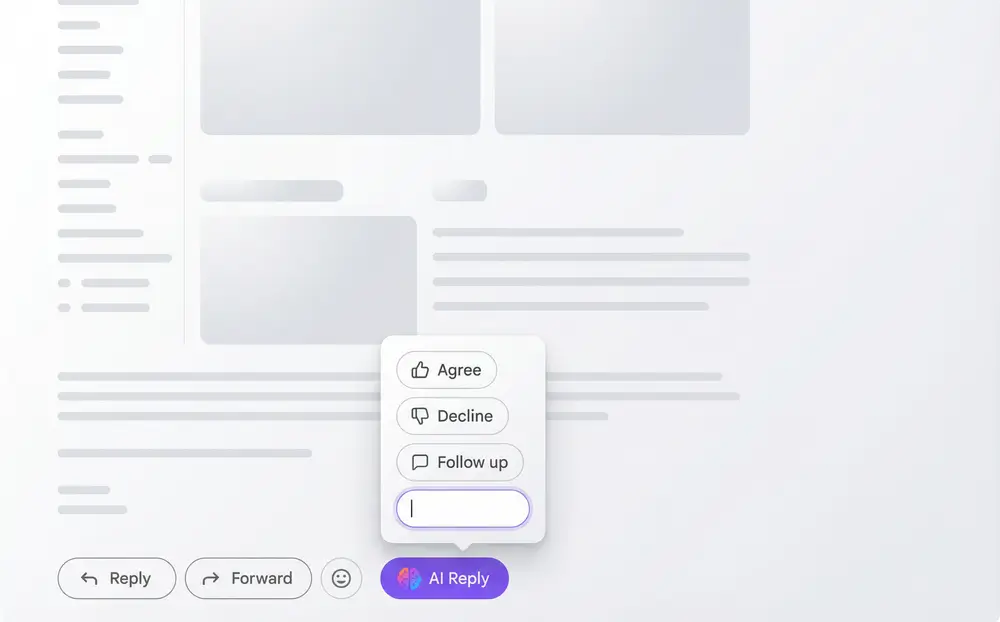
Gmail AI Reply Widget
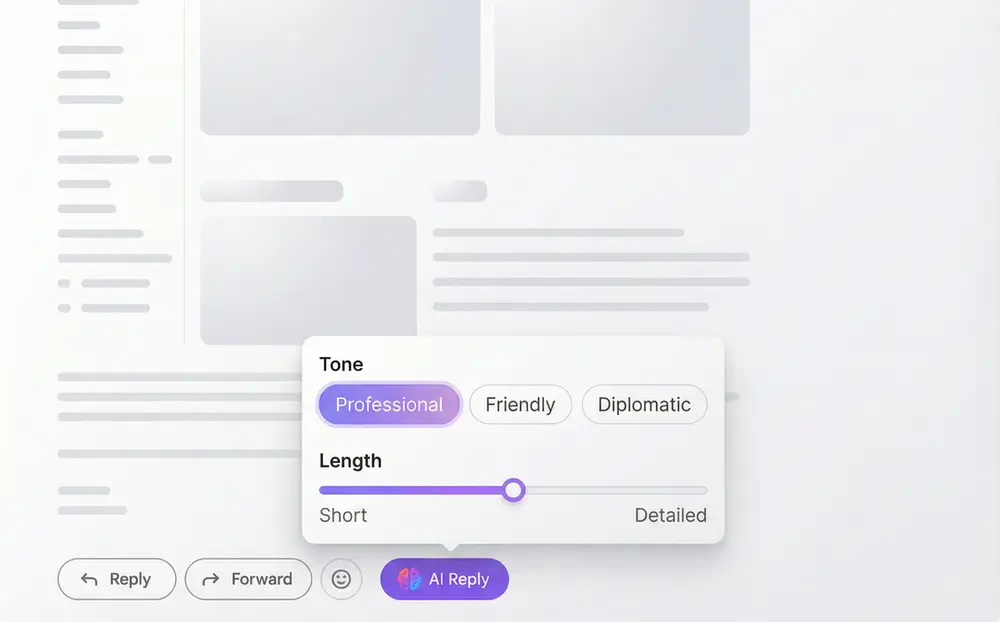
Tone & Length Customization
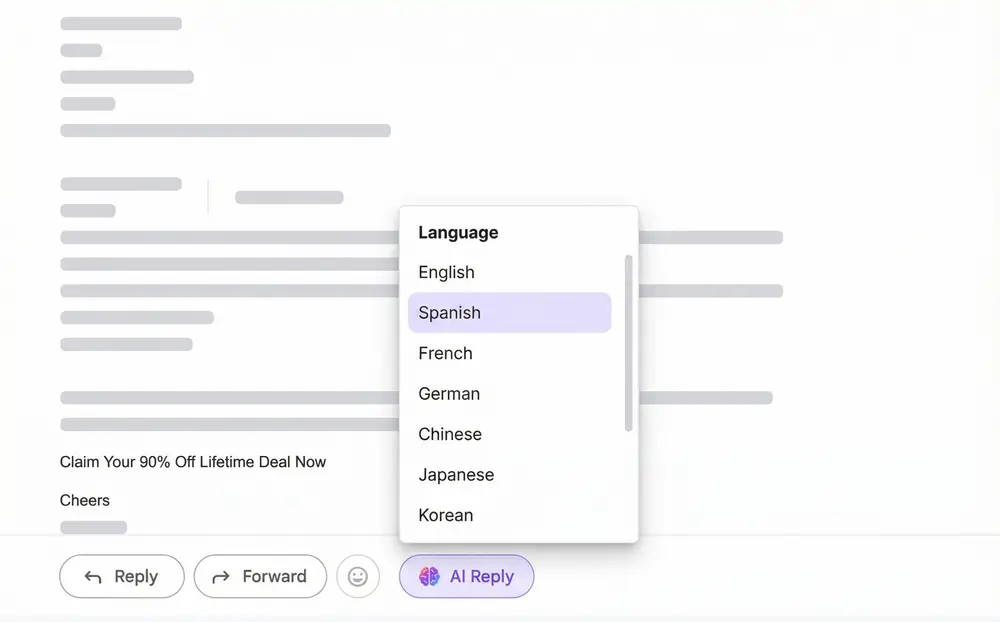
Multi-Language Email Support
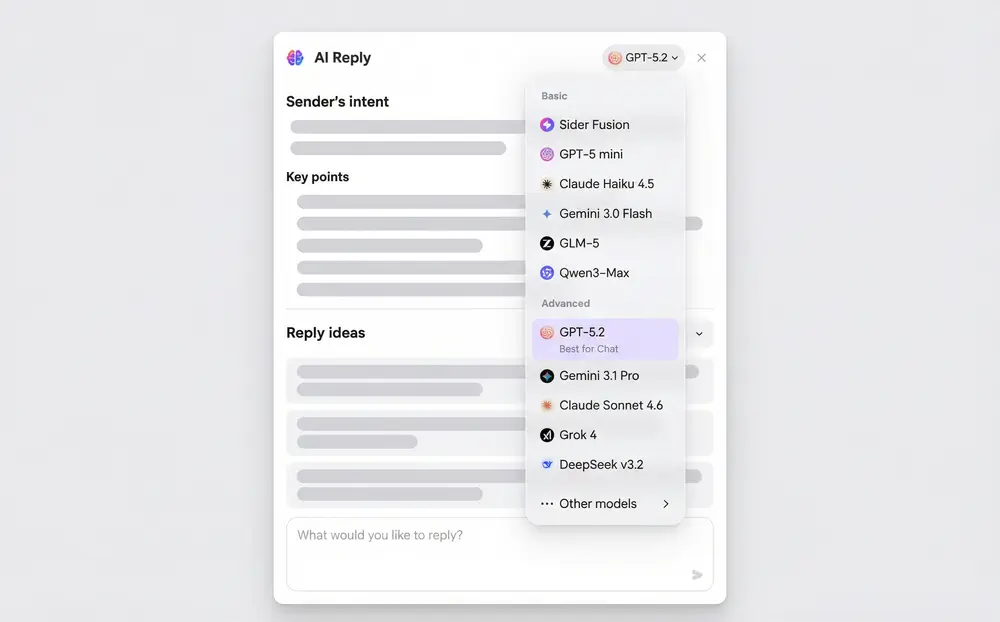
Flexible AI Model Selection
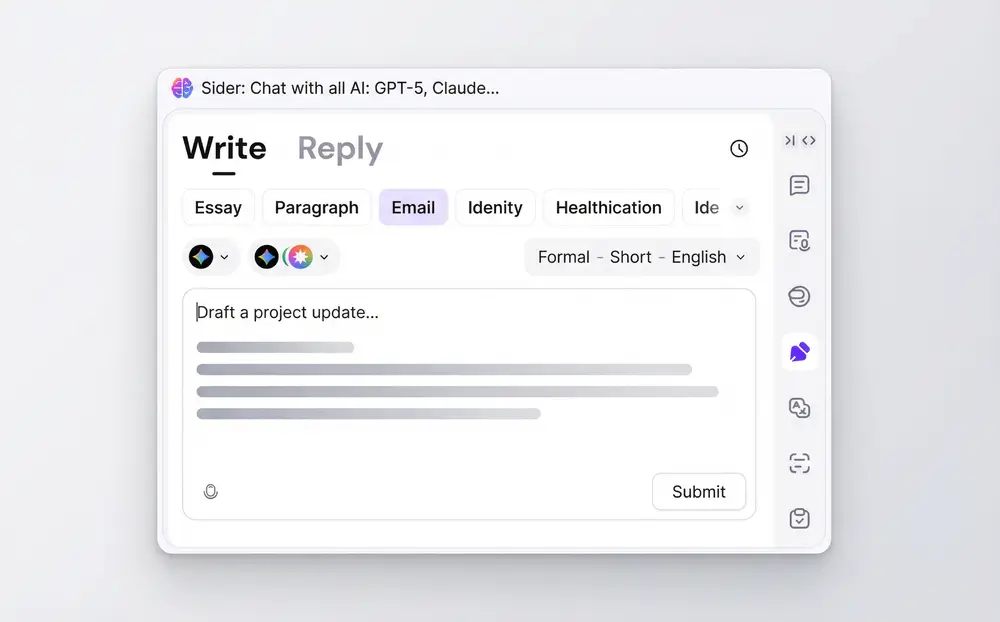
Write Emails From Scratch
How AI Email Writer Works
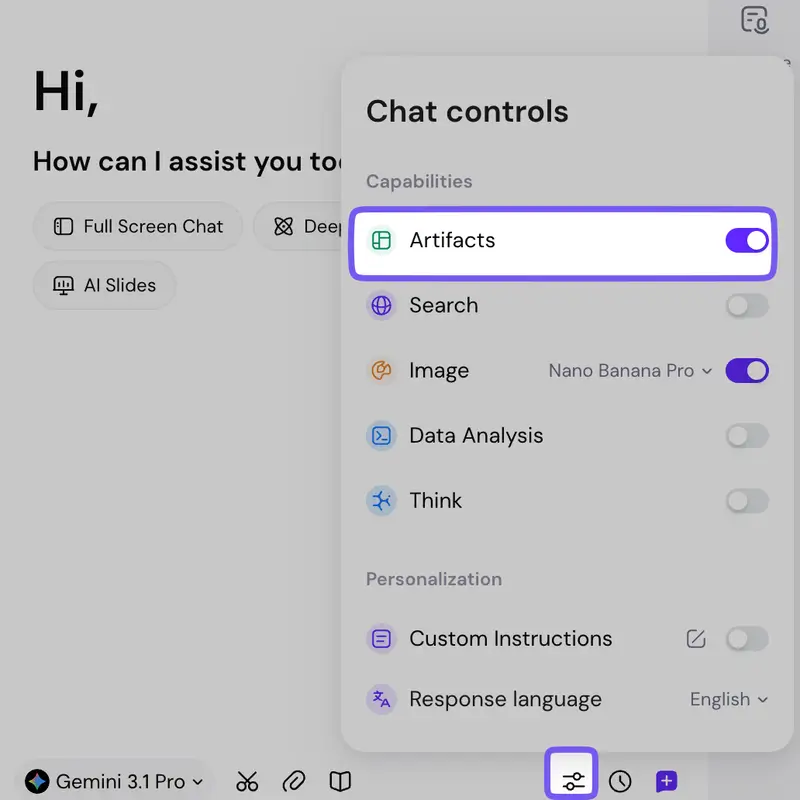
Install Sider Extension
Add Sider to Chrome or Edge from the web store. It connects to Gmail automatically. No setup required - the AI Reply widget shows up in your inbox right after installation.
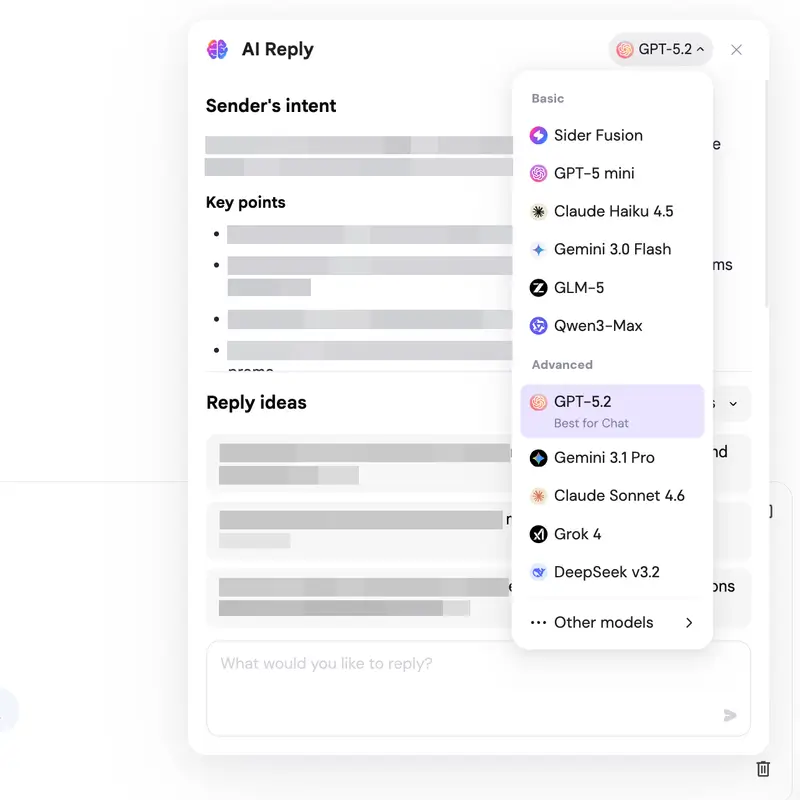
Use AI Reply Widget
Click the AI Reply button in any Gmail message. You'll see suggestions or can type your own intent. AI generates a response based on the conversation. Pick your tone and length, then click to insert it into Gmail's compose field.
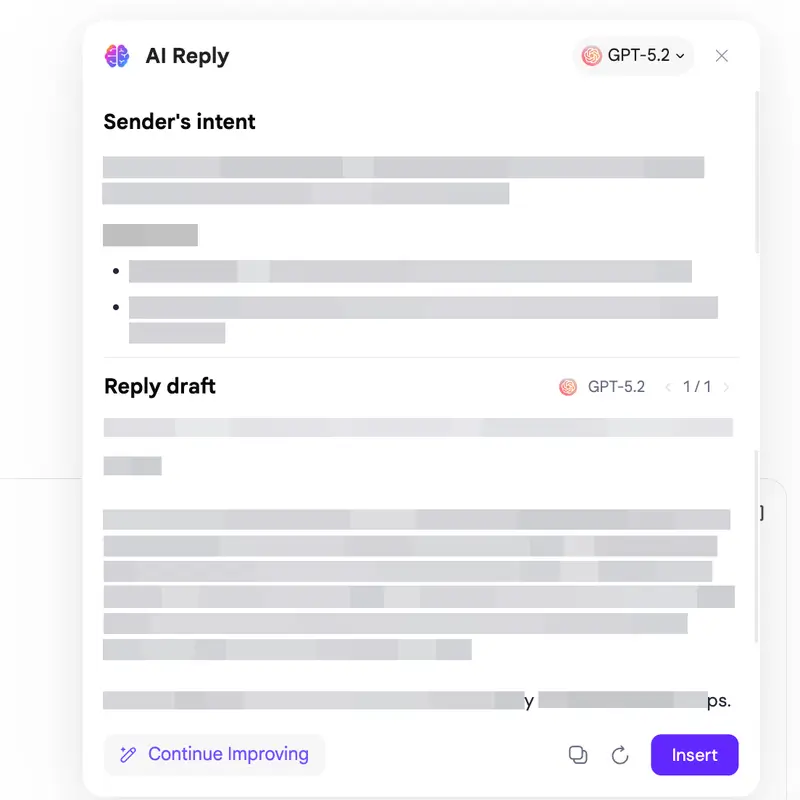
Edit and Send
Check the AI response and make changes. Adjust tone, add personal details, expand sections. When it's ready, send it. For new emails, use the Write menu to generate drafts from scratch.
Works on both Chrome and Edge browsers
Why Choose Sider AI Email Writer
Context-Aware Understanding
Sider reads your whole email thread, not just the latest message. It knows the history, commitments, and ongoing discussions. Replies are accurate because AI actually understands the conversation - not generic responses that miss the point.
One-Click Efficiency
Stop writing emails from scratch. The AI Reply widget gives you instant suggestions for agree, decline, follow-up, and more. Click, review, insert. If you process dozens of emails daily, this saves hours every week.
Multi-Language Communication
Work across time zones or in a second language. Sider handles translations that respect cultural etiquette. Non-native speakers can write emails confidently, knowing they'll be clear and appropriate for business.
Trusted by Millions
10M+
Users worldwide
50+
Languages supported
100K+
5-star reviews
4.9/5
Chrome Store rating