AI for Students - Read Faster, Write Better, Study Smarter

Study with AI tools designed for students. Summarize research papers in seconds, draft essays with confidence, and compare AI models side by side. All for free.

Install Sider AI for Students
10M+ Active students
4.9/5 Student ratings
50+ Languages

AI Tools for Students

Study smarter with features designed for academic success
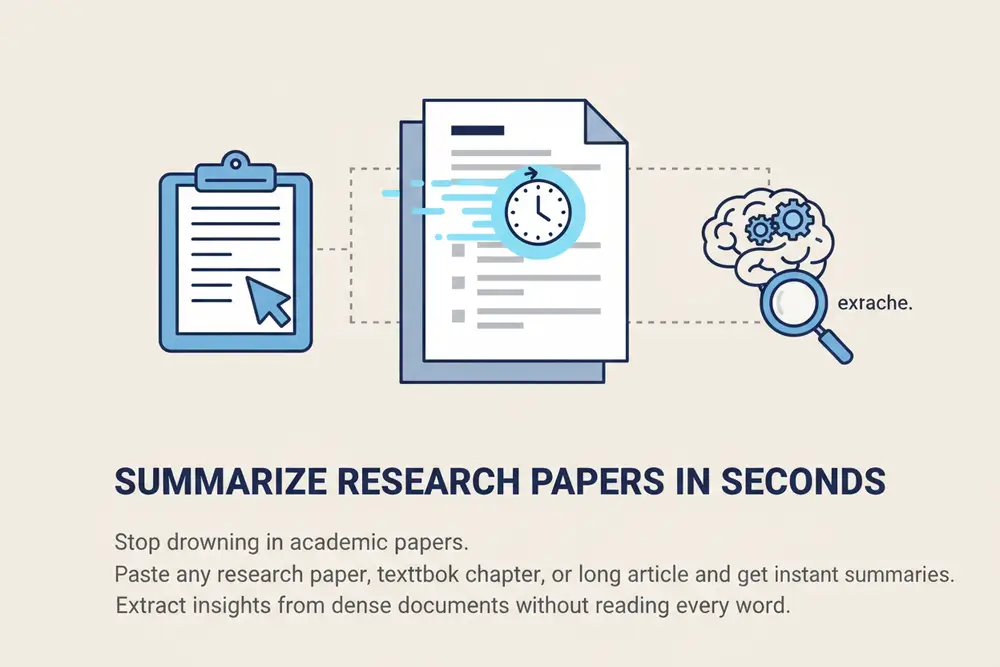
Illustration showing a research paper being summarized into key bullet points and highlights

Summarize Research Papers in Seconds
Paste any research paper, textbook chapter, or long article and get instant summaries that capture key points, findings, and conclusions. Extract insights from dense documents without reading every word.
Download Sider Extension
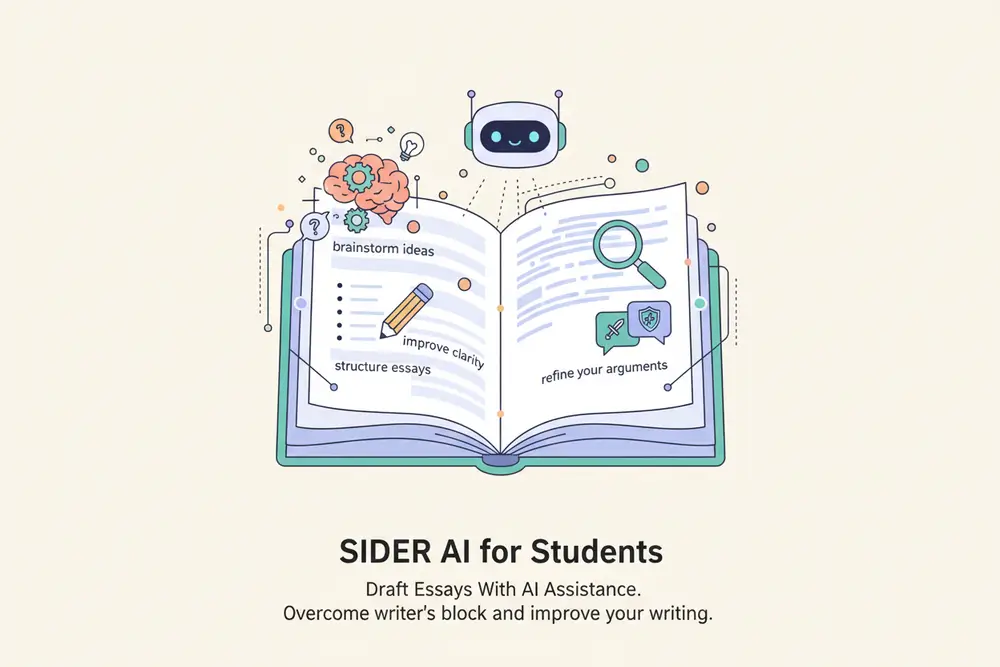
Illustration showing essay writing process with AI suggestions and improvements appearing alongside student's work

Draft Essays With AI Assistance

Sider AI for students helps you brainstorm ideas, structure essays, improve clarity, and refine your arguments. Whether starting from scratch or polishing a final draft, get feedback that helps you write better.
Download Sider Extension
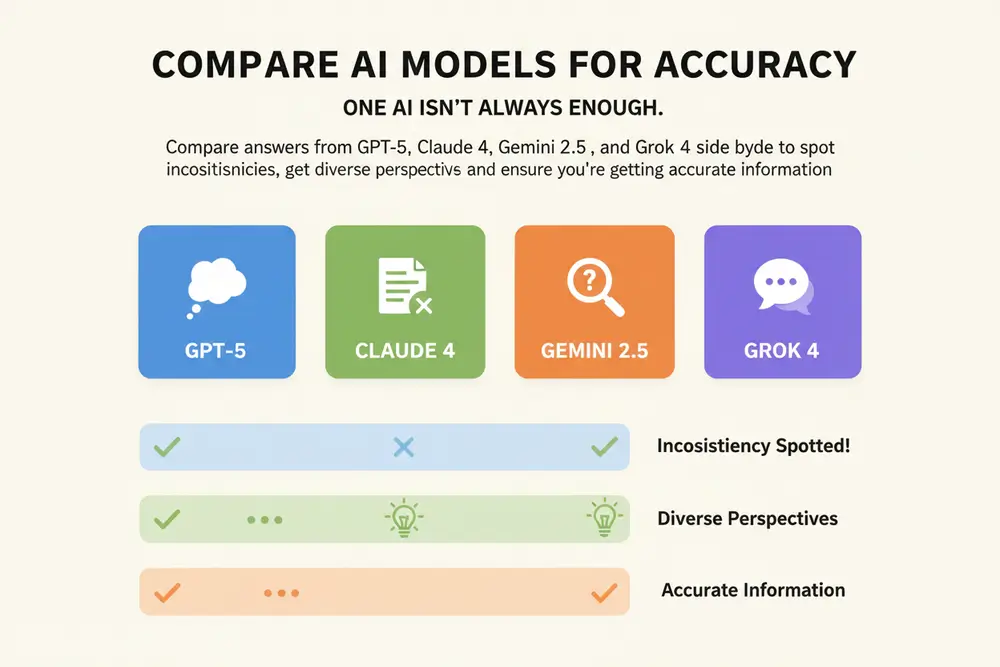
Illustration showing three AI models providing answers to the same question with comparisons highlighting differences

Compare AI Models for Accuracy

Compare answers from GPT-5, Claude 4, Gemini 2.5, and Grok 4 side by side to spot inconsistencies, get diverse perspectives, and ensure you're getting accurate information. Think of it as having multiple tutors helping you study.
Download Sider Extension
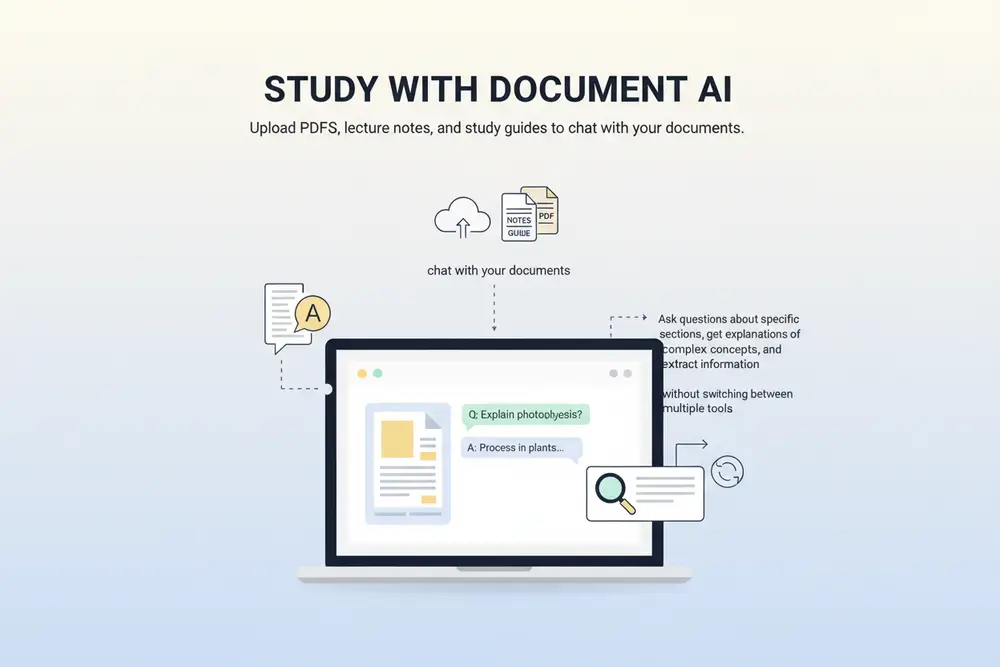
Illustration showing a student chatting with a PDF document, asking questions and getting highlighted answers

Study With Document AI

Upload PDFs, lecture notes, and study guides to chat with your documents. Ask questions about specific sections, get explanations of complex concepts, and extract information without switching between multiple tools. All your materials in one place.
Download Sider Extension
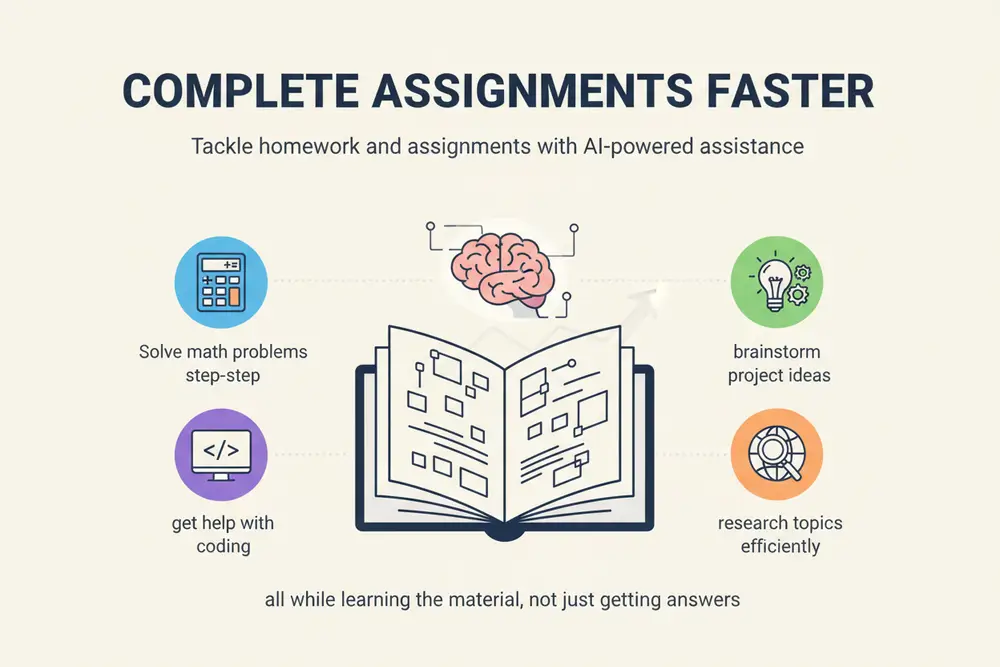
Illustration showing various assignment types being tackled with AI assistance

Complete Assignments Faster

Tackle homework and assignments with AI-powered assistance. Solve math problems step-by-step, get help with coding, brainstorm project ideas, and research topics efficiently while learning the material.
Download Sider Extension

How to Use AI for Students

Browser extension installation interface with Add to Chrome button
1

Install Sider AI

Add Sider AI to your Chrome or Edge browser in seconds. No account signup required to get started with core features.
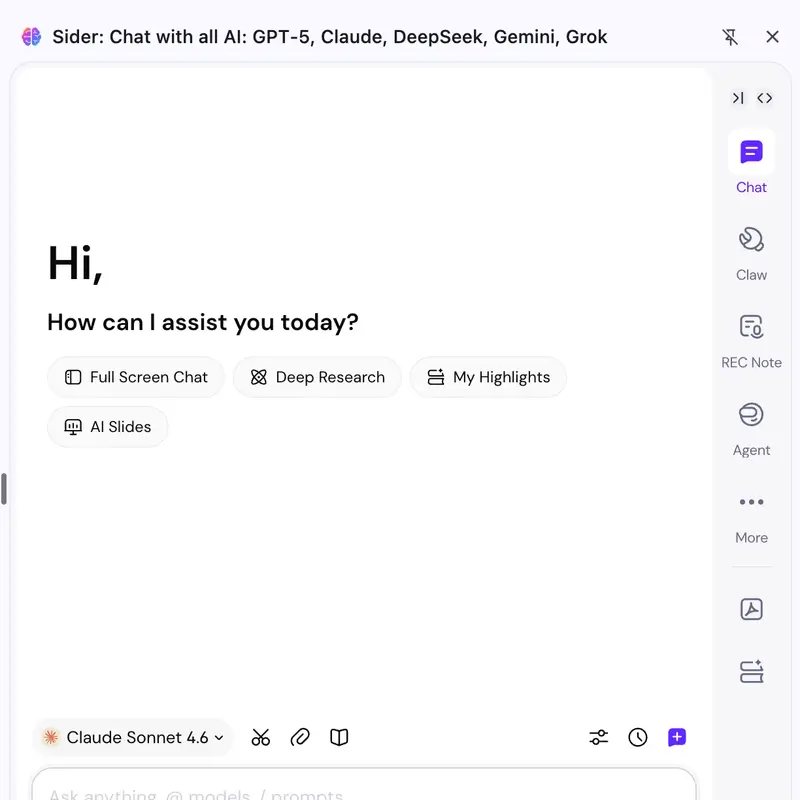
Browser interface showing Sider AI sidebar activated with student working on research paper
2

Activate While Studying

Open any webpage, PDF, or document and activate Sider AI. Highlight text, ask questions, or upload files directly from your browser.
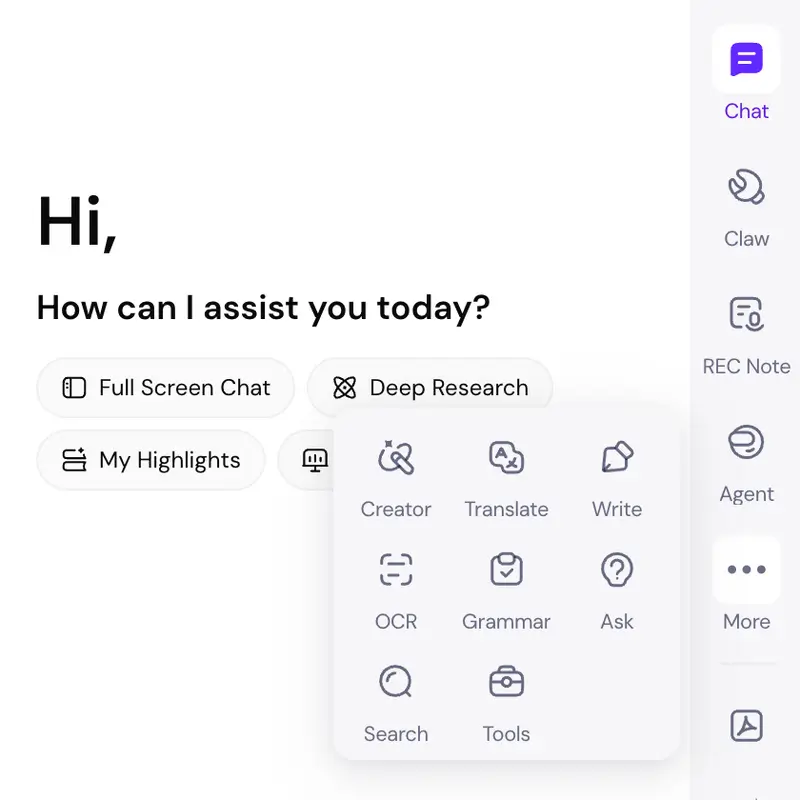
Student successfully completing assignments with AI assistance
3

Learn Smarter

Use AI to summarize, explain, draft, and improve your work. Compare answers, get explanations, and study more efficiently.

Works on Chrome and Edge browsers

Why Choose Sider AI

Multi-Model Intelligence

Access the best AI models in one place. GPT-5, Claude 4, Gemini 2.5, and Grok 4 work together to help you learn.

Browser-Based Convenience

Study where you already work. Sider AI for students works in your browser, so you never have to switch tabs or download separate apps.

Designed for Learning

Sider AI for students is built with academic integrity in mind. Get assistance that helps you understand material, think critically, and produce original work.

By the Numbers

10M+

Active students worldwide

4.9/5

Average rating from students

50+

Languages supported

180+

Available in countries

What Students Say

Sider AI cut my research time in half. I can summarize papers and extract key points without reading every word. My grades have improved noticeably.

Sarah M.

Psychology Major

The multi-model comparison works well. I always cross-check answers, and Sider makes it fast. It's free too, which matters when you're a student on a budget.

James K.

Engineering Student

AI tools that respect how students actually work. I use Sider daily for homework and thesis prep. The document analysis features save me hours every week.

Emily R.

Graduate Student

Frequently Asked Questions

AI for students refers to artificial intelligence tools designed specifically to help with academic work. Sider AI for students includes features like summarizing research papers, drafting essays, comparing AI models, and document analysis—all accessible through a browser extension.

Yes, Sider AI for students is free to use. Core features like summarizing webpages, drafting essays, and comparing AI models are available at no cost. Premium features are available for advanced users who need more capabilities.

Sider AI for students supports multiple top AI models including GPT-5, Claude 4, Gemini 2.5, and Grok 4. You can compare answers from different models side by side to ensure accuracy and get diverse perspectives.

Installing Sider AI for students is simple. Visit the Chrome Web Store or Microsoft Edge Add-ons, search for 'Sider AI', and click 'Add to Browser'. The extension works on Chrome and Edge browsers.

Yes, AI can help with student assignments in many ways. Sider AI for students can summarize reading materials, help brainstorm essay ideas, improve writing clarity, explain complex concepts, and provide research assistance—all while you maintain control over your work.

The best AI tools for students combine multiple features in one interface. Sider AI for students includes document summarization, essay writing assistance, multi-model AI comparison, PDF analysis, and real-time research help—all accessible through your browser.

Sider AI for students requires an internet connection to access AI models and perform real-time analysis. However, once content is processed, you can access saved summaries and notes without reprocessing.

Study Smarter with AI for Students

Join millions of students using AI to read faster, write better, and learn more efficiently.

Install Sider AI for Students