ChatGPT Free - Browser Sidebar AI

Get ChatGPT free online with daily GPT-5 mini access. Multi-model AI assistant (ChatGPT, Claude, Gemini) in your browser sidebar for instant translations, explanations, and summaries without leaving your current page.

Install Free Extension
2025 Chrome's Favorite
10M+ Active users
100K+ 5-star ratings

Why Use ChatGPT Free with Sider?

Stop copy-pasting content to new tabs. Get ChatGPT free online where you work.
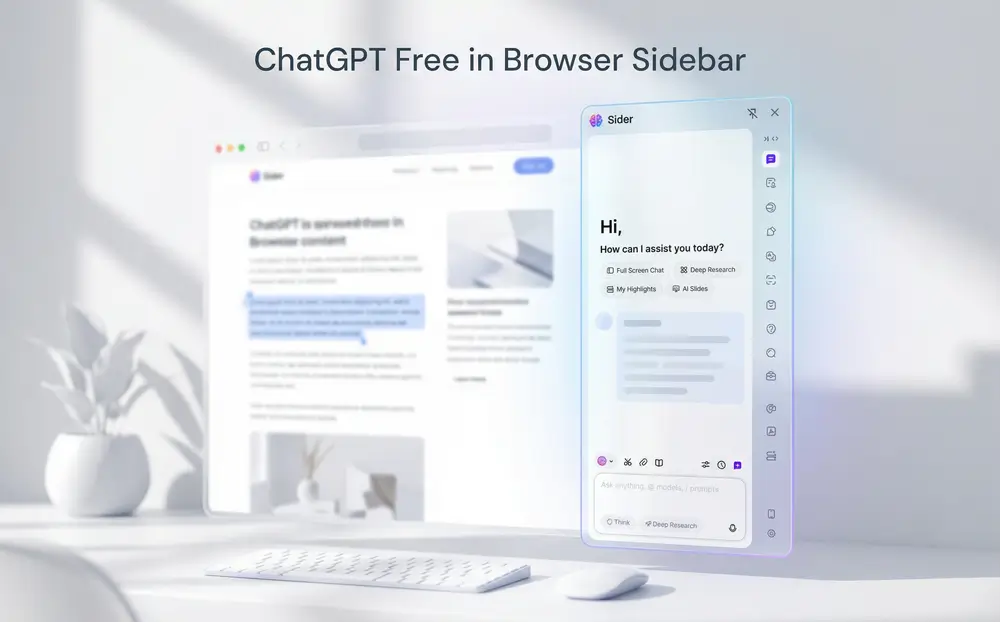
Screenshot showing Sider AI sidebar with ChatGPT chat interface

ChatGPT Free in Browser Sidebar

Access ChatGPT free online directly from your browser sidebar. Select text or click the Sider icon to translate, explain, summarize, or rewrite. Students, researchers, programmers, and content creators who process information daily save time this way.
Download Sider Extension
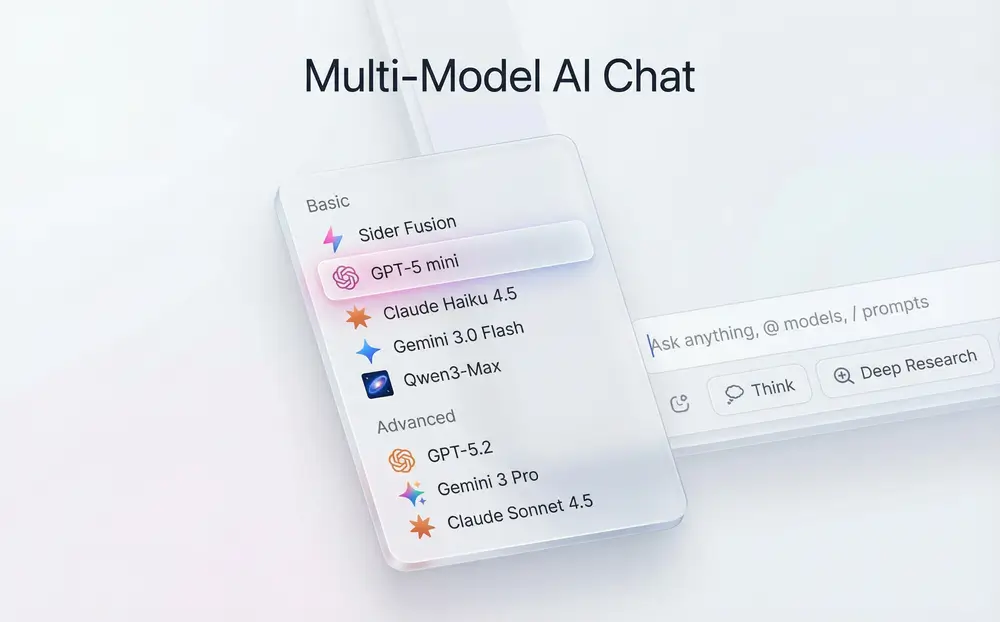
Screenshot showing multi-model AI comparison with ChatGPT, Claude, and Gemini responses

Multi-Model AI Chat

Compare responses from ChatGPT, Claude, and Gemini in one window. Access them all together instead of switching between platforms. Get different perspectives on your question and pick the answer that works best. Good for multitaskers.
Download Sider Extension
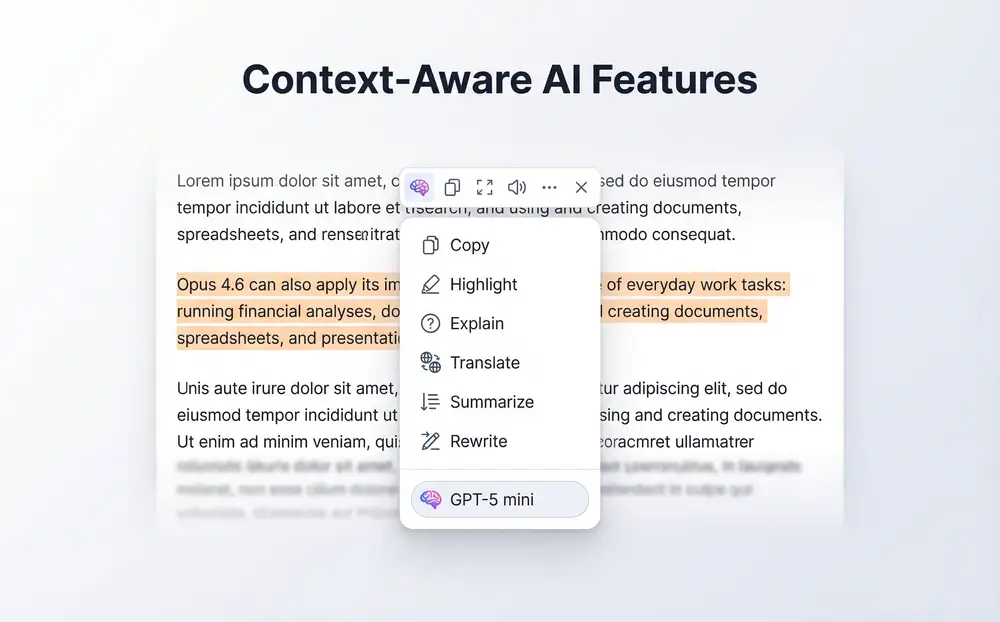
Screenshot showing context menu options: translate, explain, summarize, rewrite

Context-Aware AI Features

Translate webpages, explain code, summarize PDFs, polish emails, and rewrite text without leaving your page. Sider puts AI features where you need them. Works for anyone who wants AI without writing complex prompts.
Download Sider Extension
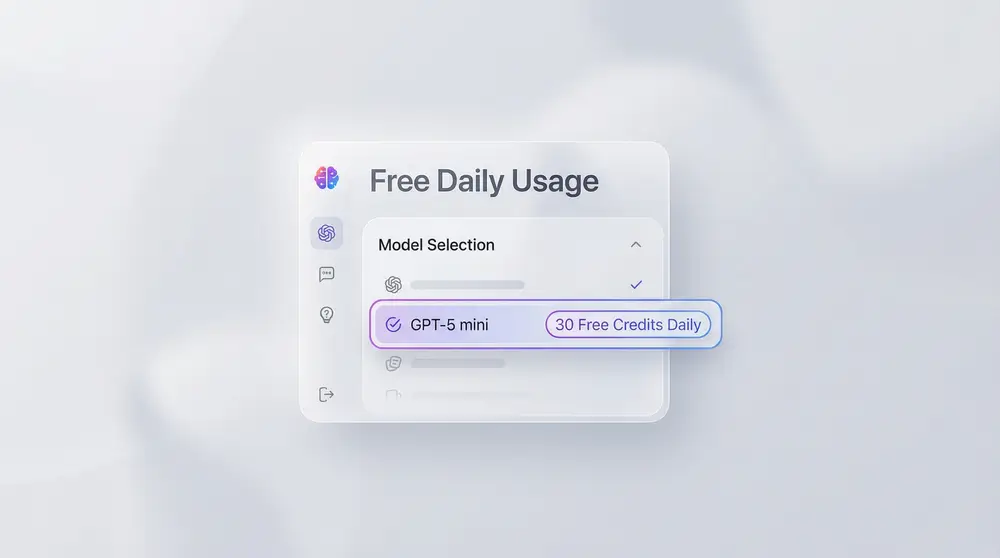
Screenshot showing gpt-5 mini selection and daily credit usage

Free Daily Usage

Get ChatGPT free access with 30 basic credits daily using gpt-5 mini. No account required for basic usage. Casual users who don't want a paid plan or complex setups can install, select gpt-5 mini, and start.
Download Sider Extension
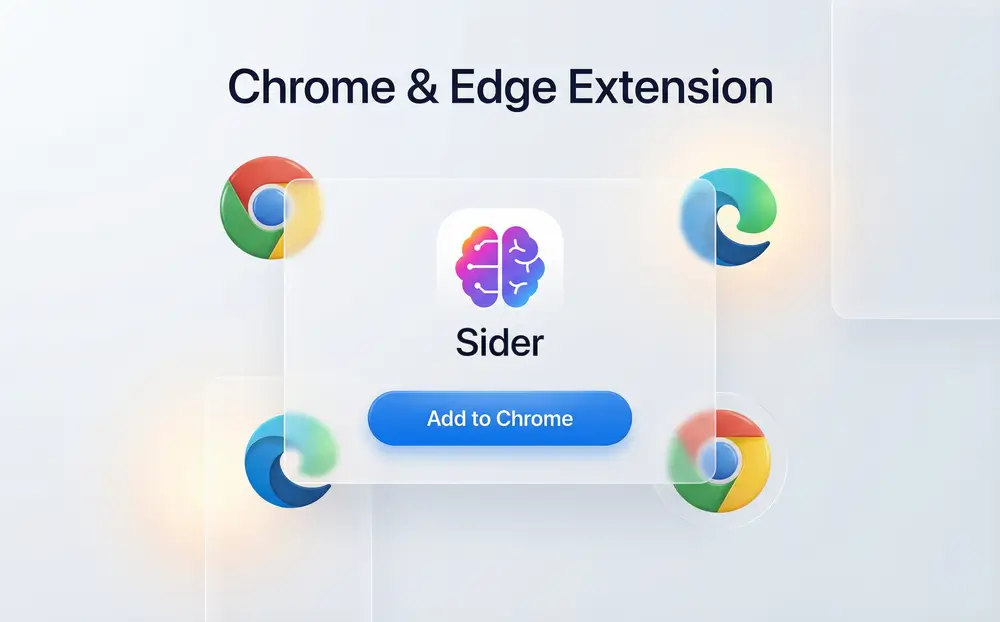
Screenshot showing Chrome and Edge browser extension installation page

Chrome & Edge Extension

Install Sider on Chrome or Edge browsers. No VPN or complex configurations needed. Add the extension and use ChatGPT free online with Claude and Gemini. Works for beginners and professionals.
Download Sider Extension

How to Use ChatGPT Free

Browser extension store showing Sider extension with install button
1

Install Extension

Add Sider to Chrome or Edge with one click. The extension installs quickly and fits into your existing browser workflow.
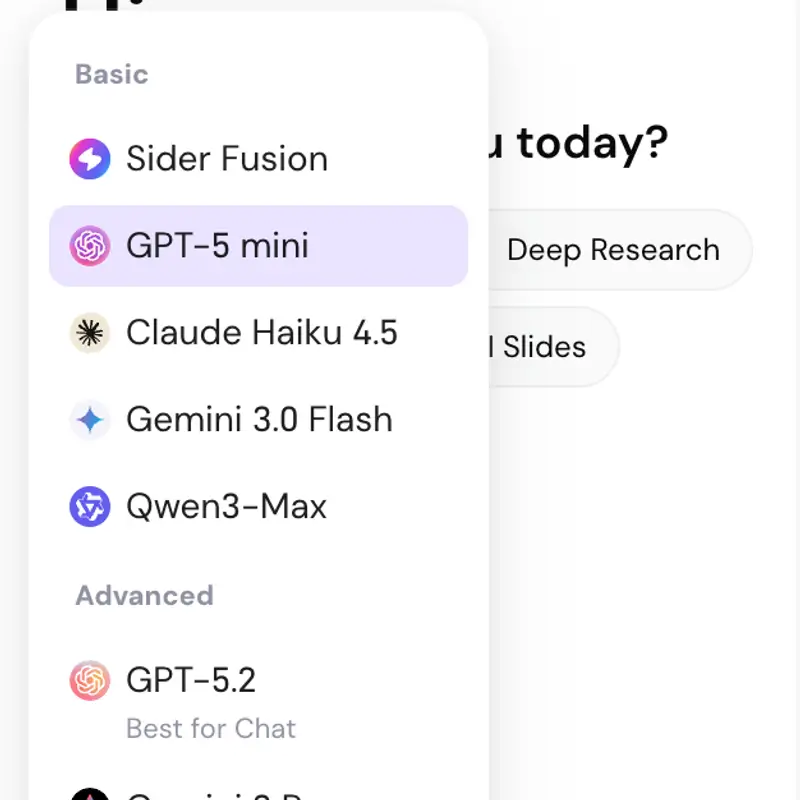
Screenshot showing model selection dropdown with gpt-5 mini highlighted
2

Select GPT-5 Mini

Open the chat sidebar and choose gpt-5 mini to use your free daily credits. You get 30 basic credits per day for translations, explanations, and summaries.
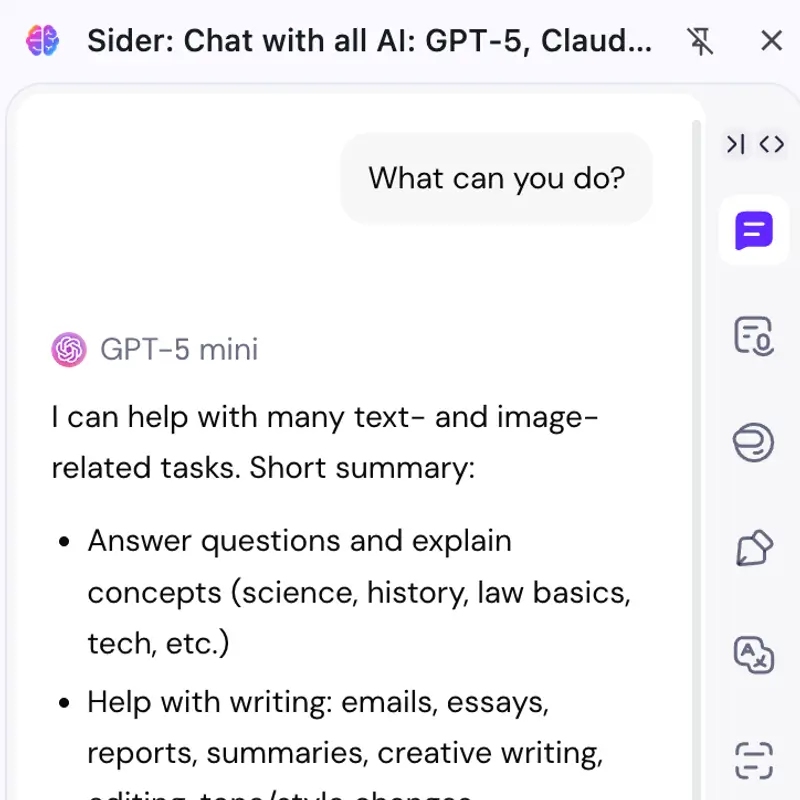
Screenshot showing text selection with context menu options for translation and explanation
3

Start Using AI

Select text to translate, explain, summarize, or rewrite. Or open the chat sidebar to ask questions. No need to switch tabs, copy content, or leave your page.

Works on Chrome & Edge browsers only

Why Choose ChatGPT Free with Sider?

No Need to Switch Context

AI is always available in your browser sidebar. Skip the workflow of copying content, opening new tabs, and switching between ChatGPT and your work. Get ChatGPT free online where you need it.

Multiple AI Models in One

Access ChatGPT, Claude, and Gemini in a single interface. Compare responses and use different AI strengths without multiple accounts or platform switching.

Zero-Barrier Access

No OpenAI account needed, no complex configurations. Install the extension and use ChatGPT free online. Works for beginners and casual users.

Trusted by Millions

10M+

Active Users

4.8/5

Chrome Rating

5M+

Daily Queries

150+

Countries Used

What Users Say About ChatGPT Free

I translate research papers and summarize articles without leaving the PDF. The browser sidebar helps my studies. 30 free credits per day works well.

Sarah M.

Graduate Student

Having ChatGPT free in my browser sidebar to explain code snippets is useful. I compare GPT-5 mini, Claude, and Gemini responses side by side.

James K.

Software Developer

I use it daily to polish emails and rewrite content. Doing this without leaving my email tab saves time. Good free ChatGPT extension.

Emily R.

Content Writer

Frequently Asked Questions

Yes. Sider provides ChatGPT free access through daily basic credits. Free users get 30 credits per day with gpt-5 mini for translations, explanations, and summaries. No payment or subscription required.

Free users receive 30 basic credits per day with gpt-5 mini. These credits reset every 24 hours. Upgrade to a paid plan for higher limits and premium models like GPT-5 and Claude 4.6.

When you use all 30 credits, wait for reset the next day or upgrade to a paid plan for unlimited access. The free tier works for occasional AI assistance.

Sider works on Chrome and Edge browsers. Install the extension from the Chrome Web Store or Microsoft Edge Add-ons. The browser sidebar fits into your workflow.

Yes. Sider provides access to ChatGPT, Claude, and Gemini. Compare responses in the same window. The free tier uses gpt-5 mini, but premium models require an upgrade.

No. You don't need an OpenAI account or other AI service accounts. Install the extension and use ChatGPT free online. Works for users who want AI without multiple account setups.

With 30 daily credits, translate webpages, explain code, summarize PDFs, polish emails, rewrite text, and chat with AI. Select text for instant translations, explanations, and summaries without leaving your tab.

Upgrade to a paid plan for more than 30 credits per day or access to premium models like GPT-4, Claude 4, or Gemini 2.5. Paid plans include unlimited queries, priority access, AI image generation, and PDF translation.

Start Using ChatGPT Free Today

Get 30 free credits daily with gpt-5 mini. Install Sider and access ChatGPT, Claude, and Gemini in your browser sidebar.

Install Free Extension