
Gmail AI Assistant - Draft Emails in One Click
Stop spending hours on email. Write replies instantly, fix tone, translate messages, and compare AI responses—all inside Gmail.
Key Features of Sider Gmail AI Assistant
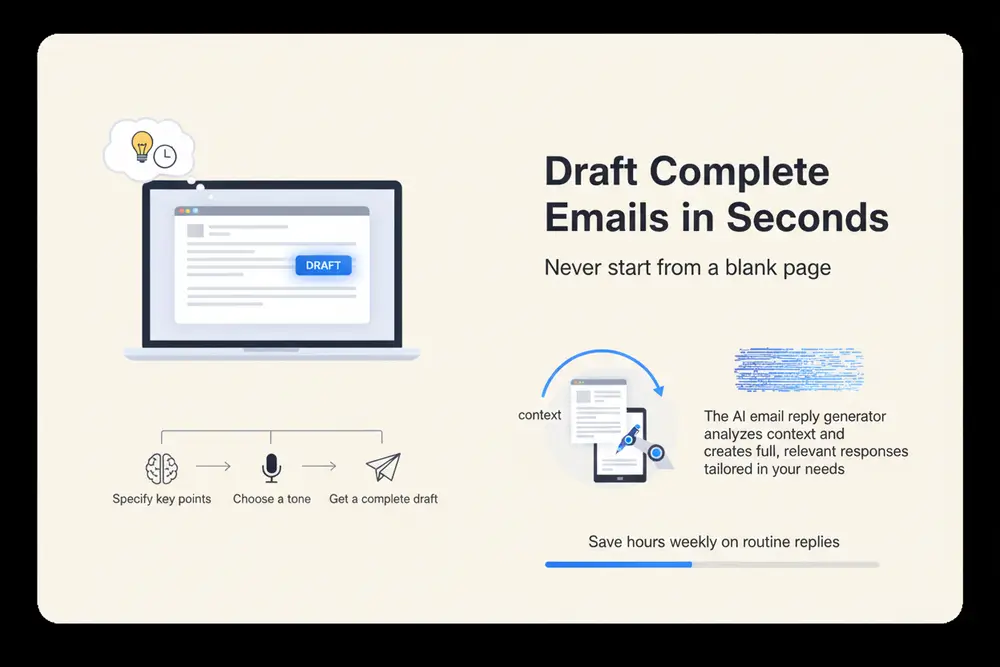
Draft Complete Emails in Seconds
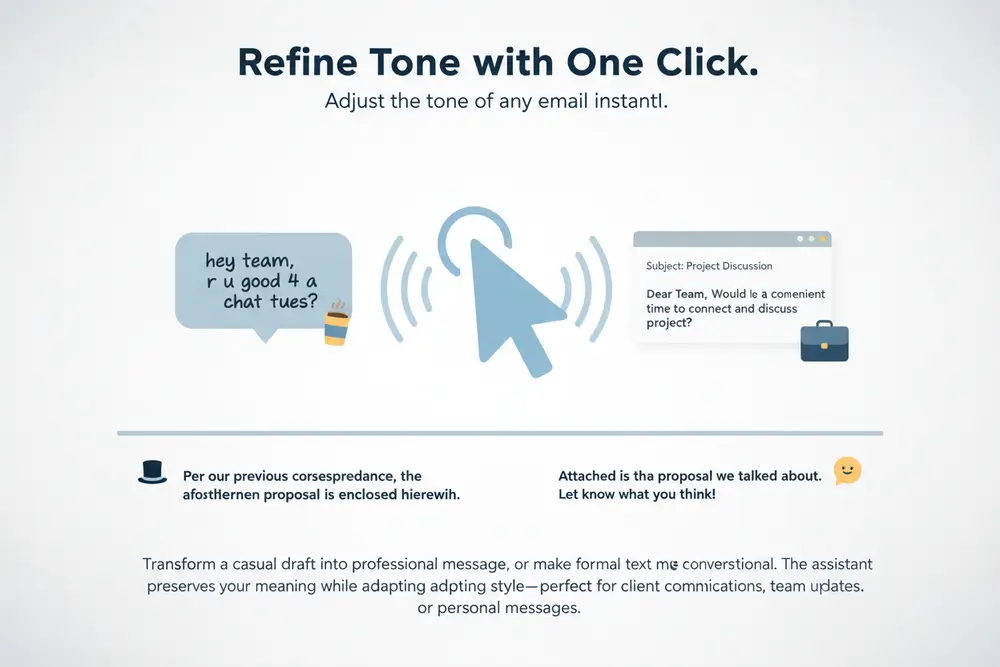
Refine Tone with One Click
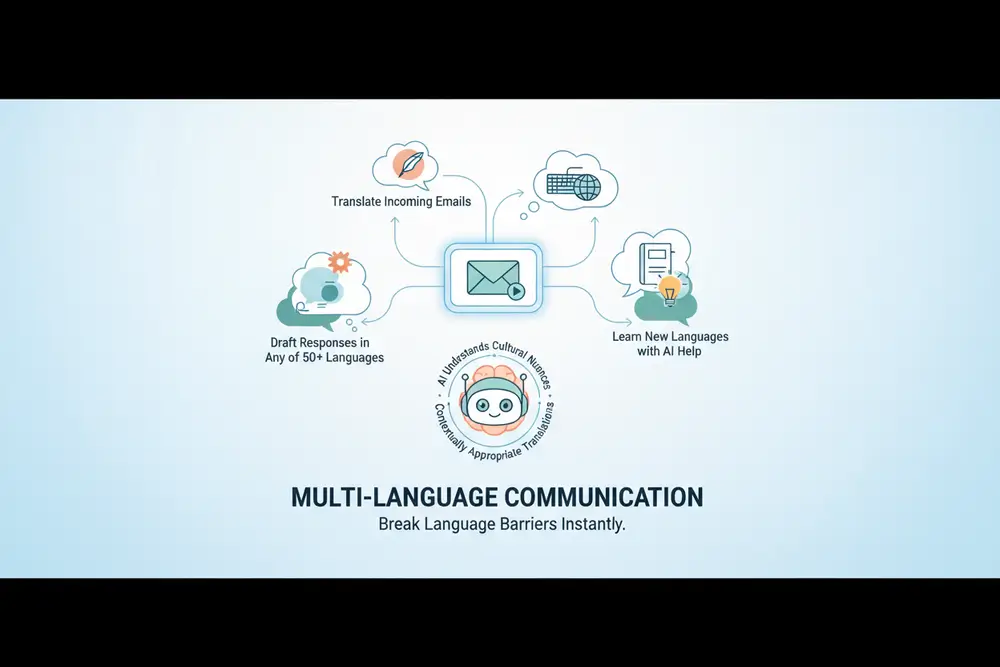
Multi-Language Communication

Compare Multiple AI Models
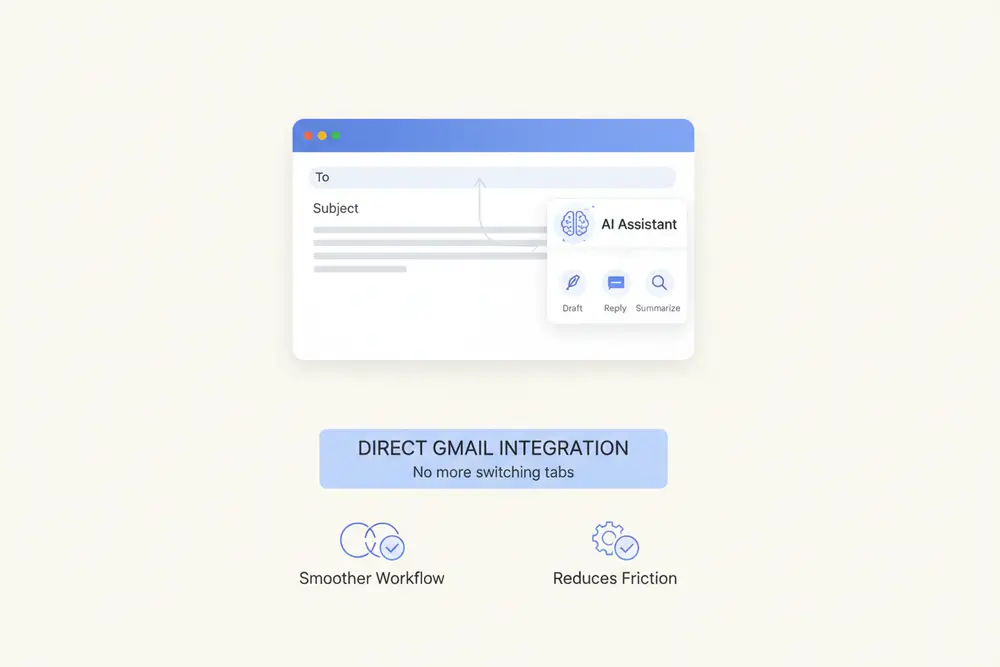
Direct Gmail Integration
How to Use Sider AI for Gmail

Install and Connect
Add the Sider Gmail AI Assistant extension to Chrome or Edge. Open Gmail and AI features appear in your compose window. No login or setup needed—start using AI right away.
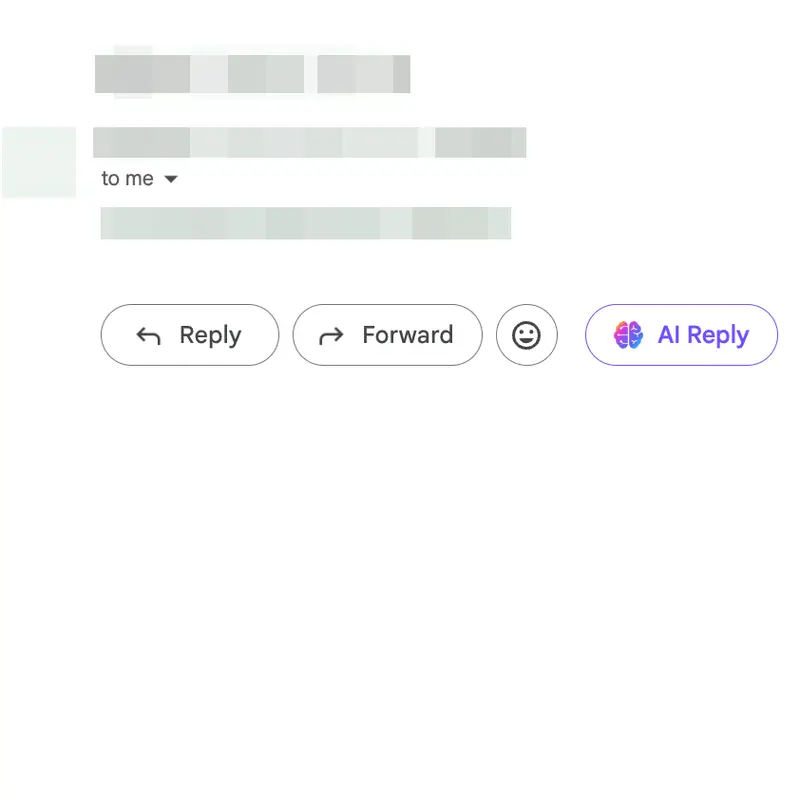
Select and Generate
Open any email or start writing. Click the AI assistant icon, and let AI work. Add key points if you want, then choose your preferred response from the options.
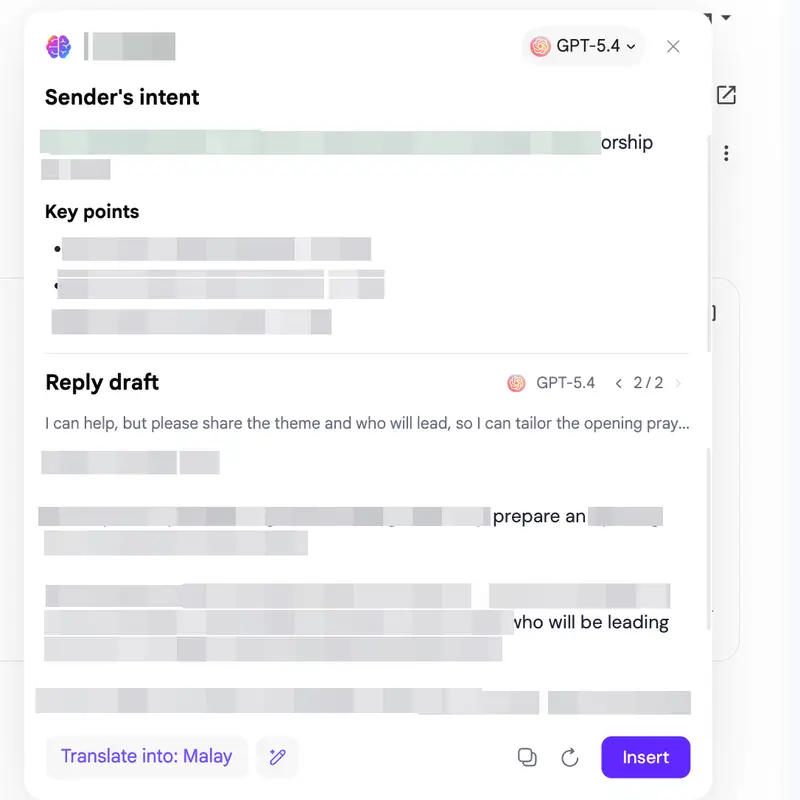
Edit and Send
Check the AI draft, make changes, and send. The assistant learns from your edits and gets better at suggesting what you need. Use the multi-model comparison to find the right response, or combine parts from different drafts.
Why Choose Sider AI Reply Generator
Multiple AI Models in One Place
Unlike single-model tools, Gmail AI Assistant gives you GPT-5, Claude 4, and Gemini 3 at the same time. Compare approaches and use each model's strengths to get the right response.
Context-Aware Intelligence
The AI learns from your email history, relationships, and writing style. It doesn't just write text—it thinks about who you're talking to, what the conversation is about, and how you typically write, so suggestions sound like you.
Privacy First
Your emails stay yours. The extension processes data locally when possible, encrypts data in transit, and never stores or uses your content for training. We focus on security so you can use AI for work email without worry.
By the Numbers
50+
Languages Supported
3x
Faster Email Writing
4.9/5
User Rating
10M+
Emails Generated