The Meeting Recorder That Turns Talks Into Knowledge

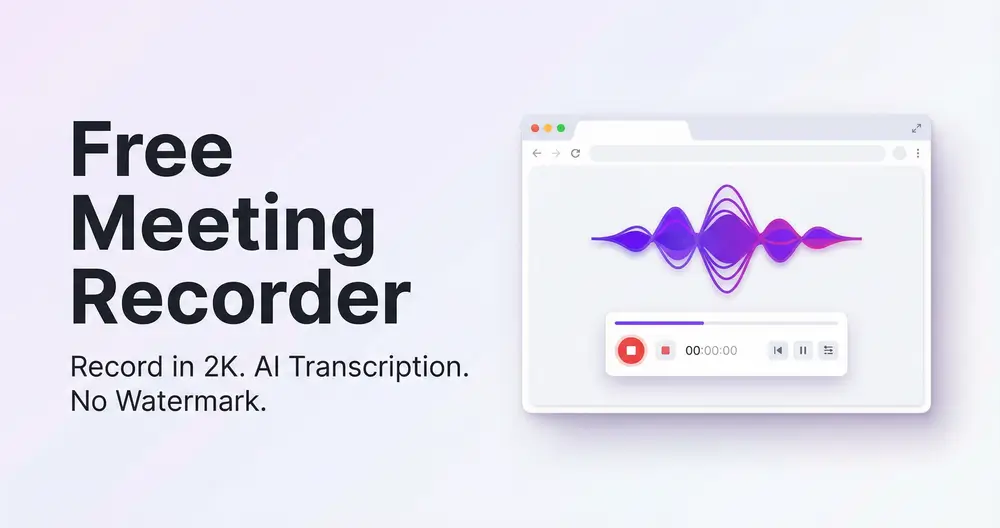
Record any lecture or meeting in up to 2K—no watermark, no time cap. Let AI transcribe it, summarize it, and make the whole thing searchable.
Add Sider Extension
2K Max recording quality
No Watermarks ever
12M+ Active Sider users
Sider Lecture Recorder browser extension showing recording interface

Everything You Need to Capture and Use Your Lectures
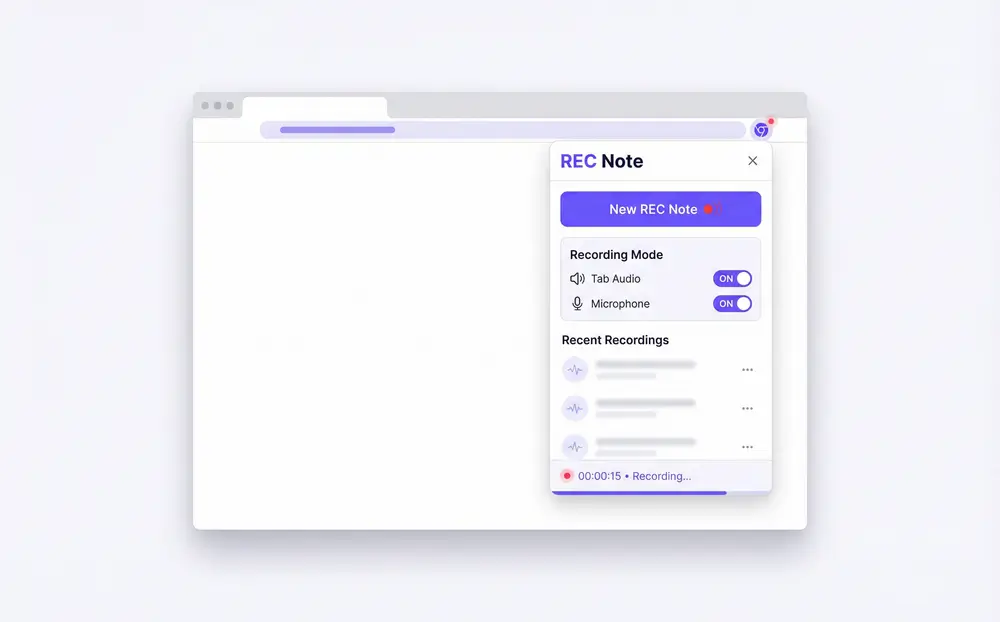
Sider Rec Note interface showing recording options for tab, system audio, and microphone

Record Any Tab – System Audio & Mic Together
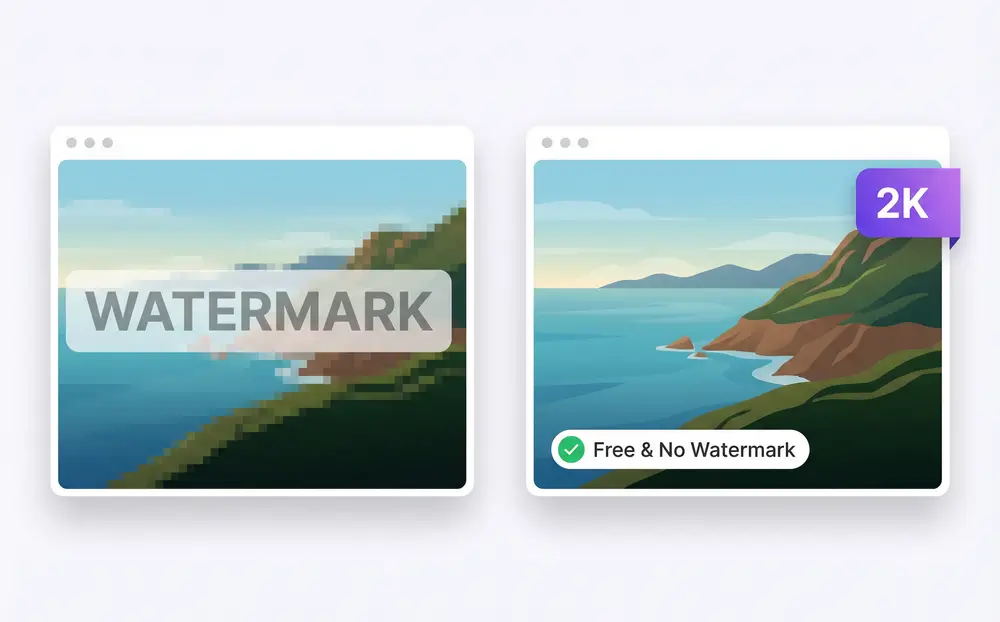
Open Sider's Rec Note, pick 'Record Tab Screen + Audio', choose your resolution, and go. You can capture system audio, your microphone, or both. No downloads, no driver installs—just record.
Download Sider Extension
2K high-quality lecture recording playback in Sider with crisp video output

Up to 2K Quality, No Watermarks

Other lecture recorders cap you at 480p or stamp their logo across your video. Sider records at up to 2K resolution, so your captured content stays sharp and professional.
Download Sider Extension
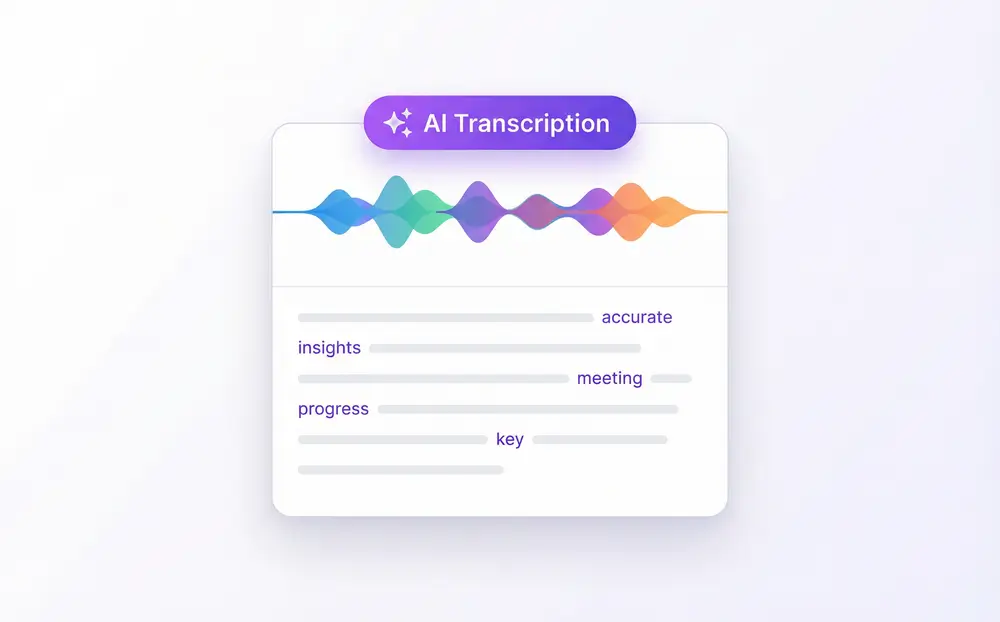
Sider AI transcription panel converting lecture audio into clean readable text

Audio to Text in Seconds

Done recording? Sider transcribes the audio automatically. You get readable, searchable text without sitting through the whole video again. Great for catching details you missed the first time.
Download Sider Extension
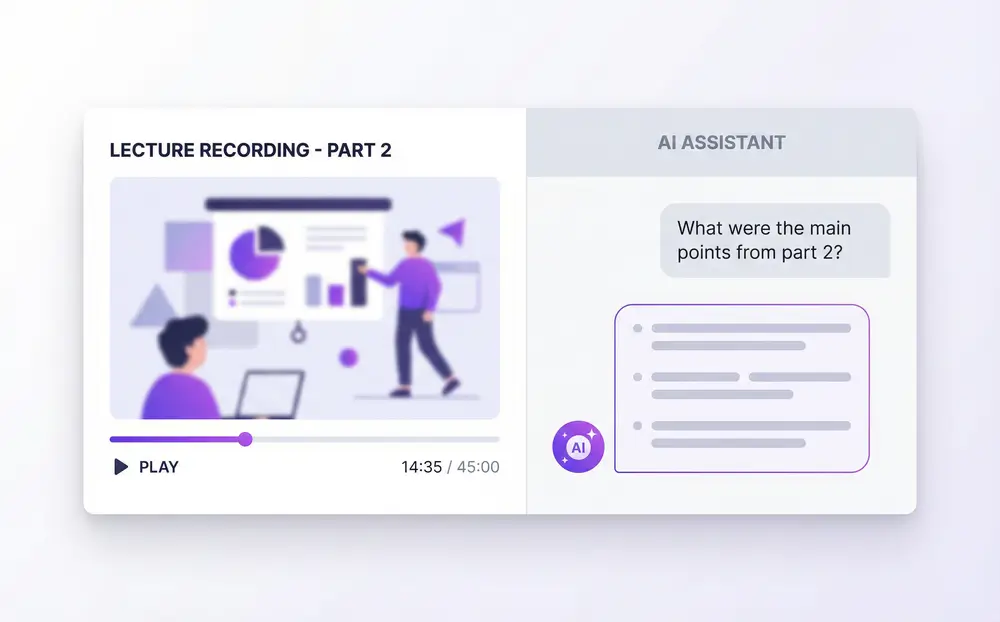
Sider AI chat window showing question and answer based on a recorded lecture

Ask AI Questions About Any Recording

Pull up any recording in Wisebase and start a conversation. 'What examples did the professor give in part two?' The AI reads the content—you get the answer.
Download Sider Extension
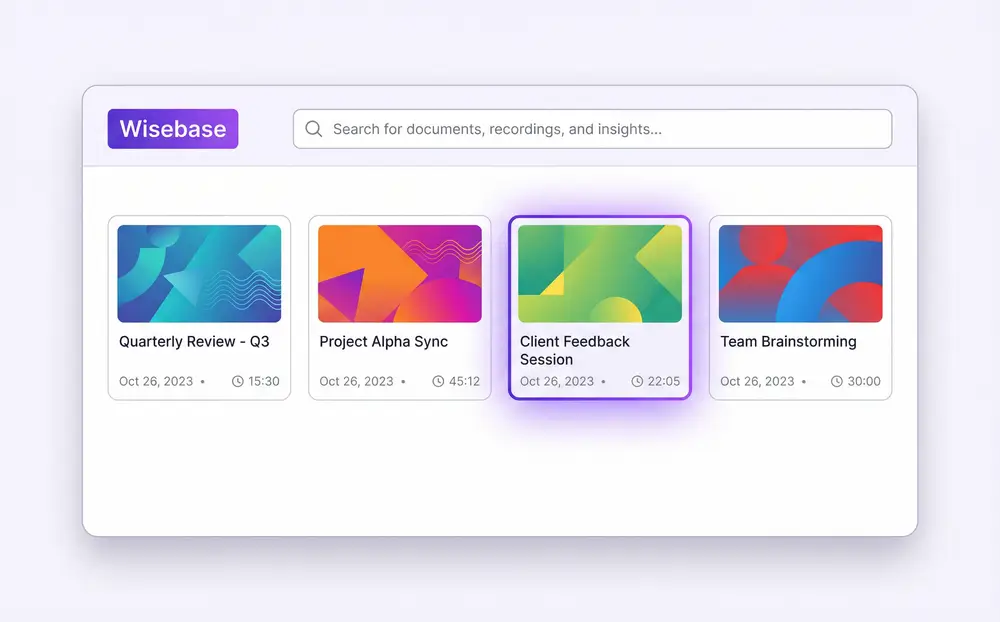
Wisebase global search interface showing results from multiple lecture recordings

Search Every Recording You've Ever Made

All recordings live in Wisebase, your personal knowledge library. Search once across everything—find a specific term, topic, or discussion from any past session without guessing which file to open.
Download Sider Extension

Start Recording in 3 Steps

Install the Sider Extension
1

Install the Sider Extension

Add Sider to Chrome. That's it. Works on Windows and Mac, and you don't need to create an account before your first recording.
Open Rec Note & Set Your Preferences
2

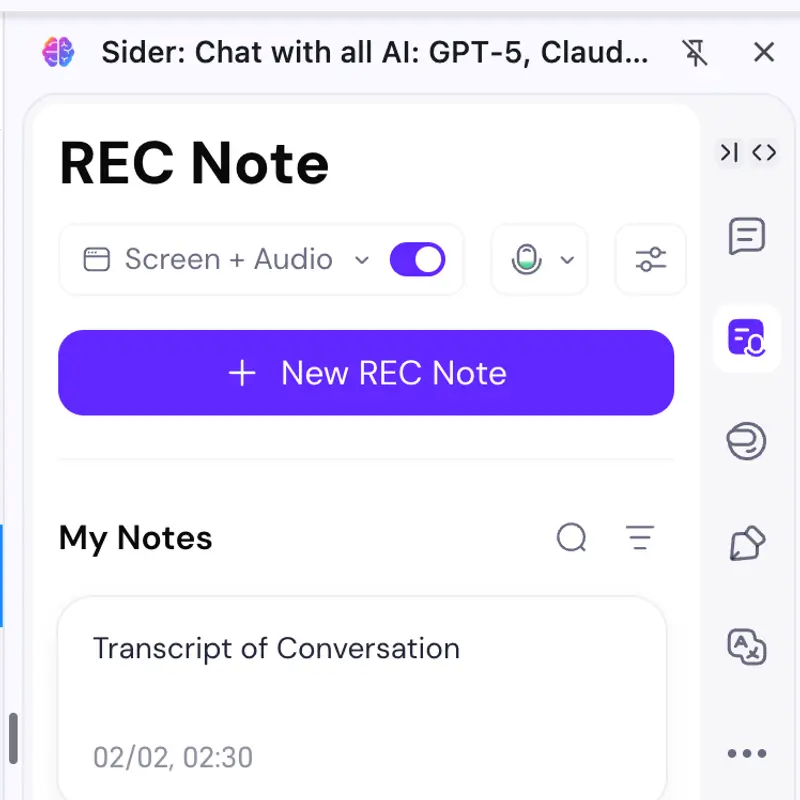
Open Rec Note & Set Your Preferences

Click the Sider icon, go to Rec Note, choose 'Record Tab Screen + Audio', pick your resolution (up to 2K), and decide whether to capture your mic, system audio, or both.
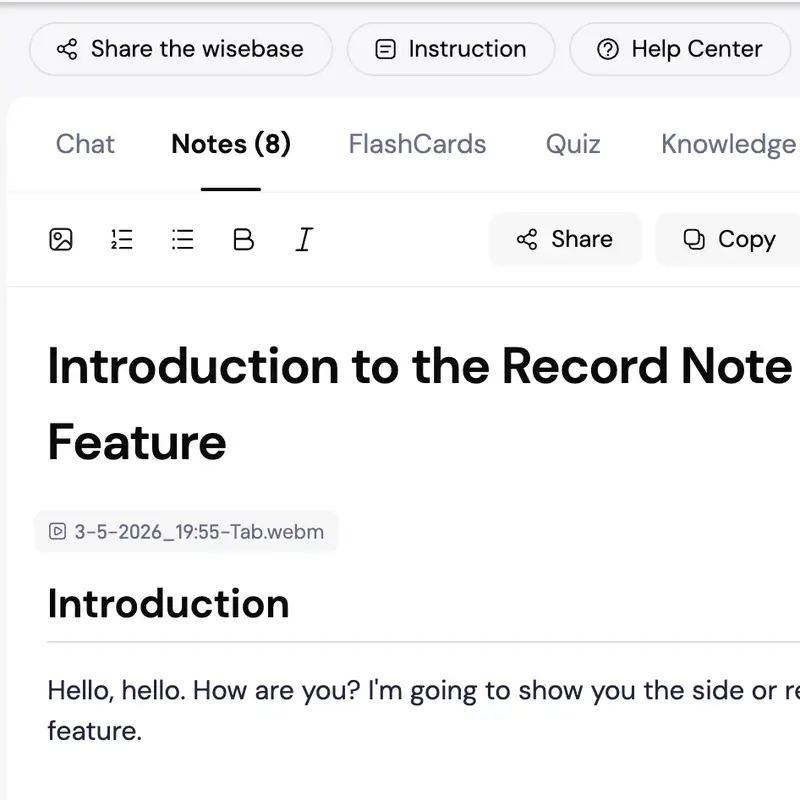
Record, Then Let AI Do the Rest
3

Record, Then Let AI Do the Rest

Hit record. When done, your video saves to Wisebase automatically. Transcribe it, generate a summary, chat with AI about the content, or search it alongside all your other recordings.

Why Sider Beats Every Other Meeting Recorder

No Watermark

No watermarks. No 5-minute cutoffs. No paid plan required for core features.

Your Recordings Don't Just Sit There

Most tools hand you a video file and call it done. Sider takes it further—your lecture becomes searchable text, an AI-readable document, something you can actually refer back to and use.

Works in Chrome, Works Everywhere

Because it's a browser extension, there's nothing to install beyond Chrome itself. Record Zoom calls, Google Meet, online courses, or any tab—on Windows or Mac, same experience either way.

Lecture Recorder by the Numbers

4.8★

Chrome Web Store Rating

12M+

Active Sider Users

50+

Transcription Languages

What Users Say About Sider Lecture Recorder

I used to rewatch 2-hour lectures just to find one formula. Now I search for it in Wisebase in about 10 seconds. Genuinely changed how I study.

Jamie L.

Grad Student, University of Michigan

Every other recorder I tried had a watermark or cut me off at 30 minutes. Sider just works. And the AI summary saves me from writing meeting notes entirely.

Marcus T.

Product Manager, SaaS Startup

I stopped taking notes during client calls. I record, ask AI for the action items, and send a clean recap in minutes. The transcription accuracy is solid.

Sofia R.

Freelance Consultant

Meeting Recorder FAQ

Sider Lecture Recorder supports up to 2K resolution. You choose the quality setting before starting your session.

Yes. Sider lets you record system audio and microphone audio simultaneously, with individual toggles for each.

Yes. As a Chrome extension, it runs on any computer where Chrome is installed—Windows and Mac included.

After recording, Sider saves your video to Wisebase. From there you can transcribe audio to text, generate a summary, or chat with AI directly about the recording.

Yes. Wisebase gives you global search across your entire recording library. Ask questions and get answers drawn from any past recording.

No. Free users get clean, watermark-free recordings. Your videos look professional whether you download them or share them.

Record Your Next Meeting Free – No Watermark, No Time Limit

Install Sider and turn today's lectures and meetings into searchable, AI-ready knowledge you can actually use.

Get Sider Extension