The Meeting Recorder That Thinks For You

Record any Zoom, Google Meet, or Webex call in up to 2K — then let AI turn hours of talk into searchable notes, clean transcripts, and tight summaries.

Record Your First Meeting
2K Max Resolution
AI Summaries & Recap
10M+ Users on Sider

Everything You Need to Capture, Understand, and Use Your Meetings

From one-click recording to AI-powered summaries, Sider handles the full meeting workflow so you don't have to.
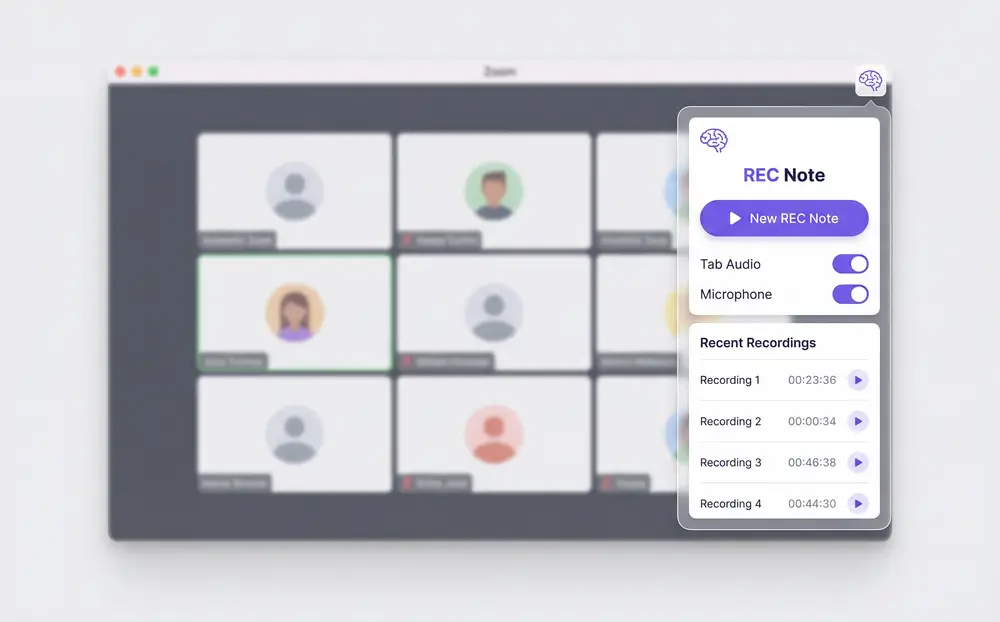
Sider Meeting Recorder capturing a Zoom call in 2K

Record Any Meeting, Any Platform

One click gets you recording in your browser tab — or across your full screen. Zoom, Google Meet, Webex, Teams — it handles all of them. Pick system audio, your mic, or both. No extra software, no confusing toggles.
Download Sider Extension
AI transcription view of a meeting recording in Sider Wisebase

Your Voice Recorder That Comes With Transcription
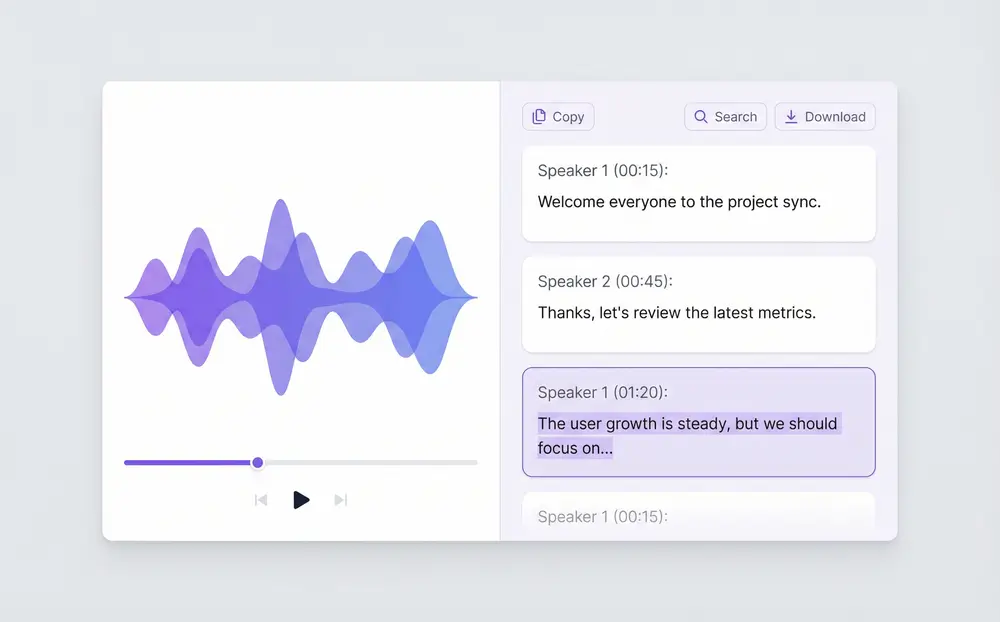
Every saved recording gets transcribed automatically. Sider turns your audio into clean, readable text — so you can skip the 60-minute replay and just search for the part that matters.
Download Sider Extension
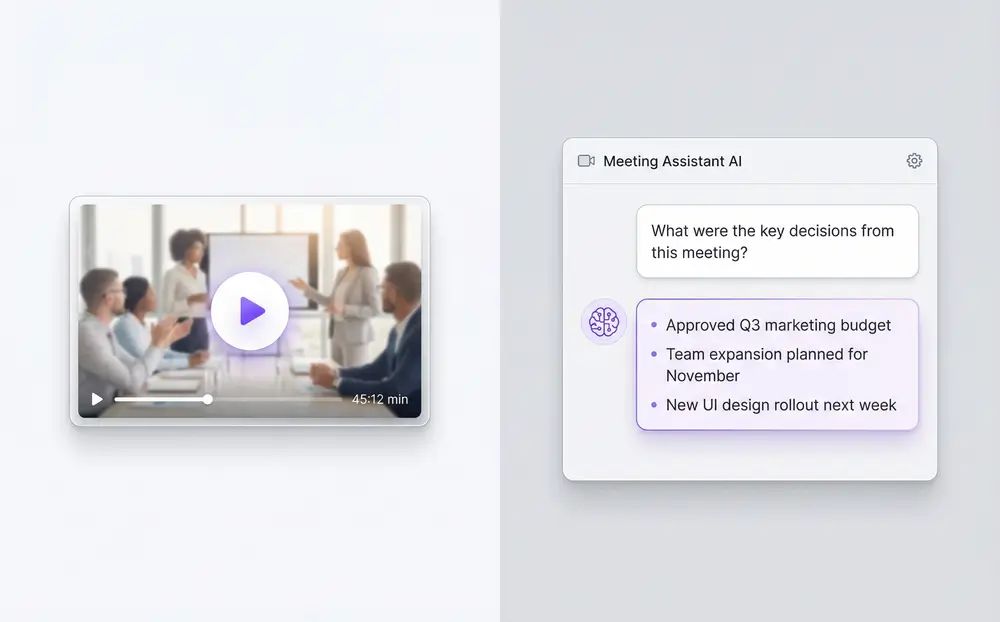
AI chat interface summarizing a recorded meeting

Turn a 1-Hour Meeting Into a 3-Minute Read
Ask Sider's AI to recap what happened, pull out action items, or dig into a specific part of the call. It reads the transcript and writes the brief for you — no templates, no copy-pasting.
Download Sider Extension
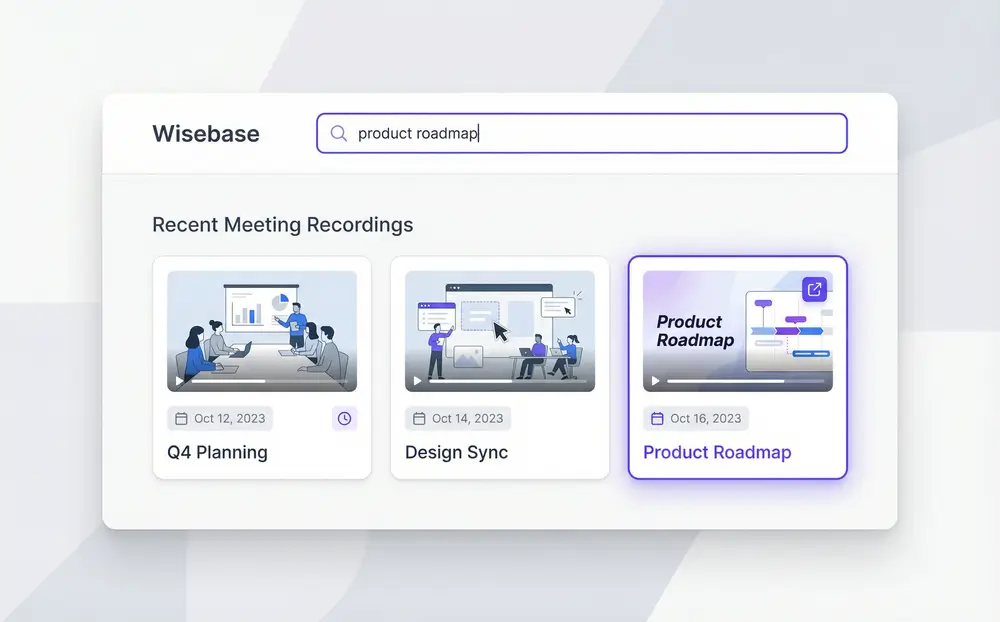
Wisebase interface showing searchable meeting recording library

A Meeting Library You Can Actually Search

Recordings go straight to Wisebase — Sider's personal knowledge library. Search by topic, keyword, or date across months of recordings. Share a link in one click. No more asking colleagues to repeat themselves.
Download Sider Extension

Up and Recording in Under a Minute

Install the Sider Chrome Extension
1

Install the Sider Chrome Extension

Add Sider to Chrome. Works on Windows and Mac without any extra software.
Open Rec Note and Pick Your Settings
2

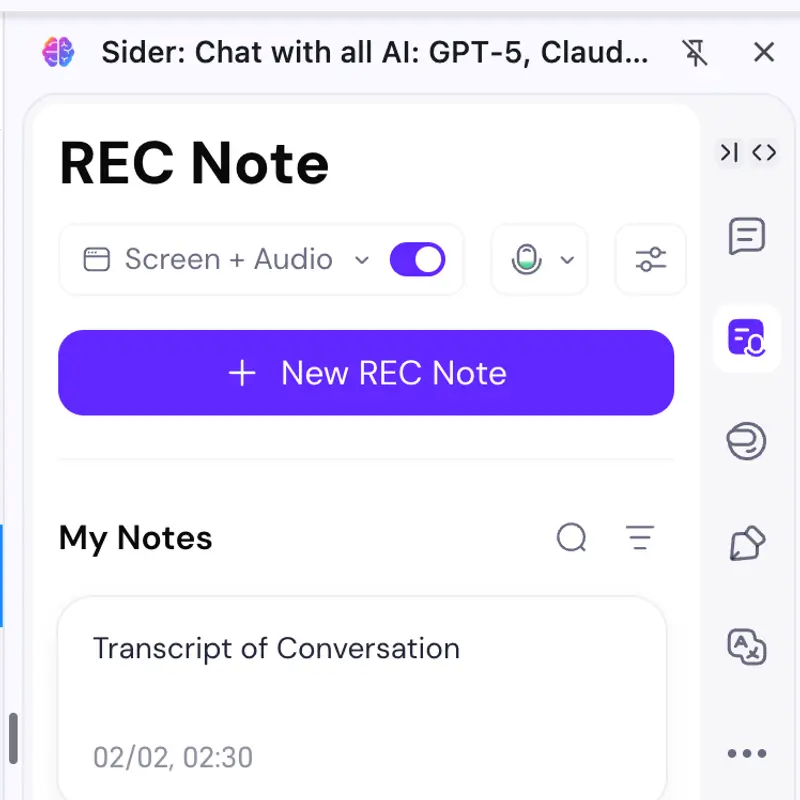
Open Rec Note and Pick Your Settings

Click the Sider icon, go to Rec Note, choose Record Tab Screen + Audio, set your resolution, and decide whether to capture your mic.
Hit Start — AI Takes It From There
3

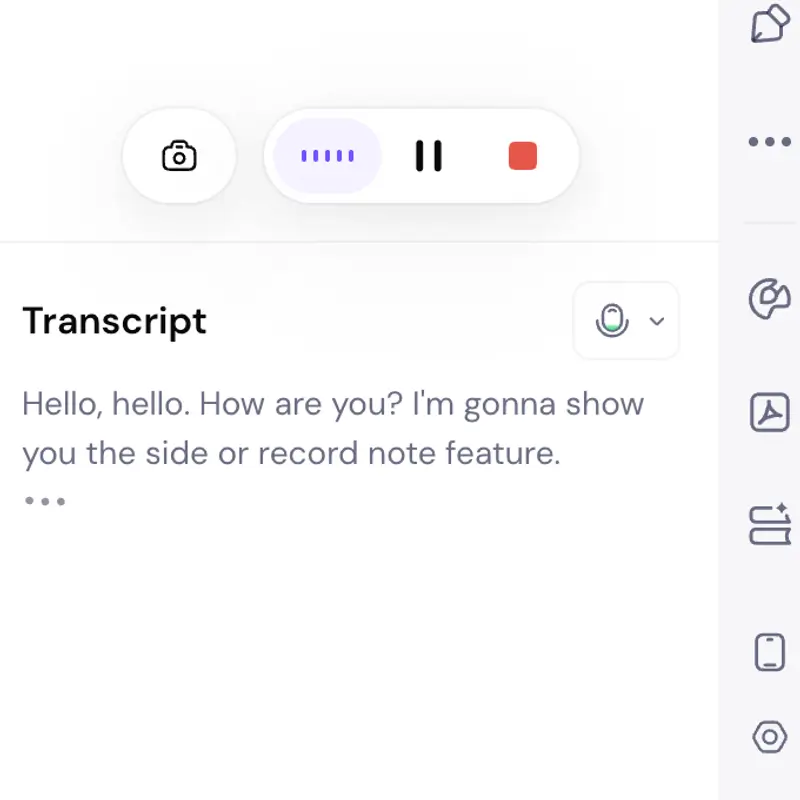
Hit Start — AI Takes It From There

When your meeting wraps up, your recording lands in Wisebase with a transcript, an AI summary, and a shareable link. All automatic.

Why Teams Are Switching to Sider Meeting Recorder

Zero Watermark

Most screen recorders either brand your video or cut you off mid-meeting. Sider gives you clean, unlimited recordings from the start.

AI That Actually Reads Your Meetings

The recording is just the beginning. Sider's AI transcribes, summarizes, and fields questions about your recordings — so fleeting conversations become permanent, searchable knowledge.

Find Anything From Any Meeting, Ever

Wisebase lets you search by topic, keyword, or date across your full recording history. That decision from three months ago? You'll find it in seconds.

Frequently Asked Questions

Sider Meeting Recorder works with Zoom, Google Meet, Webex, Microsoft Teams, and any browser-based video call. It runs as a Chrome extension on both Windows and Mac.

Yes. You can record system audio, microphone audio, or both. Zoom recording is fully supported alongside screen capture up to 2K resolution.

After recording, Sider automatically transcribes the audio to text. You can then chat with the AI about the recording, generate a summary, and search across all your past recordings.

Recordings are saved to Sider's Wisebase — a personal knowledge base in the cloud. You can share a link, replay the video, read the transcript, or ask the AI follow-up questions.

No. Free users get watermark-free recordings. This sets Sider apart from most screen recorder tools that limit free plans with visible watermarks.

Install the Sider Chrome extension, open Google Meet, click the Sider icon, select Record Tab Screen + Audio, choose your quality setting, and hit Start. Your recording saves automatically to Wisebase.

Stop Losing What Gets Said in Meetings

Install Sider and turn your next meeting into something you can actually use later.

Get Started Now