Minesweeper Solver That Shows Every Safe Move

Tell Sider where the numbers are and which cells you've flagged—or drop in a screenshot. It checks every constraint and shows you which cells are safe and where the mines are. Free, no ads.

Solve My Board Free
10M+ Active Users
Free No Ads
Any Grid All Difficulty Levels

What Sider Does That Guessing Can't

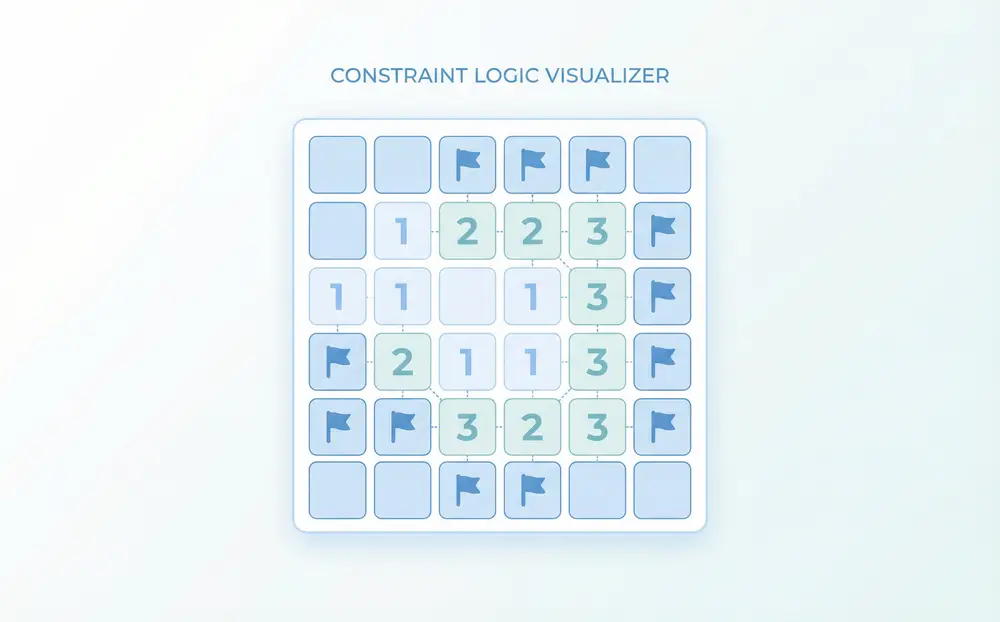
Sider Chat showing a grid description with numbered cells highlighted and mine positions marked as determined by constraint analysis

Reads Every Number Clue at Once

Each revealed number tells you how many mines touch it. Sider processes all visible numbers together, resolving conflicts where a single clue isn't enough but two or three clues combined give a definite answer.
Download Sider Extension
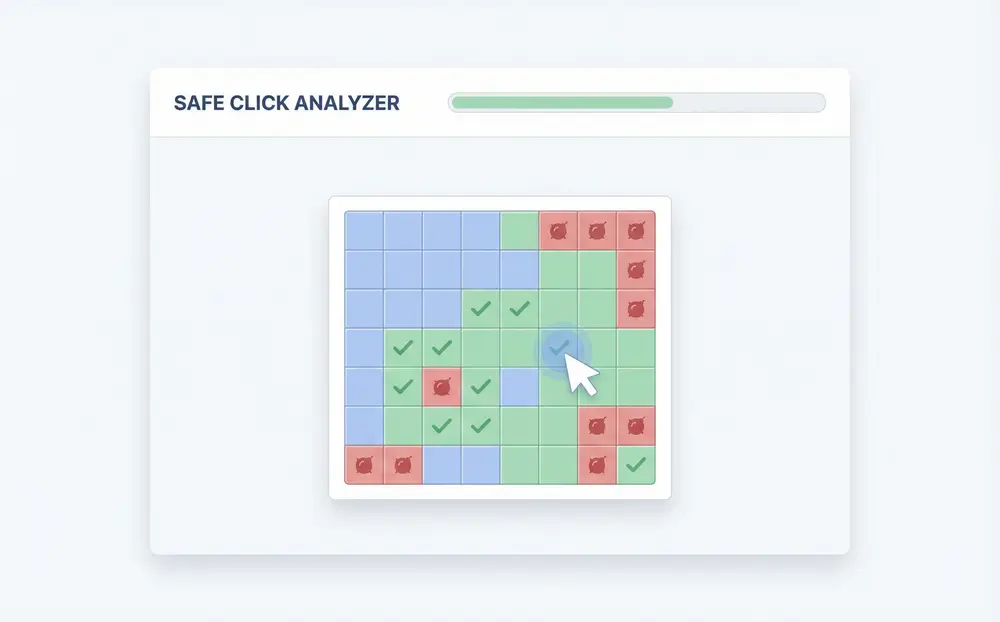
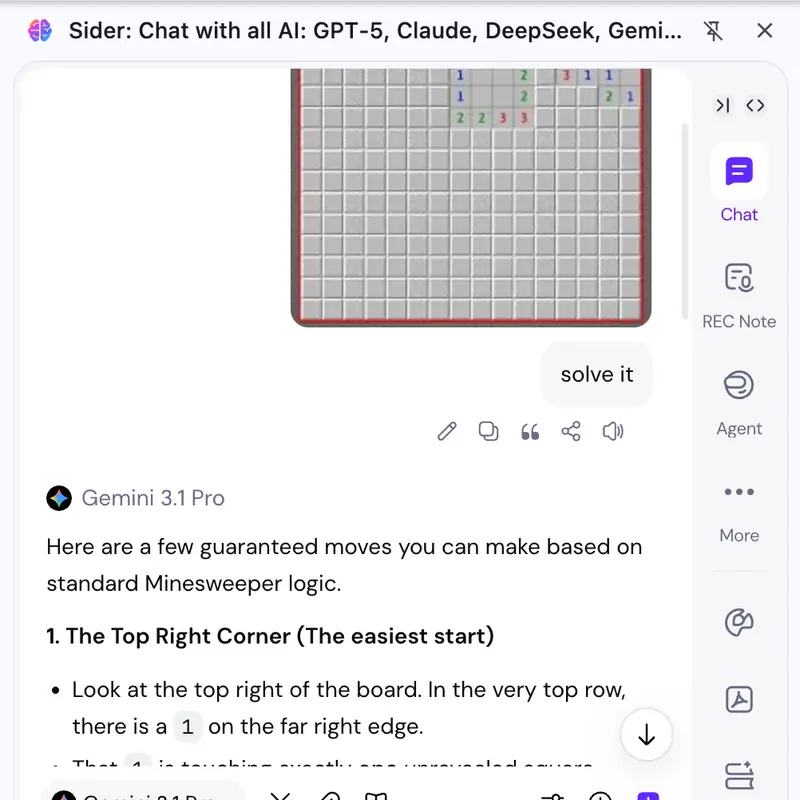
User dropping a minesweeper screenshot into Sider Chat with safe cells and mine locations listed in the response

Solve From a Screenshot

Take a screenshot of your minesweeper board and drop it into Sider Chat. Sider reads the numbers off the image and tells you which cells are safe to click and which to flag.
Download Sider Extension
Sider Chat response listing specific safe cells to click next on a minesweeper board with explanation of the reasoning

Tells You Exactly Which Cell to Click Next
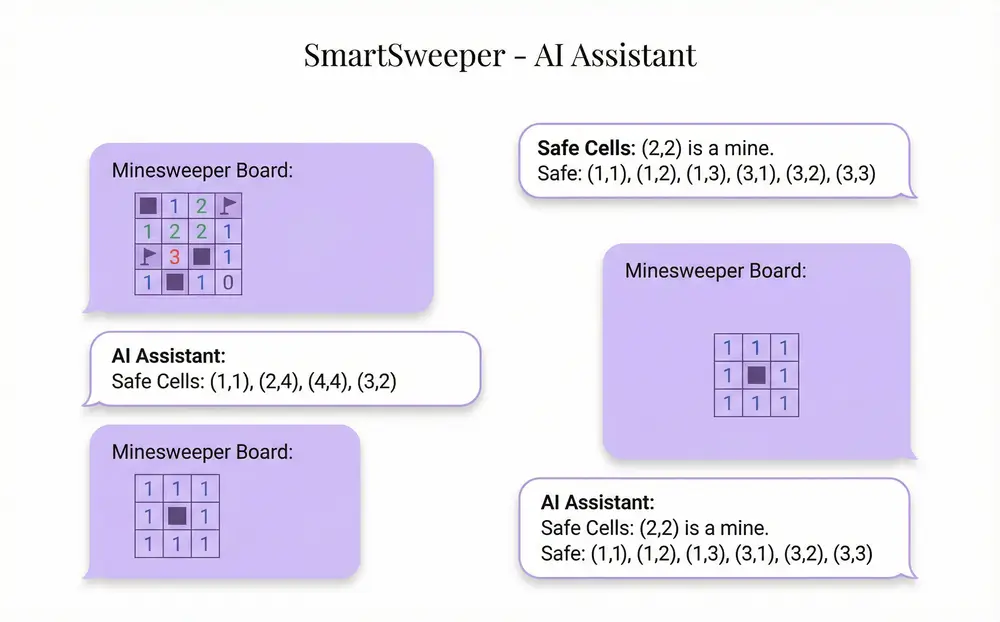
Rather than giving you a probability, Sider tells you the definite safe cells first. When pure logic runs out, it tells you which remaining moves carry the least risk—so you can keep progressing without random guessing.
Download Sider Extension
Multi-turn Sider Chat conversation where the user updates the board state and Sider recalculates safe moves each time

Keep Asking as the Board Changes

After you click a safe cell, new numbers appear. Tell Sider the new state and it recalculates without you starting over. The whole conversation stays open so you can work through the board step by step.
Download Sider Extension

Three Steps to Clear Your Minesweeper Board

Install Sider and Open Chat
1

Install Sider and Open Chat

Add the free Sider Chrome extension. Click the Sider icon in your browser to open the Chat panel.
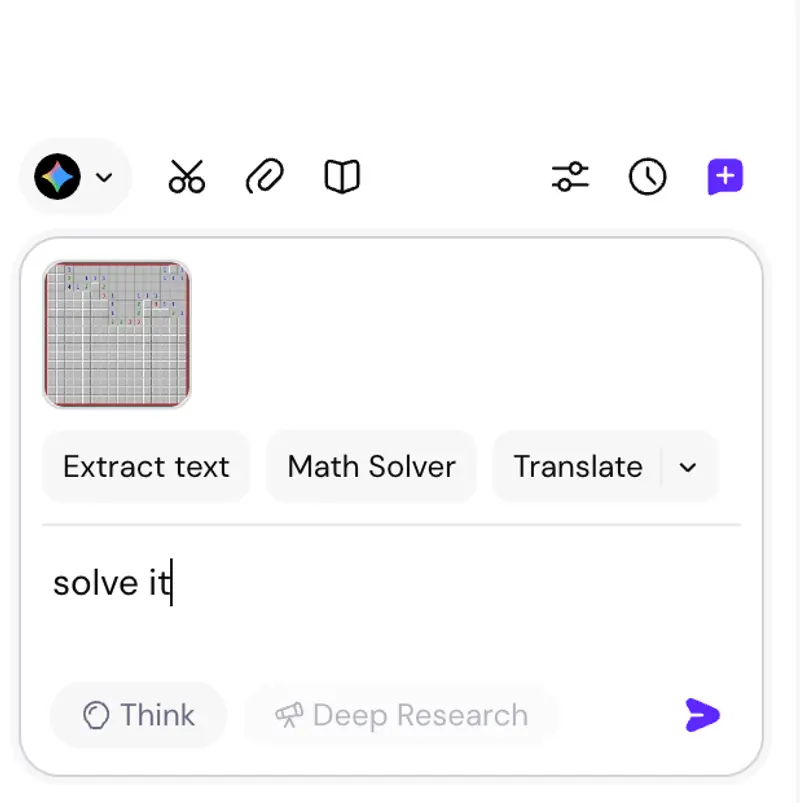
Describe Your Board or Upload a Screenshot
2

Describe Your Board or Upload a Screenshot

Type in the grid size, the numbers you can see, and any cells you've already flagged—or paste in a screenshot of your current board. Sider reads it either way.
Get Your Safe Cells and Mine Locations
3

Get Your Safe Cells and Mine Locations

Sider analyzes the constraints and tells you which cells are safe to click and which contain mines. Ask follow-up questions or update the board state as you go.

Why People Use Sider for Minesweeper

Free With No Ads

No pop-ups, no paywalls. The minesweeper solver is fully free to use through the Sider Chrome extension.

Stays With You Through the Whole Board

Unlike one-shot tools, Sider keeps the chat open. Update the board after each move and get recalculated safe cells immediately—no reloading, no re-entering the whole grid.

Works From a Photo or Screenshot

No need to manually describe every cell. Drop a screenshot into Sider Chat and it reads the board for you—useful when you're mid-game and don't want to type out the full state.

Sider by the Numbers

12,400+

Boards Solved Daily

170,000+

5-Star Reviews

50+

Languages Supported

Under 1 min

Average Solve Time

What Happened When People Brought Their Stuck Minesweeper Boards to Sider

I had a corner where a '3' cell was touching only four unrevealed cells and I couldn't figure out which three were mines. I typed the surrounding numbers into Sider and it walked through each constraint and told me exactly which cell was the safe one. Took about fifteen seconds.

Alex M.

Casual Minesweeper Player

I screenshotted my board right before I was about to guess on a 50/50 and dropped it into Sider Chat. It told me one of those two cells was actually determinable from the numbers above it. I would never have caught that without it.

I've been playing minesweeper for years and still hit situations where the logic gets tangled. Being able to just describe the corner of the board to Sider and get a clear answer is genuinely useful. No ads, no sign-up required—it just works.

Questions People Ask About Sider's Minesweeper Solver

Describe your current board state—revealed numbers, flagged mines, and unknown cells—or upload a screenshot. Sider analyzes the constraints from each numbered cell to determine which neighboring cells must be mines and which are safe to click.

Yes. Take a screenshot of your minesweeper board and drop it into Sider Chat. Sider reads the numbers and board state directly from the image and tells you which cells are safe and which contain mines.

Yes. Sider cross-references multiple numbered cells at once, resolving overlapping constraints to pinpoint mine locations and safe cells even when a single clue is not enough to decide on its own.

Yes. The minesweeper solver is free to use with no ads. Install the Sider Chrome extension, open Sider Chat, and start solving your board right away.

Absolutely. You can describe the board partially—just the cells you can see—and Sider will tell you what can be determined from the visible information. If a cell is probabilistically risky rather than certain, Sider will say so.

Just install the free Sider Chrome extension. There's no separate app to download or account to create. Open the Sider Chat panel in your browser and you're ready to solve.

Sider works with standard minesweeper grids of any size—beginner, intermediate, and expert. Because it analyzes boards conversationally, it can also handle custom grid sizes and rule variants as long as the numbered cell logic applies.

Stop Guessing. Know Exactly Which Cells Are Safe.

Install Sider free, open Chat, describe your board or drop in a screenshot. Safe cells in seconds.

Solve My Minesweeper Board Free