PDF to PPT - AI-Powered Slides with Smart Charts

Convert PDFs into professional presentations with accurate logic, intelligent charts, and relevant visuals. Academic research, business reports, marketing materials - AI handles the work so you can focus on delivery.

Generate Slides Now
10M+ Documents processed
85% Time saved
4.8/5 Rating

Features of Sider PDF to PPT Maker

Before/after comparison showing raw PDF table on left side, transformed into beautiful bar chart and pie chart on right side

Smart Chart Generation

Turn data tables into charts automatically. When your PDF contains numbers or statistics, the AI generates bar charts, pie charts, trend lines, and infographics. This PDF to PPT feature saves hours of manual chart creation.
Download Sider Extension
Three PDF icons merging into one presentation icon, with connected lines showing content synthesis

Multi-Document Fusion

Upload and combine multiple PDFs into a single presentation. Useful for academic literature reviews, quarterly business reports, or research summaries. The AI analyzes each document, finds connections between sources, and generates a unified presentation with consistent formatting and logical flow.
Download Sider Extension
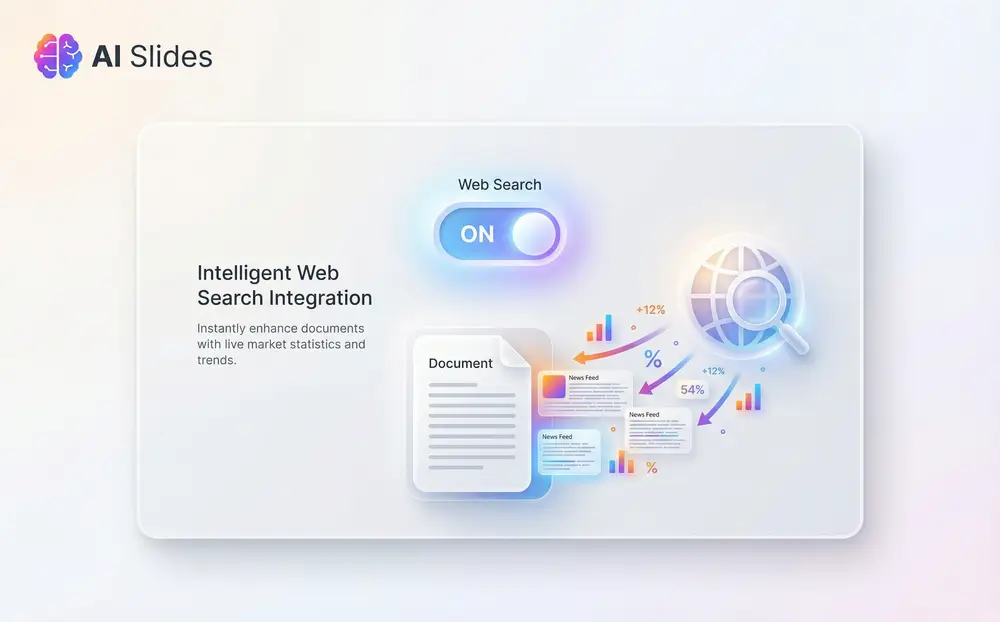
Toggle switch showing Document Only vs Document + Web Search with additional data appearing when web search is enabled

Intelligent Web Search Integration

Add current information to your presentations when you need it. Toggle web search to let the AI complement your PDF content with the latest market statistics, industry trends, or supporting data. Useful for academic presentations with current citations, business pitches needing market validation, or marketing materials with recent performance metrics. Disable it for strict document-based generation.
Download Sider Extension
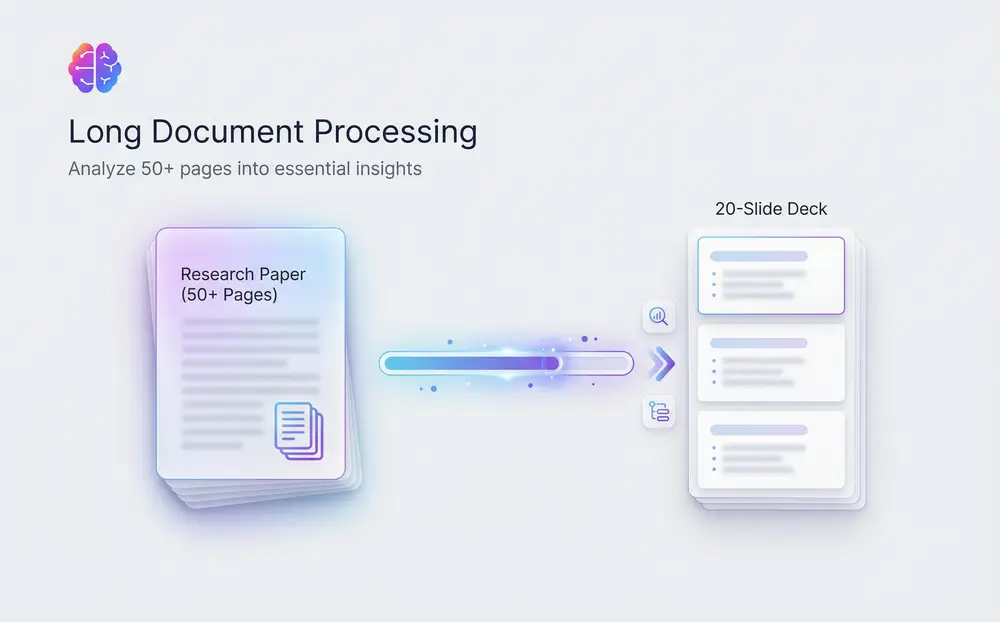
Progress bar showing 100+ page PDF being processed, with generated outline preview on the side

Long Document Processing

Convert large PDFs - research papers, technical manuals, industry reports - into slide decks without losing important information. The AI analyzes long-form content, identifies key themes, structures logical hierarchies, and generates detailed outlines before creating slides. Your 50-page research paper becomes a 10-slide presentation that captures every essential insight and argument.
Download Sider Extension
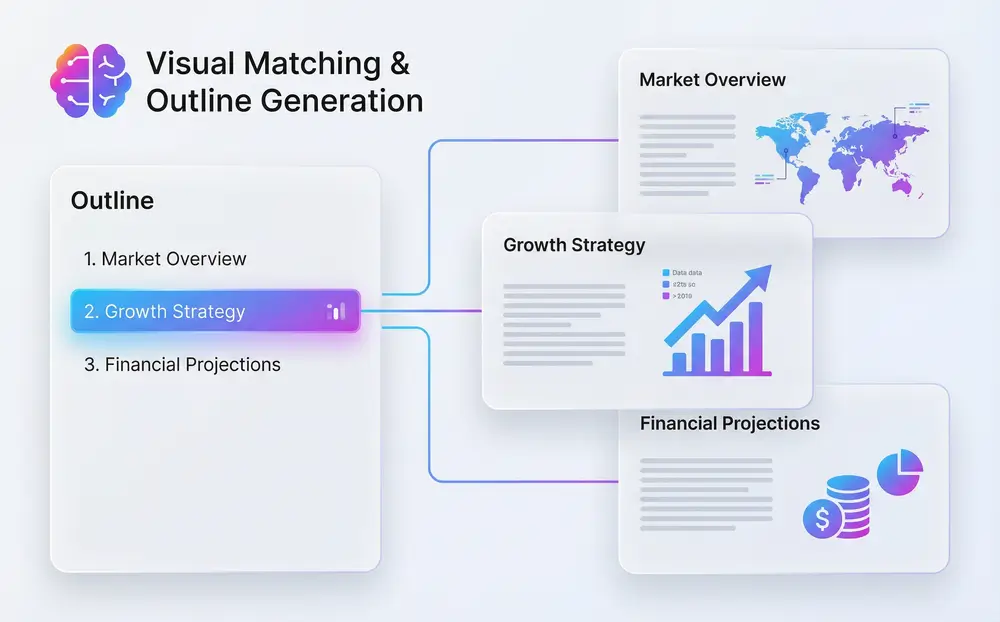
Slide deck preview showing generated outline with chapter breaks, alongside matching relevant images for each section

Visual Matching & Outline Generation

Each slide gets visuals that match your content. The AI reads your content, understands the context, and suggests or generates images that fit your topic - scientific diagrams for academic presentations, business graphics for corporate decks, marketing visuals for pitch presentations. The outline-first approach ensures logical structure before slide generation.
Download Sider Extension

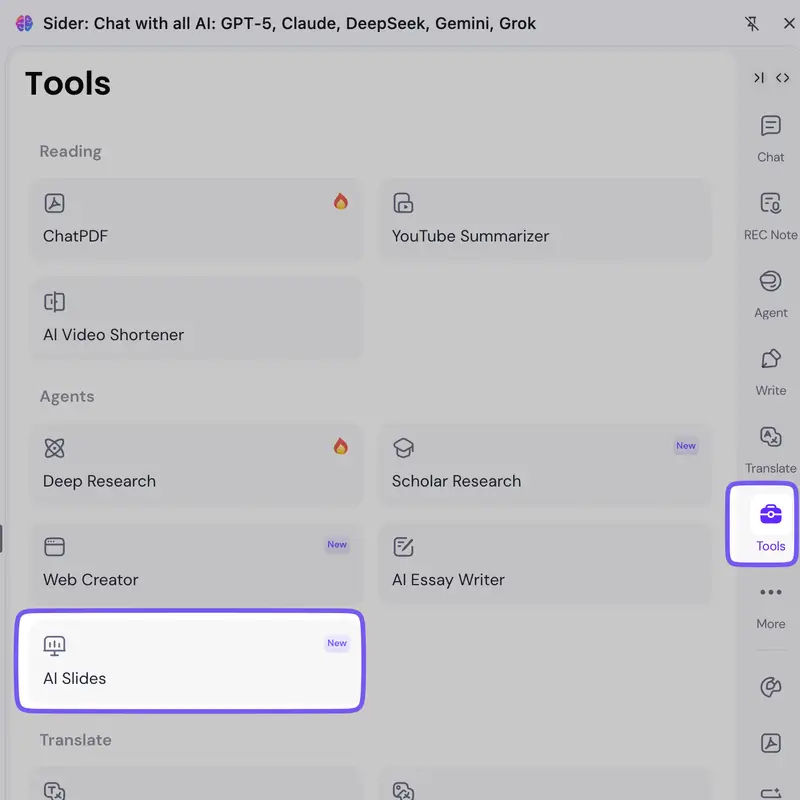
Sider extension in browser sidebar showing Tools menu with AI Slides option highlighted
1

Download & Access AI Slides

Download and install the Sider browser extension, then open it in your browser sidebar. Navigate to Tools and select AI Slides to access the PDF to PPT conversion feature. Works with Chrome, Edge, and other major browsers.

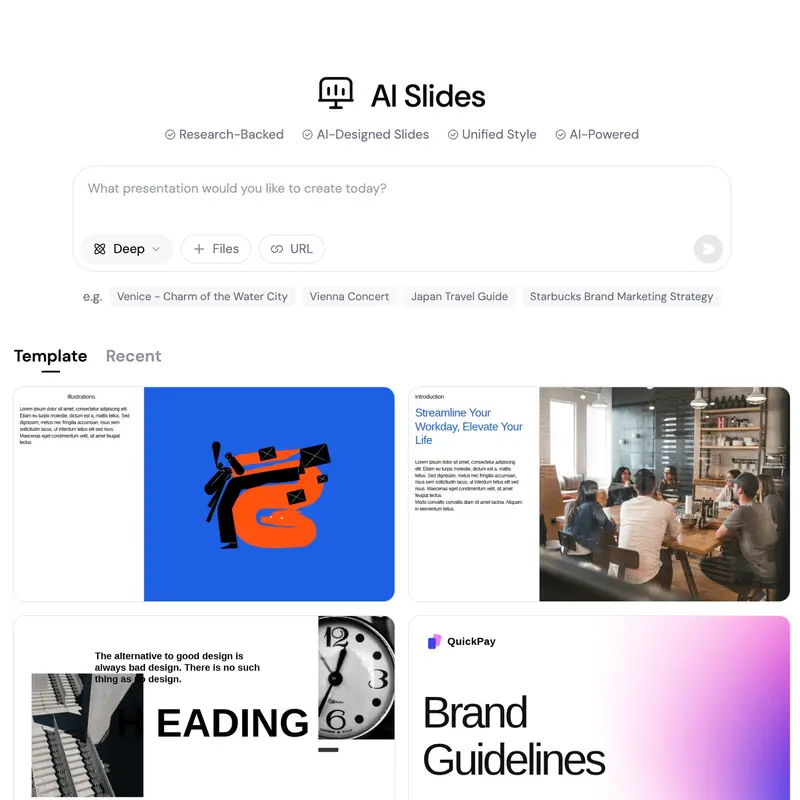
Upload interface with PDF files, settings panel for style and web search options, and input field for custom requirements
2

Upload & Configure

Upload your PDF files and configure generation settings. Choose output style, enable or disable web search integration, and input your specific requirements for the presentation. The AI will analyze your documents and prepare the content.

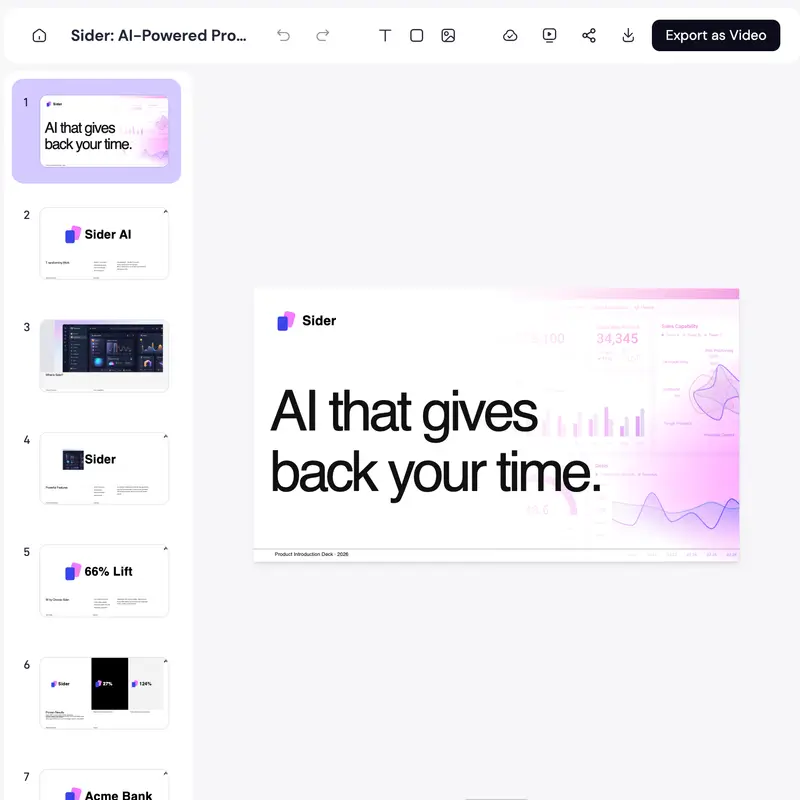
Generated slide deck preview with editing controls and export options menu showing PPTX, video, and speaker notes
3

Review, Edit & Export

View your generated slides and make edits manually or use AI Chat commands for conversational modifications. When satisfied, export to PPTX, create a video, include speaker notes, or share directly online.

AI-Powered Accuracy

Basic PDF to PPT converters transfer text. Our AI understands context, generates logical flow, and structures content. Charts, outlines, and visuals use presentation intelligence, not just format conversion.

Complete Creative Control

Start with AI-generated foundations, then refine every detail. Use manual editing tools for precise adjustments, or AI Chat for conversational modifications - change layouts, replace images, rewrite text, or adjust chart types with commands.

Multi-Format Export Flexibility

Present anywhere. Export to PPTX for PowerPoint users, create videos for digital platforms, include speaker notes, or share online. Your presentation, your format, your audience.

10M+

Documents processed across academic, business, and professional sectors

85%

Time saved on presentation creation compared to manual conversion

4.8/5

Average user satisfaction rating from 12,500+ verified reviews

50+

Language supported

As a PhD student, I was spending hours converting literature reviews into slides. This PDF to PPT AI tool extracted key insights, generated comparison charts from data tables, and created a logical flow that captured my research. My advisor liked the clarity and professionalism.

Dr. Sarah Chen

Neuroscience Researcher

I had three separate department reports that needed to be combined into one executive presentation. I uploaded all three PDFs instead of copy-pasting and reformatting for days. The AI synthesized the content, created cross-department comparisons with smart charts, and delivered a cohesive deck in under an hour.

Michael Torres

Project Manager

For our investor pitch deck, we needed current market data beyond what was in our PDF documents. Enabling web search added the latest industry statistics and trends. When we needed strict data from our internal documents, we disabled it.

Emily Zhang

Venture Capital Analyst

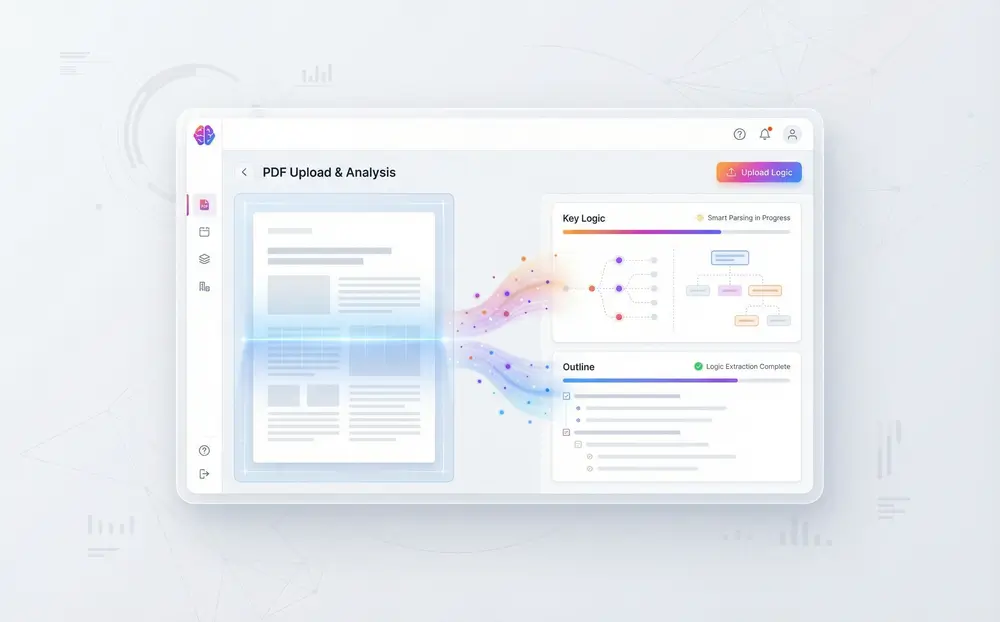
Our PDF to PPT AI analyzes your PDF content to extract key insights, generate logical outlines, and create professional slides. Unlike simple format converters, it understands context, generates smart charts from data tables, matches relevant visuals, and structures content with accurate presentation logic.

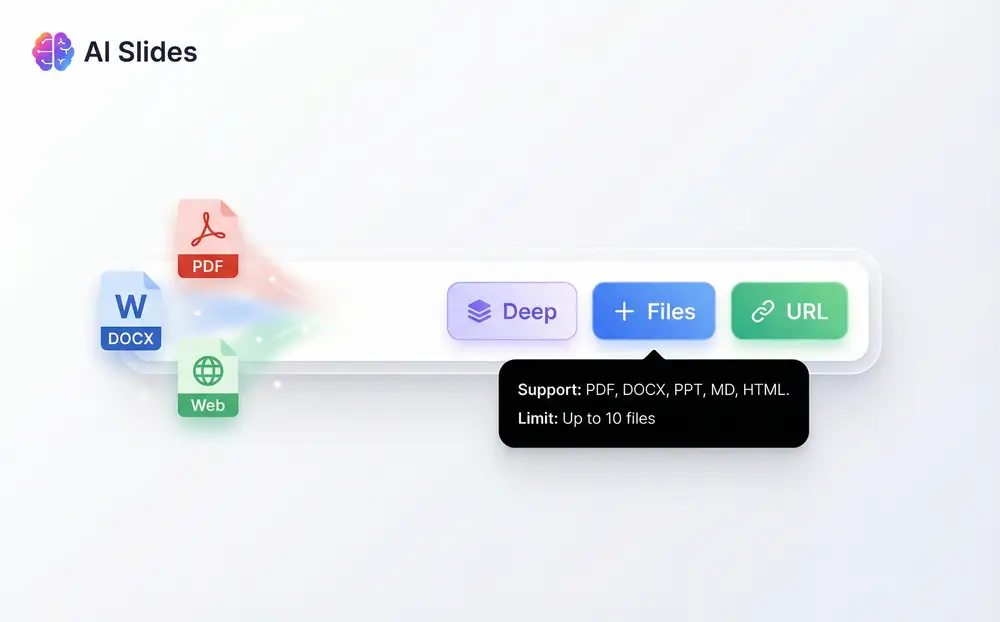
Yes! Our PDF to PPT converter supports multi-document upload. You can combine multiple PDFs into a single coherent presentation, which works well for academic literature reviews, business report summaries, or consolidated research findings.

The web search integration is optional. Toggle it on to enrich your slides with the latest market data, statistics, or background information, or keep it off for strict document-based generation. You control content accuracy and source attribution.

After converting PDF to PPT, export your slides in multiple formats: PPTX for PowerPoint editing, video format for presentations without software, and include speaker notes. Share and present across different platforms.

Most PDF to PPT tools transfer text without understanding context. Our AI-powered converter generates logical presentations with smart charts from data tables, relevant visual matching, and coherent outline structure. It transforms information into presentation-ready content.

The PDF to PPT converter offers a Fast mode that's free with daily credit allocations. For advanced features like Deep mode with enhanced AI processing and unlimited conversions, upgrade to a paid subscription plan.

Yes! After the AI generates your PDF to PPT conversion, manually fine-tune every slide. Use the built-in AI Chat to edit text, adjust layouts, replace images, and refine charts with conversational commands. Combine AI automation with human control.

Transform Your PDFs into Presentations

Whether you're preparing academic lectures, business reports, or marketing pitches, our AI-powered PDF to PPT converter handles the work so you can focus on your message and your audience.

Start Converting PDFs to PPT