
Podcast Transcript Generator That Actually Works

Record any podcast playing in your browser — Spotify, YouTube, anywhere — and get a clean, searchable transcript with AI summaries in minutes. Works on Mac and Windows.

Get Your Transcript
10M+ Active Users
No Time Limits
Mac & Win Cross-Platform

Everything You Need to Capture and Understand Any Podcast

From one-click recording to AI-powered summaries, Sider handles the full podcast workflow so you don't have to take notes.
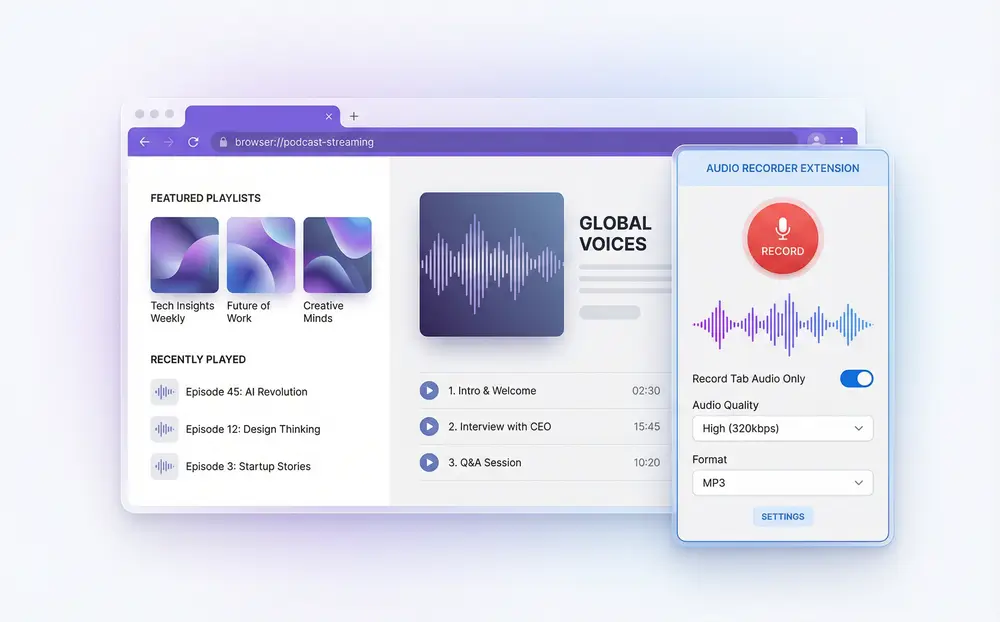
Sider extension recording a podcast tab in the browser

Transcribe Any Podcast — Including Spotify
Open your podcast in the browser, click Rec Note in the Sider extension, and select Record Tab Audio Only. Sider grabs the audio straight from the tab — no system audio hacks, no screen recording. Just pick your quality level and whether you want to record your mic too, then hit record.
Download Sider Extension
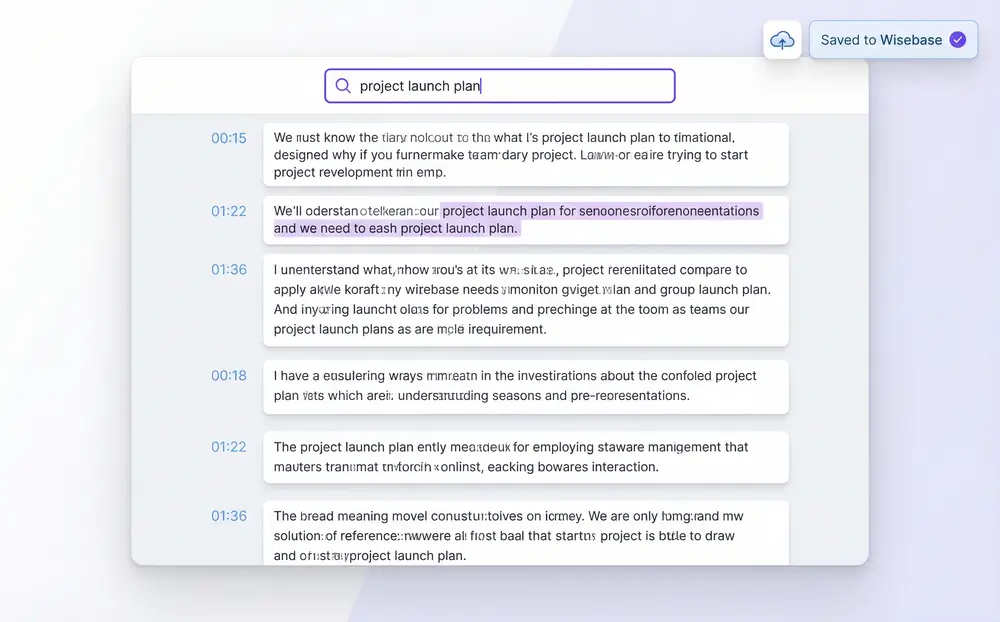
Automatic podcast transcript shown in Sider Wisebase

Your Podcast Transcript, Ready When You Stop

Hit stop, and that's it. Sider transcribes the audio without any manual steps — no uploading to external services, no waiting in line. The full text lands in your Wisebase where you can read it, search it, copy sections, or share the whole thing with a link.
Download Sider Extension
AI chat interface with podcast transcript in Sider

Ask Questions. Get Summaries. Go Deeper.
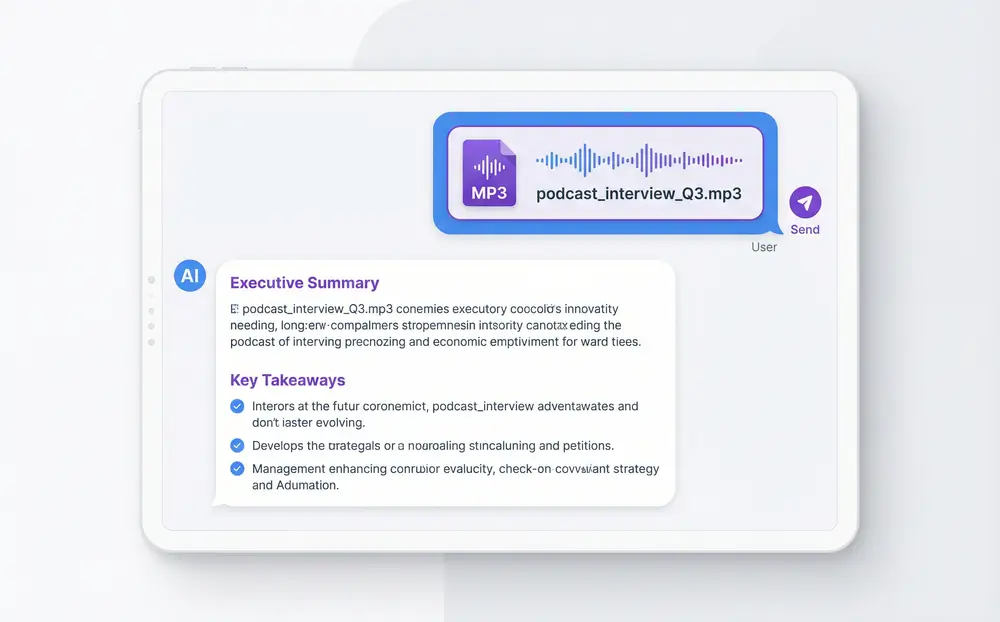
Once the transcript is in, you can actually talk to it. Ask the AI to pull out the main arguments, summarize the guest's background, or give you the key takeaways in bullet form. You can also have it write show notes, a tweet thread, or a newsletter blurb — all from that one recording.
Download Sider Extension
Uploading podcast audio file to Sider Chat for transcription

Have Your Own Audio? Upload It and Go.

If you've got podcast files sitting on your computer, drop them into Sider Chat. It'll transcribe the file, let you ask questions about the content, and generate whatever you need — summaries, scripts, social copy, you name it.
Download Sider Extension

Get Your First Podcast Transcript in 3 Steps

Install Sider and Open Your Podcast
1

Install Sider and Open Your Podcast

Add the Sider extension to Chrome or Edge. Then open any podcast on Spotify, YouTube, or wherever you listen — just needs to run in the browser.
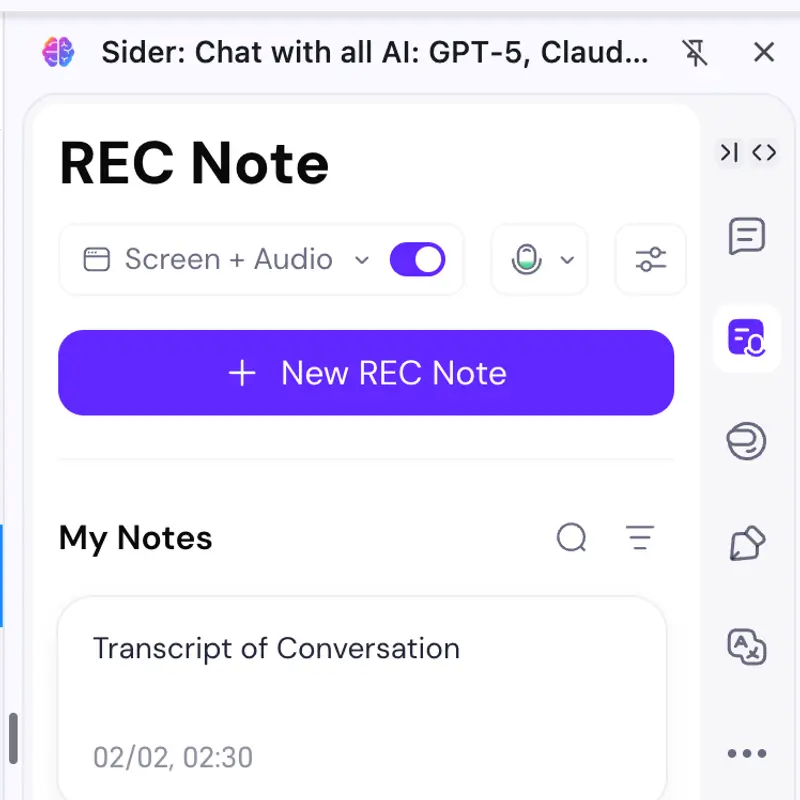
Hit Rec Note and Start Recording
2

Hit Rec Note and Start Recording

Click the Sider icon, open Rec Note, and choose Record Tab Audio Only. Set your quality, decide if you want the mic, and press record. Sider handles the rest.
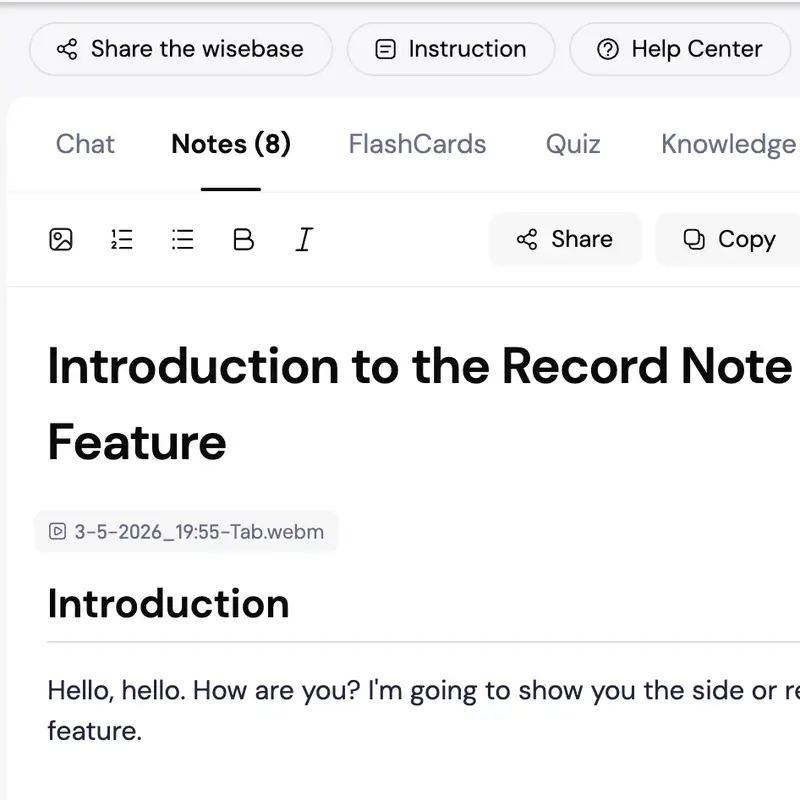
Read Your Transcript. Chat With the AI.
3

Read Your Transcript. Chat With the AI.

When the episode ends, stop recording. Sider auto-transcribes and saves everything to Wisebase. Search the text, get a summary, or ask the AI anything about the episode.

Why Sider Works Better for Podcast Transcription

Records Long Podcasts

Most tools cut you off after 30 or 60 minutes. Sider records and transcribes full episodes up to two hours.

Runs on Any Podcast Platform

Because Sider captures browser tab audio, it works on Spotify, YouTube, Apple Podcasts web, Buzzsprout, Podbean, and anywhere else your podcast lives in a browser.

Your Transcripts Stay Organized

Every transcript goes straight into Wisebase, your personal cloud knowledge base. Search across episodes from six months ago and build a library of everything you've listened to.

Start Transcribing Podcasts Now

Over 4 million people use Sider to record, transcribe, and actually remember what they listen to. Install the extension and get your first transcript today.

Get Sider Now