Chat
Hand
Code
Create
Wisebase
Apps
Lab
New
Pricing
Add to Chrome
Log in
Log in
Chat
Hand
Code
Create
Wisebase
Apps
Lab
New
Pricing
Back to Main Menu
Home
Help Center
Getting Started
Open Sidebar
Getting Started
Sider Icon
What is Sider
How to Sign in
Open Sidebar
Account
Feature Overview
Navigation Bar
Feature Guides
FAQs
Credits
Open Sidebar
Method 1: Click on Sider Icon on the Address Bar
Navigate to the toolbar of your browser, click Extensions > Sider.
You can pin Sider for quick access.
Method 2: Click on Sider Icon on Any Page
Sider icon
is typically located at the edges of the page.
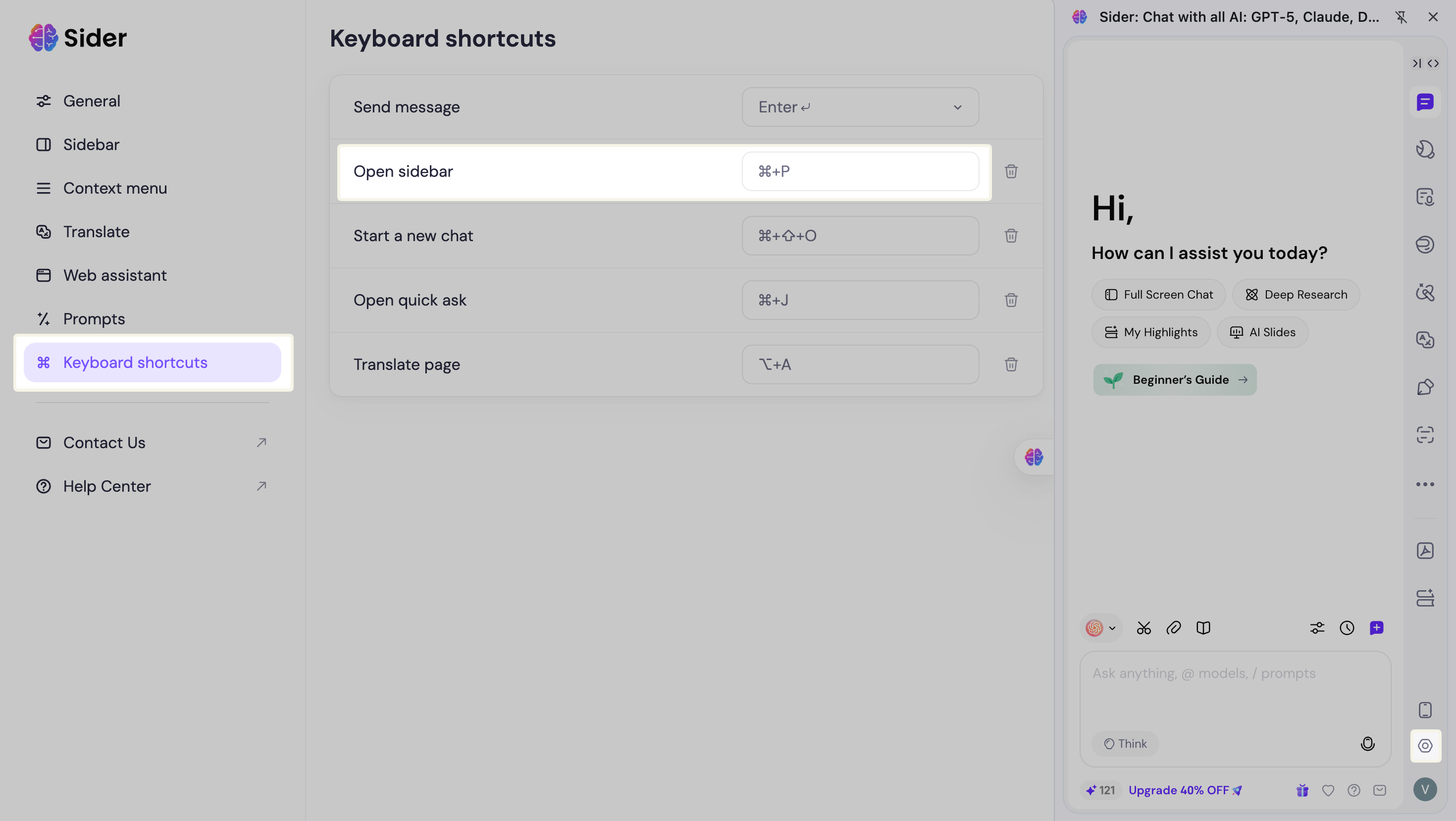
Method 3: Use Shortcut Key
Windows:
Ctrl + P
Mac:
Command + P
You can also customize the shortcut key in Settings > Sidebar > Shortcut key.
Recent Articles
Sider Icon
What is Sider
How to Sign in
Account
Feature Overview
Navigation Bar