Text to PPT: The AI-Powered Text to PowerPoint Converter
Turn any text into a professional presentation instantly.
Sider text to ppt AI understands your text, automatically designing slides, adding visuals, and structuring your content to create a polished PowerPoint (PPT) file.
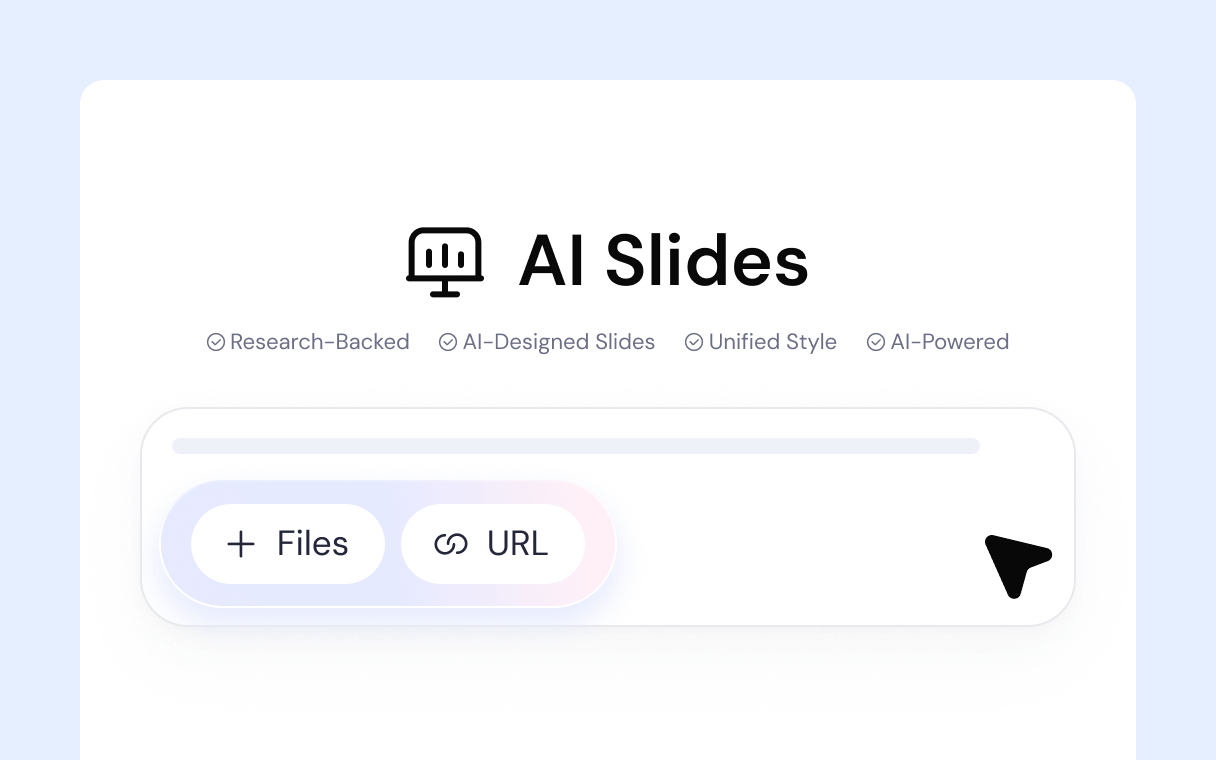
Intelligent Text to PPT Conversion
Sider doesn't just copy-paste. It analyzes the context and structure of your text to generate slides that are logical, well-organized, and visually compelling. This is the smartest way to convert text to PPT.
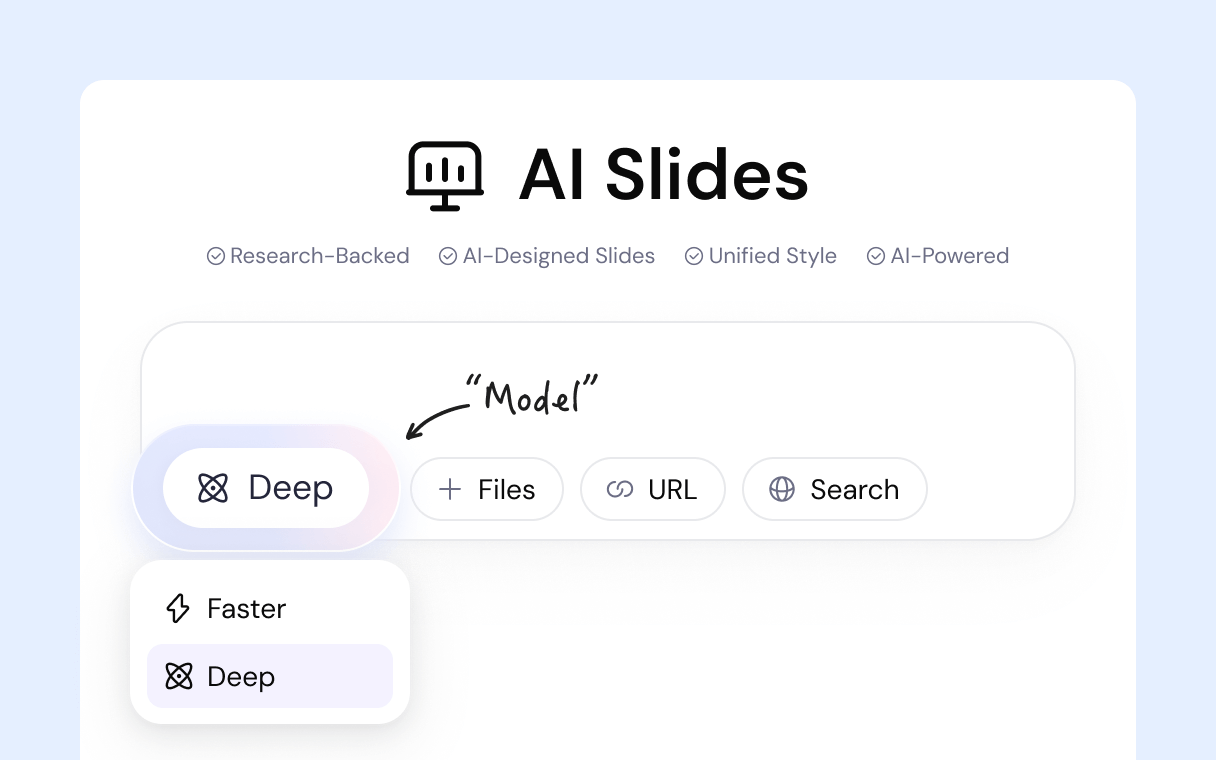
From Text to Visual Storytelling
A wall of text is boring. Our text to PowerPoint converter automatically finds and suggests relevant, high-quality images and graphics to illustrate the key points in your text, turning your words into a visual story.
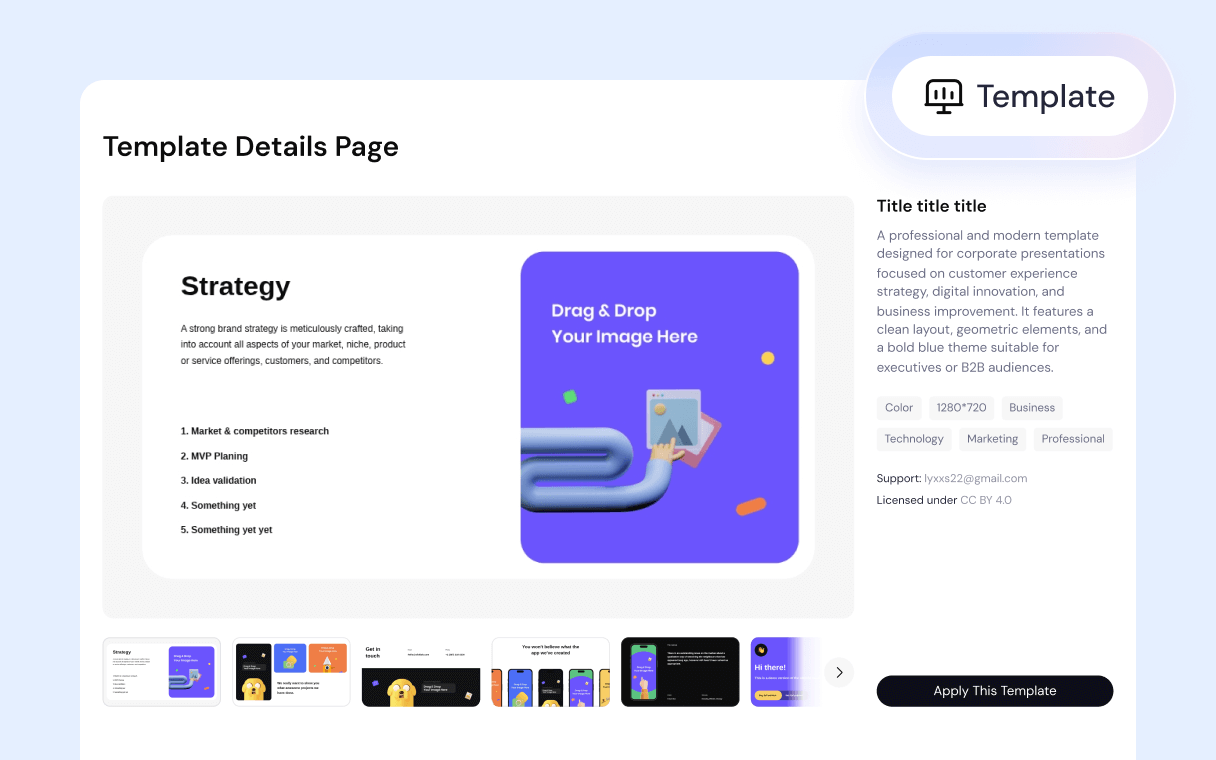
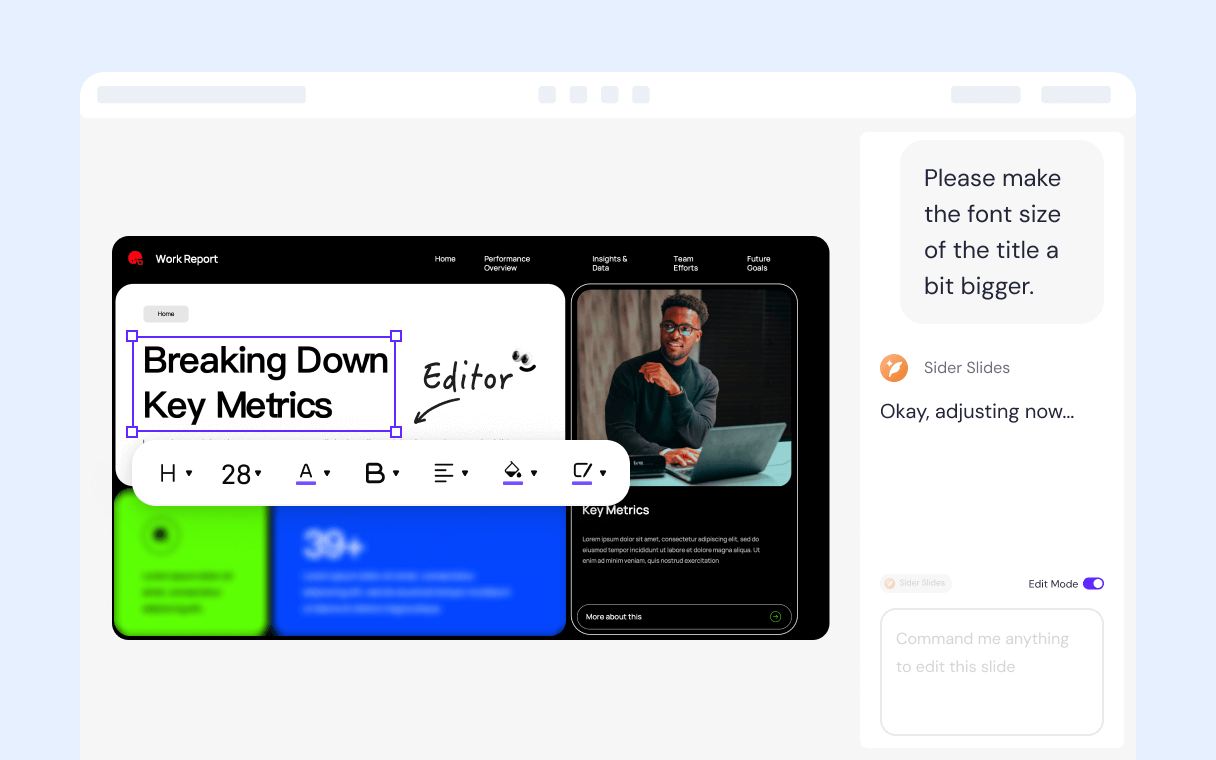
Effortlessly Refine Your Converted PPT
Once your text is converted to PPT, refinement is easy. Use simple chat commands to ask the AI for changes, or click on any element to edit it directly. You have full control over the final presentation.
Flexible Presenting Modes
After converting your text to a presentation, present it your way. Use the standard full-screen mode for your audience or the presenter view to keep your notes and script visible only to you.
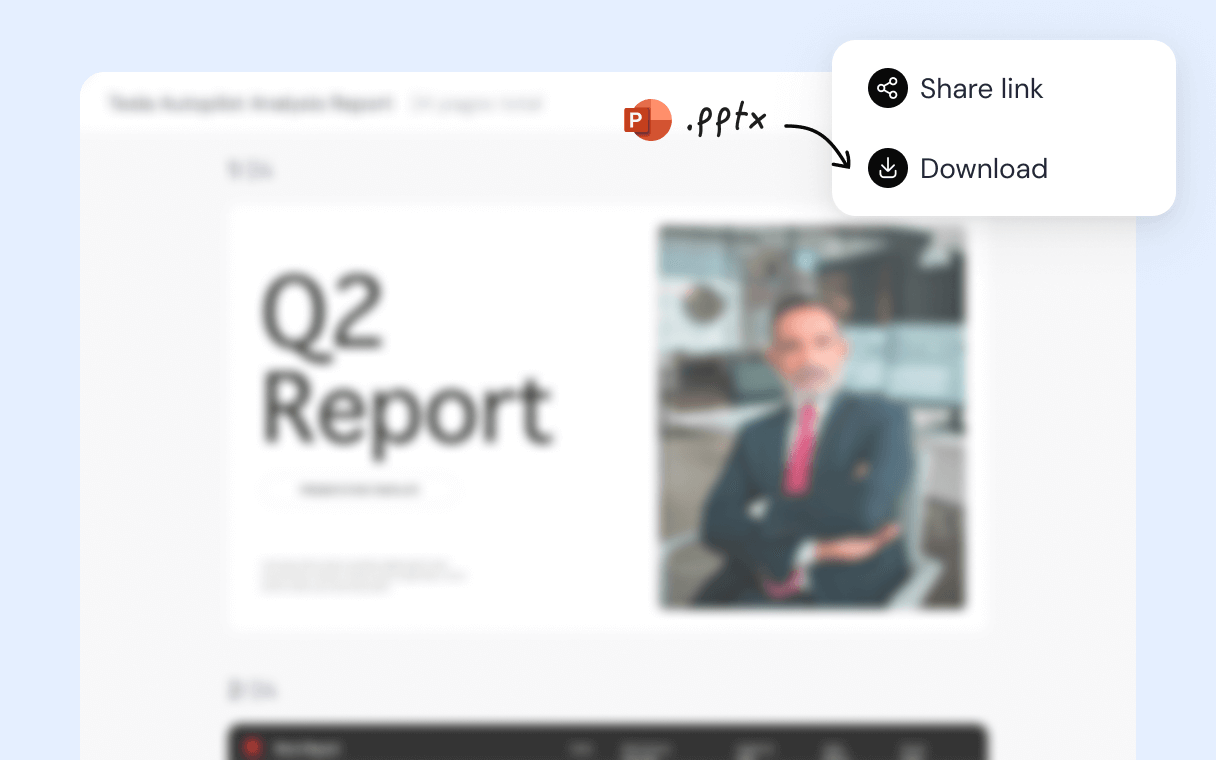
Instantly Share Your Text-to-PPT Creation
Sharing the presentation you made from your text is simple. Generate a single link that works on any browser or device, allowing anyone to view your slides without needing to log in or download software.
The Most Versatile AI PPT Maker: Create from Any Source
How to Convert Text to PPT in 4 Simple Steps
1
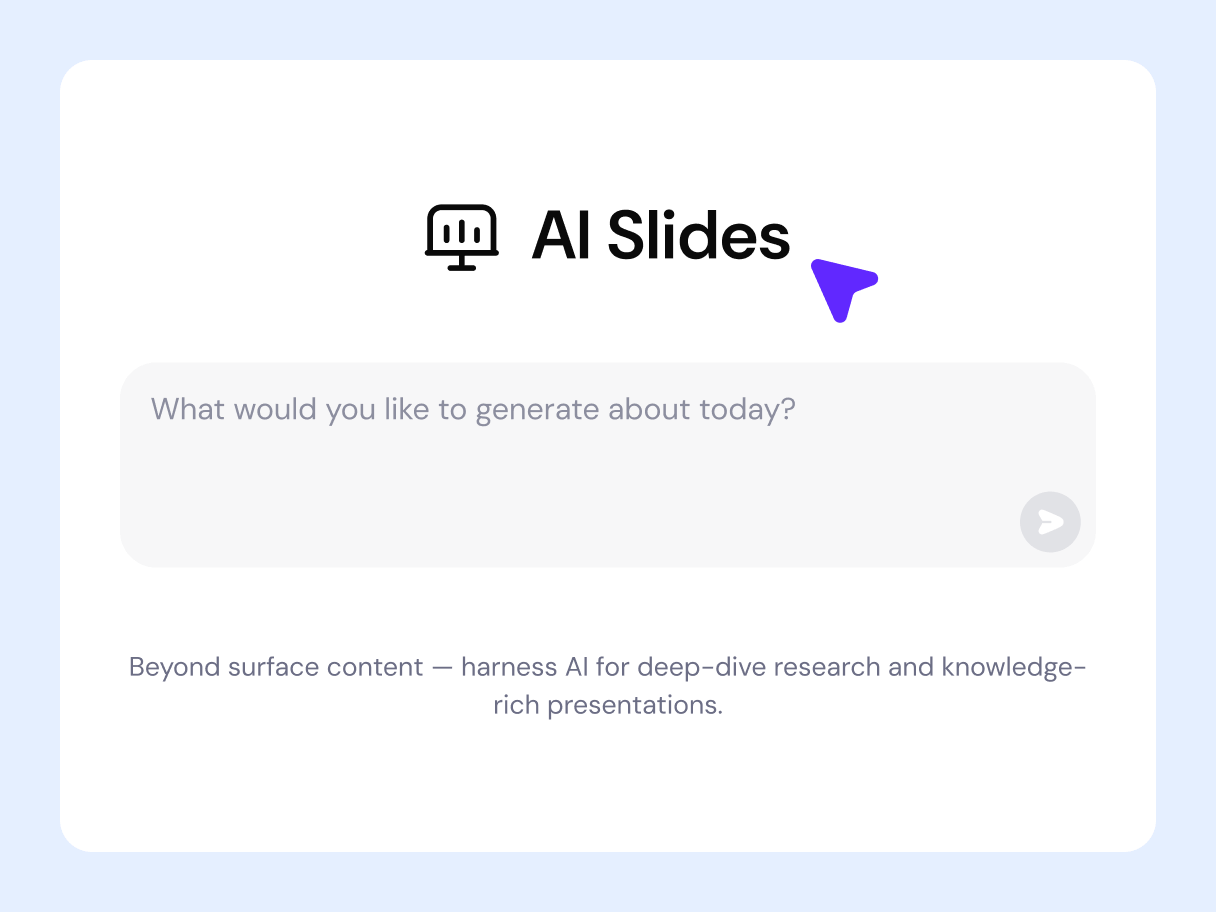
1. Paste Your Text
Simply copy the text you want to convert and paste it into our tool. This can be anything from a single sentence to a full document.
2
2. AI Analyzes and Outlines
3
3. Visuals Are Added
4
4. Generate Your PPT
Why is Sider Slides Different from Other AI PPT Makers
A Text to PPT Converter for Every Need
Whether you're summarizing a long report, turning meeting notes into action items, or adapting a script for a visual presentation, our tool is for you.
Stop manually creating slides from your documents. Just paste the text and let our AI do the heavy lifting.
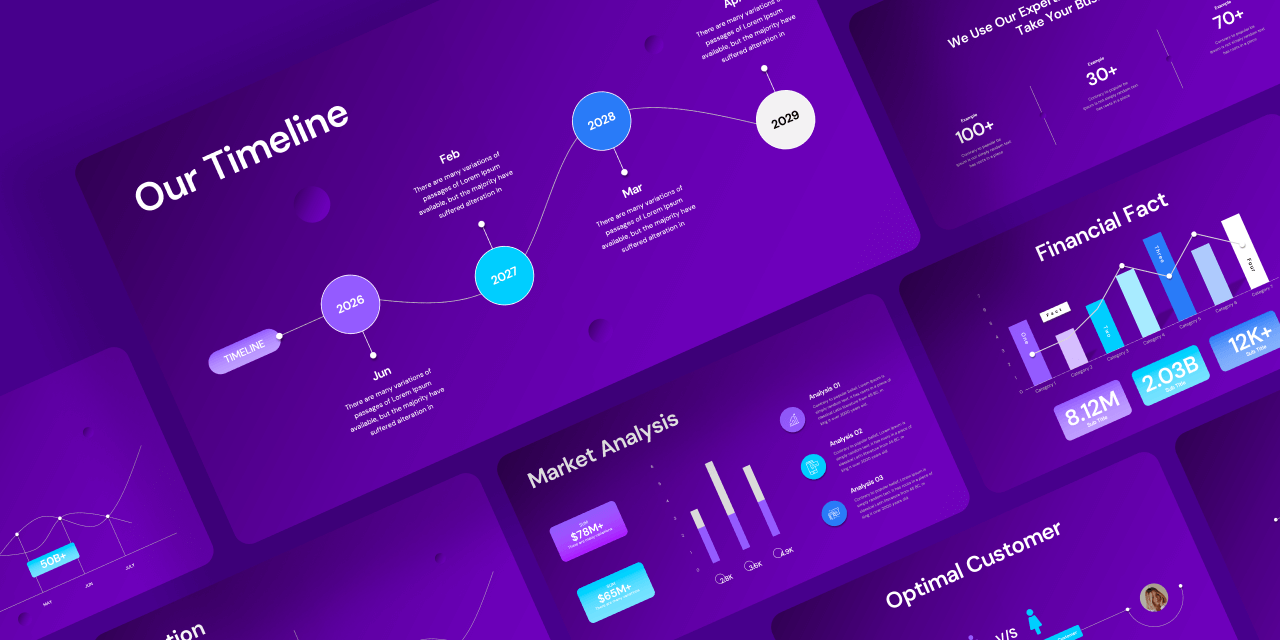
Convert dense business reports and memos into clear, digestible presentations that your team and stakeholders can easily understand.

Turn your raw meeting notes into a structured summary with key takeaways and action items, perfect for sharing with attendees.
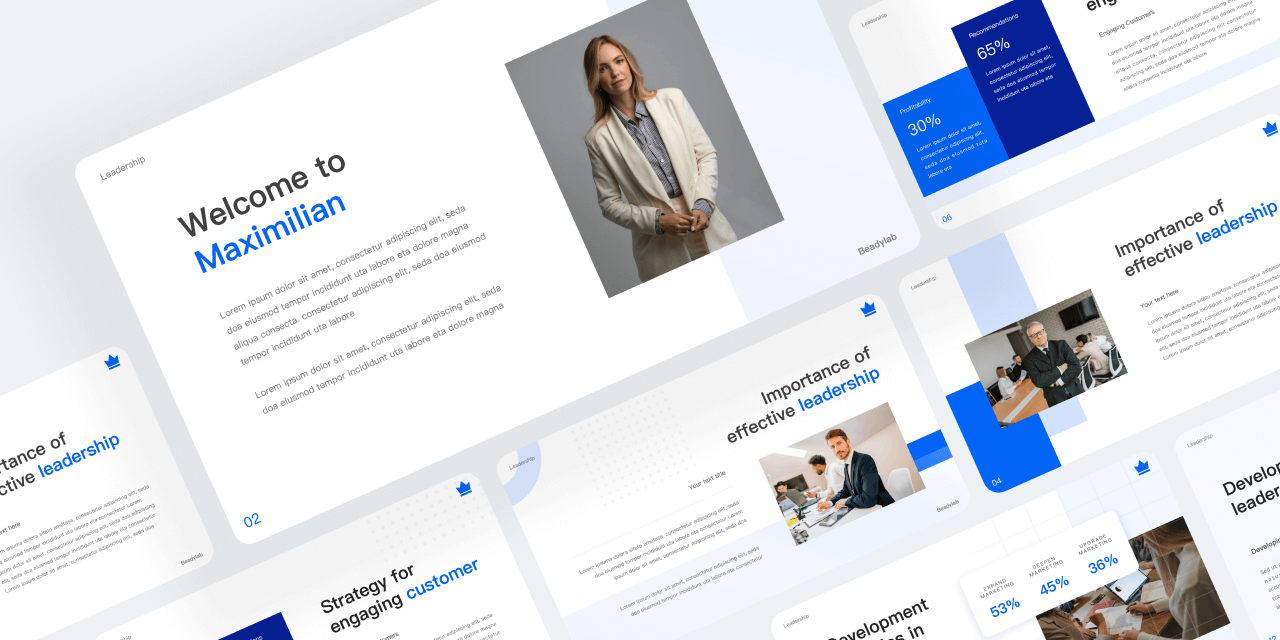
Students and researchers can convert their essays, research papers, and articles into engaging presentations for class or conferences.
Quickly adapt your blog posts, scripts, or articles into visual formats like slideshows or video presentations for social media.
A Powerful Presentation AI That Turns Anything into Slides
The Fastest Way from Text to Presentation
Unlock the power of your words. Convert your text to a stunning PPT in just a few clicks and save hours of work.
Text to PowerPoint Converter: FAQs
Products
Wisebase
©2026 All Rights ReservedTerms of UsePrivacy Policy