AI Portfolio Builder: Maybe Your Photos Deserve a Better Home?
- No Code, Just Your Vision
Our AI tries to build a professional photography portfolio from your description. Let's see what it comes up with.
Maybe you can finally create that portfolio you've been putting off
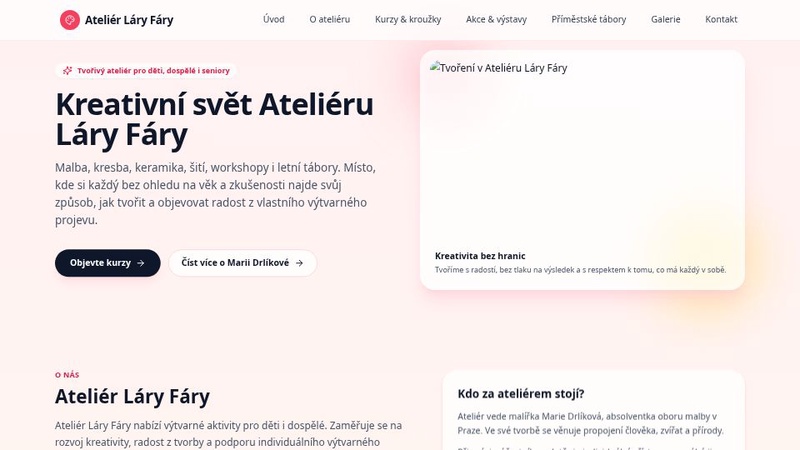
PrecizníWeb
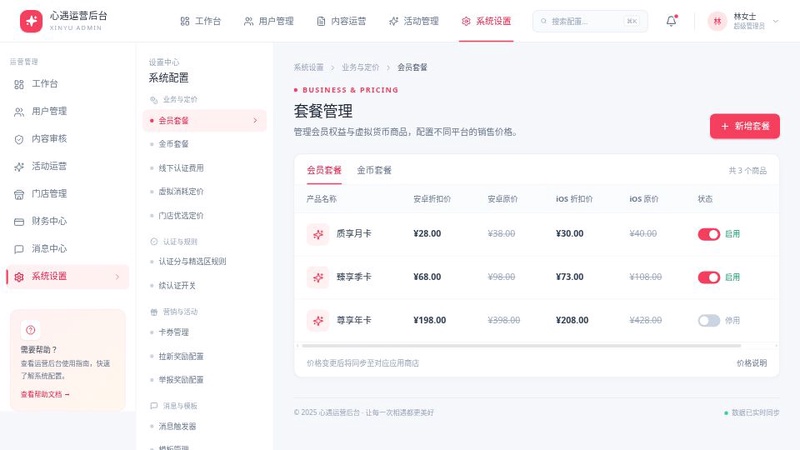
系统设置齿轮
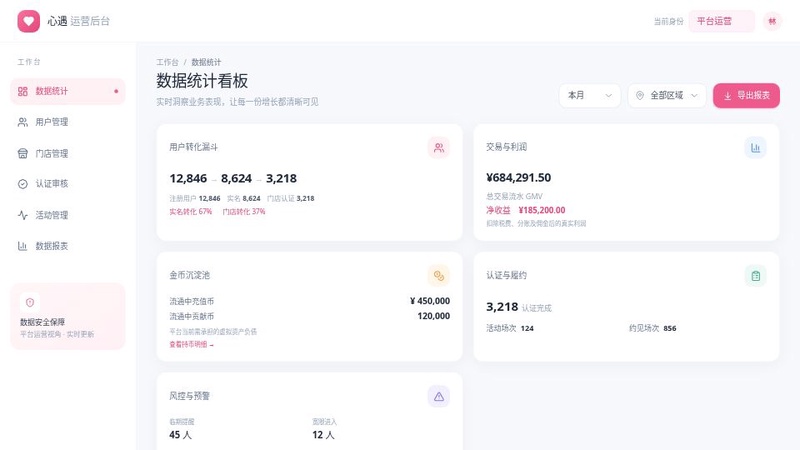
数据统计
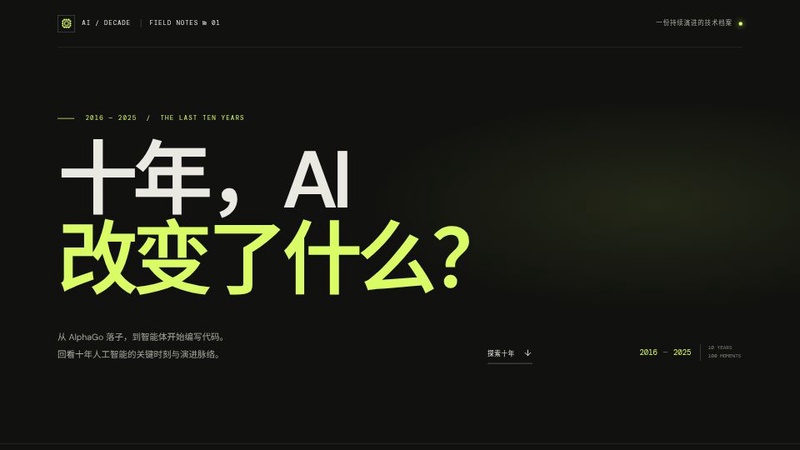
互动网页生成器
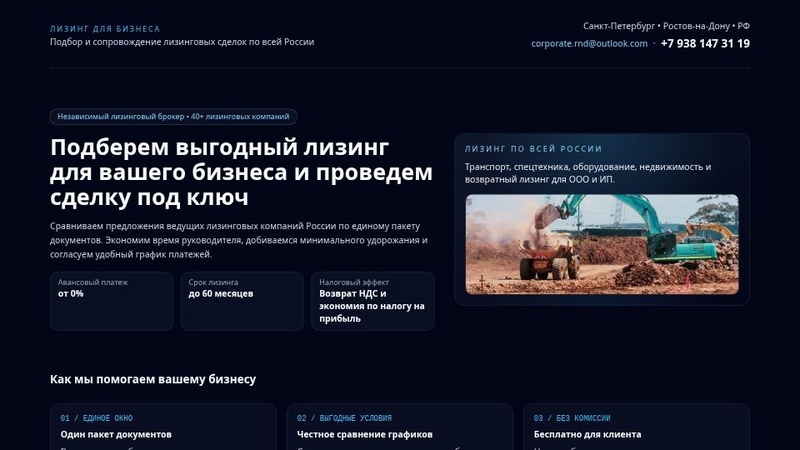
Лэндинг по лизингу для ИП Чекулаева И
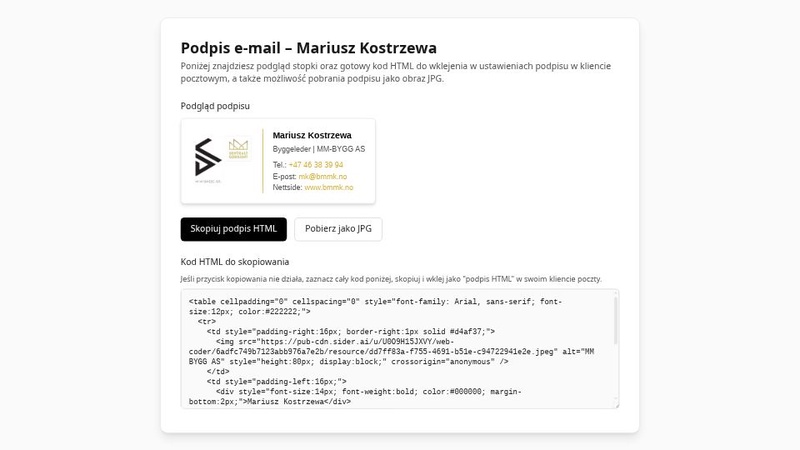
Stopka Podpisu
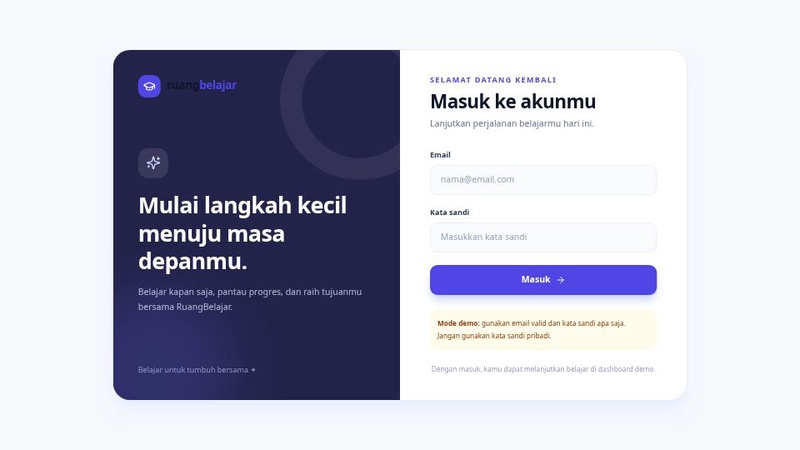
EduSmart LMS
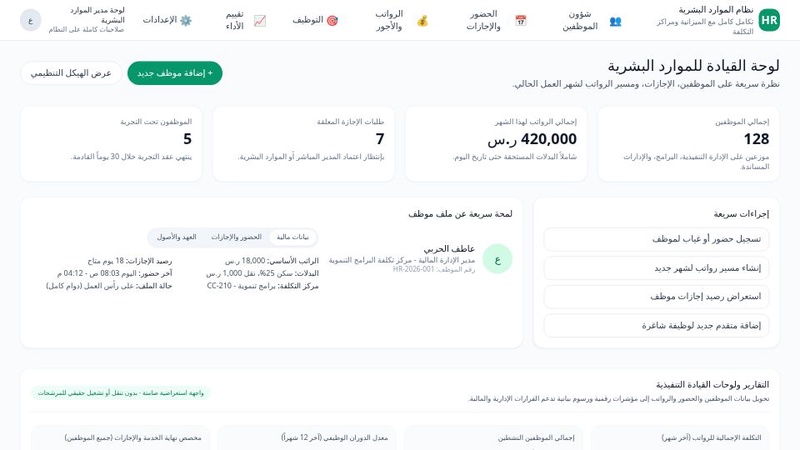
نظام إدارة الموارد البشرية المتكامل

工业文化之旅
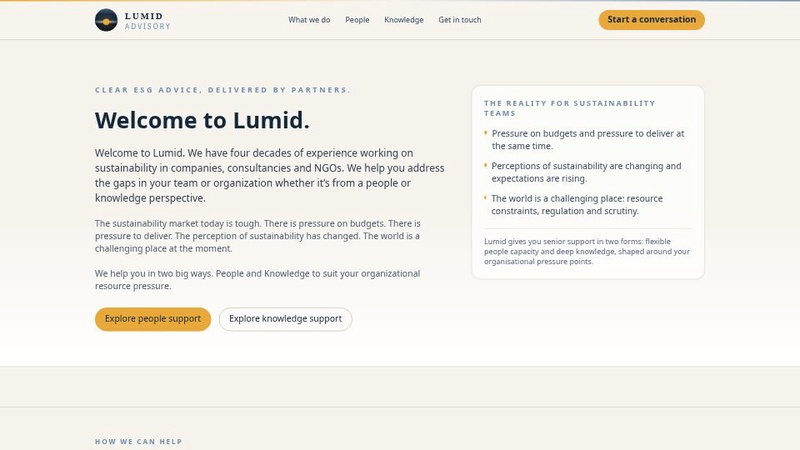
Simplified Web Creator

考核大师
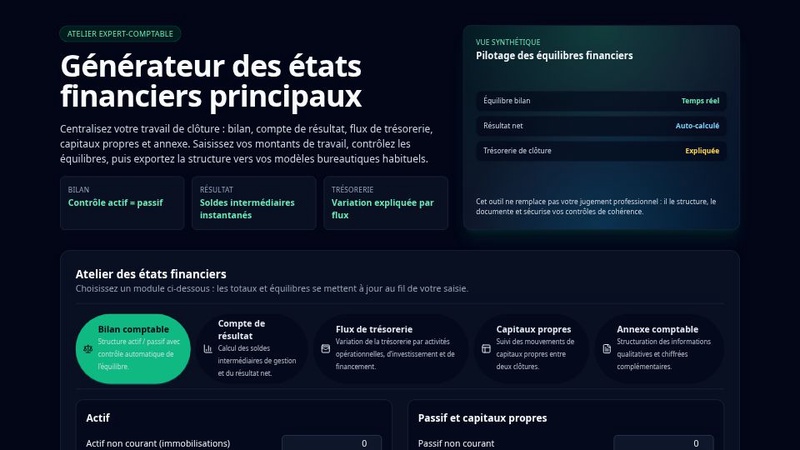
ExpertComptaPro
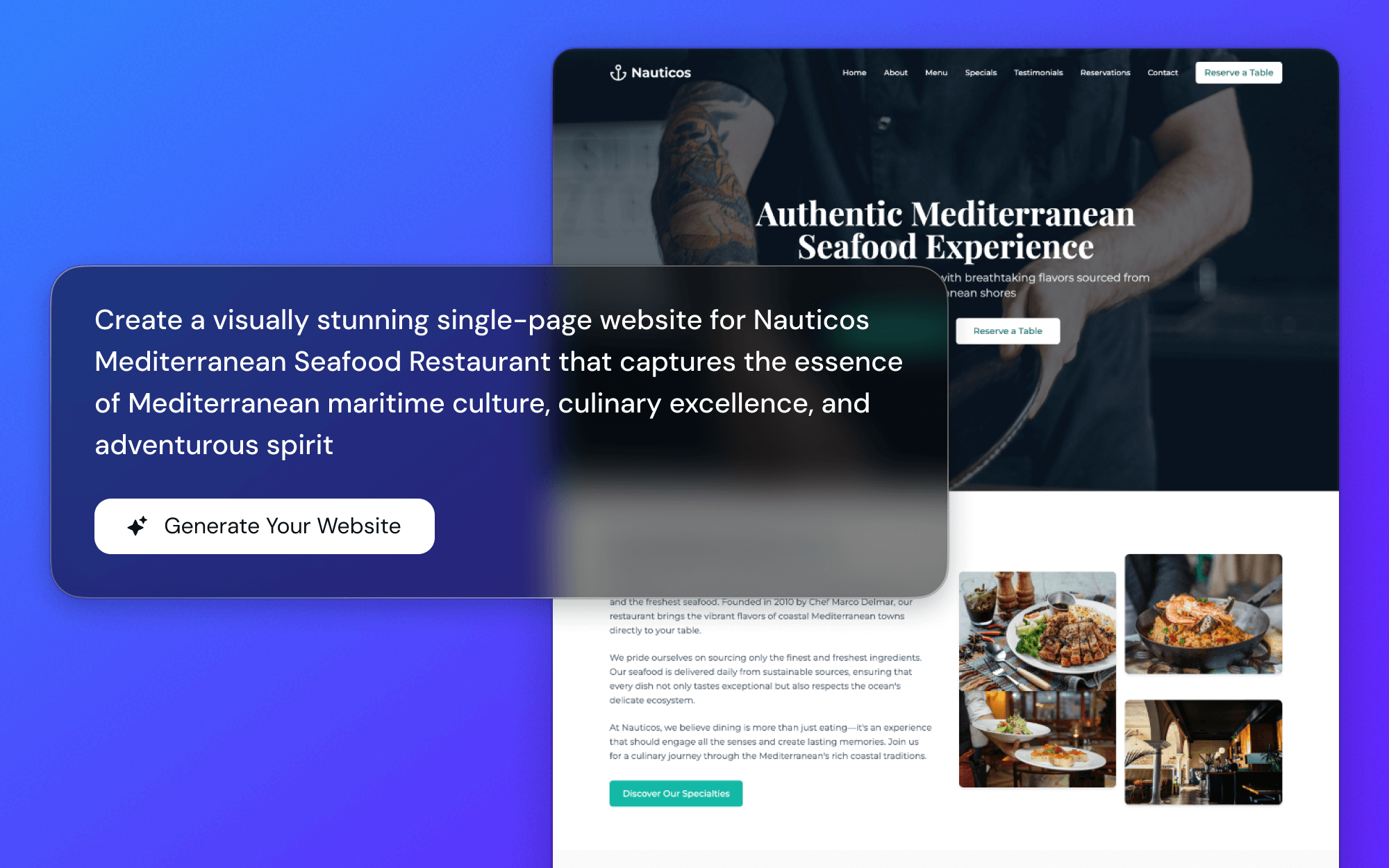
Just Talk to It
Instead of fiddling with templates, what if you could just... talk? Describe your style. 'A clean, minimalist grid for my wedding photos.' It's a weirdly simple way to start.
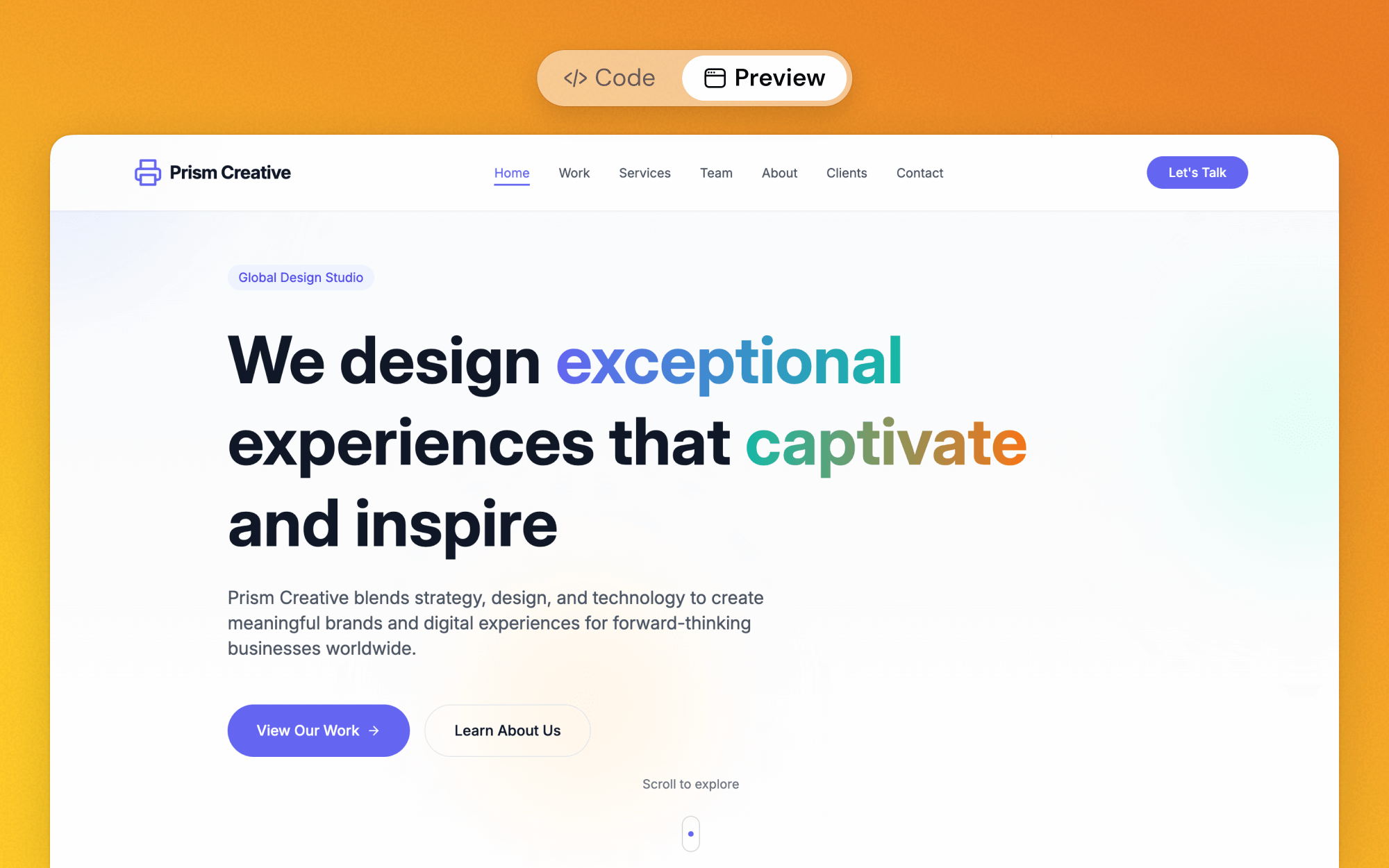
Watch It Happen
You see your portfolio come to life as you type. It feels a bit like magic, honestly. You're always in the driver's seat, watching it guess what you want.
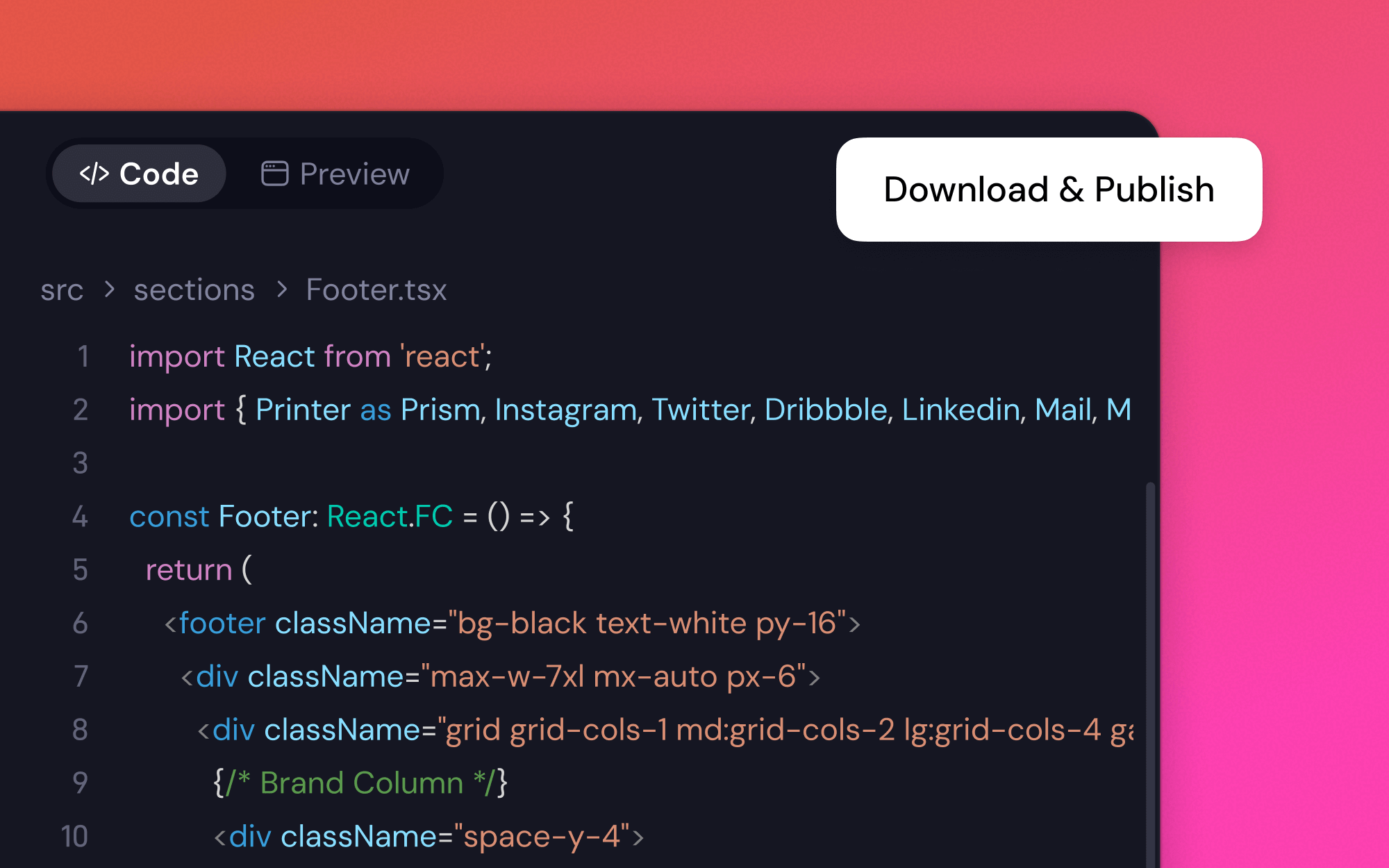
Looks Legit
The end result? It's built with solid tech (React), so it's fast and looks good on any screen. You can even export the code if you're into that sort of thing. No mess.
Could It Really Be This Simple? 3 Steps.
1
Share Your Vision
Tell our AI portfolio builder what's in your head. Something like, 'a portfolio for a portrait photographer with a separate 'about me' page.' Let's see if it gets it.
2
Nudge It a Little
It might not be perfect at first. But you can just tell it what to fix. 'Make the images bigger' or 'change that font.' It adjusts right away, like a design assistant who doesn't mind a million changes.
3
Go Live
When it feels right, just hit publish. Your portfolio is online. Just like that. No weird server stuff to figure out.
What Other Photographers Are Saying...
I've been putting off my portfolio for years. I told this thing 'dark theme, big images for my astrophotography' and... it actually worked? It wasn't perfect, but it got me 90% of the way there in minutes. I'm kind of stunned.

May Turner, Astrophotographer
I needed a simple site for a new series of portraits. I thought, 'what the heck, I'll try this AI thing.' In less than 10 minutes I had something that looked... good. Really good. It felt less like a website builder and more like I was just describing my idea out loud.

Harper L., Portrait Photographer
As someone who's also a designer, I was skeptical. But I used it to mock up a gallery idea and the layout was surprisingly smart. The exported code was clean, too. It's a wild shortcut for getting ideas out of your head and onto a screen.

Evan, Photographer & Designer
I know nothing about websites. Zero. I just wanted my travel photos online somewhere that didn't look cheap. This was the first tool that didn't make me feel dumb. It just built what I asked for.

Lily Wong, Hobbyist Photographer
Questions You Probably Have About This AI Portfolio Thing
More Web Creator Sub-tools
AI Game GeneratorAI Web BuilderWebsite Creator With TemplatesCompany Website Design BuilderAI Commercial Store GeneratorAI Restaurant Website CreatorBar Website BuilderWeb Creator for MusiciansThank You Page GeneratorAI HTML GeneratorFree Landing Page BuilderIllustrator Portfolio BuilderChat to BuildCustom Website Design ToolVisual Web BuilderAI Mobile Page GeneratorMulti-Page Site GeneratorTemplate MakerAI Website GenerationYoga Studio Website BuilderNonprofit Site BuilderAI Website CoderCourse Landing Page BuilderAuthor Website BuilderFree Figma to Website ConverterFree Image to Website ConverterPrompt Library for Web CreationFree Mindmap to Website ConverterAI Digital Portfolio BuilderAI Portfolio Builder
Ready to See Your Photos in a New Light?
That portfolio you've been dreaming about could be just a few minutes away. Why not give it a try?