AI Template Maker: From a Simple Idea to a Perfect Template
- Is It Really This Easy?
Our AI helps you build professional templates from just a description. I'm hopeful this is the shortcut I've been looking for.
Create amazing templates with Sider
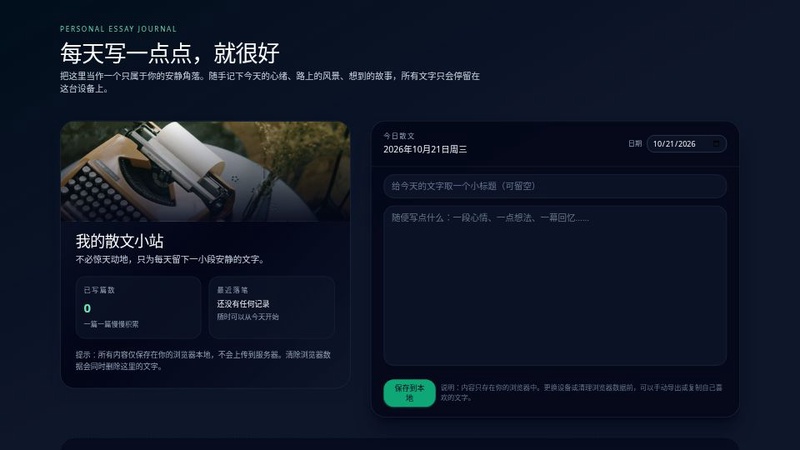
散文日志

Presentasi ADHD Indonesia
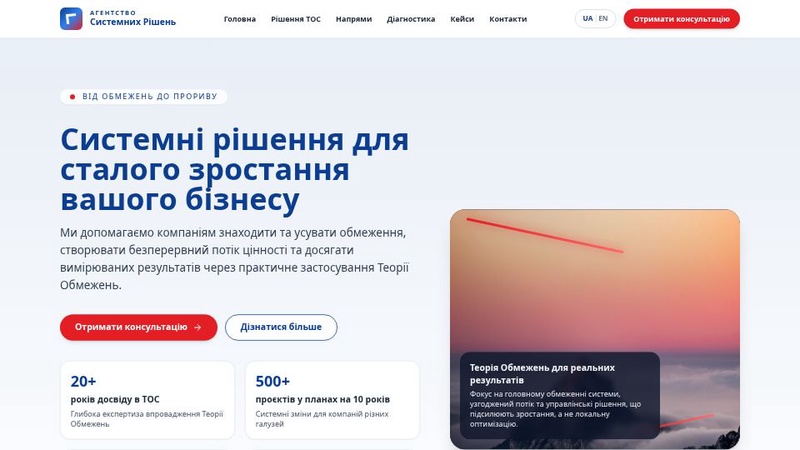
Агентство Системних Рішень - Візуальний Макет B2B
Pembuat Website
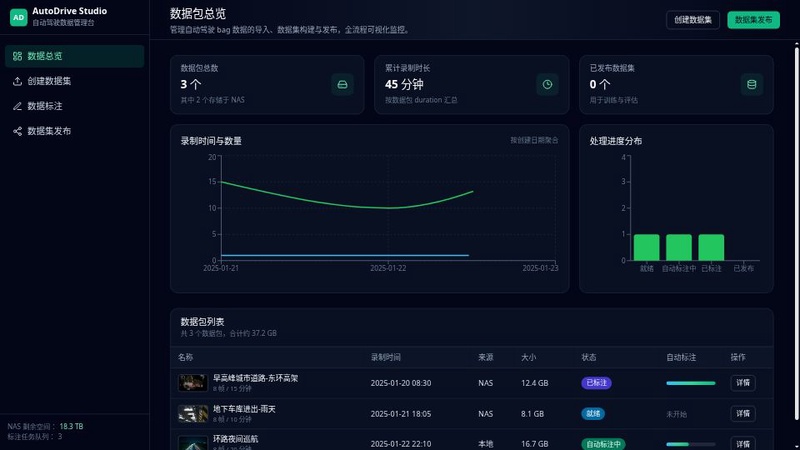
活动管理预览
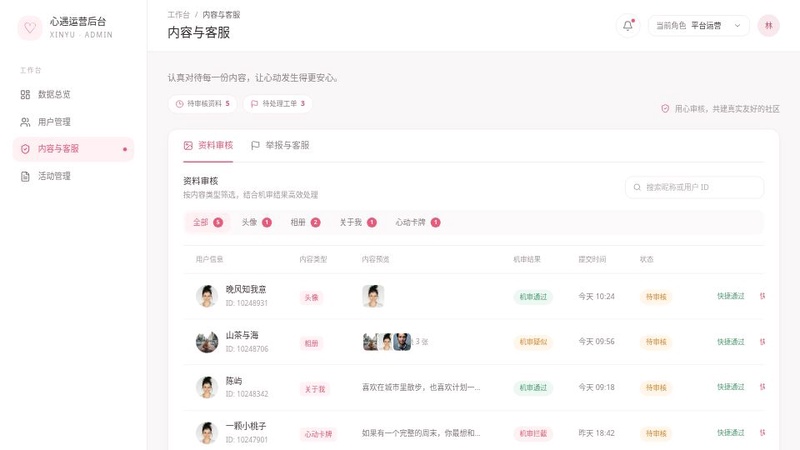
运营后台管理
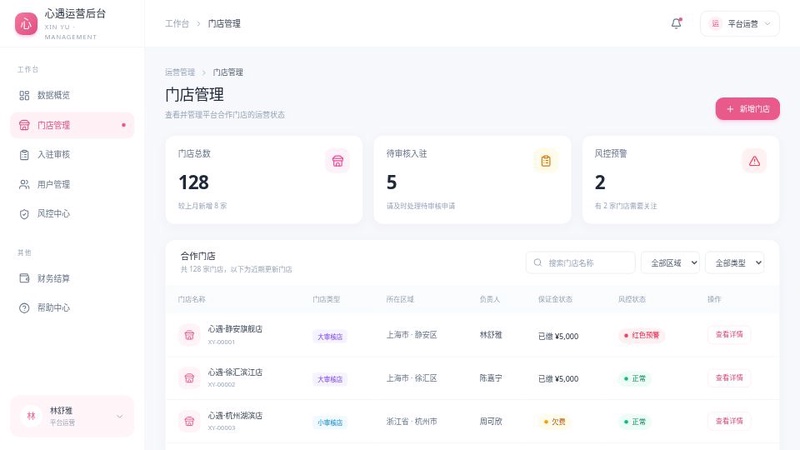
心遇运营后台
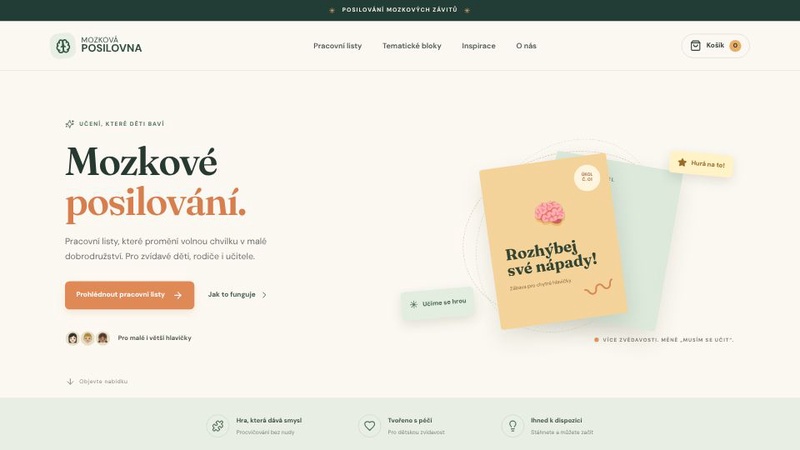
Mozková posilovna: Kreativní zábava pro děti
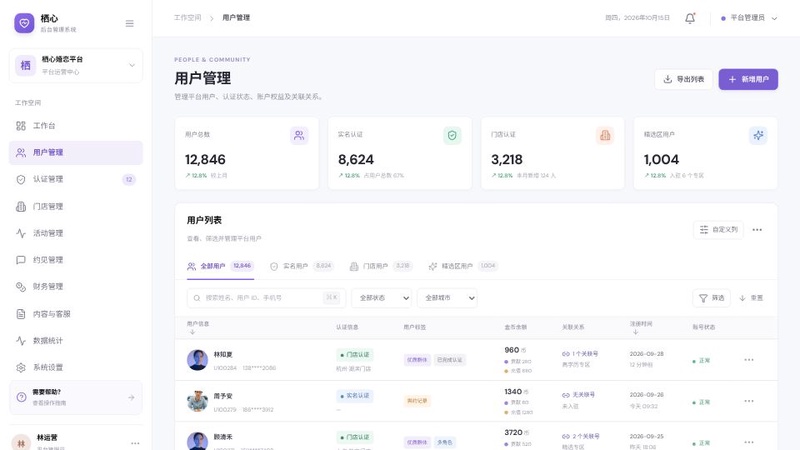
用户管理界面预览
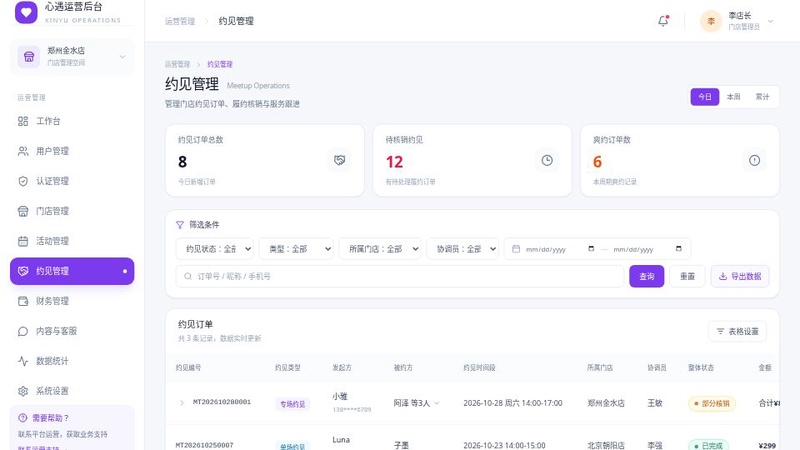
运营后台约见管理
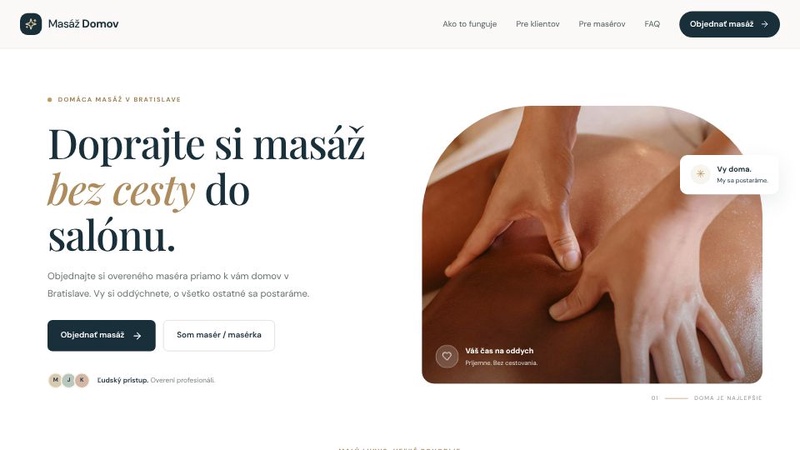
Masáž Domov - Profesionálna mobilná masáž v pohodlí domu
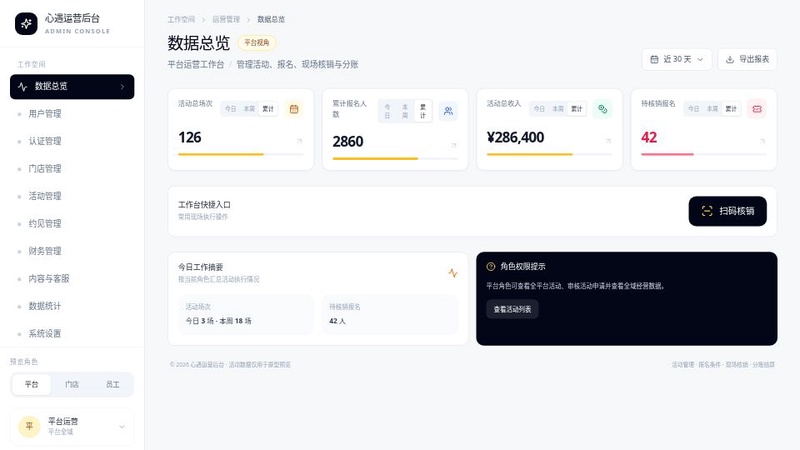
活动管理预览
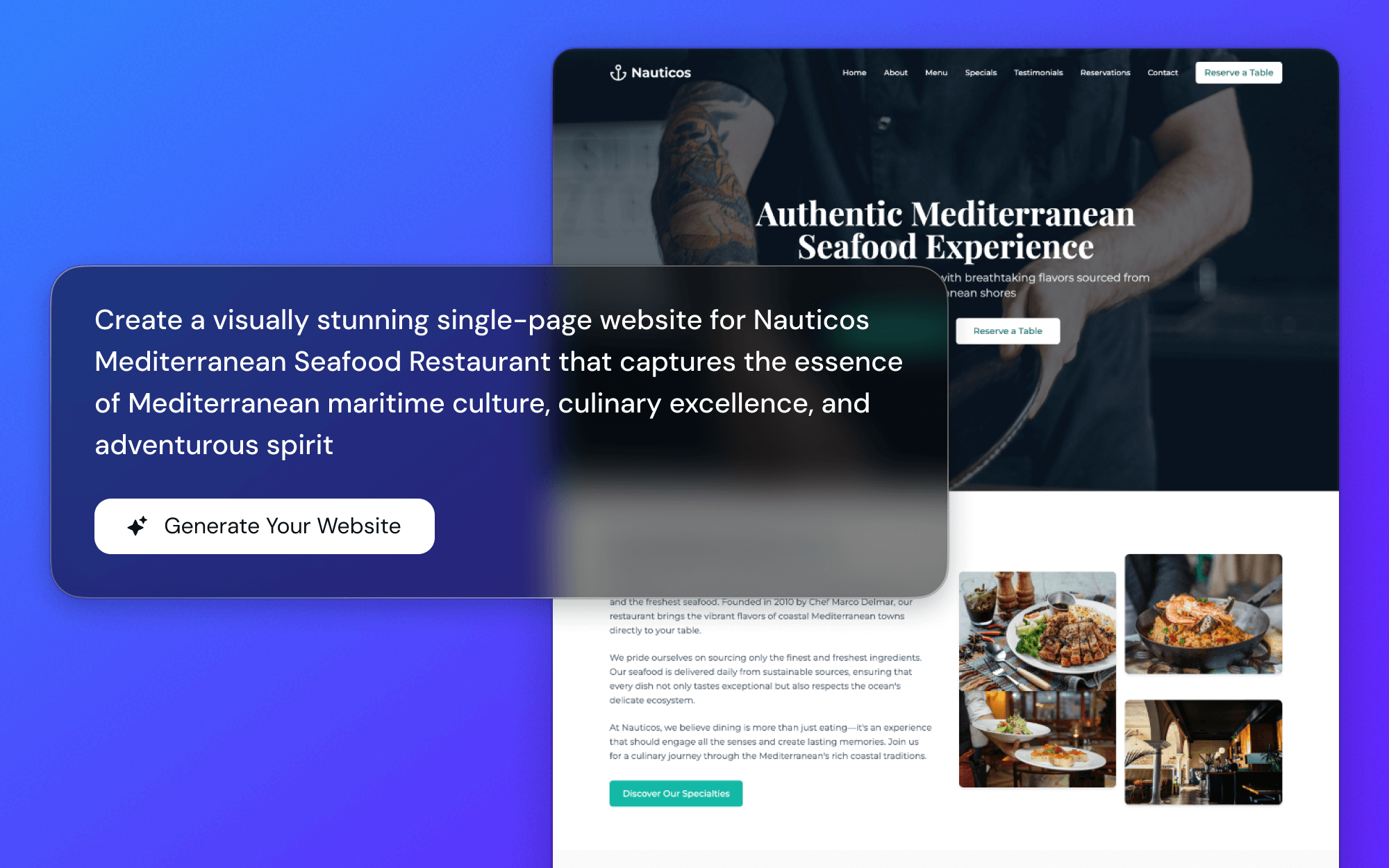
Just... Describe It?
You just describe the template you're imagining. No complicated tools or design theory needed. It feels like you're just brainstorming with a friend who happens to be a designer.
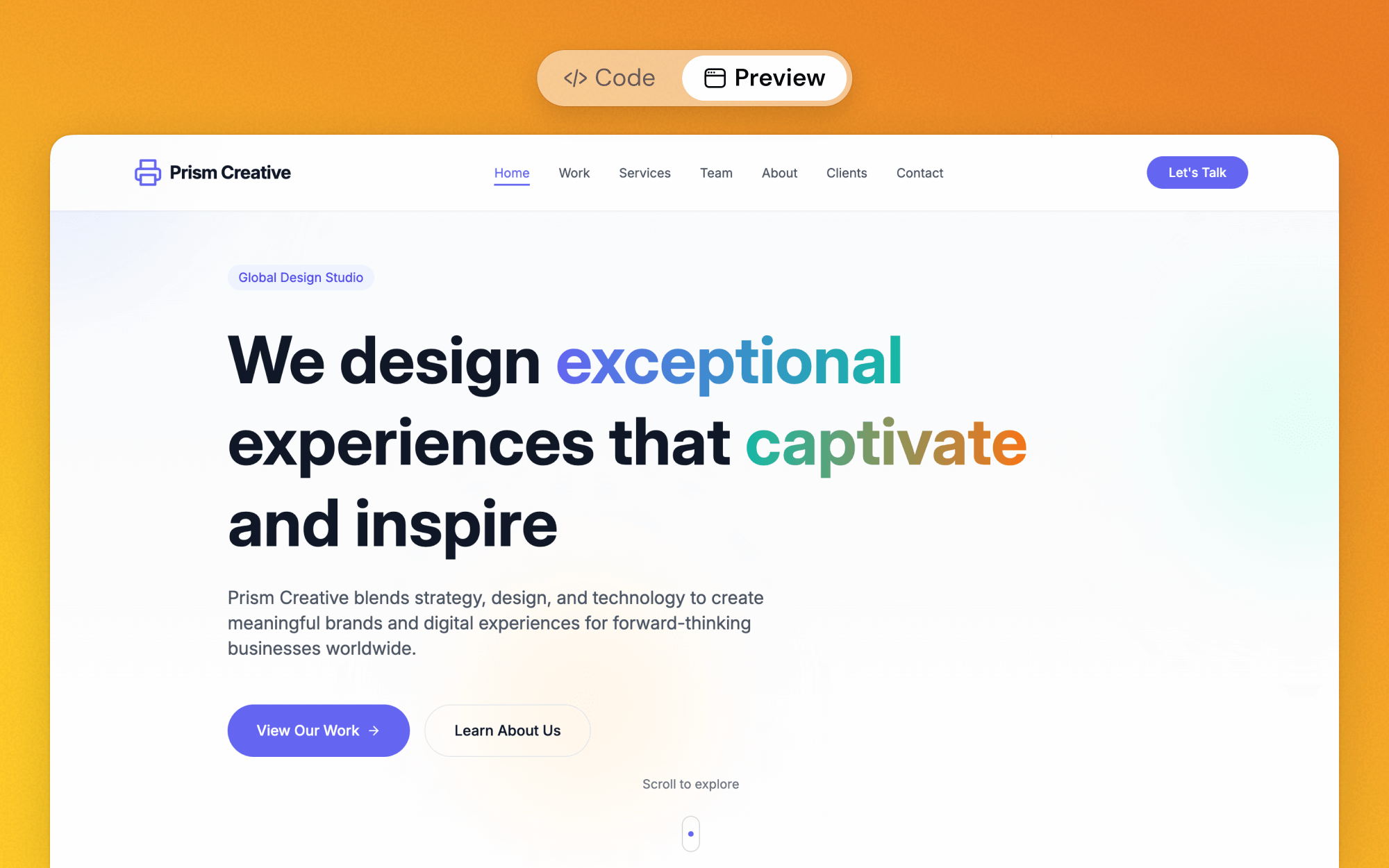
Watch It Come to Life
You can see the template being built in real-time. It's kind of mesmerizing. Every little tweak you ask for appears right away, so you're never guessing what the final result will be.
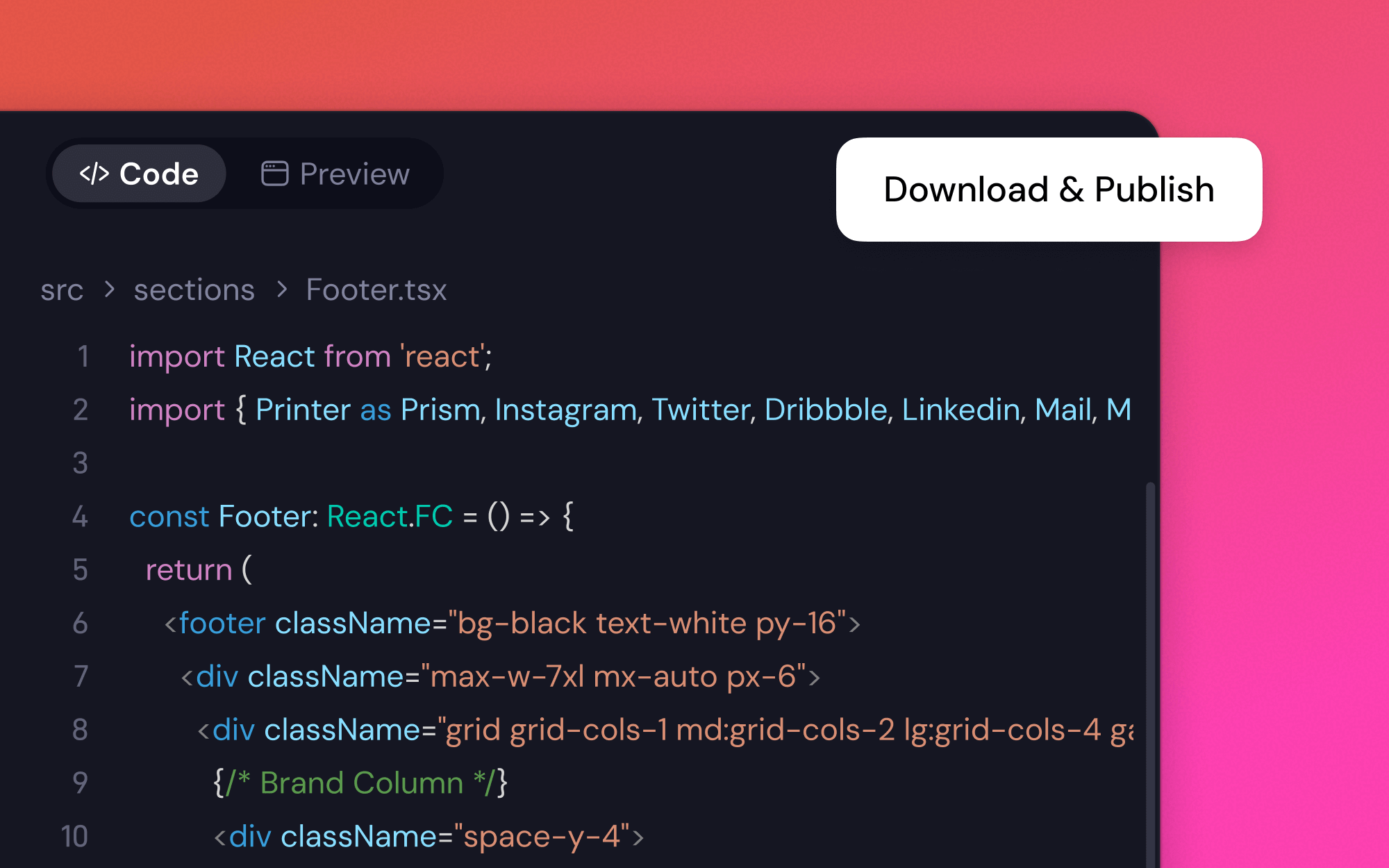
Ready to Use, Instantly
The templates are actually... really good? They're ready to export for your website, social media, or project. Clean, professional, and you don't have to fuss with the technical stuff.
How to Make a Template? Let's Try in 3 Steps
1
Describe Your Vision
Tell the online template maker what's on your mind. Something like, 'a minimalist blog post template with a big header image' and... see what it comes up with. It's surprisingly fast.
2
Nudge and Tweak
You can click on things or just ask for changes. 'Make the font a bit more playful' or 'add a spot for a logo.' The AI just... does it. And it seems to fix any weird layouts on its own, which is a relief.
3
Save and Use
When it looks right, just save it. You can export it and start using it immediately. No waiting, no complicated settings. It's just... ready.
What People Are Saying About this Template Creator
I needed a bunch of social media templates but had no idea where to start. I just typed 'modern, clean templates for a real estate agent' and it spit out a whole set. I had to change the logo placement, but it saved me a solid day of work.

May Turner, Social Media Manager
I was trying to mock up a new website layout. This tool let me build your own template in minutes just by describing it. It felt less like a tool and more like an assistant who was faster than I was. A little spooky, but super helpful.

Harper L., Startup Founder
Honestly, I'm surprised. I used this online template maker to create some newsletter designs, expecting them to be generic. But the layouts were actually creative. The whole process felt way less tedious than using traditional builders.

Evan, Marketing Coordinator
I'm not a designer. At all. But this thing made me feel like one for about ten minutes. I made a really nice-looking template for my weekly report. My boss even commented on it. I'm hopeful I can use it for more.

Lily Wong, Project Manager
Questions You Might Have About the Top Template Maker Online
More Web Creator Sub-tools
Company Website Design BuilderAI Business Site BuilderBar Website BuilderBlog to Page GeneratorFree URL to Website ConverterFree Document to Website ConverterWebsite Creator With TemplatesPhotography Portfolio BuilderFree Website Template GeneratorAI Mobile Page GeneratorAI Contact Page BuilderAI H5 Website GeneratorAI Web Creator with GPT-5Local Business AIBand Website BuilderPersonal Website BuilderAI Website GenerationAI Event Site CreatorMulti-Page Site GeneratorAI Tutoring Website Builder3D Portfolio BuilderThank You Page GeneratorStartup Landing Page GeneratorAgency Website BuilderProduct Page GeneratorPowerPoint to Website ConverterWebsite Idea GeneratorMobile-First TemplatesSEO Toolkit GeneratorFree Figma to Website Converter
Ready to Create Your Own Template?
That idea in your head? Let's see if we can make it real. What have you got to lose?