Free Document to Website Converter: Your Document is Now a Website
- Instantly
Our AI converts your documents (Word, Google Docs, Notion) into professional websites in one click.
Create stunning websites from your documents
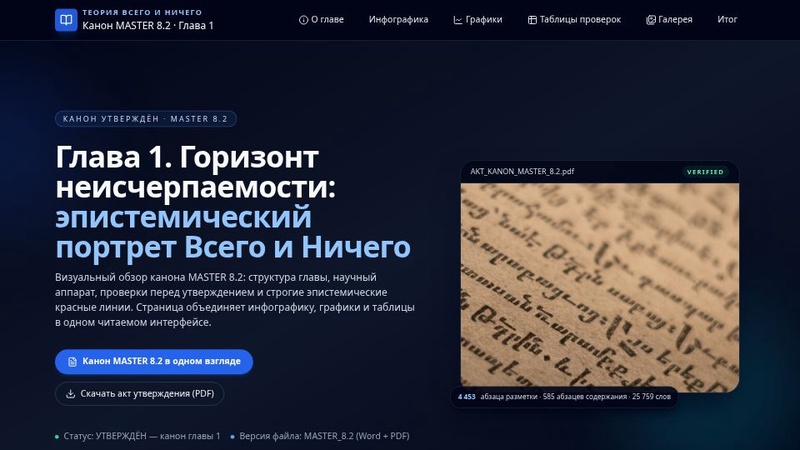
Интерактивный Красочный Веб-дизайн

GobTec Innovación Digital
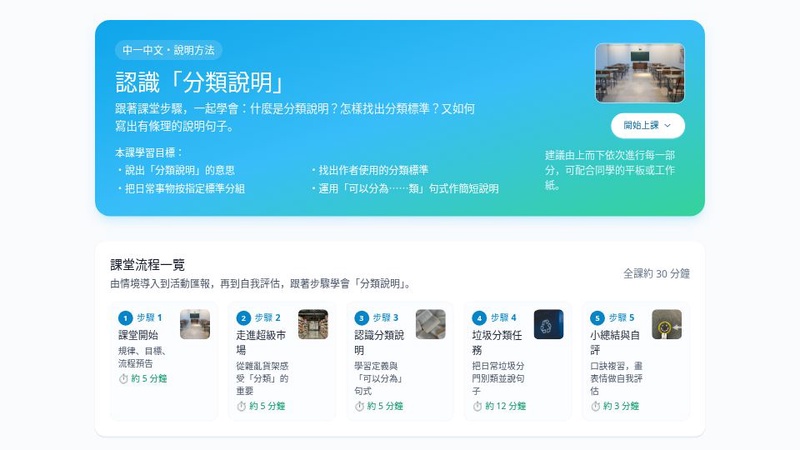
認識分類說明教學網
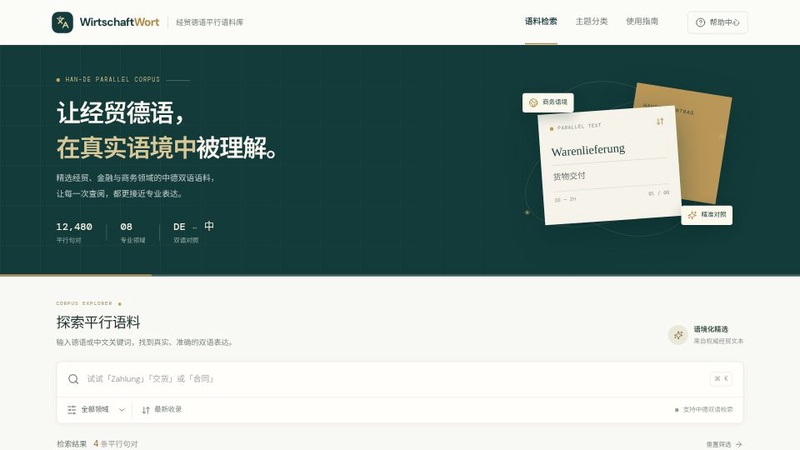
TradeGerman Parallel Corpus Portal

马斯克科技前端展示
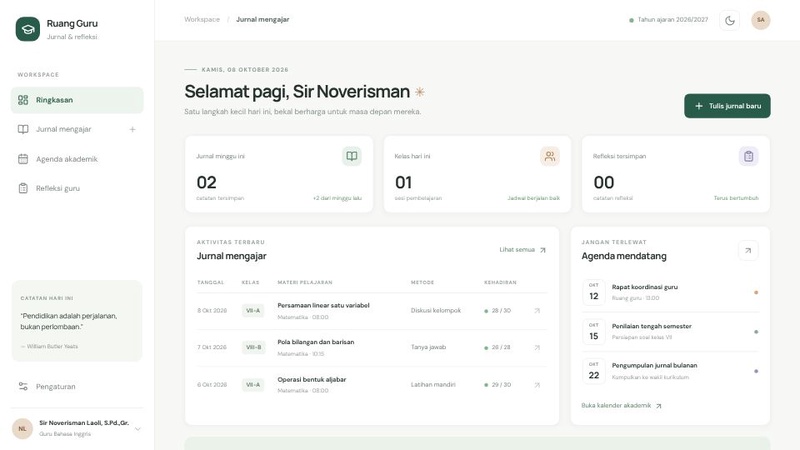
Teacher Journal Digital
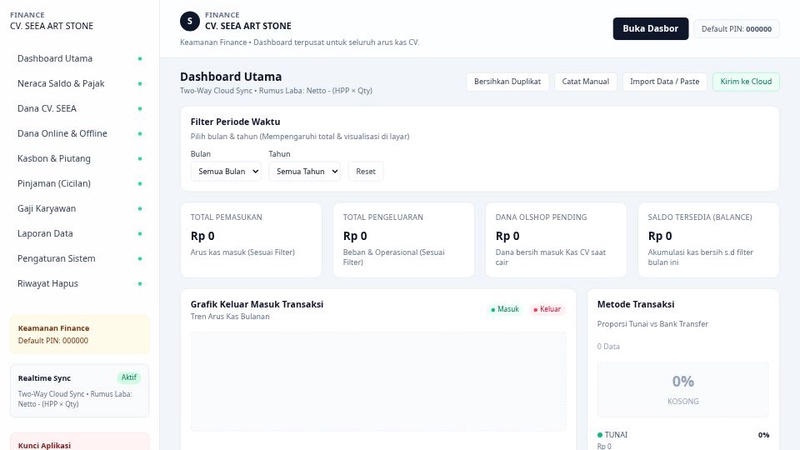
Dashboard Sempurna
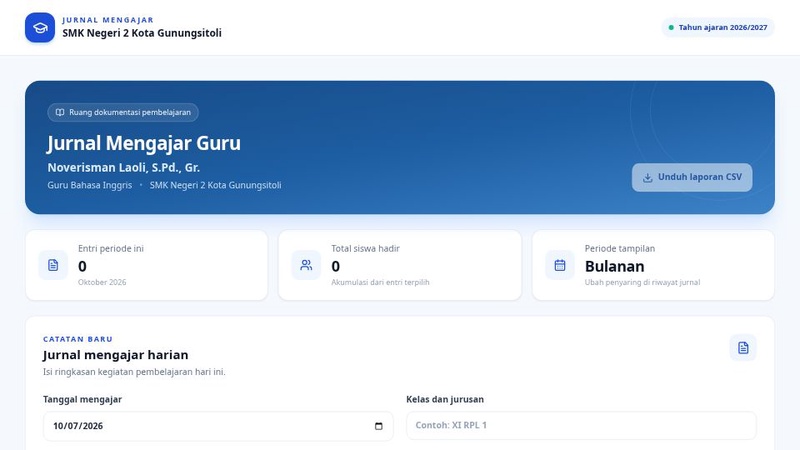
Jurnal Mengajar Noverisman
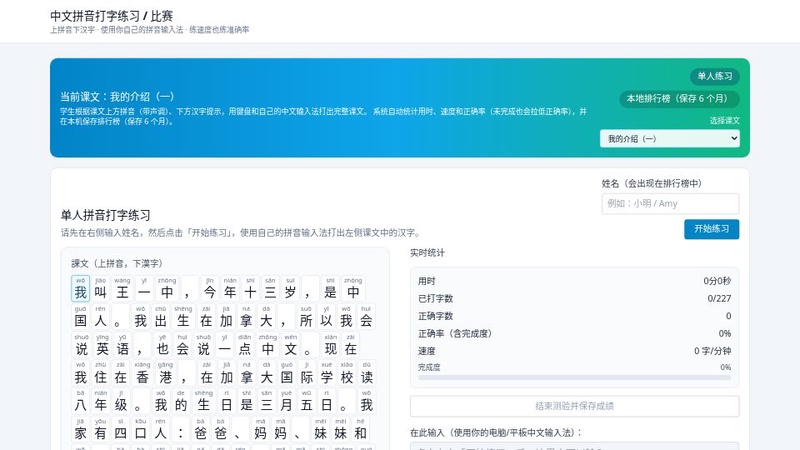
拼音打字大赛

KidsLab Nowoczesna Terapia
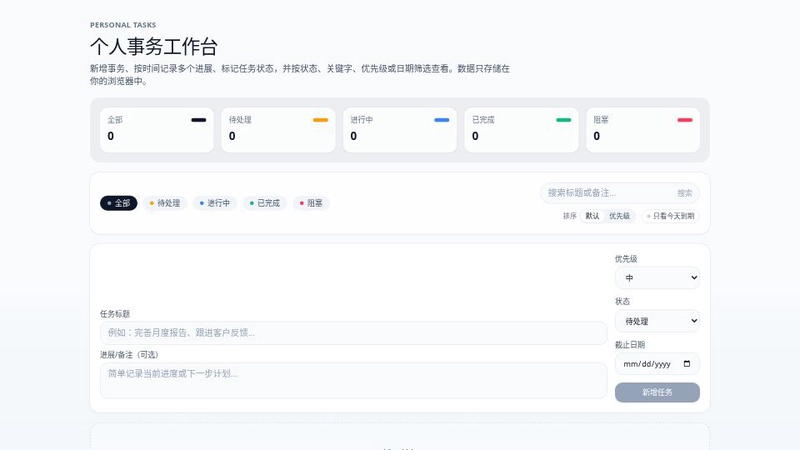
事务管家
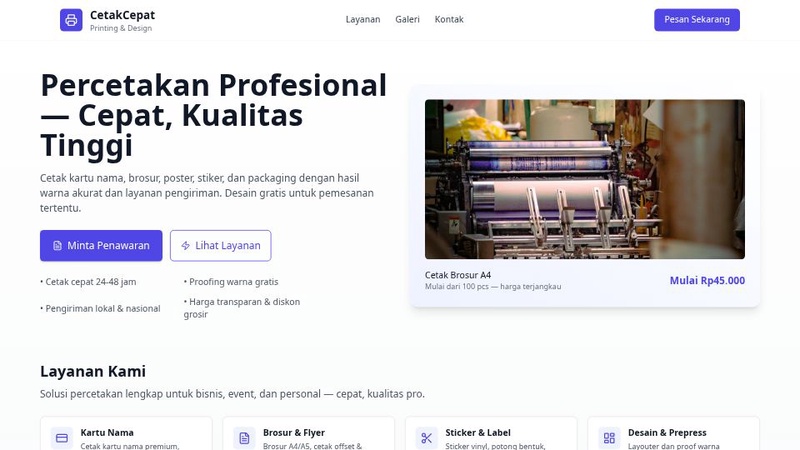
CetakOnline
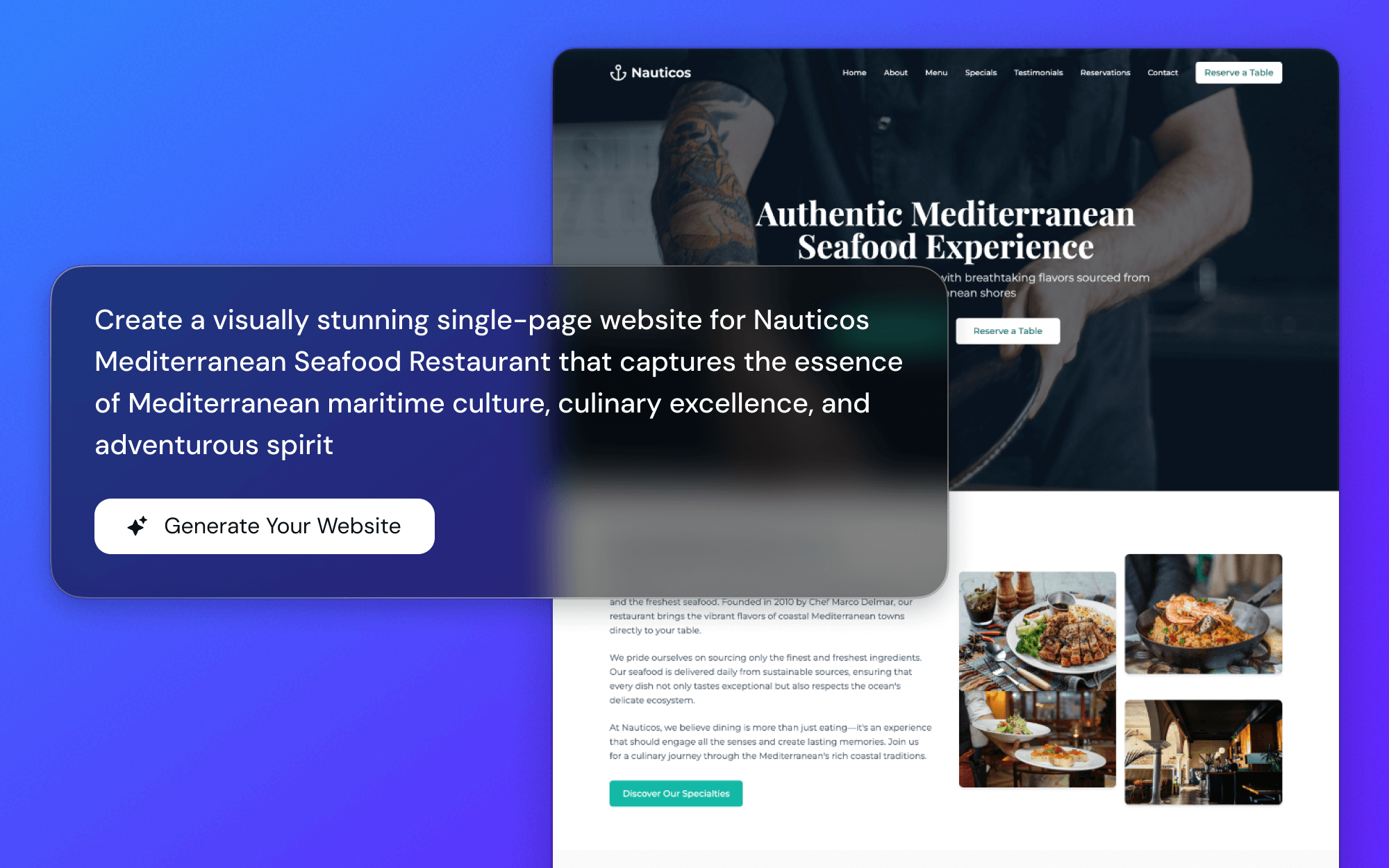
Instant Conversion
Just upload or paste your document link (doc, docx, Google Doc, Notion) and our AI instantly transforms it into a ready-to-publish website.
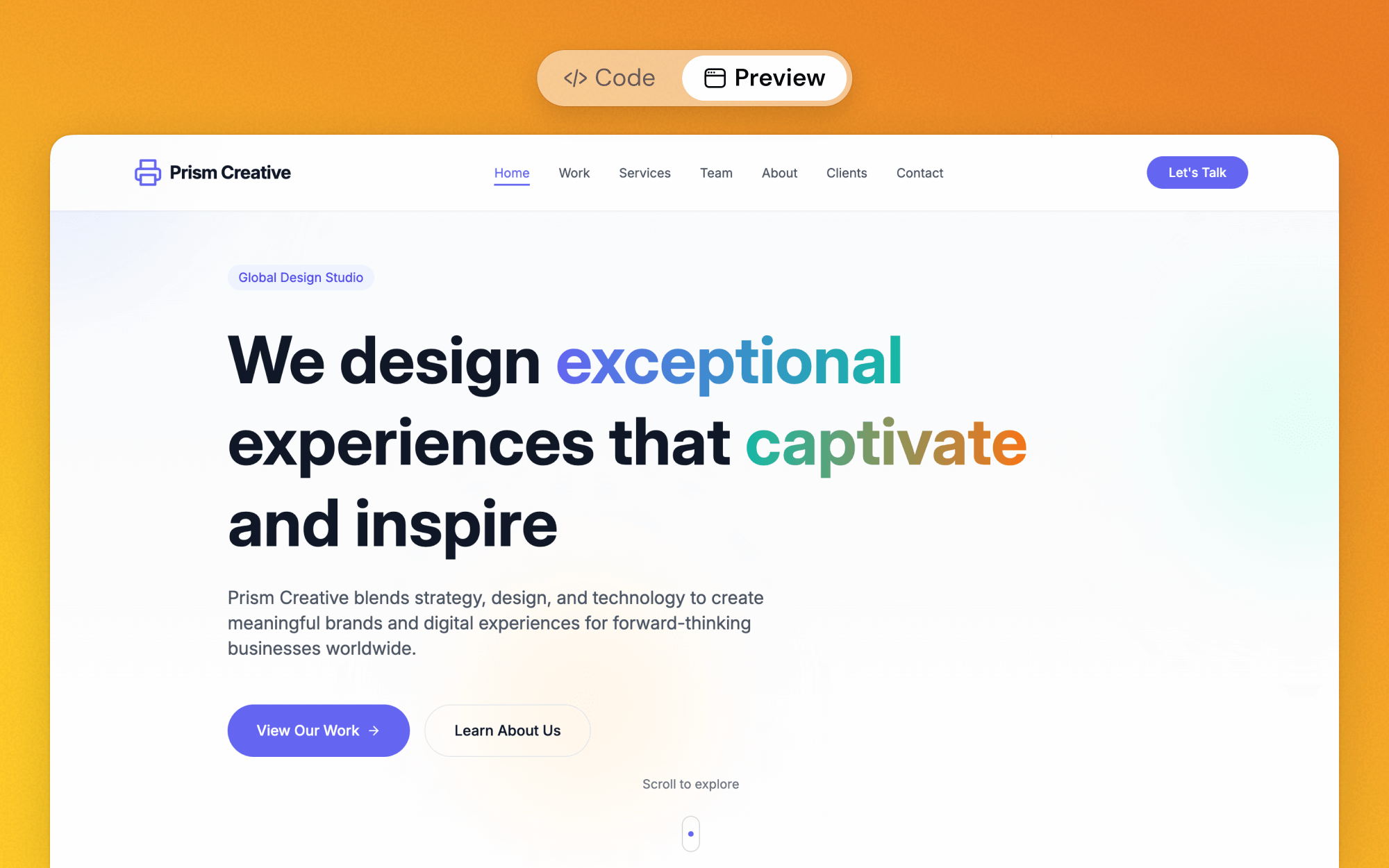
Live Editing & Preview
See a live preview of your new website as it's generated. Tweak and customize the design in real-time without touching any code.
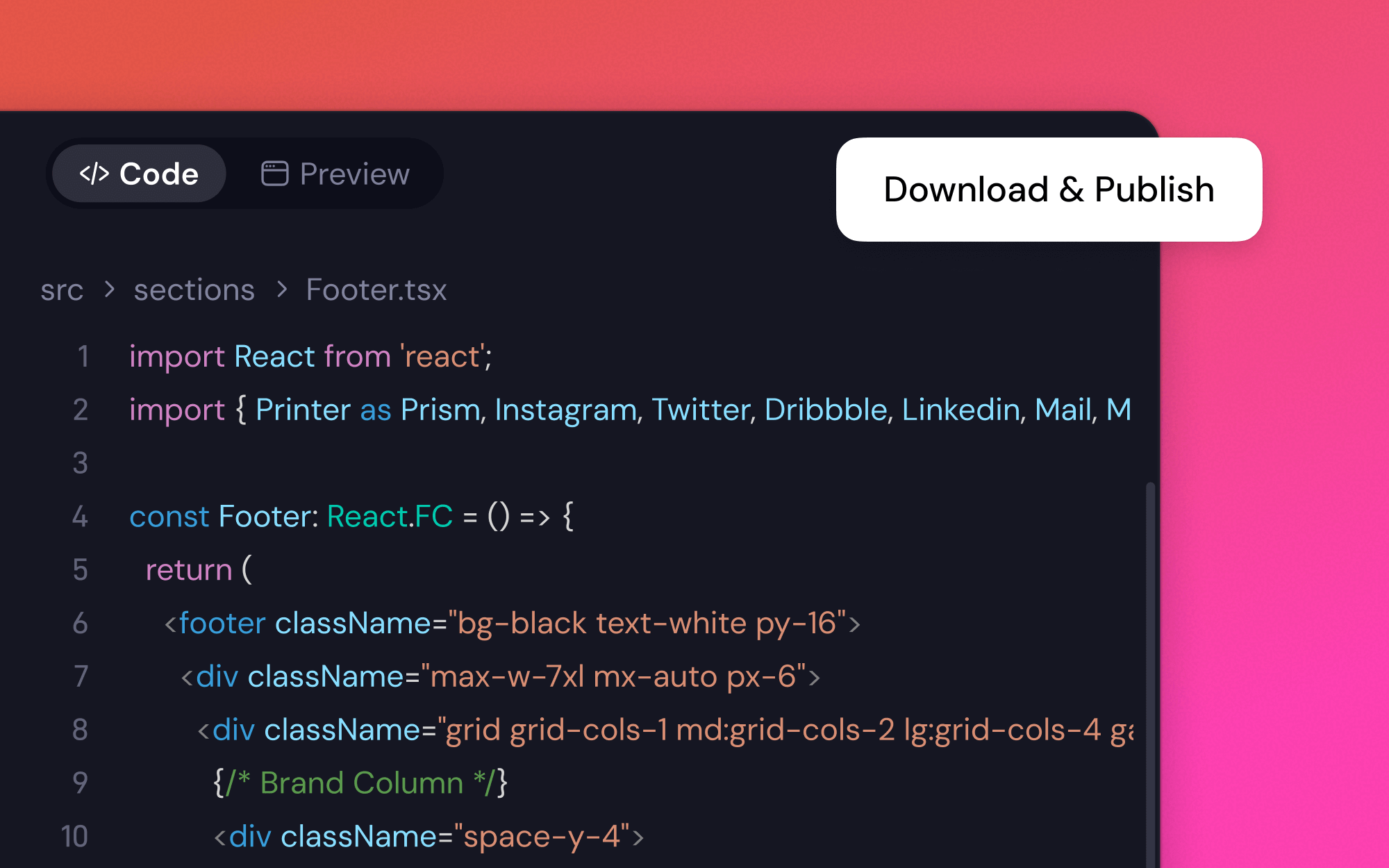
Professional & Responsive
Get a high-quality, mobile-friendly website built with React. Your content will look great on any device, automatically.
Turn a Document into a Website in 3 Simple Steps
1
Provide Your Document
Simply provide a link to your Google Doc or Notion page, or upload a Word file (.doc, .docx). Our free document to website converter handles the rest.
2
Customize the Design
Once converted, you can easily modify the look and feel. Tell the AI to 'change the color scheme to blue' or 'use a different font for headings'.
3
Publish Your Site
Happy with the result? Hit 'Publish' to get your new website live on the internet in seconds. It's that simple to turn a document into a website.
What Users Say About Our Document Converter
I converted my Google Doc product spec into a landing page in under a minute. It understood all my H1s and H2s perfectly. This is a game-changer for launching quickly.

May Turner, Product Manager
Needed to get my CV online. I just uploaded the Word doc, and it created a clean, professional-looking portfolio site. Didn't have to write a single line of code.

Harper L., Freelancer
Our team's entire knowledge base is on Notion. We used this to convert it into a public-facing help center. The fact that this document converter is free is just incredible.

Evan, Support Lead
As a writer, I love that I can draft in Google Docs and use this tool to instantly publish a formatted article to a webpage. The best free doc to website converter I've found.

Lily Wong, Content Creator
FAQs About the Free Document to Website Converter
More Web Creator Sub-tools
Coming Soon Page GeneratorAI Restaurant Website CreatorAI Website GenerationAI Pitch Website BuilderAI Resume BuilderVisual Web BuilderCompany Website Design BuilderPowerPoint to Website ConverterSEO Toolkit GeneratorFree PDF to Website ConverterBook Launch Page GeneratorAI Portfolio BuilderFree Mindmap to Website ConverterAI Media Kit CreatorWaitlist Page GeneratorFree Website Template GeneratorAI H5 Webpage GeneratorHelp Center Website BuilderAI Site GeneratorBand Website BuilderAI H5 Website GeneratorFree Figma to Website ConverterPrompt Library for Web CreationMulti-Page Site GeneratorAI Tutoring Website BuilderTemplate MakerBar Website BuilderEducation Website AIResume Website GeneratorBlog to Page Generator
Ready to Turn Your Document Into a Website?
Go from document to live site in one click. Try it now.
Products
Wisebase
©2026 All Rights ReservedTerms of UsePrivacy Policy