1
Describe the task
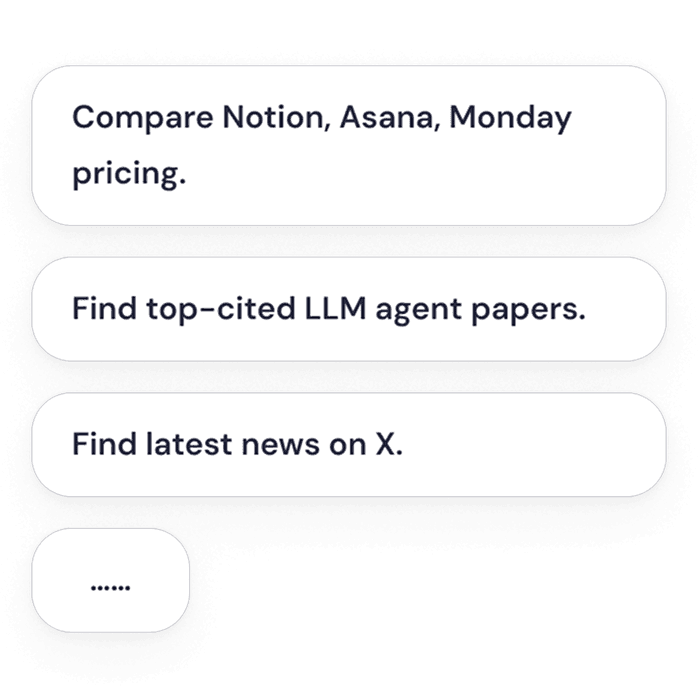
Ask for research, comparison, extraction, monitoring, or a repeated browser workflow — in your own words.
10M+
Active users
100K+
5-star ratings
TOP 30
OpenAI Partner
Sider Claw reveals every step in your browser and delivers a ready-to-use result.
Ask for research, comparison, extraction, monitoring, or a repeated browser workflow — in your own words.
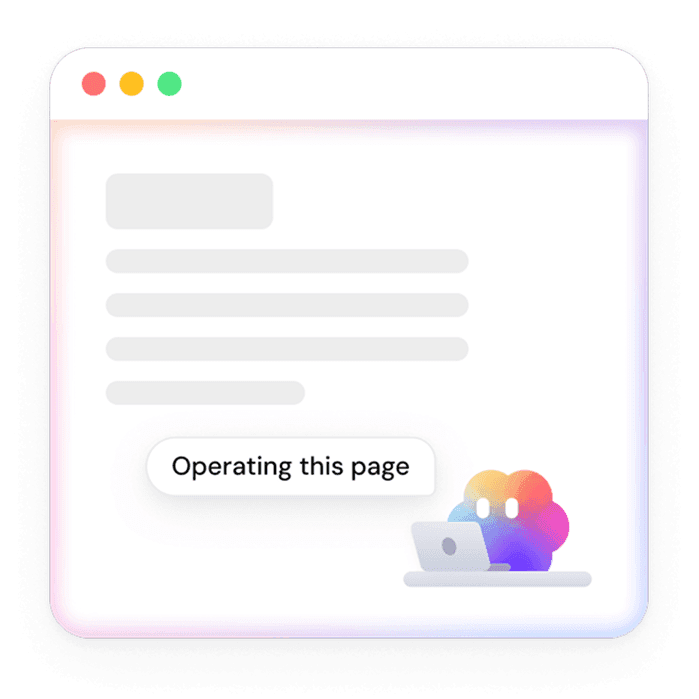
It opens pages, reads information, follows links, and compares sources — every step visible as it happens.
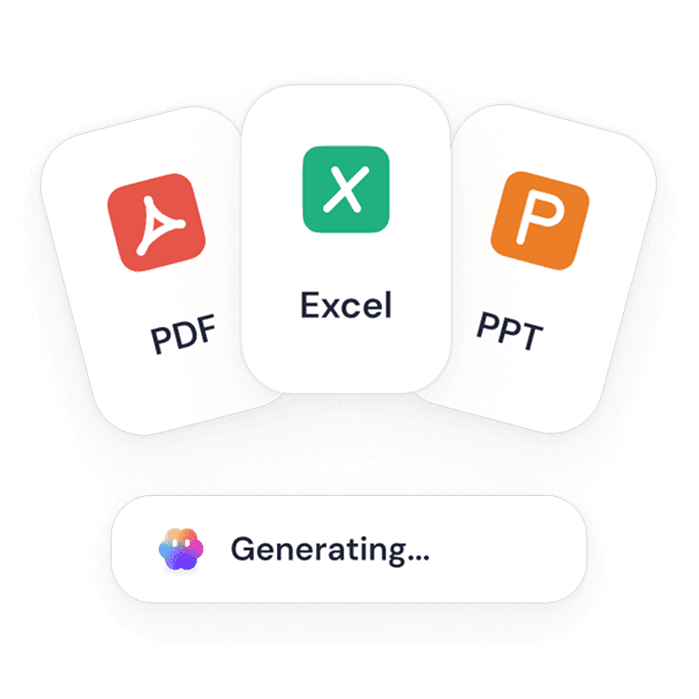
Get a table, summary, report, draft, or recommendation — instead of another pile of open tabs.
Unedited recordings — each one starts from a single prompt and ends with a finished result.
Extract prices, ratings, and review counts from top Amazon listings into a spreadsheet.
Analyze competitor domains in Ahrefs, compare keywords, top pages, backlinks, and content gaps.
Scan competitor career pages and turn open roles into a talent strategy brief.
Read low-star Amazon reviews, cluster complaints, and organize product pain points.
Collect hot posts across subreddits and turn them into a content idea sheet.
Research a YouTube topic, capture top video metadata, and organize the results in Sheets.
Pull dates, locations, and ticket prices from major event websites into one table.
Collect emails, phone numbers, and addresses from company contact pages into a spreadsheet.
If a task means opening site after site, copying things by hand, and assembling it all somewhere else — that's a Claw task.
Compare listings, reviews, and competitor updates without manual copying.
Pull prices, specs, contacts, claims, comments, or rankings into tables and reusable files.
Turn messy browsing into summaries, reports, and recommendations.
Handle routine browser tasks — checking pages, collecting updates, and preparing weekly outputs.
Works in your existing browser
Uses your logged-in sessions
Cross-site, multi-tab tasks
Dedicated cloud computer
Remembers across sessions
Generate files in multiple formats
Multi-model support
Claw works in Chrome or Edge with your real sessions and a watchable cloud browser.
Works with the websites, tabs, and browser context you and your team already rely on.
Uses your signed-in sessions, keeping key actions visible and reviewable.
Moves across pages, compares information, extracts details, and organizes what it finds.
Delivers tables, summaries, reports, drafts, and files — not just answers in a chat window.
The research you keep postponing, the spreadsheet you build by hand every week — describe it once, and watch it finish.