- Home
- Blog
- Feature Guides
- Chat with PDF
Chat with PDF
Updated at Nov 18, 2025
1 min
ChatPDF (Wisebase) allows you to chat with your entire knowledge base—from documents and webpages to audio and video. Instantly analyze, summarize, perform Deep Research, and translate your file in 50+ languages.
Uploading Files and Chatting
1.1 Uploading Files
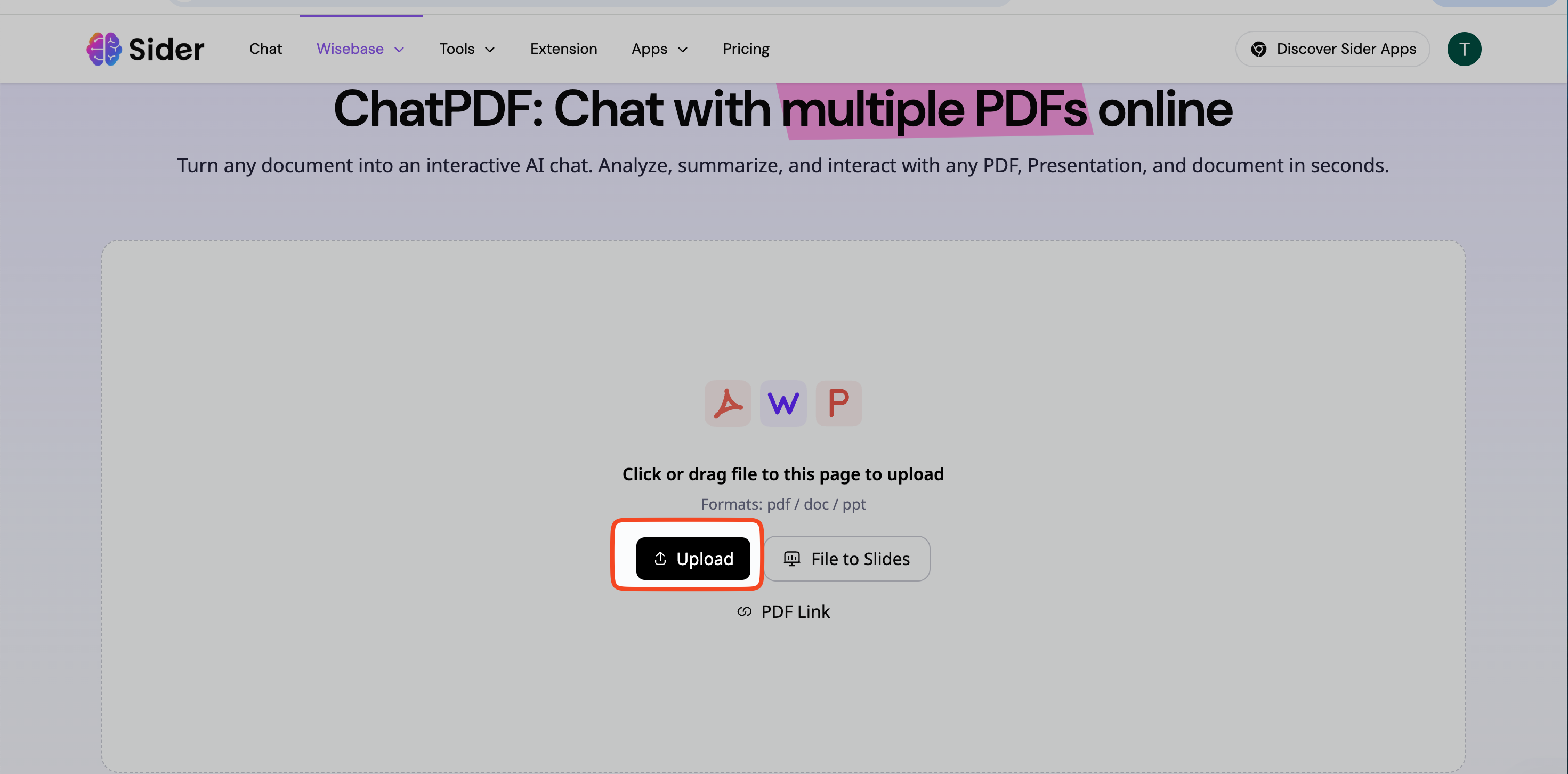
We support the following upload methods:
Local Upload: Choose one or more files from your computer.
Enter Link: Paste a URL to analyze and import web content.
Record Note (REC Note): Start recording audio or your screen and save the content as a note.
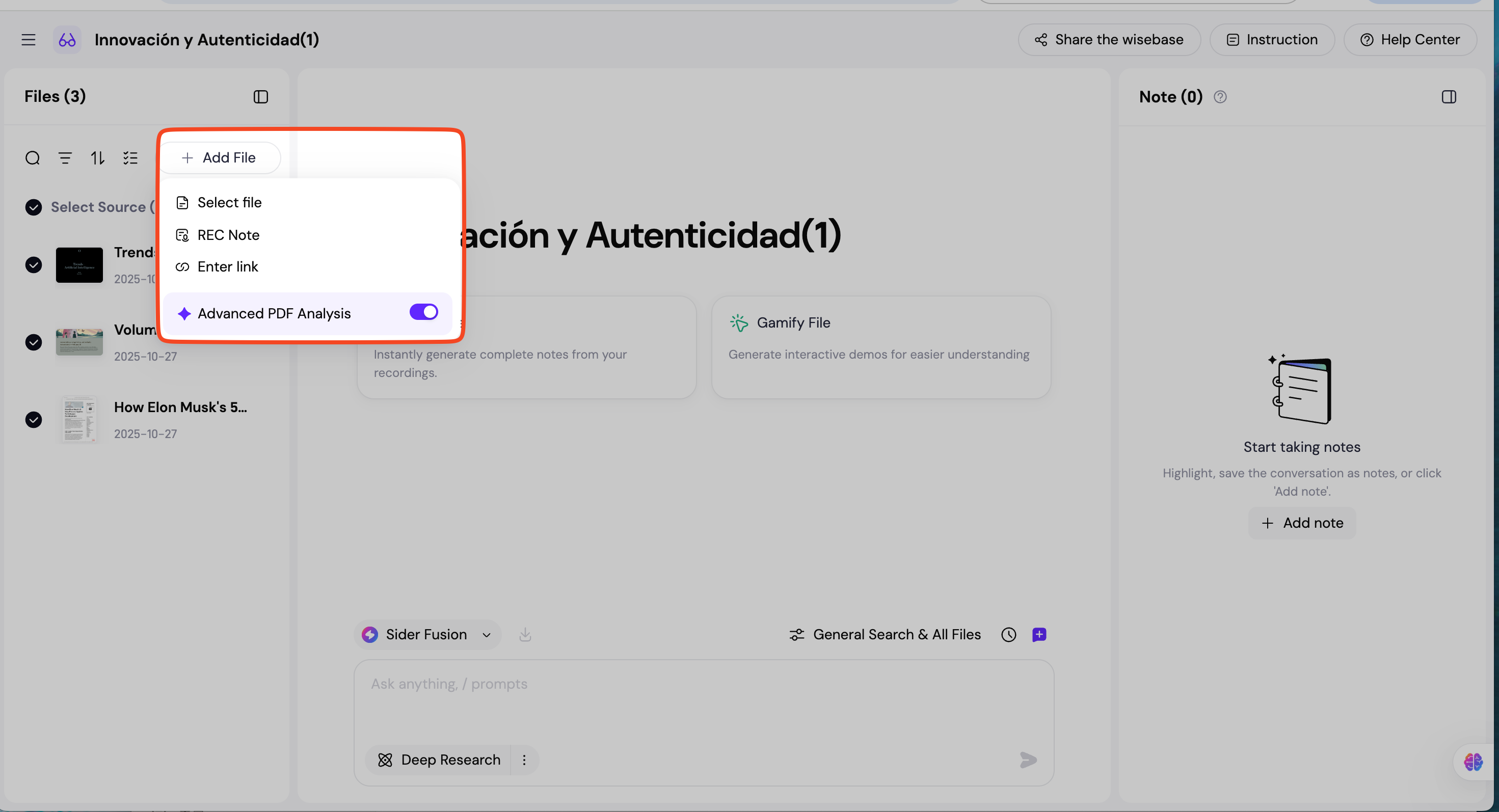
1.11 Supported File Formats:
Documents: PDF, Word, TXT, PPT
Other: Webpage, Image, Audio, Video
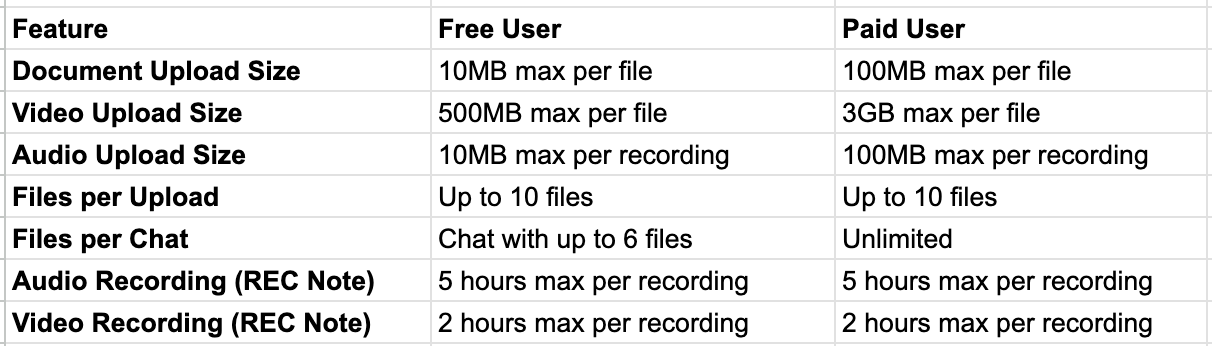
1.12 Feature Limitations: Free vs. Paid
To ensure service quality, there are some limitations on uploading and usage for different plans:
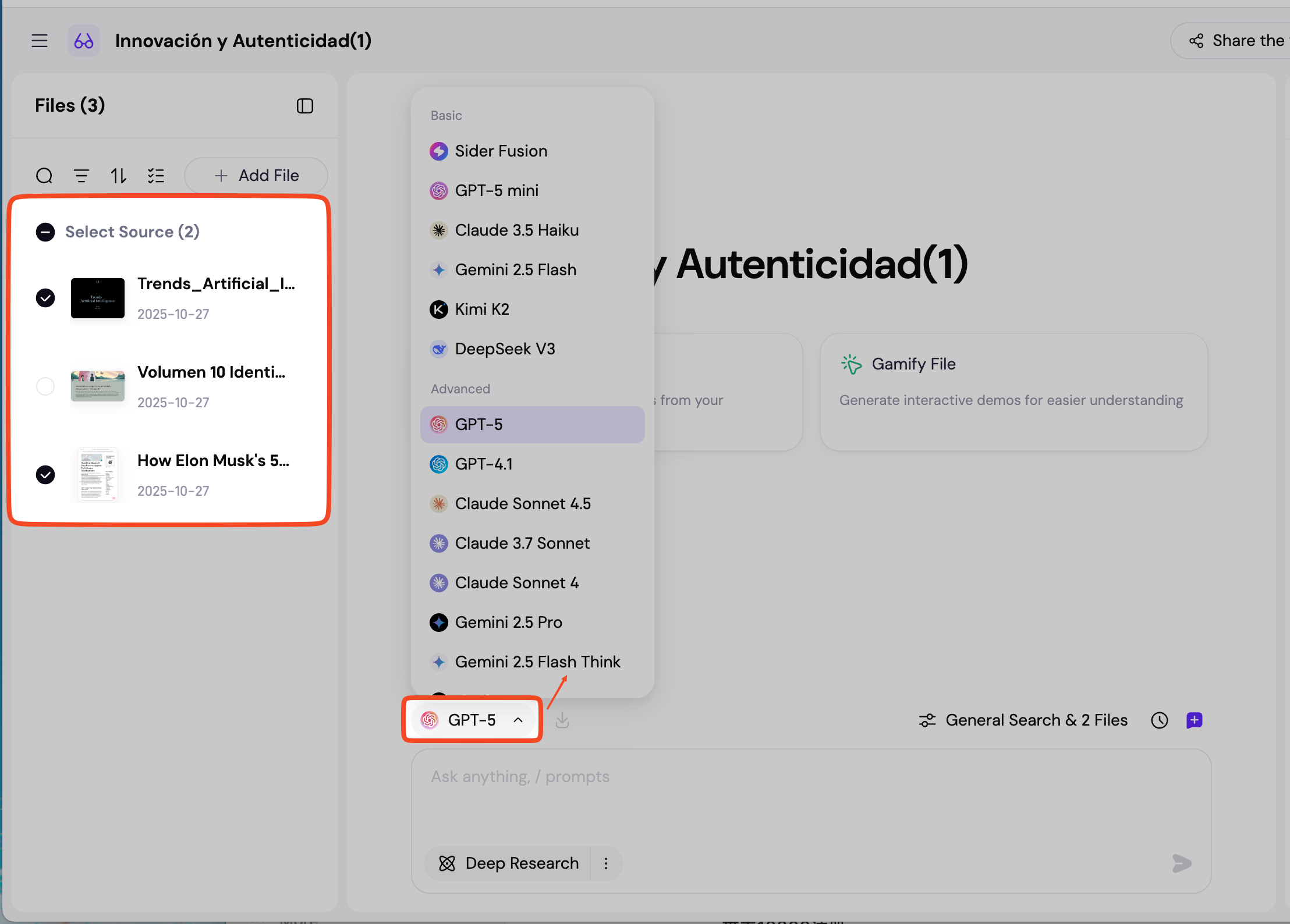
1.2 Chatting with Multiple Files
1.2.1 Start Chatting: Select an AI model and your target files to start chatting.
1.2.2 Chat with Custom Sources: Chat using a custom mix of information sources by selecting from Web Search, Files, and Notes.
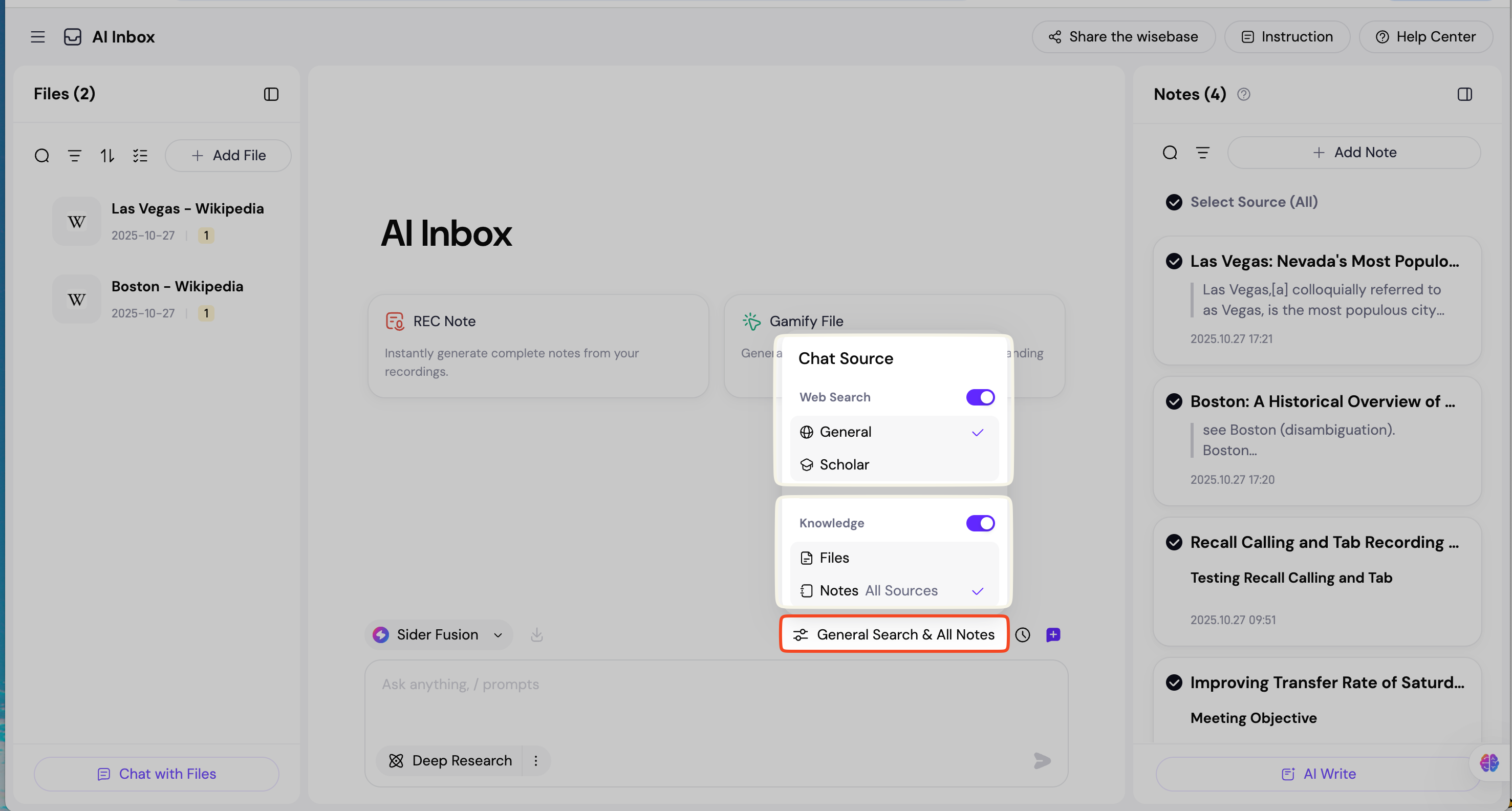
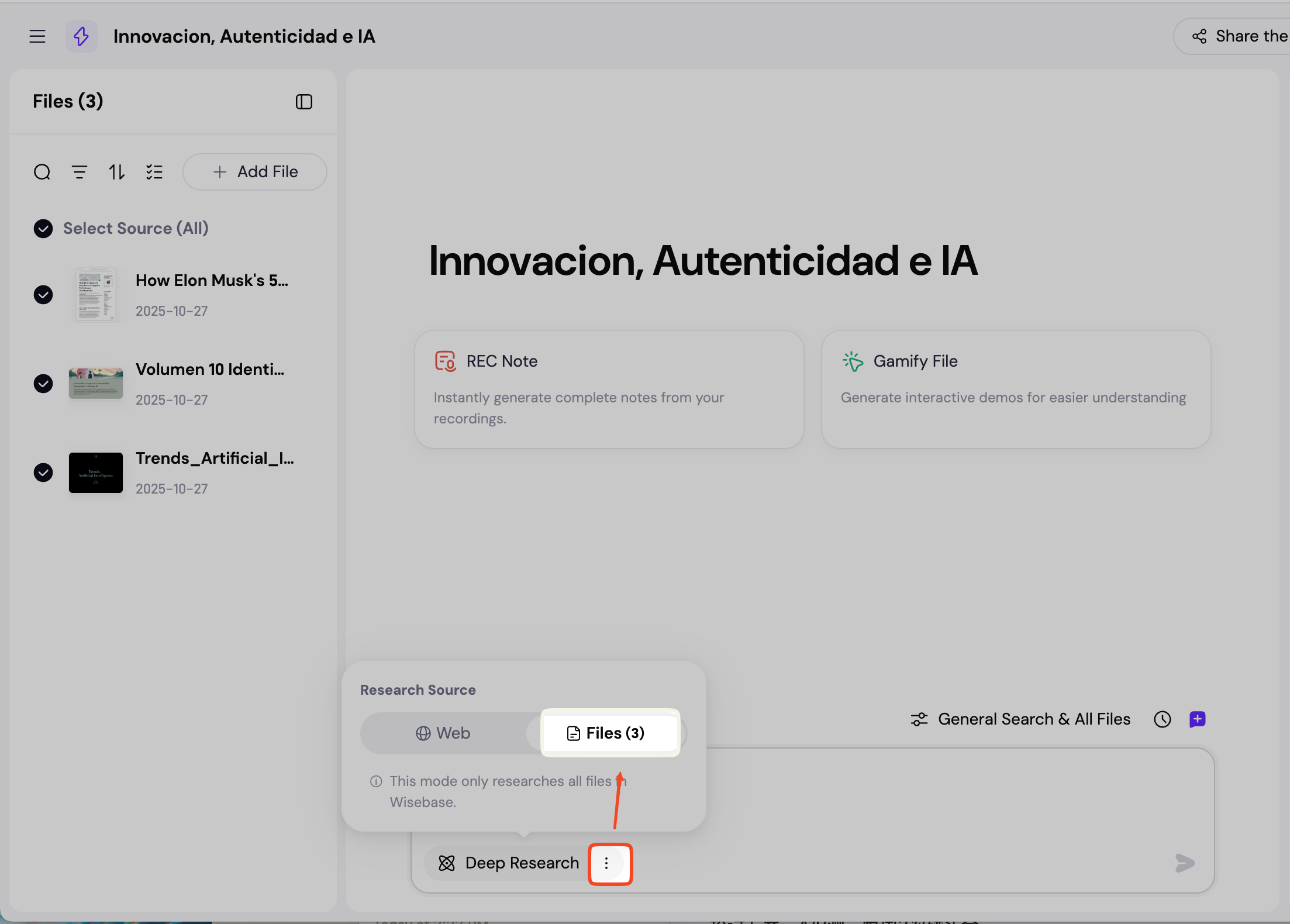
1.2.3 Deep Research: Select the Files button to perform a Deep Research based on all files currently in your Wisebase. (If you select Web, the Deep Research will be based on your input topic using the internet, not your files.)
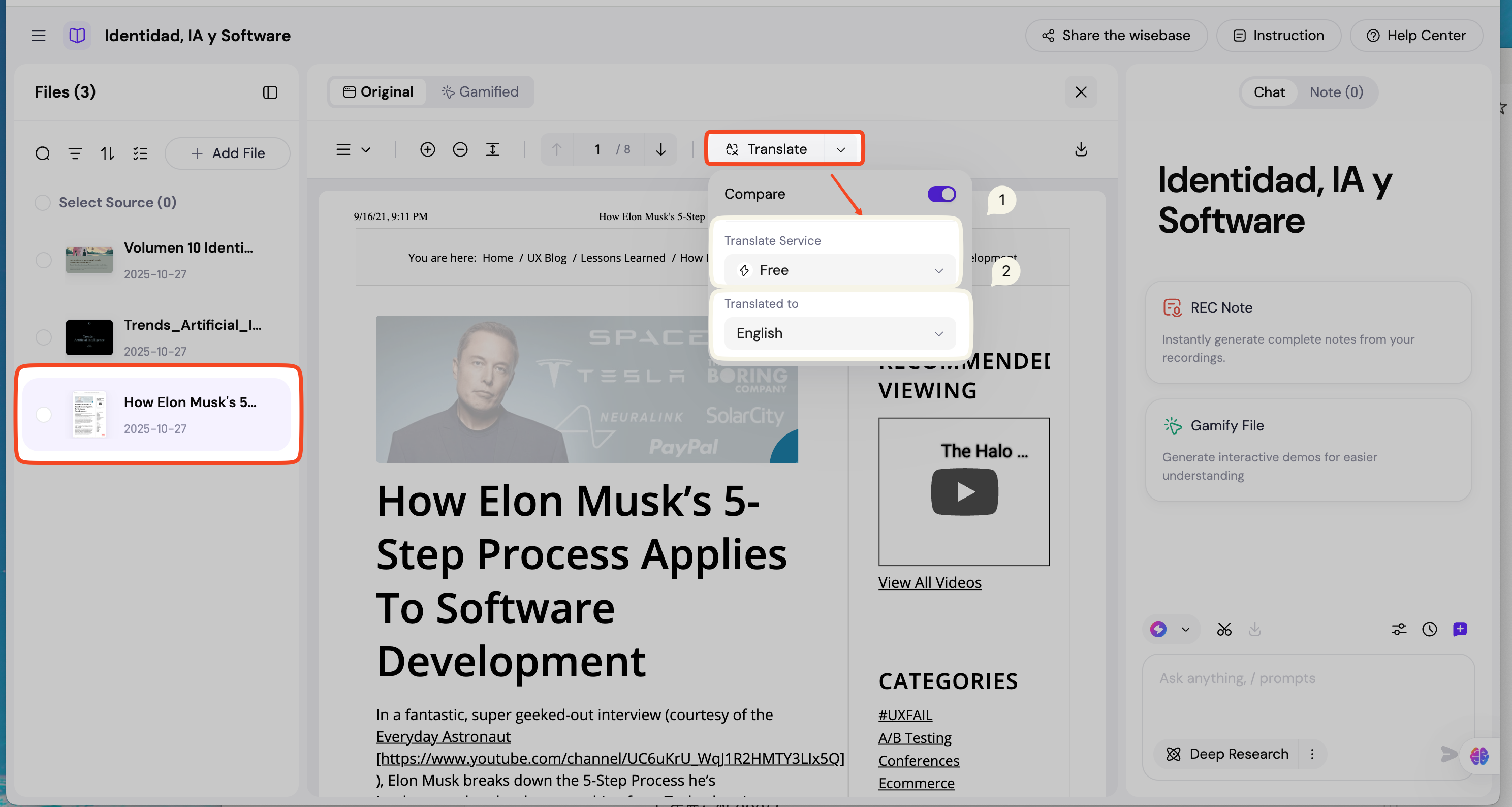
File Translation
- Double-click the file you want to translate.
- Select the AI model.
- Choose your target language (50+ languages supported) to begin translation.
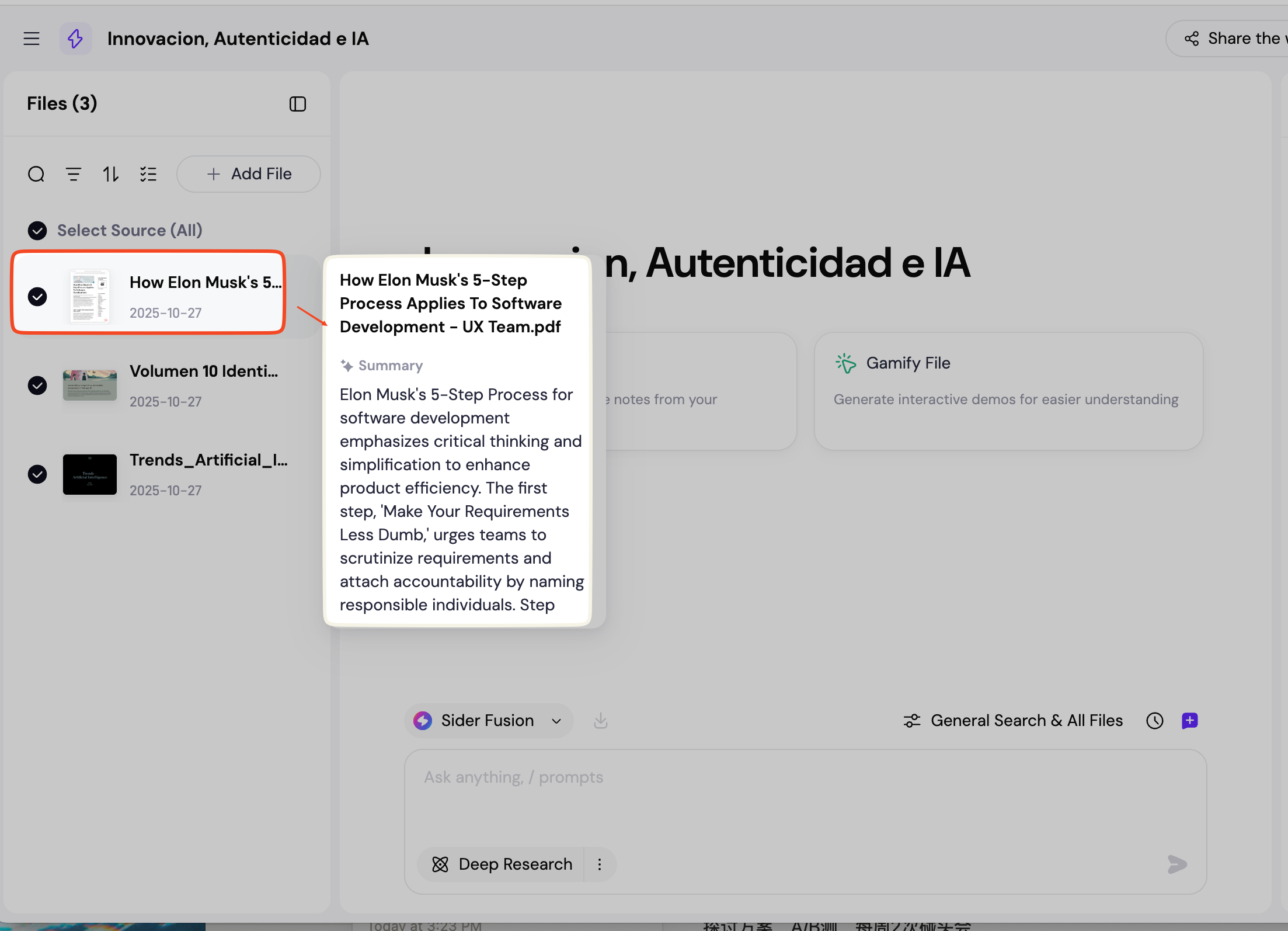
File Summary
Hover over a file in the left panel, and a summary of its content will automatically appear.
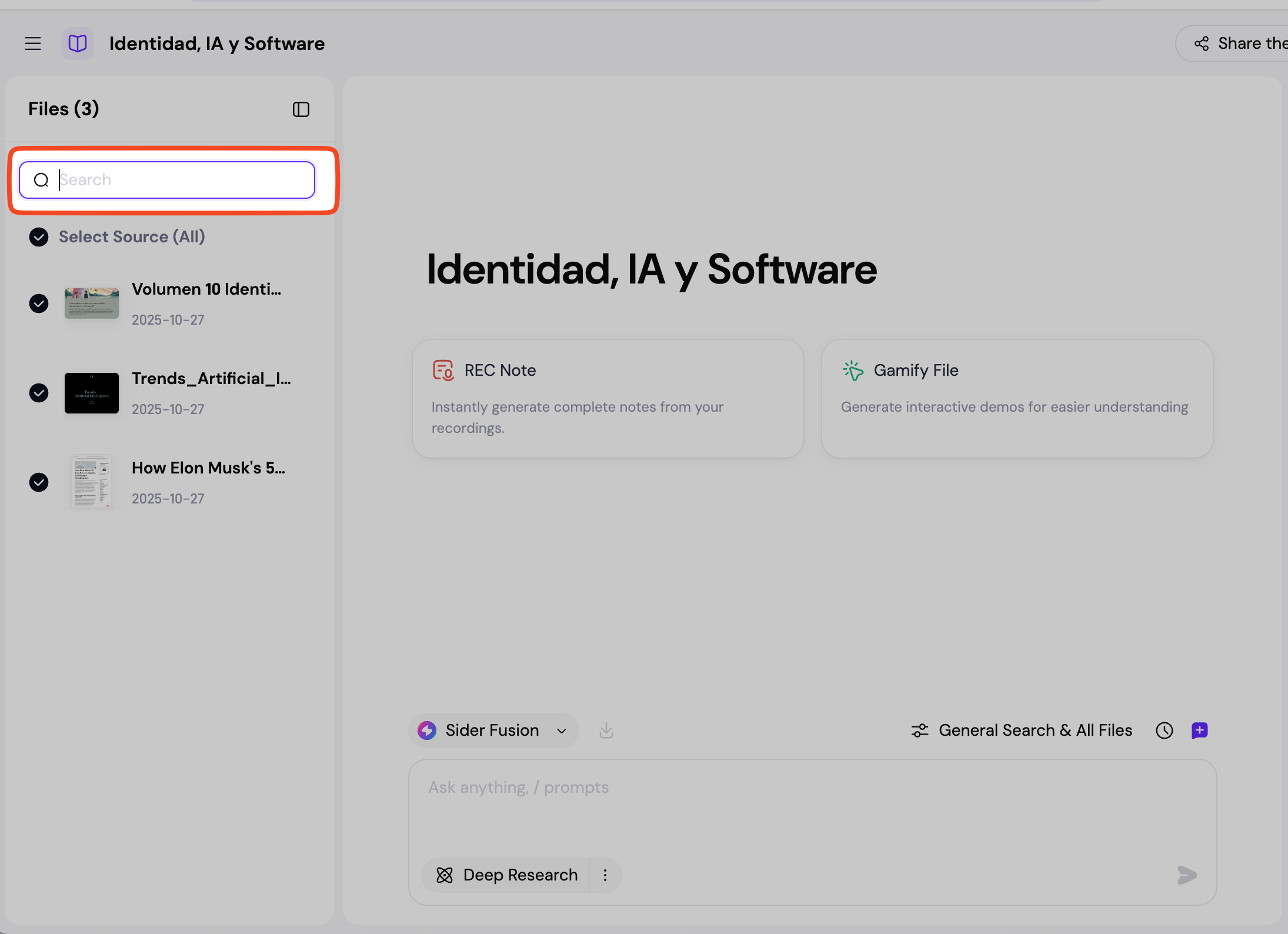
File Management
4.1 Search: Enter keywords to search for files.
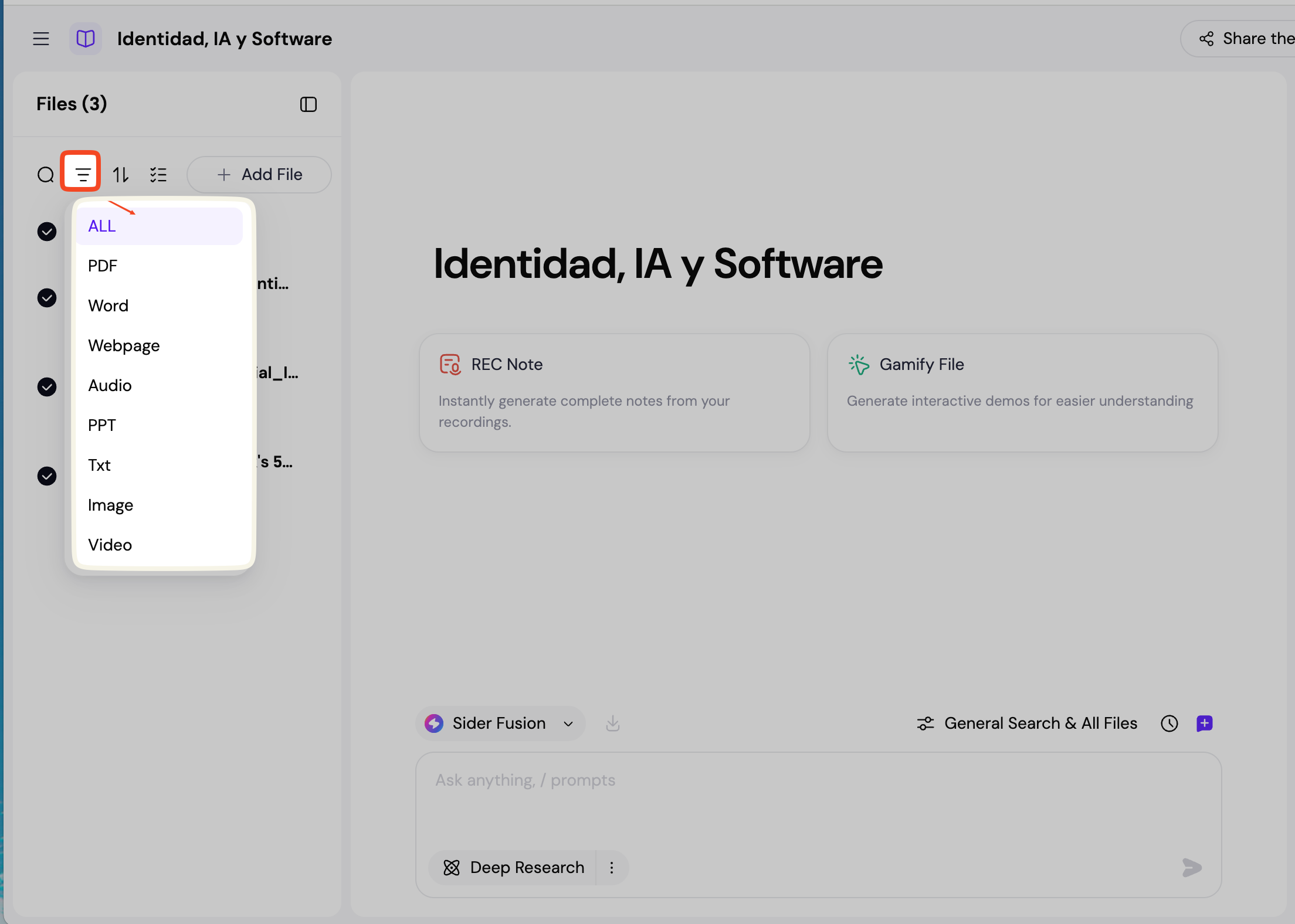
4.2 Filter: Filter files by their type.
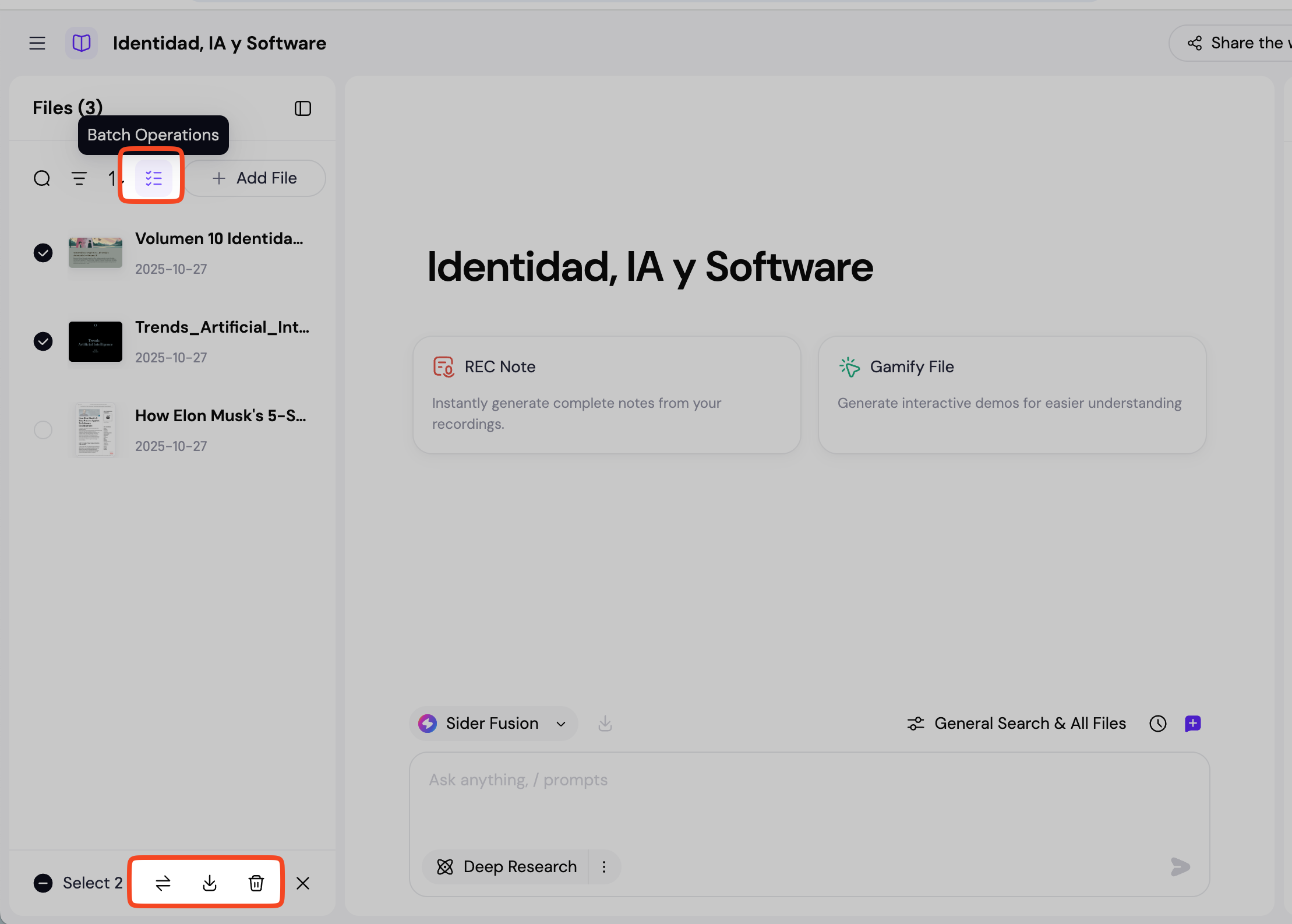
4.3 Bulk Actions: Supports moving, downloading, or deleting files in bulk.
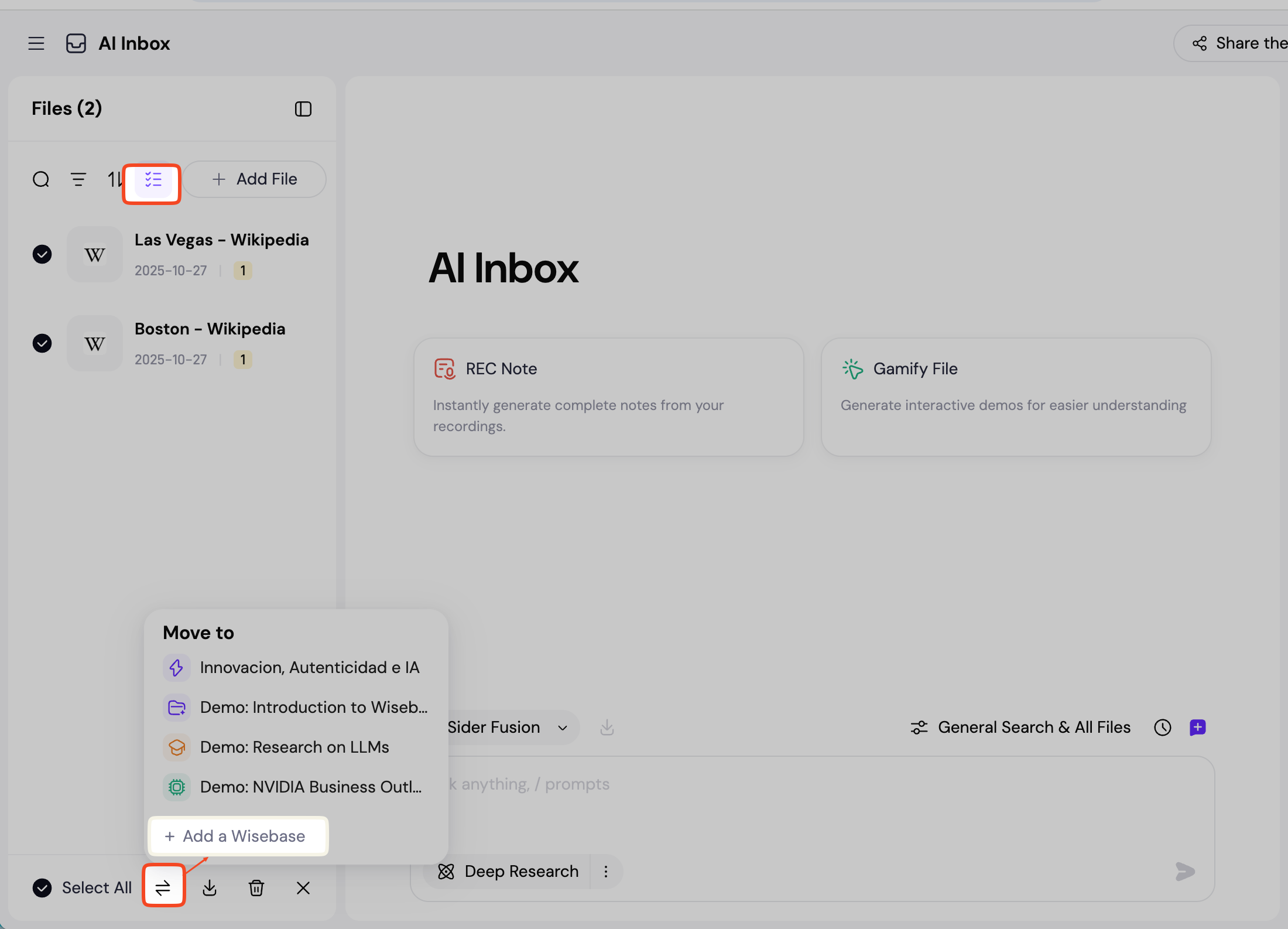
4.3.1 Group files related to the same topic from your Inbox and move them into a new Wisebase (Knowledge Base).
5. Taking Notes.
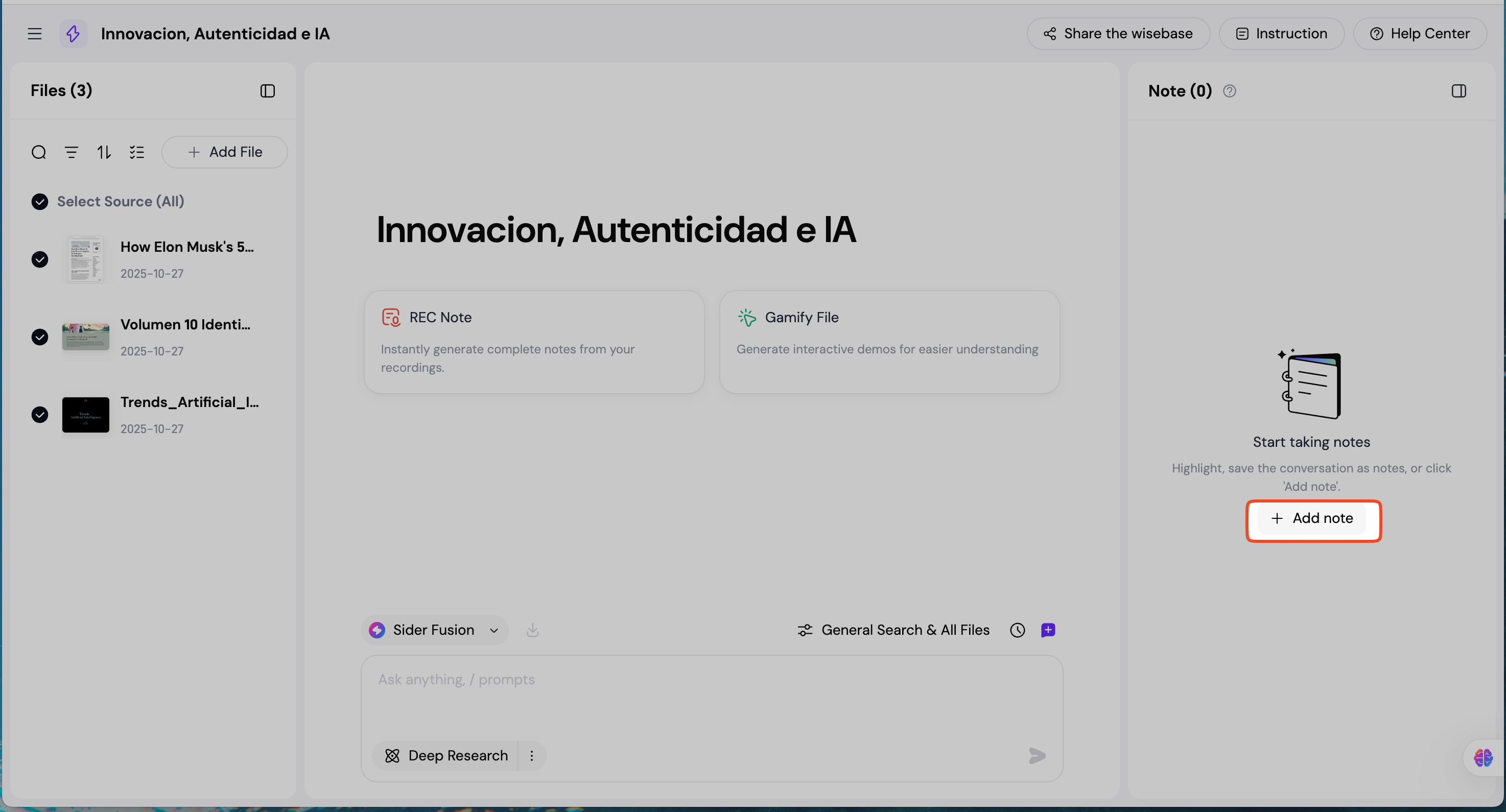
Click Add Note to record your inspiration at any time in various scenarios, such as while reading documents or chatting.